
This page is not an official page of the app or its developer, but an independent editorial publication created for informational and commentary purposes. Unless expressly stated otherwise, neither the app nor its developer is affiliated with, endorsed by, sponsored by, authorized by, or otherwise officially connected with MWM, Apple, Google Play, the app publisher, or the app's developer, and nothing on this page implies that the app was developed using MWM's services. Any trademarks, logos, screenshots, and other content remain the property of their respective owners.


FAir for FlashAir
Instantly transfer, browse, and batch download RAW and JPG photos from your camera to your iOS device. Preserve every detail with full EXIF data and automated syncing for a faster mobile workflow.
Downloads
139K+User Rating
Total Ratings
800Publisher
Category
EntertainmentLocales
3Latest Version
1.6.2Size
11.5 MBFirst Released
Apr 5, 2018Pro-Grade Tools for Wireless Photography
Bridge the gap between your professional camera and your mobile workflow with high-speed, reliable file management for your FlashAir SD card.
Instant Batch Downloads
Transfer hundreds of high-res photos and 4K videos simultaneously without ever removing the SD card from your camera.
RAW Previews & EXIF Data
Review professional file formats and full metadata directly on your mobile device to select your best shots for editing.
The following screenshots and description are sourced directly from the app's official store listing and are the property of the app developer.
App Store
Screenshots
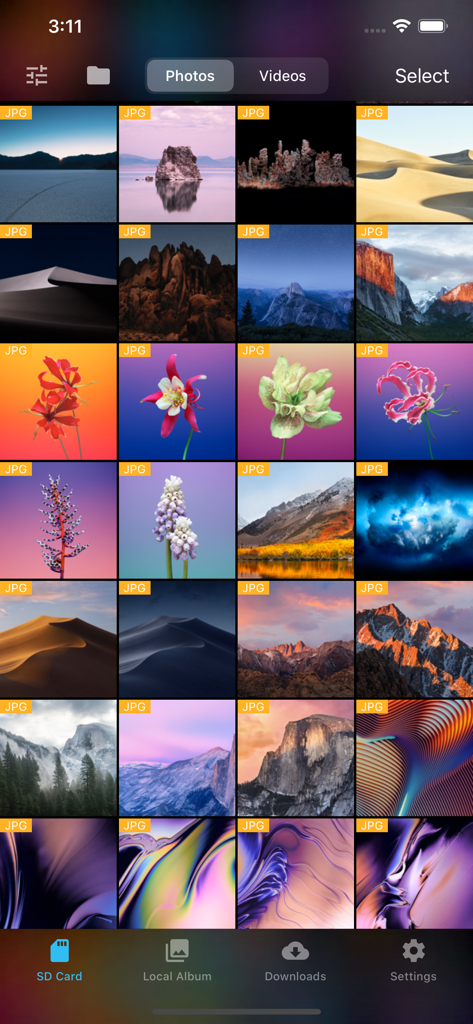
FAir for FlashAir app showing a grid of JPG photos stored on an SD card
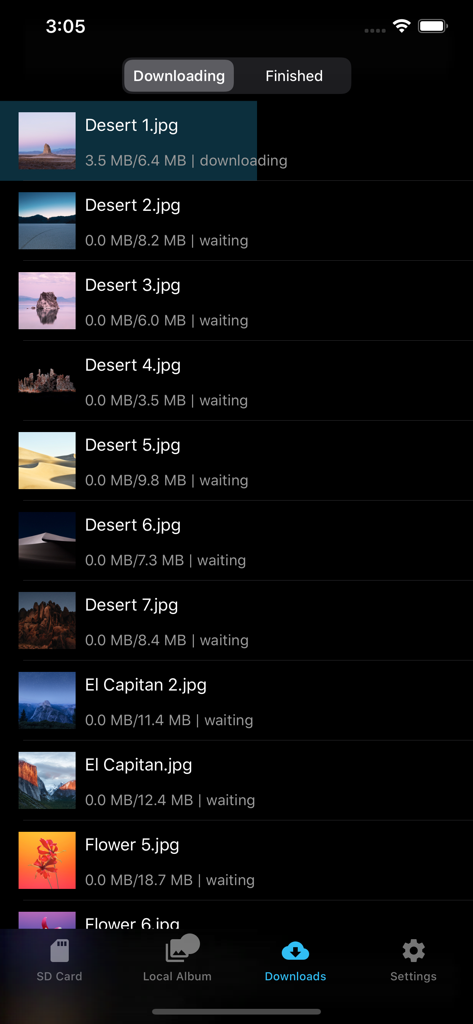
FAir for FlashAir app download screen showing photo transfer progress in dark mode.
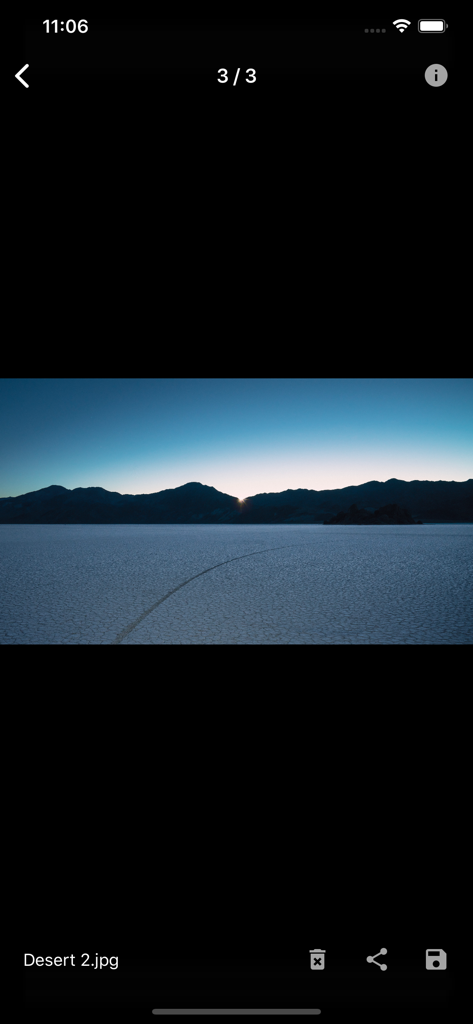
Full screen photo preview of a desert landscape in the FAir for FlashAir app
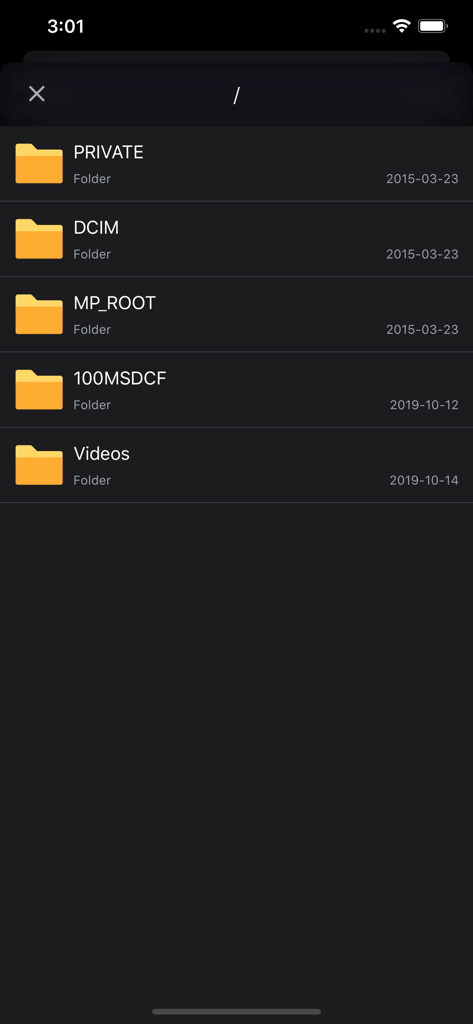
Interface of the FAir app showing the SD card file directory with folders like DCIM and Videos in dark mode.
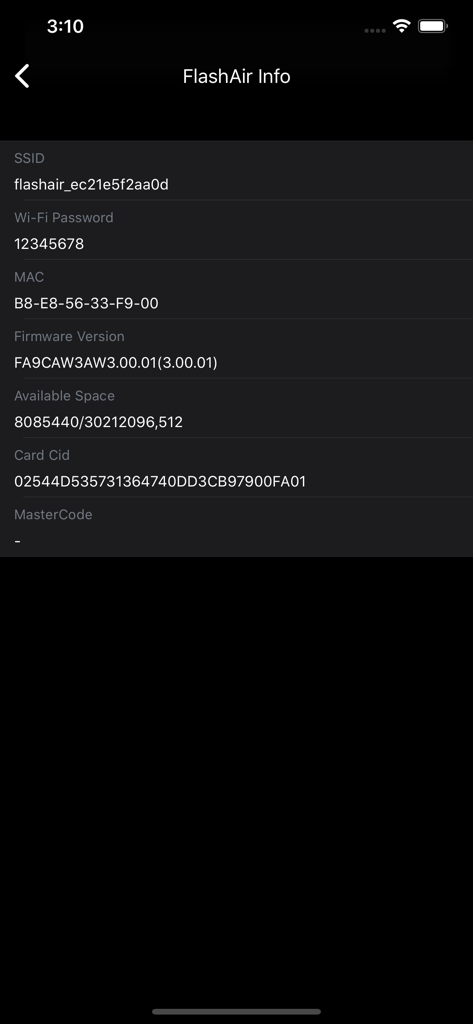
FlashAir SD card information screen in FAir app showing SSID and firmware details
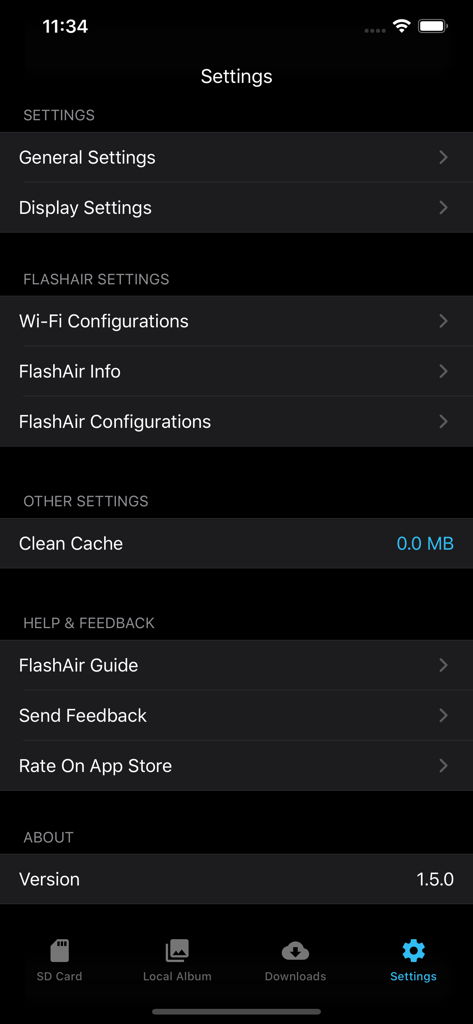
FAir for FlashAir app settings menu showing wifi and display configuration options in dark mode
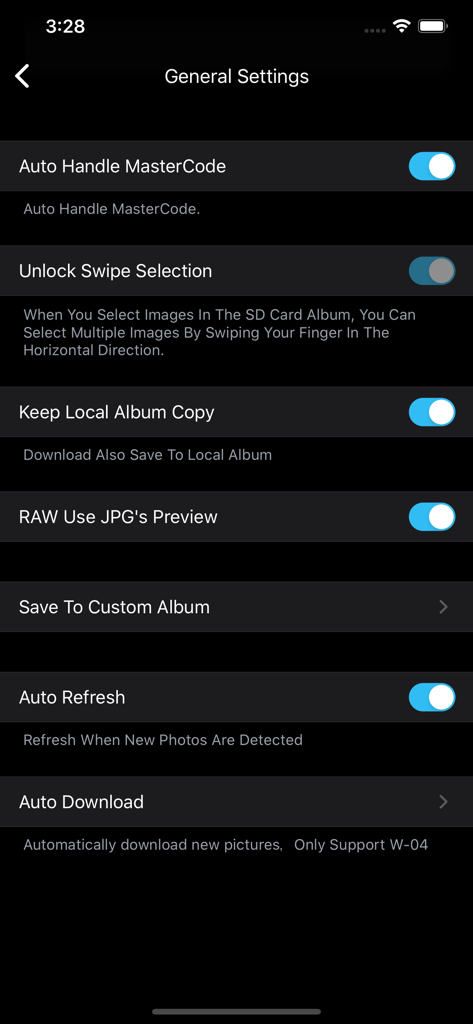
General settings screen of the FAir for FlashAir app showing automation and RAW preview options in dark mode.
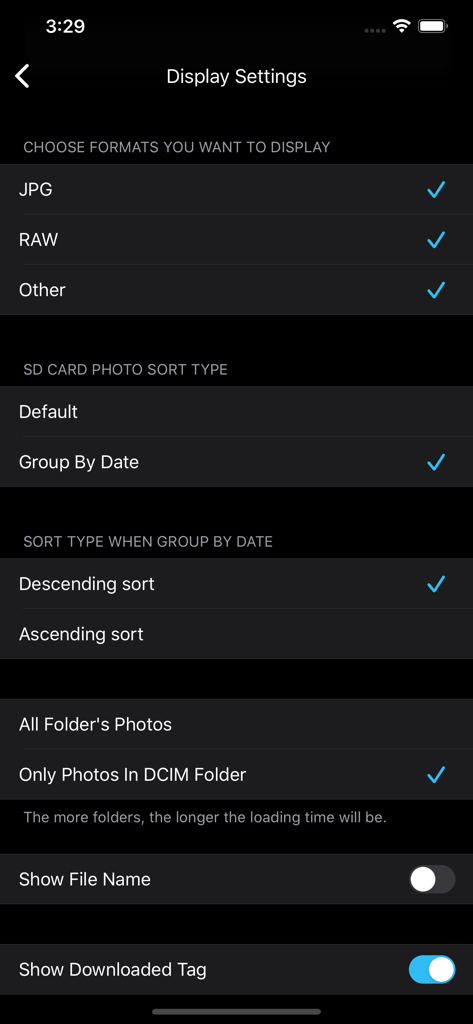
FAir for FlashAir app display settings screen for selecting file formats like RAW and JPG and choosing photo sorting methods.
Description
Download
More Like This
Top-ranked apps in the same category

TikTok - Videos, Shop & LIVE
TIKTOK PTE. LTD.

Netflix
Netflix, Inc.

Freecash - Get Paid Real Money
256 REWARDS LTD

DramaBox - Stream Drama Shorts
STORYMATRIX PTE. LTD

HBO Max: Stream Movies & TV
WarnerMedia Global Digital Services, LLC

Amazon Prime Video
AMZN Mobile LLC

NetShort - Popular Dramas & TV
NETSTORY PTE. LTD.

ReelShort - Stream Drama & TV
New Leaf Publishing, Inc.

Disney+
Disney Electronic Content, Inc.
This page is not an official page of the app or its developer, but an independent editorial publication created for informational and commentary purposes. Unless expressly stated otherwise, neither the app nor its developer is affiliated with, endorsed by, sponsored by, authorized by, or otherwise officially connected with MWM, Apple, Google Play, the app publisher, or the app's developer, and nothing on this page implies that the app was developed using MWM's services. Any trademarks, logos, screenshots, and other content remain the property of their respective owners.