
This page is not an official page of the app or its developer, but an independent editorial publication created for informational and commentary purposes. Unless expressly stated otherwise, neither the app nor its developer is affiliated with, endorsed by, sponsored by, authorized by, or otherwise officially connected with MWM, Apple, Google Play, the app publisher, or the app's developer, and nothing on this page implies that the app was developed using MWM's services. Any trademarks, logos, screenshots, and other content remain the property of their respective owners.


Falcon Mx
Streamline your workflow from the workstation to the bedside. Access PACS, view high-resolution DICOM images, and utilize photorealistic 3D reconstructions to enhance patient consultations and clinical reviews on your iPhone or iPad.
Downloads
193K+User Rating
Total Ratings
2K+Publisher
Category
MedicalLocales
9Latest Version
3.8.2Size
79.5 MBFirst Released
Feb 13, 2020Advanced Medical Imaging in Your Pocket
Falcon Mx empowers surgeons, residents, and specialists with high-performance DICOM viewing, 3D rendering, and seamless cloud integration for unmatched point-of-care efficiency.
Desktop-Class 3D Rendering
Visualize complex anatomy with photorealistic 3D volume rendering and MPR directly on your mobile device for superior spatial understanding.
Seamless PACS & Cloud Sync
Import studies securely from DICOM nodes or sync with iCloud, Dropbox, and Google Drive to maintain your case library on the move.
The following screenshots and description are sourced directly from the app's official store listing and are the property of the app developer.
App Store
Screenshots
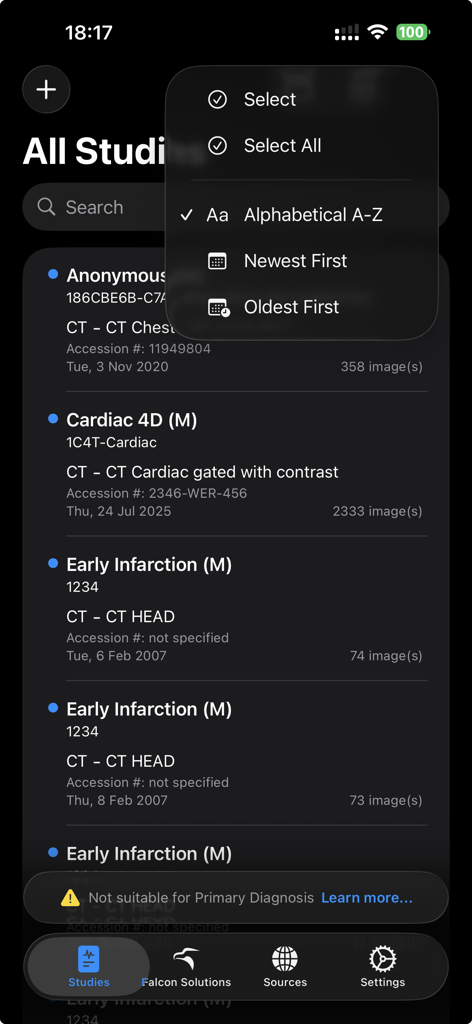
Falcon Mx medical studies list with sorting options
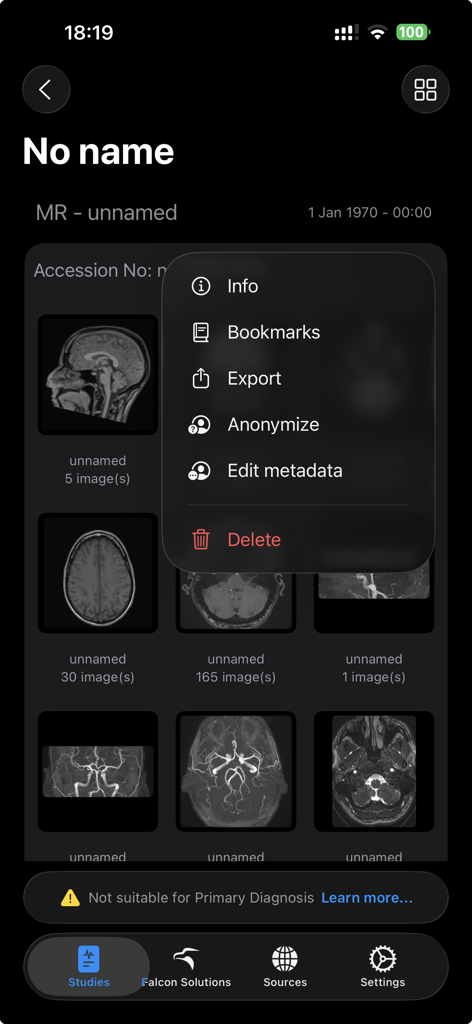
Interface of Falcon Mx showing MRI scans and a menu for exporting and anonymizing medical studies
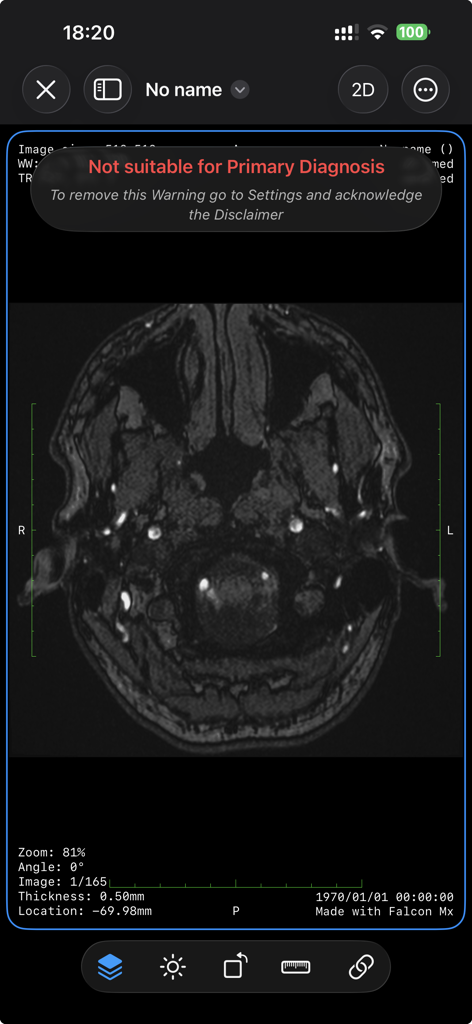
Falcon Mx mobile DICOM viewer interface displaying a brain scan with a regulatory warning message
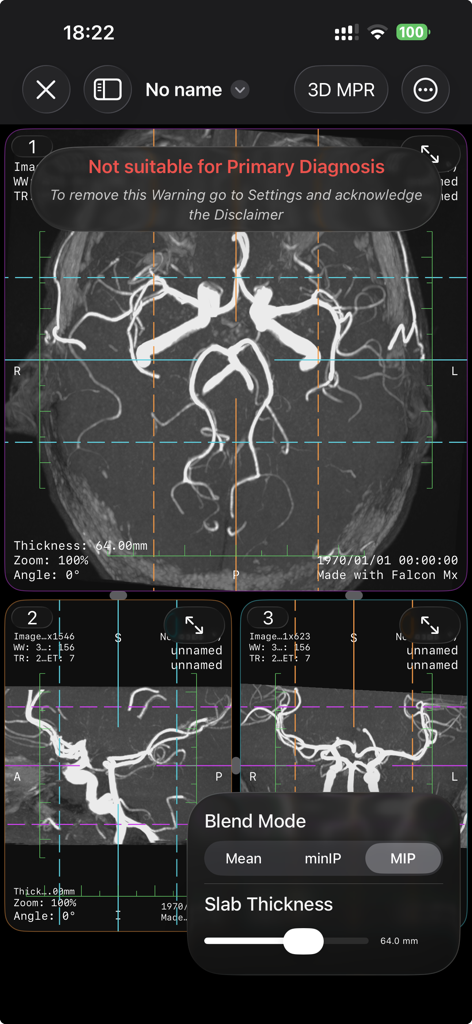
Falcon Mx interface showing 3D Multi-Planar Reconstruction and MIP blend mode on a medical scan
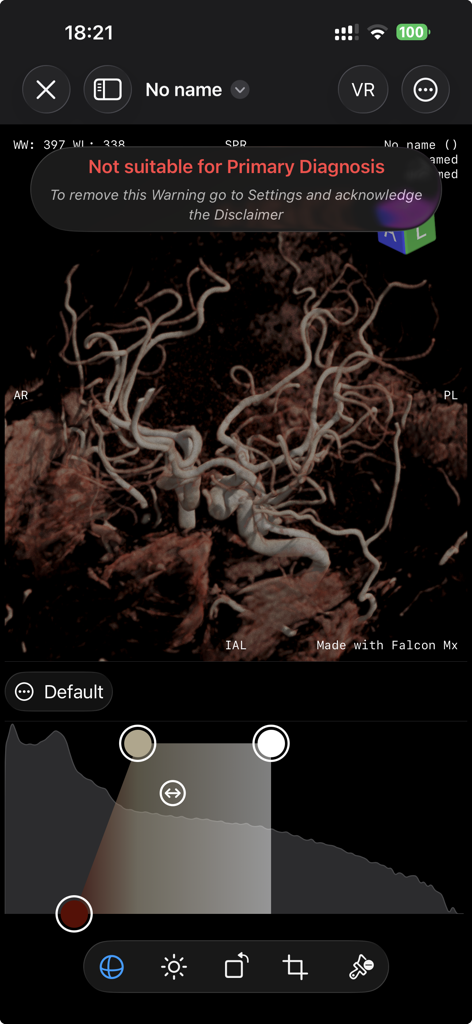
3D photorealistic volume rendering of vascular anatomy on the Falcon Mx mobile DICOM viewer
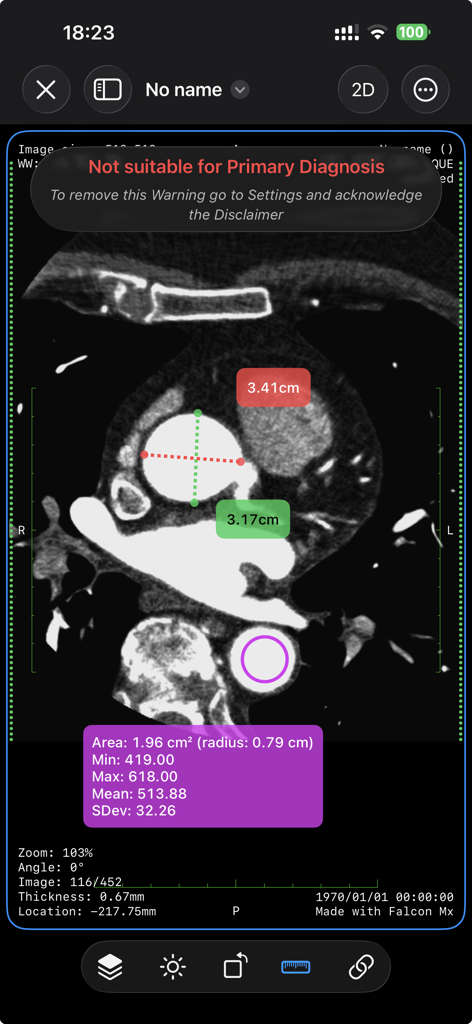
Falcon Mx DICOM viewer displaying a CT scan with distance and area ROI measurement tools
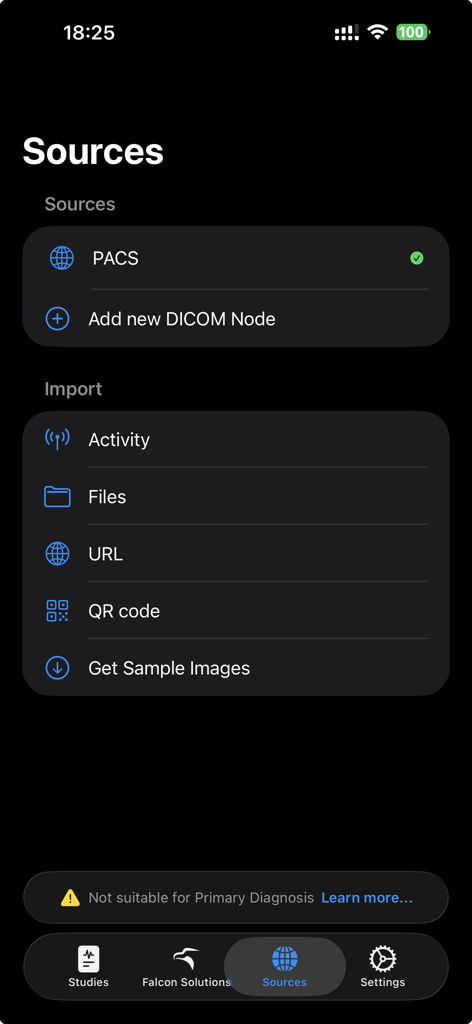
Falcon Mx app screen showing data source options including PACS and DICOM node import
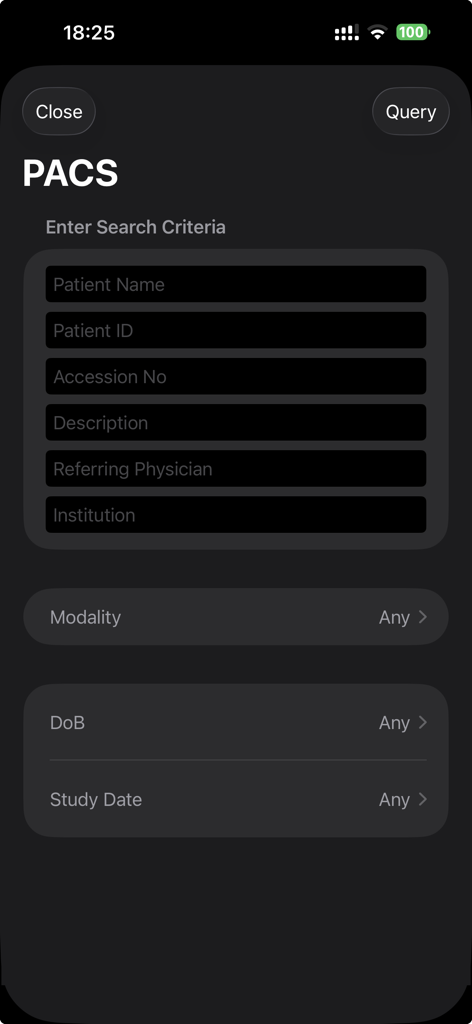
Falcon Mx app screen showing the PACS query interface with search fields for patient name and ID
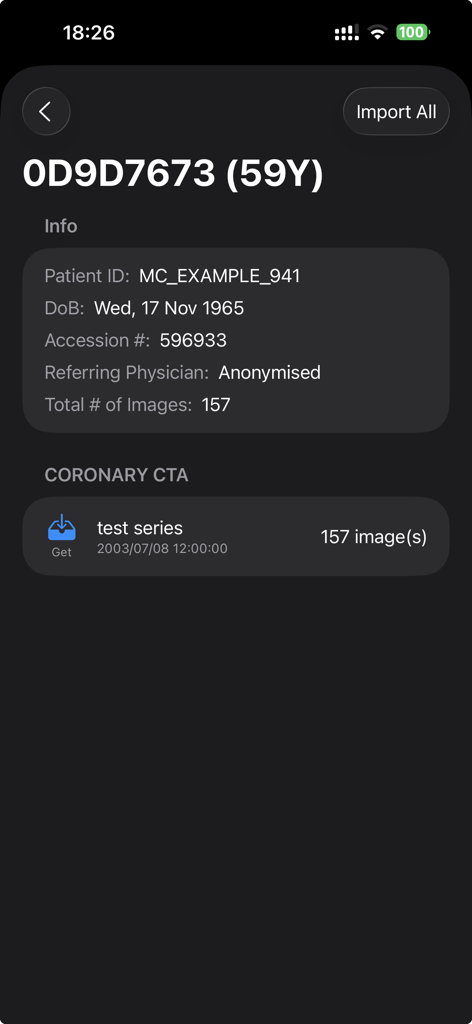
Falcon Mx mobile app screen showing patient details and coronary imaging series
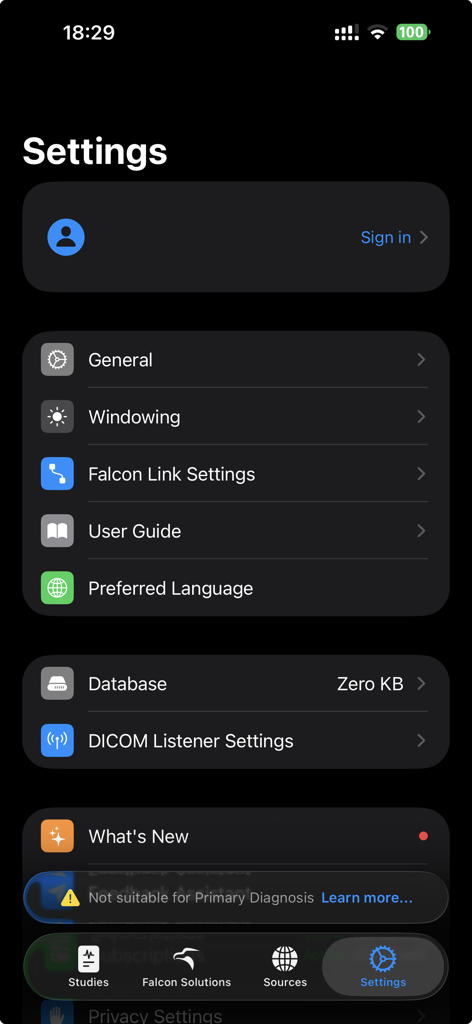
Settings screen of the Falcon Mx DICOM viewer app showing configuration options and medical image display preferences.
Description
Download
More Like This
Apps with similar features and user experience
Anatomy Learning - 3D Anatomy
3DMedical OU

TeachMe Anatomy: 3D Human Body
TeachMeSeries Limited
Human Anatomy Atlas 2026
Visible Body Apps LLC
VOKA 3D Anatomy & Pathology
FABRIKA INNOVATSI I RESHENI, OOO

知源经络穴位-中医经络穴位针灸艾灸按摩养生舌诊中草药识别大全
Chongqing Lighting Travel Technology Co., Ltd

Chemistry. Periodic table. AI
Denis Chashchin

Essential Anatomy 5
3D4Medical.com

Muscles & Kinesiology
Argosy Publishing

Physiology & Pathology
Argosy Publishing
This page is not an official page of the app or its developer, but an independent editorial publication created for informational and commentary purposes. Unless expressly stated otherwise, neither the app nor its developer is affiliated with, endorsed by, sponsored by, authorized by, or otherwise officially connected with MWM, Apple, Google Play, the app publisher, or the app's developer, and nothing on this page implies that the app was developed using MWM's services. Any trademarks, logos, screenshots, and other content remain the property of their respective owners.