
This page is not an official page of the app or its developer, but an independent editorial publication created for informational and commentary purposes. Unless expressly stated otherwise, neither the app nor its developer is affiliated with, endorsed by, sponsored by, authorized by, or otherwise officially connected with MWM, Apple, Google Play, the app publisher, or the app's developer, and nothing on this page implies that the app was developed using MWM's services. Any trademarks, logos, screenshots, and other content remain the property of their respective owners.


Feed Preview: Ig Grid Layout
The ultimate grid planner for creators and brands. Curate your dream Instagram feed with drag-and-drop ease and zero login required.
Downloads
5M+User Rating
Total Ratings
51K+Publisher
Category
Photo & VideoLocales
20Latest Version
3.12.3Size
187.1 MBFirst Released
Mar 2, 2019Design Your Perfect Aesthetic
Plan, preview, and perfect your Instagram feed with an intuitive visual planner. No login required, just pure creative control over your digital portfolio.
Secure "No-Login" Access
Preview any public profile without ever sharing your password. Keep your account 100% safe from bans and hacks while you plan.
Seamless Drag & Drop
Effortlessly reorganize your posts to find the perfect visual flow. Experiment with layouts and mosaics before you commit to the post.
Frequently Asked Questions
Everything you need to know about Feed Preview: Ig Grid Layout
How can Feed Preview help plan my Instagram feed?
Feed Preview: Ig Grid Layout visually plans your Instagram feed by adding, deleting, and rearranging photos and videos. It shows exactly how your profile will look, helping create the perfect aesthetic.
Does Feed Preview: Ig Grid Layout require Instagram login?
No, Feed Preview: Ig Grid Layout allows users to visually plan their Instagram feed without ever logging into their Instagram account, ensuring privacy and ease of use.
Can I manage multiple Instagram accounts with Feed Preview?
Yes, Feed Preview: Ig Grid Layout enables users to manage multiple Instagram accounts effortlessly. This feature streamlines the content planning process across different profiles.
What editing features are available in Feed Preview: Ig Grid Layout?
Feed Preview: Ig Grid Layout offers photo editing with stylish filters and borders. Users can also adjust brightness, contrast, saturation, and clarity for their images within the app.
Can I schedule posts using Feed Preview: Ig Grid Layout?
Yes, Feed Preview: Ig Grid Layout allows users to create and schedule their Instagram posts in advance. This helps organize content for future publication and maintain consistency.
Does Feed Preview support planning Instagram carousels?
Yes, Feed Preview: Ig Grid Layout supports creating and planning Instagram carousels. Users can add multiple pictures to design comprehensive multi-image posts for their feed.
How does Feed Preview save my planned Instagram posts?
Pictures added to your feed preview in Feed Preview: Ig Grid Layout are automatically saved locally on your device. They are ready to be posted to Instagram when you choose.
Can I preview any Instagram feed with Feed Preview: Ig Grid Layout?
Yes, Feed Preview: Ig Grid Layout allows users to preview any Instagram feed. This feature helps visualize various profile aesthetics and refine planning strategies.
Does Feed Preview offer grid templates for Instagram?
Yes, Feed Preview: Ig Grid Layout provides grid templates to customize your Instagram feed. This helps users design and arrange their photos for a unique visual layout.
Can I reset my feed preview in Feed Preview: Ig Grid Layout?
Yes, Feed Preview: Ig Grid Layout allows users to reset their preview to match their current Instagram feed. This feature instantly updates the app's layout to reflect real-time changes.
The following screenshots and description are sourced directly from the app's official store listing and are the property of the app developer.
App Store
Screenshots
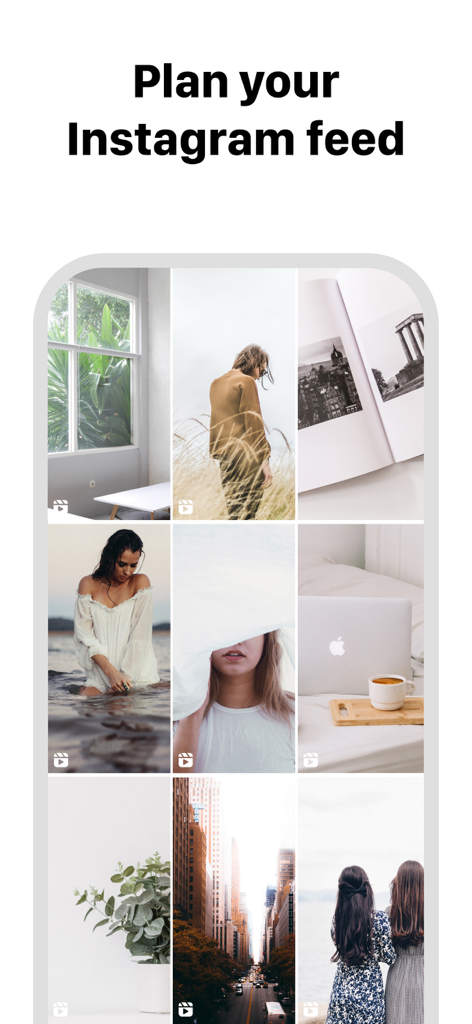
A mobile interface showing a curated Instagram grid layout for feed planning
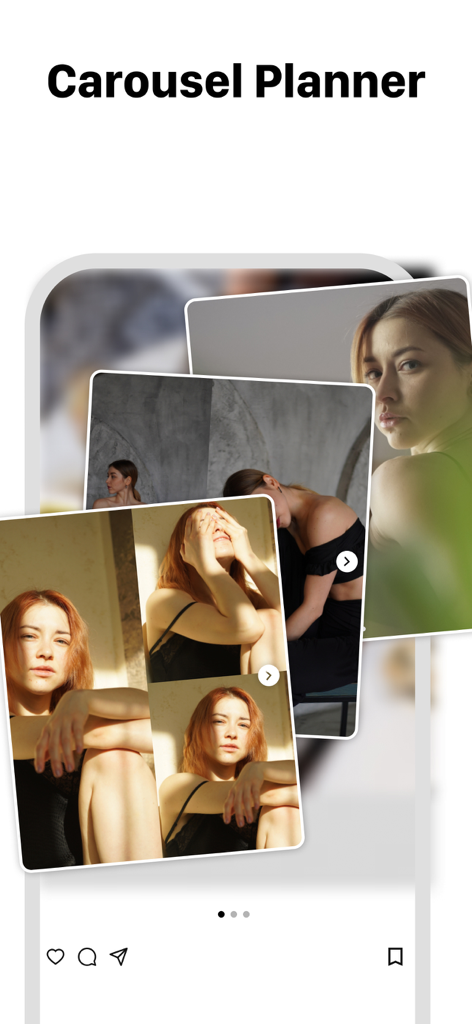
A mobile app interface showing a carousel post planner for Instagram with multiple overlapping photos.
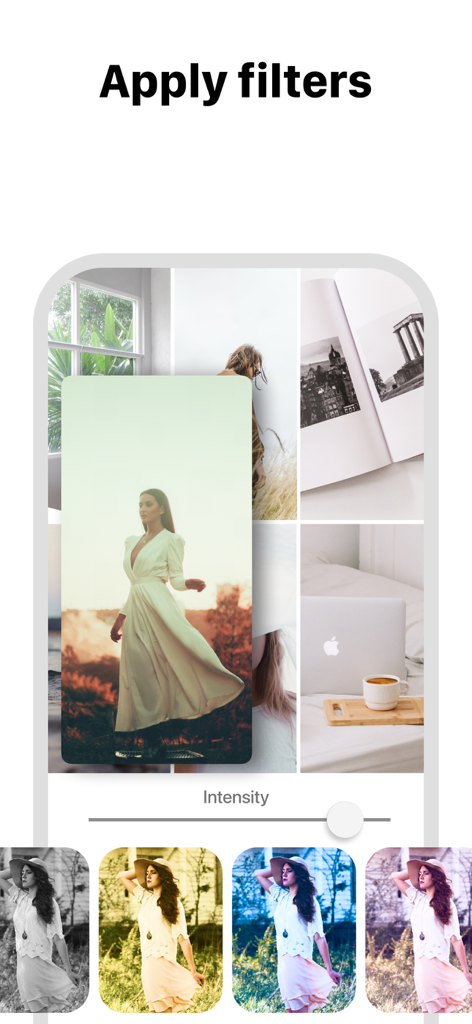
Applying photo filters to an Instagram grid layout preview.
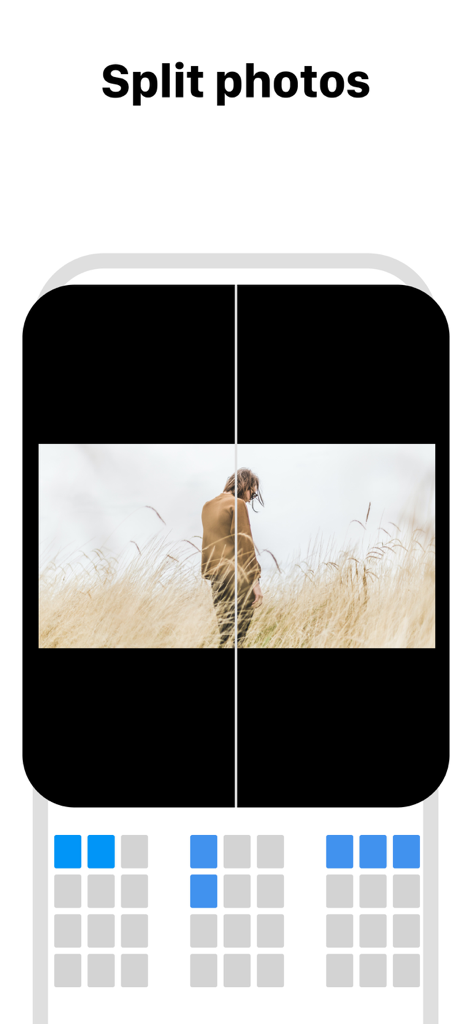
Interface showing how to split photos into multiple tiles for a mosaic Instagram grid layout
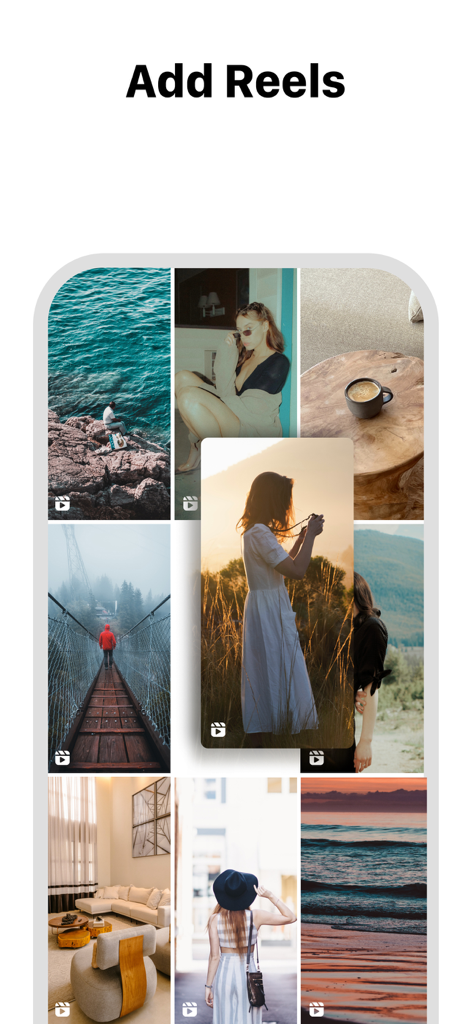
Interface of the Feed Preview app showing how to add reels to an Instagram grid layout.
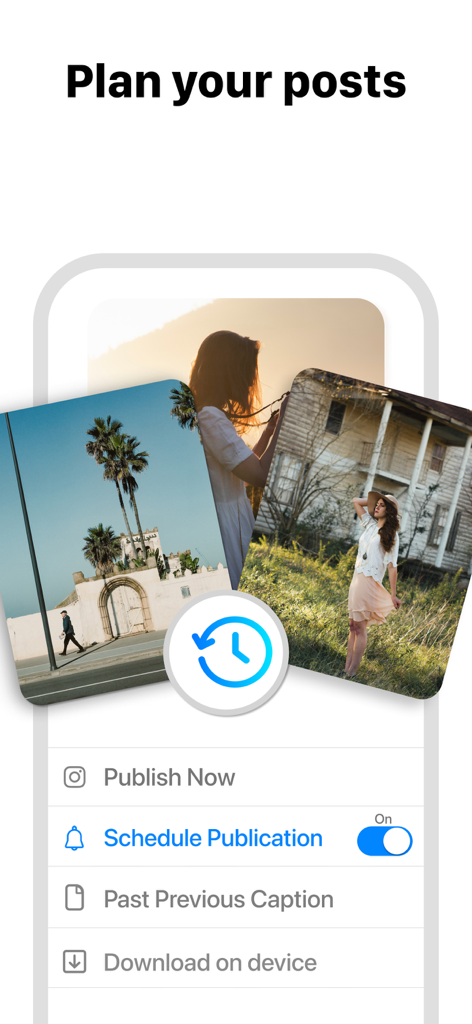
Interface of the Feed Preview app showing post planning and scheduling options for Instagram.
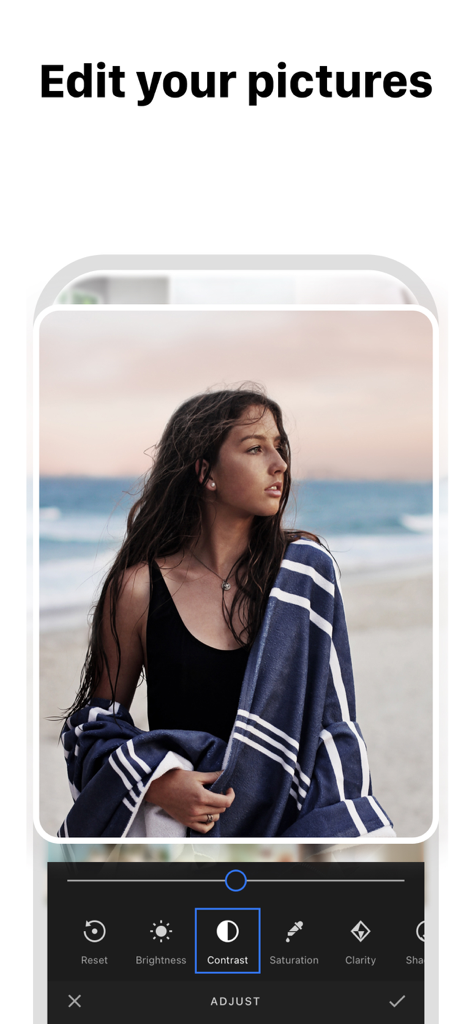
A screenshot of the Feed Preview app showing a photo editing interface with options like contrast, brightness, and saturation.
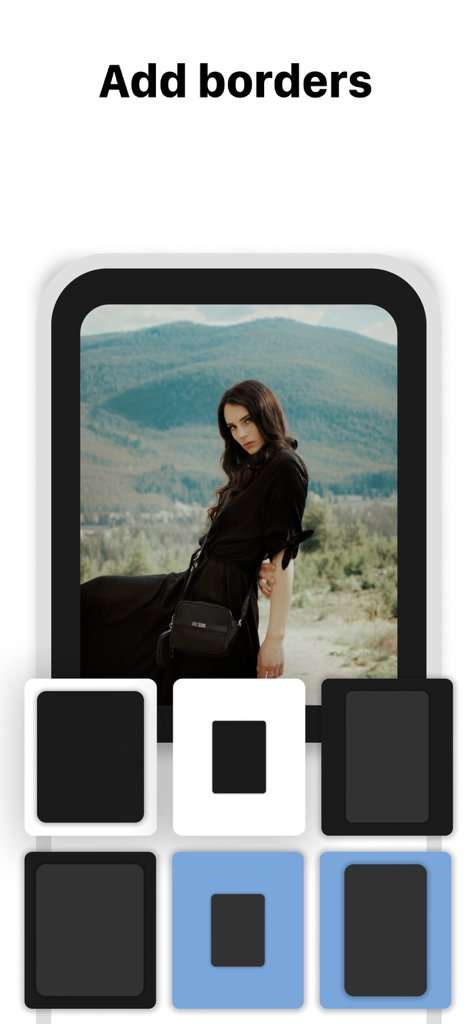
A smartphone interface showing different border options for a portrait photo in the Instagram feed planning app
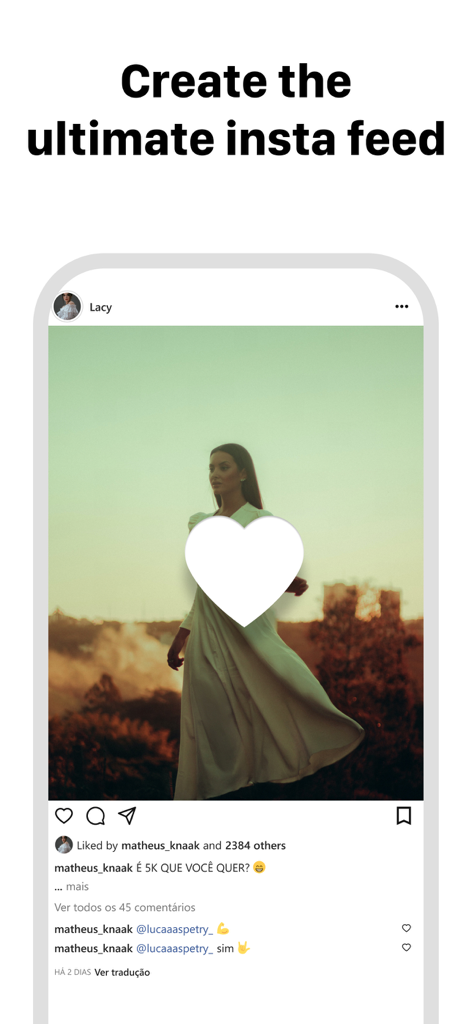
A smartphone display showing an aesthetic Instagram post mockup with the heading Create the ultimate insta feed
Description
Download
More Like This
Apps with similar features and user experience

Crsel: Carousel & Story Maker
Georgy Romelashvili

Layout for Instagram・Inpreview
Onelight Apps CY Ltd

Carousel Layout Maker・SwipeMix
Onelight Apps CY Ltd

PanoCut: Panorama Scroll Maker
Hashone Tech LLP

PhotoSplit for Instagram
Tech Positive Inc.

Setty: Photo Filters & Presets
A Color Story LLC

Preview Feed for Insta・Layout
Appslead Ltd

Feed Preview Planner IG・InPlan
Cubetix Ltd.

Feeds: Post & Template Maker
WNDR11 LTD
This page is not an official page of the app or its developer, but an independent editorial publication created for informational and commentary purposes. Unless expressly stated otherwise, neither the app nor its developer is affiliated with, endorsed by, sponsored by, authorized by, or otherwise officially connected with MWM, Apple, Google Play, the app publisher, or the app's developer, and nothing on this page implies that the app was developed using MWM's services. Any trademarks, logos, screenshots, and other content remain the property of their respective owners.