
This page is not an official page of the app or its developer, but an independent editorial publication created for informational and commentary purposes. Unless expressly stated otherwise, neither the app nor its developer is affiliated with, endorsed by, sponsored by, authorized by, or otherwise officially connected with MWM, Apple, Google Play, the app publisher, or the app's developer, and nothing on this page implies that the app was developed using MWM's services. Any trademarks, logos, screenshots, and other content remain the property of their respective owners.


Fin - Budget Tracker
Take control of your spending with an intentional, manual-first tracker designed for the Apple ecosystem. No bank logins, no data tracking—just stylish budgeting with receipt scanning, interactive charts, and total privacy.
Downloads
532K+User Rating
Total Ratings
3K+Publisher
Category
FinanceLocales
26Latest Version
7.0.1Size
177.4 MBFirst Released
Jun 30, 2020Total Financial Control, Designed for Your Life
Fin combines powerful tracking tools with a privacy-first approach and a beautiful design to help you reach your savings goals without compromising your data.
Privacy-First Tracking
No bank logins required. Your financial data stays securely on your device and iCloud, giving you absolute control and total peace of mind.
Beautifully Personalized
Make budgeting a joy with custom themes and categories. Use emojis and handpicked colors to create a dashboard that matches your aesthetic.
The following screenshots and description are sourced directly from the app's official store listing and are the property of the app developer.
App Store
Screenshots
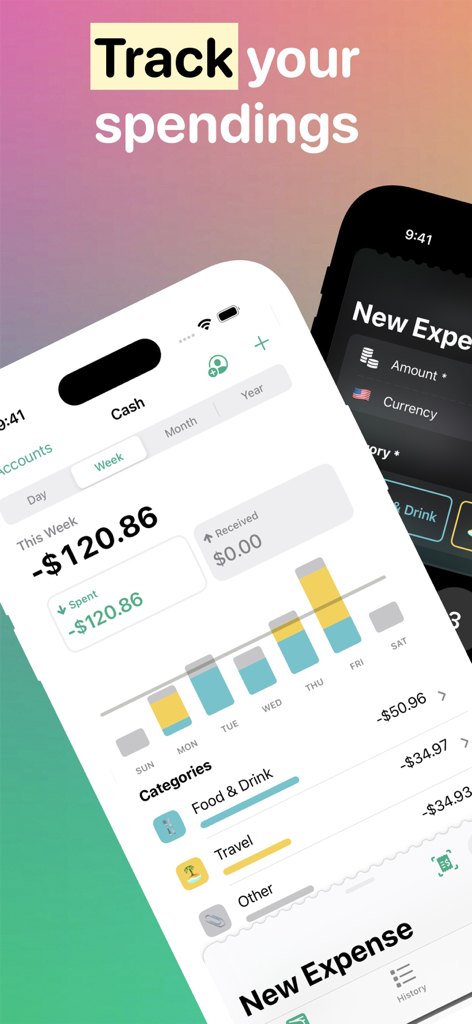
Interface of the Fin Budget Tracker app showing a weekly spending chart and categorized expense history.
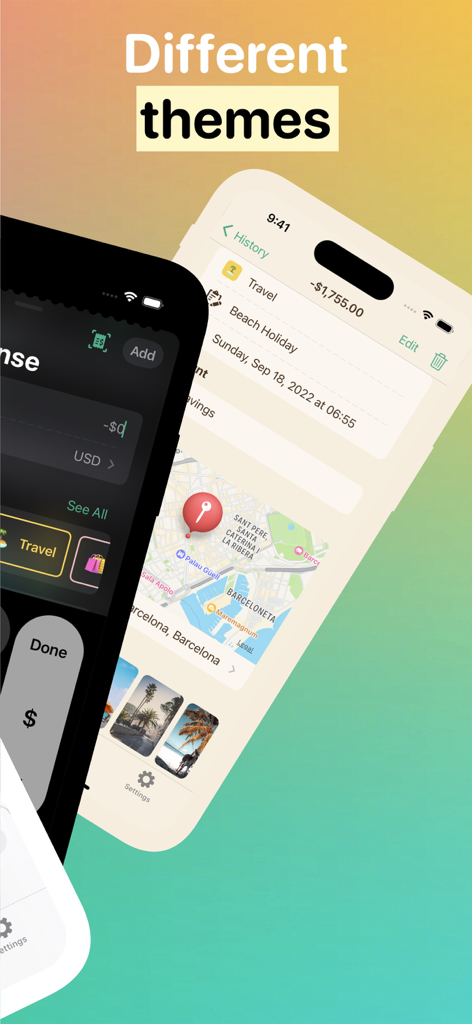
Interface of Fin Budget Tracker app showing different dark and light color themes for expense tracking
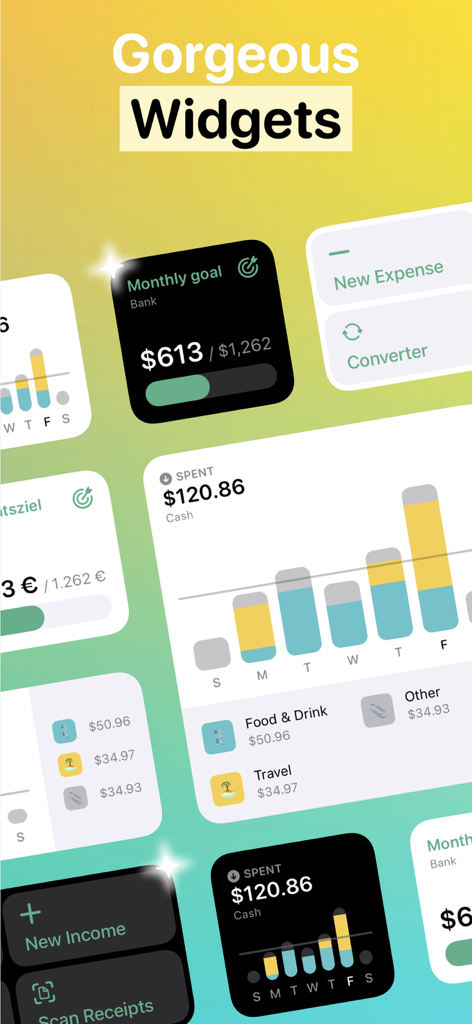
Fin budget tracker app ios widgets showing financial goals and spending charts
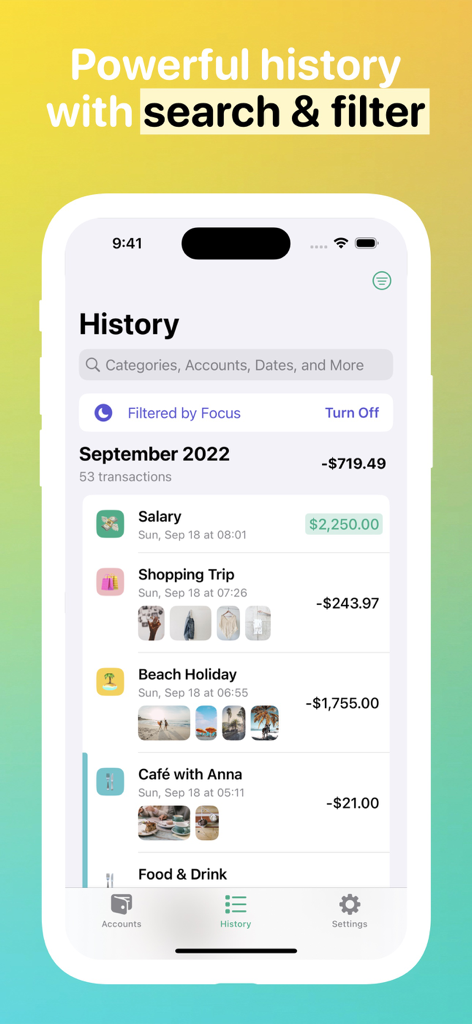
Fin Budget Tracker app transaction history screen showing expenses and search filters
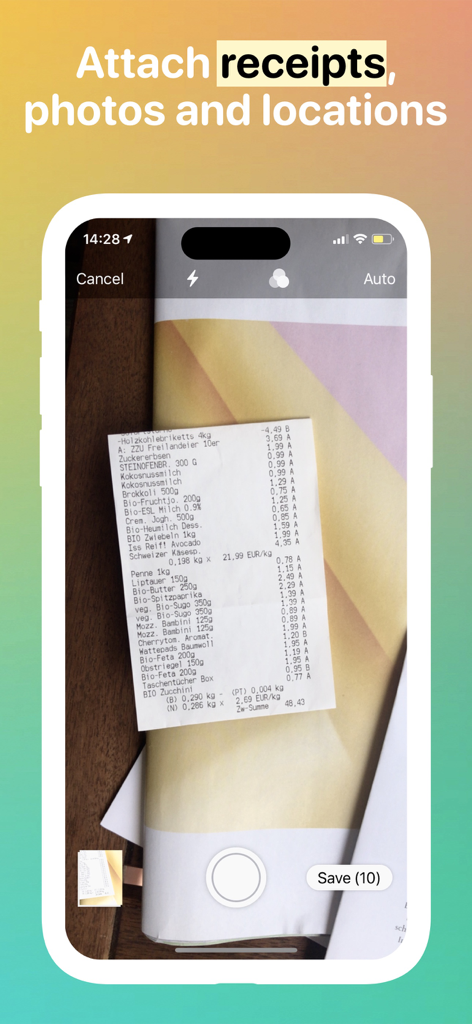
iPhone interface showing a paper receipt being scanned by the Fin app camera feature
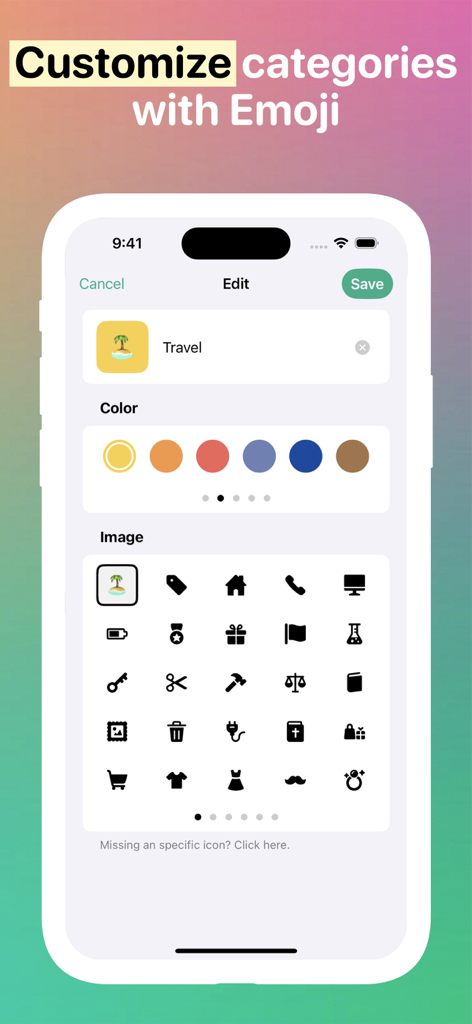
Interface of the Fin app showing how to customize budget categories with colors and emojis.
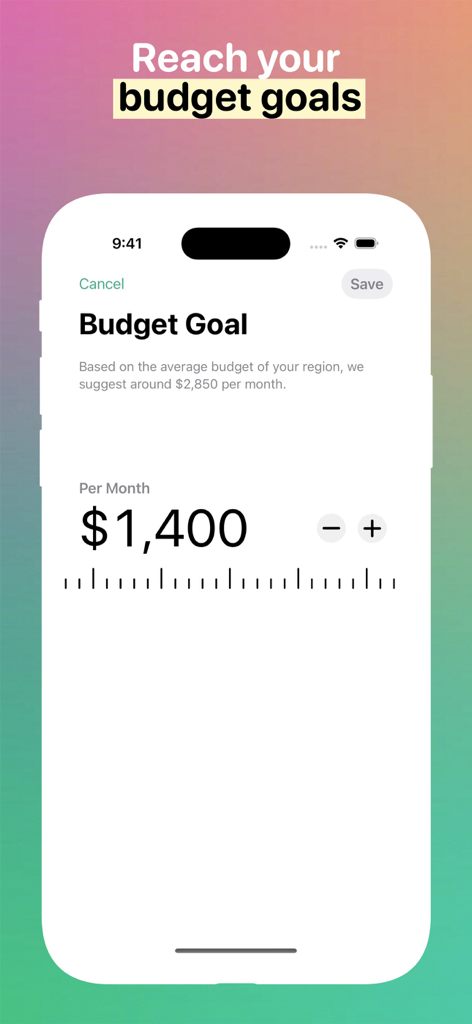
A mobile interface for setting a monthly budget goal in the Fin app showing a target of 1400 dollars.
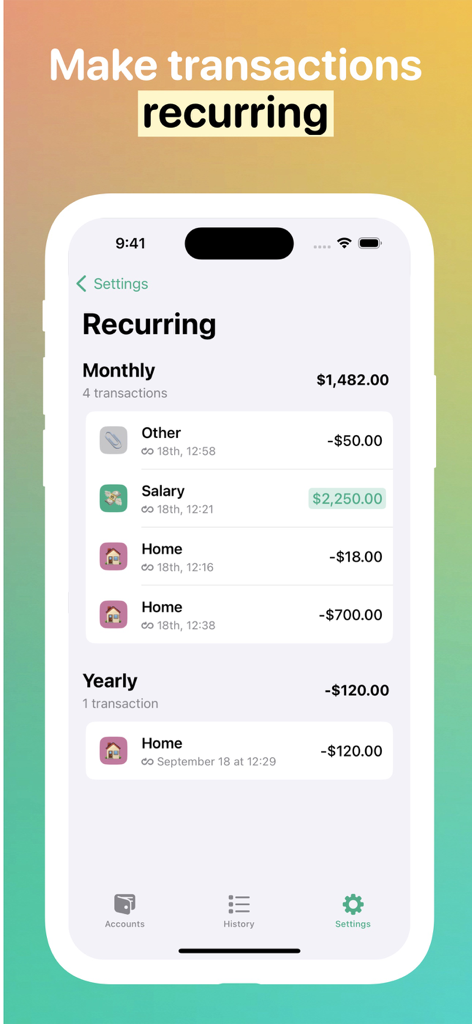
Fin app interface showing monthly and yearly recurring transactions like salary and home expenses
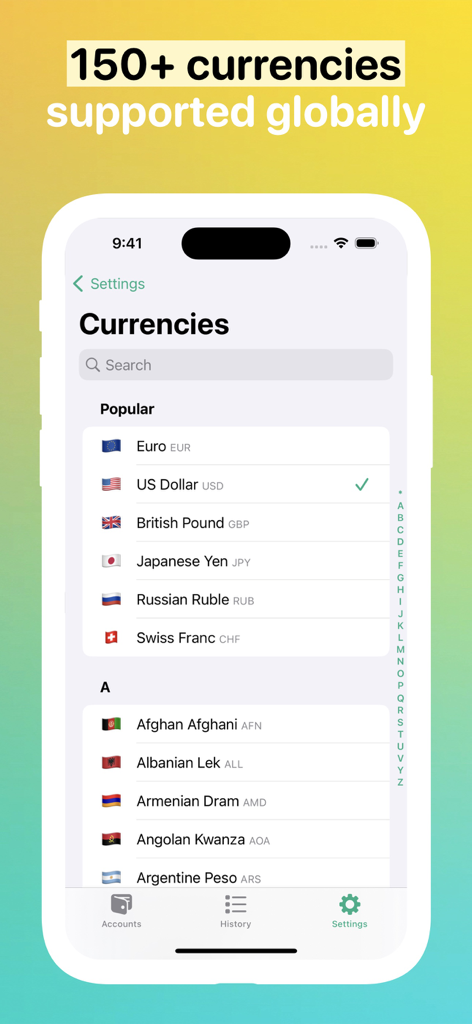
Fin app screen showing more than 150 supported global currencies
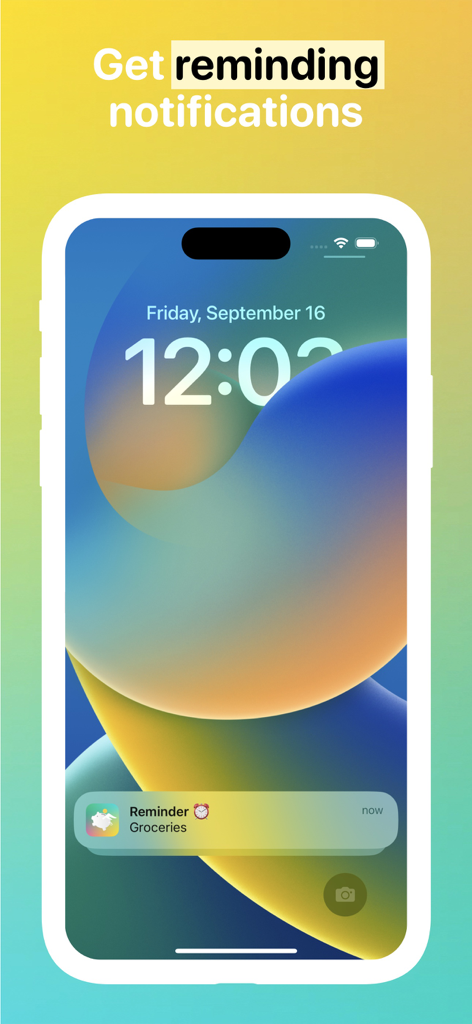
iPhone lock screen showing a grocery reminder notification from the Fin budget tracker app.
Description
Download
More Like This
Apps with similar features and user experience

随手记-记账就用随手记
Shenzhen Mingshu Information Co., Ltd.

Money Tracker:Expense & Budget
奎 郑

Budget App & Expense Tracker
Bookipi Pty Ltd

My Spending
Luke Zammit

Quicken Simplifi: Budget Smart
Quicken Inc.

Account Book - Money Manager
BIZCE TEKNOLOJI VE BILISIM A S

Spending Tracker-Money Manager
MISA JSC

Finance OK - finance tracker
Mobion OOO

MoneyBe
Dmytro Obertynskyi
This page is not an official page of the app or its developer, but an independent editorial publication created for informational and commentary purposes. Unless expressly stated otherwise, neither the app nor its developer is affiliated with, endorsed by, sponsored by, authorized by, or otherwise officially connected with MWM, Apple, Google Play, the app publisher, or the app's developer, and nothing on this page implies that the app was developed using MWM's services. Any trademarks, logos, screenshots, and other content remain the property of their respective owners.