
This page is not an official page of the app or its developer, but an independent editorial publication created for informational and commentary purposes. Unless expressly stated otherwise, neither the app nor its developer is affiliated with, endorsed by, sponsored by, authorized by, or otherwise officially connected with MWM, Apple, Google Play, the app publisher, or the app's developer, and nothing on this page implies that the app was developed using MWM's services. Any trademarks, logos, screenshots, and other content remain the property of their respective owners.


Fingering Woodwinds for iPhone
The ultimate companion for students and educators. Access exhaustive fingering charts, altissimo ranges, and instant transposition across the entire woodwind family in one powerful tool.
Downloads
15K+User Rating
Total Ratings
0Publisher
Category
MusicLocales
1Latest Version
7.0Size
102.8 MBFirst Released
Jun 4, 2010Master Every Note with Confidence
The most comprehensive reference tool for students and pros, covering the entire woodwind family with precision charts and real-time audio feedback.
15+ Instruments in Your Pocket
From Flute and Oboe to Contrabassoon and Saxophone, replace stacks of physical books with one professional-grade digital reference.
Smart Transposition Math
Instantly switch between written and concert pitch. Perfect for students and band directors navigating complex orchestral scores.
The following screenshots and description are sourced directly from the app's official store listing and are the property of the app developer.
App Store
Screenshots
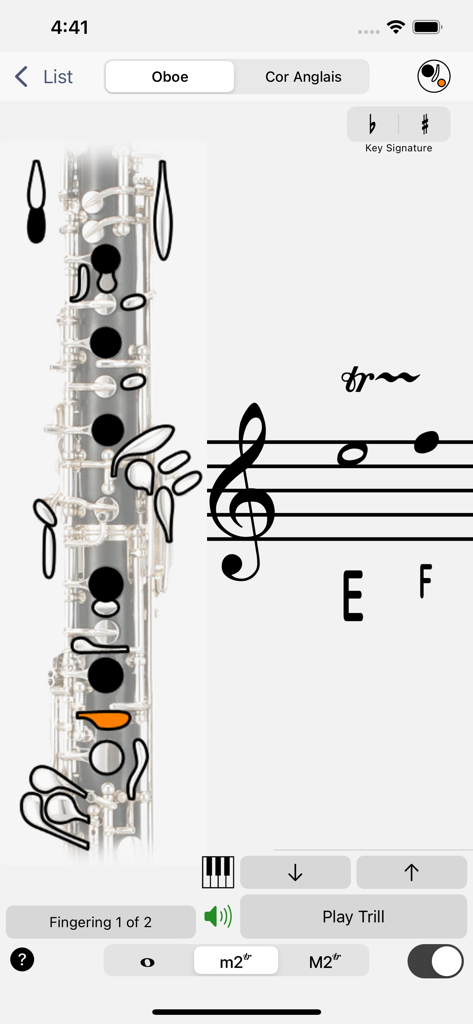
App interface displaying oboe trill fingering with musical staff notation
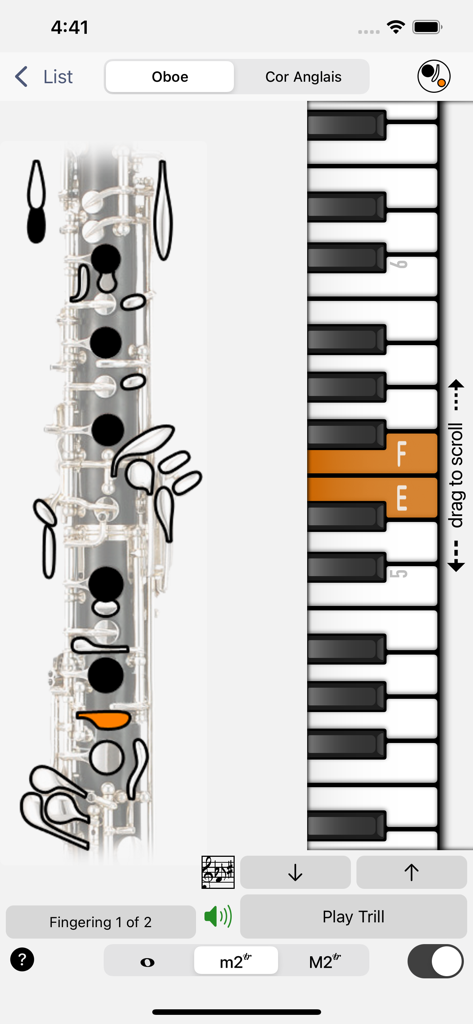
A screenshot of the Fingering Woodwinds app showing an oboe fingering chart alongside a vertical piano keyboard used for reference.
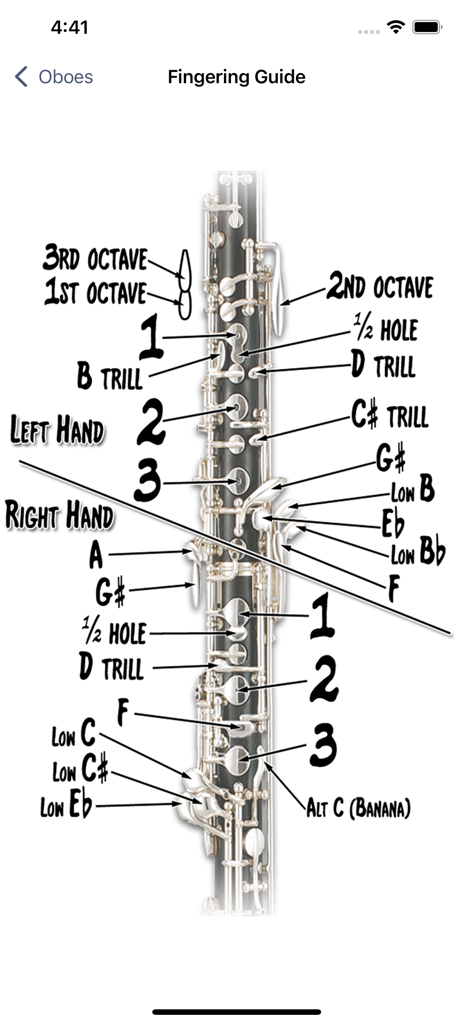
A detailed diagram of an oboe with labels for key names and fingering positions in the Fingering Woodwinds app.
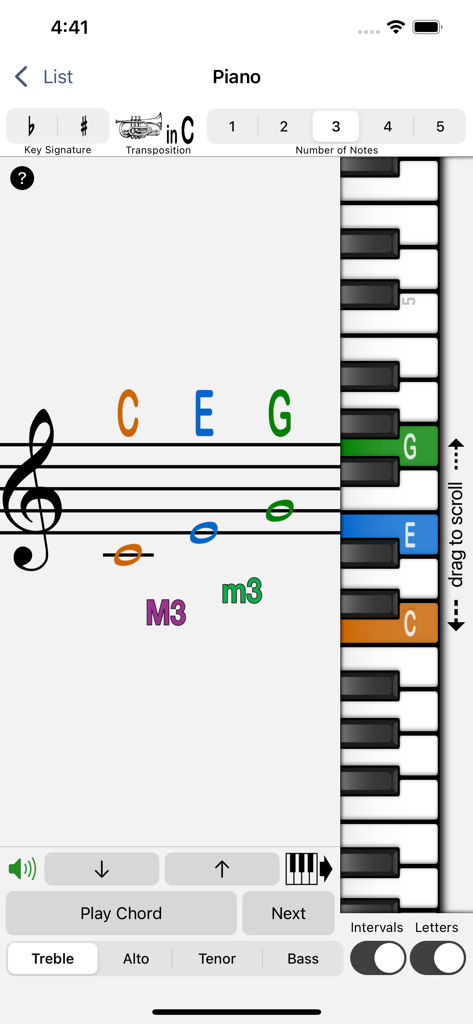
A screen from the Fingering Woodwinds app showing music notation on a staff matched with keys on a vertical piano keyboard.
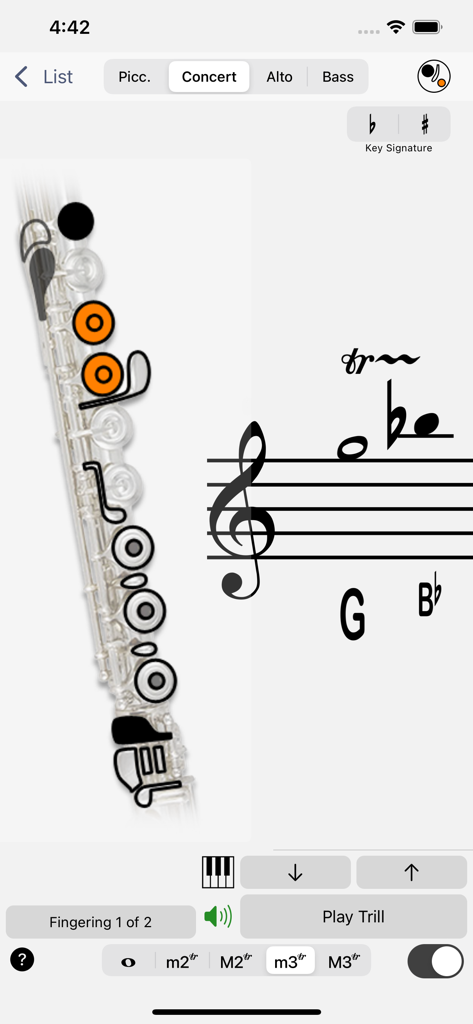
A flute fingering chart for a trill shown in the Fingering Woodwinds mobile app interface
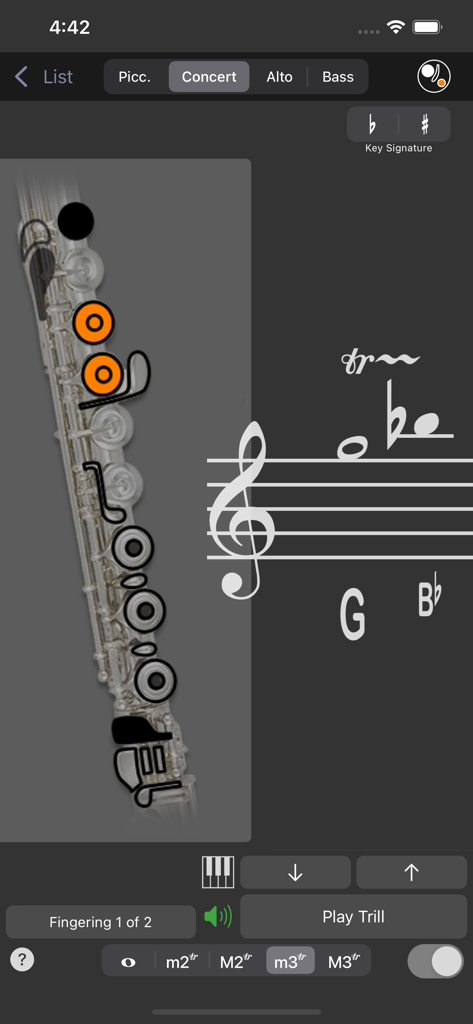
A screenshot of the Fingering Woodwinds app showing a flute fingering chart with orange indicators for a G to B flat trill on a musical staff.
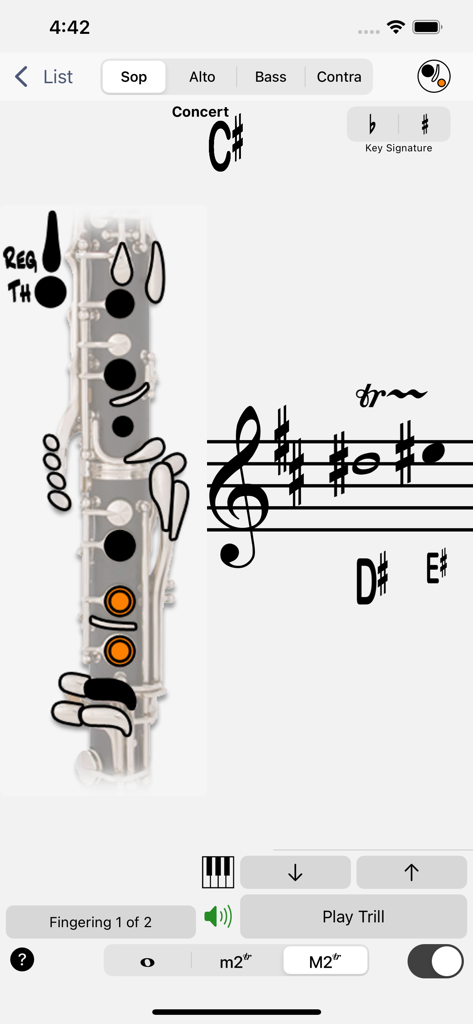
Digital interface showing a clarinet fingering chart and musical notation for trills on an iPhone
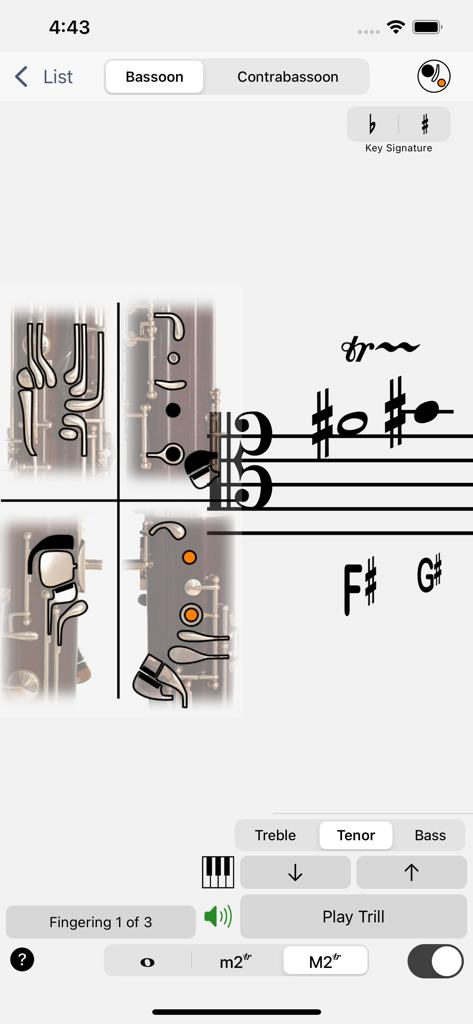
A screenshot of the Bassoon fingering chart on the Fingering Woodwinds app showing tenor clef and key positions
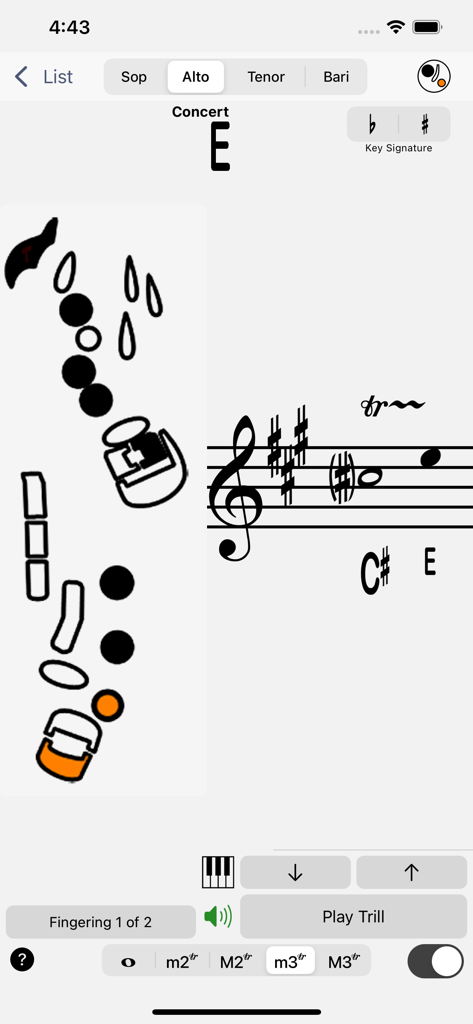
Alto saxophone trill fingering chart in Fingering Woodwinds app
Description
Download
More Like This
Top-ranked apps in the same category

Spotify: Music and Podcasts
Spotify

YouTube Music
Google LLC

Shazam: Find Music & Concerts
Apple Inc.

SoundCloud: The Music You Love
SoundCloud Global Limited & Co KG

Suno - AI Songs & Music
Suno Inc.

QQ音乐 - 听我想听
Tencent Technology (Shenzhen) Company Limited

Audiomack - Play Music Offline
Audiomack, Inc.

BandLab – Music Maker & Beats
BandLab Singapore Pte Ltd

GuitarTuna: Tune & Play Guitar
Yousician Ltd
This page is not an official page of the app or its developer, but an independent editorial publication created for informational and commentary purposes. Unless expressly stated otherwise, neither the app nor its developer is affiliated with, endorsed by, sponsored by, authorized by, or otherwise officially connected with MWM, Apple, Google Play, the app publisher, or the app's developer, and nothing on this page implies that the app was developed using MWM's services. Any trademarks, logos, screenshots, and other content remain the property of their respective owners.