
This page is not an official page of the app or its developer, but an independent editorial publication created for informational and commentary purposes. Unless expressly stated otherwise, neither the app nor its developer is affiliated with, endorsed by, sponsored by, authorized by, or otherwise officially connected with MWM, Apple, Google Play, the app publisher, or the app's developer, and nothing on this page implies that the app was developed using MWM's services. Any trademarks, logos, screenshots, and other content remain the property of their respective owners.

Flava: Casual Dating & Chat
Experience total discretion with anti-screenshot protection, incognito mode, and private photos. Explore casual dating with complete control over your digital footprint.
Downloads
3M+User Rating
Total Ratings
190K+Publisher
Category
LifestyleLocales
12Latest Version
1.6.150Size
196.9 MBFirst Released
Dec 17, 2021Date with Total Discretion
Experience a new standard of online dating where your privacy is the priority. Connect, chat, and share freely with tools designed to keep your personal life personal.
Screenshot Protection
Chat with total peace of mind. We block screenshots and notify you if someone tries to capture your private messages or media.
Incognito Mode
Browse without being seen. Stay hidden from general search and only reveal your profile to the specific people you choose to like.
Frequently Asked Questions
Everything you need to know about Flava: Casual Dating & Chat
Does Flava support anonymous registration?
Yes, Flava enables anonymous registration through your Apple ID. This feature ensures a private and discreet sign-up process for users.
Does Flava prevent users from saving chat messages and photos?
Yes, Flava prevents others from saving chat messages and photos. The app notifies you and hides the screen if someone attempts recording or screenshots.
Can users make photos private on Flava?
Yes, Flava users can designate gallery photos as private. Only their matches and users they have liked can view these private images.
How does Flava's Incognito mode work?
Flava's Incognito mode makes your profile invisible in general searches. Only individuals you have previously liked can see you while this mode is active.
What is the minimum age to use the Flava app?
Users must be 18 years of age or older to access and utilize the Flava dating application.
What benefits does a Flava Premium subscription include?
Flava Premium offers seeing who liked you, viewing active status, unlimited likes, private photos, incognito mode, and filtering search by active users.
Does Flava Premium subscription renew automatically?
Yes, Flava Premium subscriptions automatically renew through your Apple ID account. The account is charged for renewal within 24 hours before the current period ends.
How do I cancel my Flava Premium subscription?
You must cancel your Flava Premium subscription via your iTunes subscription settings at least 24 hours before the renewal date. Deleting the Flava app does not automatically cancel it.
Where can I find Flava's privacy policy?
Flava's personal data processing details are available in its official privacy policy, located at https://flava.app/privacy/.
Does the Flava app display user age and distance?
Yes, Flava displays user profiles including their age and approximate distance from your location, as observed on profile cards.
Can users send voice messages in Flava chats?
Yes, Flava supports sending and receiving voice messages directly within the chat interface, evidenced by the audio waveform shown in conversations.
Can Flava users customize their dating preferences?
Yes, Flava users can customize detailed dating preferences, including relationship types like Monogamy or Polyamory, and desired activities.
Does Flava allow users to see who liked them?
Yes, Flava allows users to discover profiles that have liked them, a feature prominently displayed in the "53 people liked you" section (Premium feature).
The following screenshots and description are sourced directly from the app's official store listing and are the property of the app developer.
App Store
Screenshots
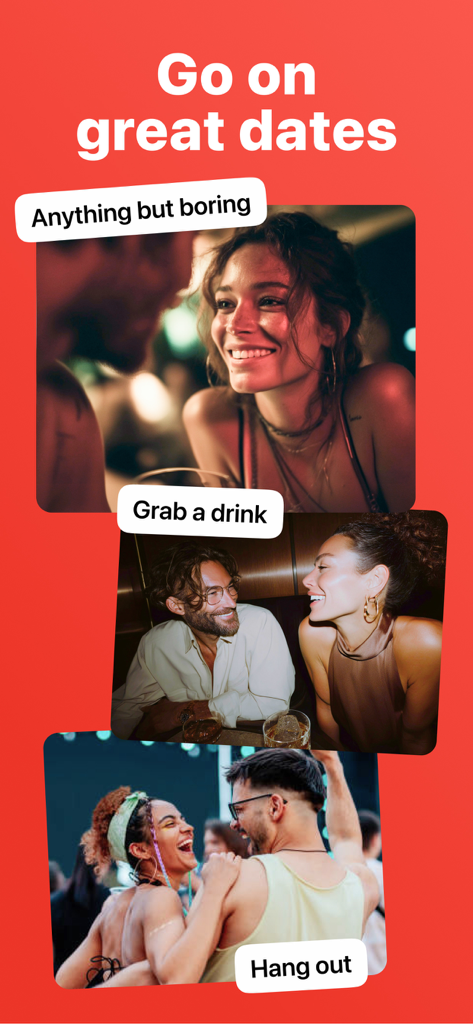
Three couples enjoying various casual date activities like grabbing drinks and hanging out at a music festival.
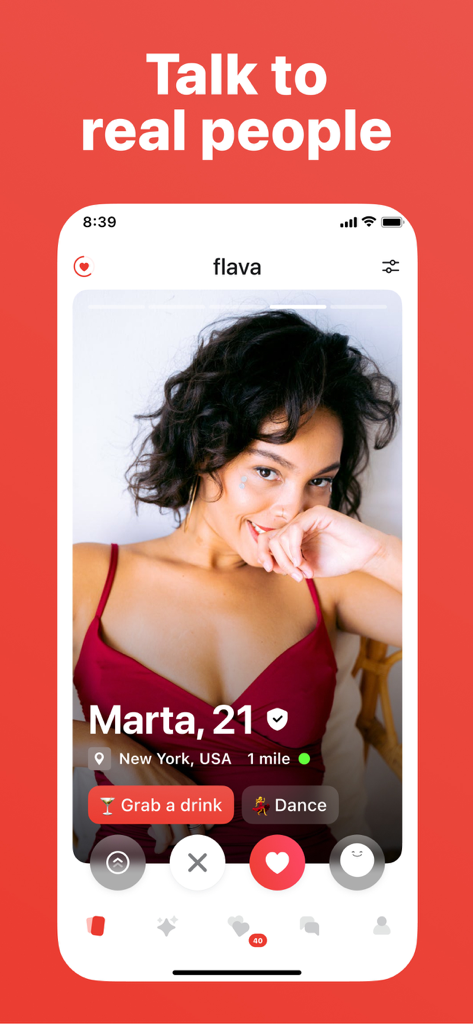
Screenshot of the Flava dating app showing a profile of a young woman named Marta in New York with meeting options.
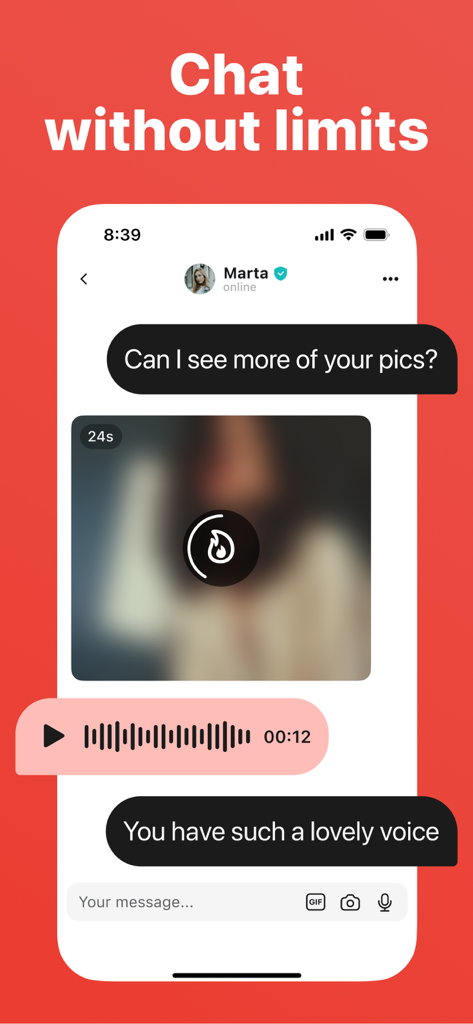
Interface of the Flava dating app showing a private chat with a blurred photo and a voice message.
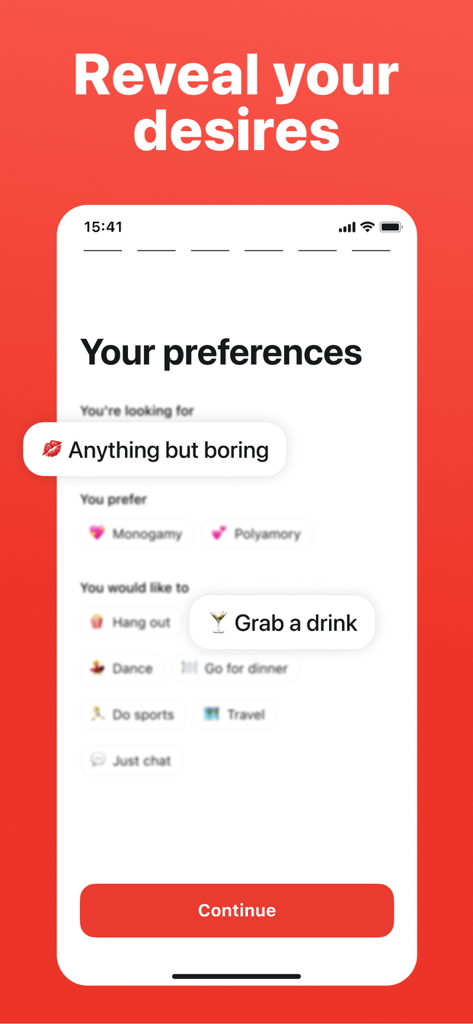
Interface of the Flava app showing user preferences for relationship types and social activities like grabbing a drink
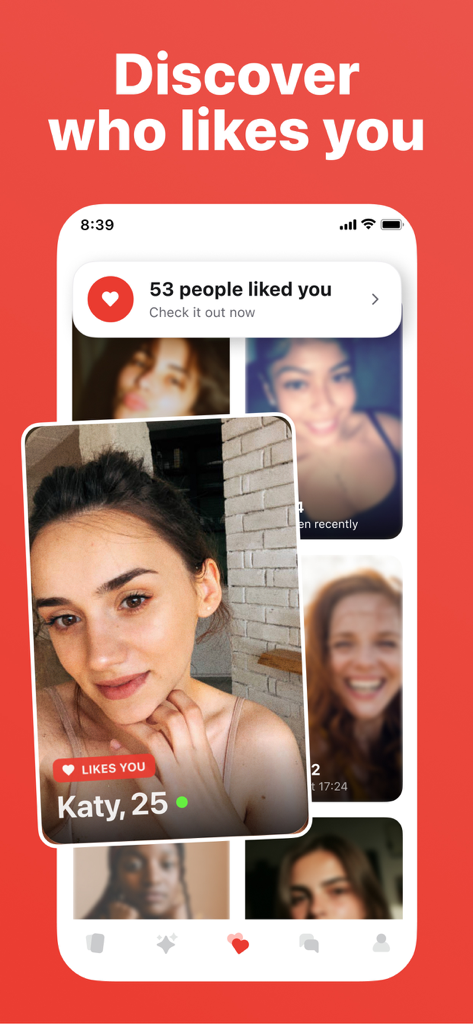
Interface of the Flava casual dating app showing user profiles and a notification indicating how many people liked you
Description
Download
More Like This
Apps with similar features and user experience

Instinct: Casual Dating App
WISEDIGITAL OU

CSL: Casual Dating App
Joyride GmbH
Flirt Casual Dating App - Rizz
FUN CHAT SOFTWARE LTD.

Hot-Casual Dating&Chat App
Beijing Zaidu Network Technology Co., Ltd.

PURE: Anonymous Dating App
Online Classifieds AG

Casual Dating & Flirt - Kasual
YUMI LIMITED

Adult Friend Flirt App: XFun
BestinMatch Limited

Wild: Adult Casual Dating App
Wild Limited

Masked Love: chat & date app
Media Solutions, LLC
This page is not an official page of the app or its developer, but an independent editorial publication created for informational and commentary purposes. Unless expressly stated otherwise, neither the app nor its developer is affiliated with, endorsed by, sponsored by, authorized by, or otherwise officially connected with MWM, Apple, Google Play, the app publisher, or the app's developer, and nothing on this page implies that the app was developed using MWM's services. Any trademarks, logos, screenshots, and other content remain the property of their respective owners.