
Flip Clock - digital widgets

The #1 minimalist clock for your digital space. Master your time with Pomodoro timers, ambient white noise, and stunning widgets designed for your lock screen and StandBy mode.
Publisher
Category
UtilitiesDownloads
17M+User Rating
Total Ratings
805K+Locales
33Discover the interface used by 17M+ users.
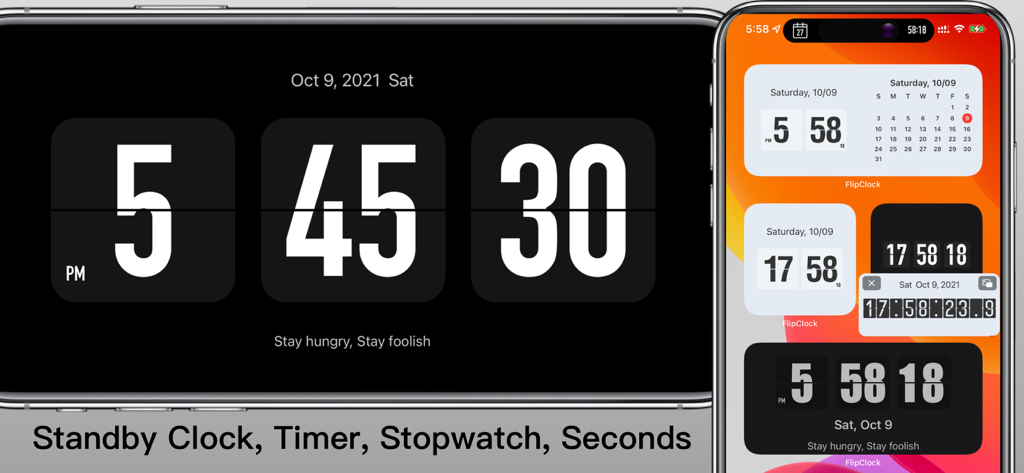
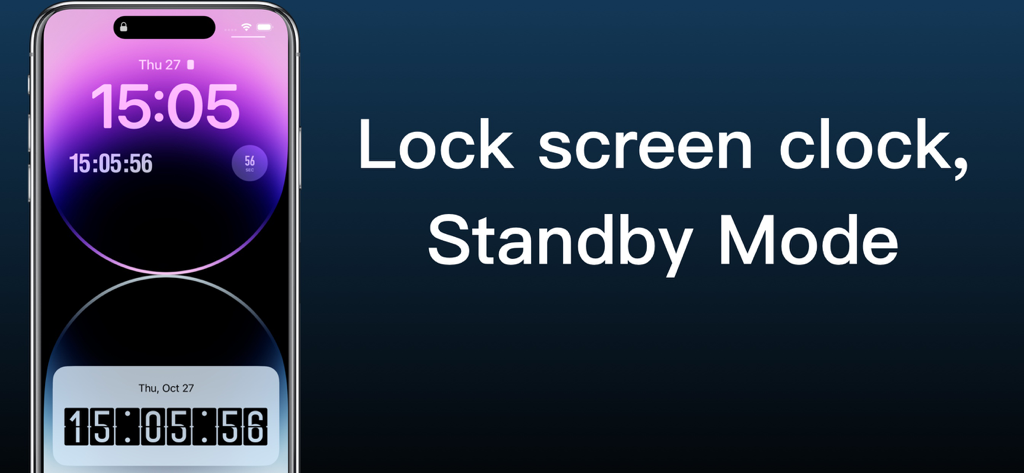
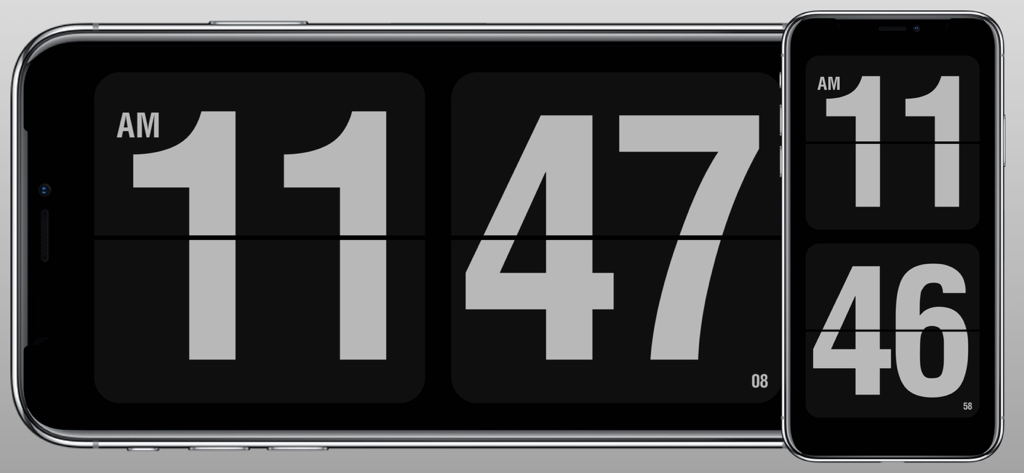
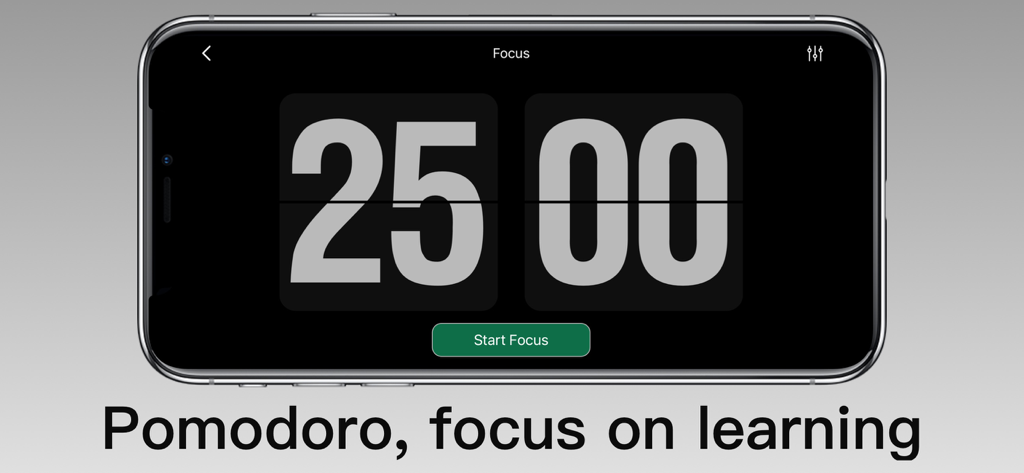
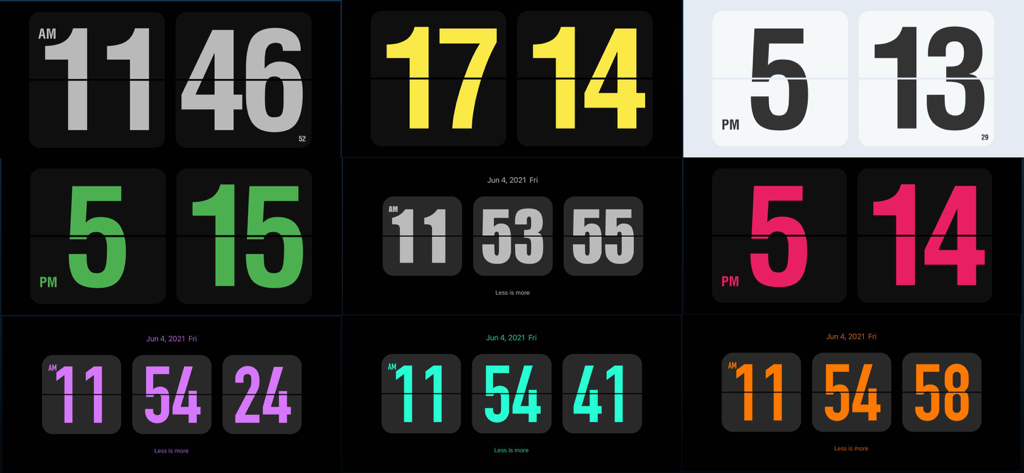
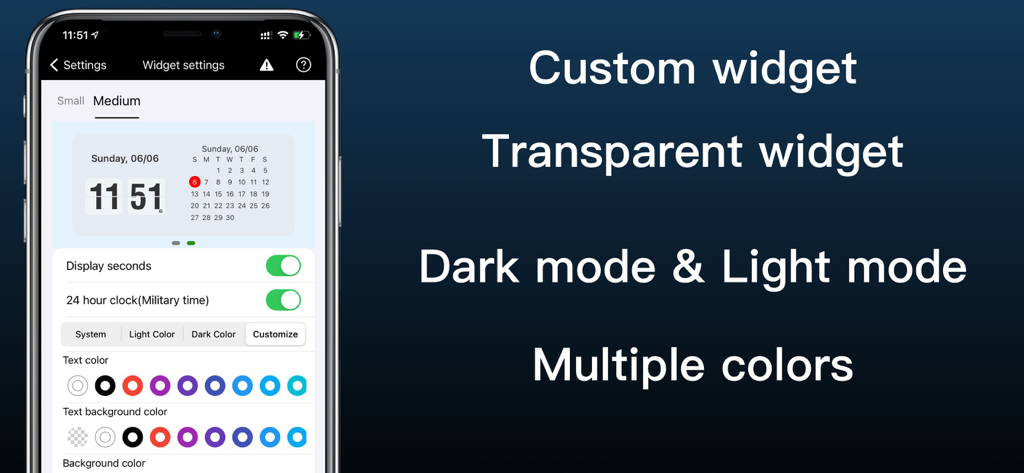
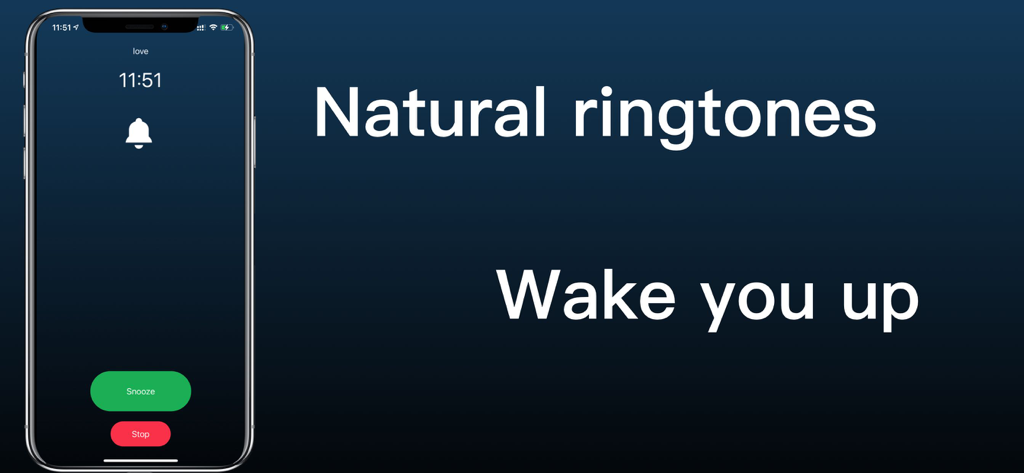
The tools that make this app stand out, trusted by 17M+ users.
Elevate your desk setup with a classic flip clock that transforms your iPhone or iPad into a piece of digital decor for the ultimate 'study with me' vibe.
Stay in the flow using the built-in Pomodoro timer and background white noise, specifically designed to help you crush your study goals without distractions.
Never miss a beat with full support for iOS StandBy mode, Dynamic Island, and personalized home screen widgets that show time, date, and your signature.
Everything you need to know about Flip Clock - digital widgets.
Description
Latest Version
6.16
Size
73.7 MB
First Released
Dec 6, 2016
Join over 17 million users transforming their focus with the world's most aesthetic digital clock and productivity suite. Download Flip Clock today.
Everything you need to know about Flip Clock - digital widgets
Yes, Flip Clock displays seconds on the home screen, lock screen, dynamic island, and standby screen. It also supports showing seconds in widgets.
Yes, Flip Clock supports both 12 and 24-hour time modes. Users can configure this setting within the app.
Yes, Flip Clock can be displayed on the lock screen and in standby mode. It shows the time and date in these modes.
Yes, Flip Clock includes a Pomodoro Technique feature to help users focus on work and study. It displays the focus time.
Yes, Flip Clock supports multiple clock themes and allows customization of text color, background color, and overall appearance. It also offers Dark and Light modes.
Yes, Flip Clock provides clock and calendar widget displays for the home screen. It also supports personalized signatures on widgets.
Yes, Flip Clock features an hourly chime and hourly voice timekeeping functionality to announce the time.
Yes, users can set Flip Clock to automatically launch when the device is charging, functioning as a screensaver.
Yes, Flip Clock provides both a timer and a stopwatch. The floating clock supports displaying the stopwatch in a floating window.
Apps with similar features and user experience

Xiamen ShenZhuo Information Technology Co., Ltd.

Chengdu Tiange Technology Co., Ltd

Guangzhou ZHIFENG Information Technology Co.,Ltd.

文彬 黄

Clockology, LLC

Xiamen Infinity Starway Technology Co., Ltd.

Beijing Curious Cat Co.Ltd

Guangzhou Shuhong Network Technology Co., Ltd.

S.HOUSING INTERIOR ARCHITECTURE COMPANY LIMITED
App information, icons, screenshots, and descriptions displayed on this page are sourced from the Apple App Store and are the property of their respective developers. Download estimates and rankings are based on MWM's proprietary models and may not reflect actual figures. This page is provided for informational and analytical purposes only.
Believe this page infringes your intellectual property? File a dispute