
This page is not an official page of the app or its developer, but an independent editorial publication created for informational and commentary purposes. Unless expressly stated otherwise, neither the app nor its developer is affiliated with, endorsed by, sponsored by, authorized by, or otherwise officially connected with MWM, Apple, Google Play, the app publisher, or the app's developer, and nothing on this page implies that the app was developed using MWM's services. Any trademarks, logos, screenshots, and other content remain the property of their respective owners.

Clockology
Break free from stock designs and express your personality. Build feature-rich faces and widgets with interactive layers, real-time health data, and community-shared visuals tailored for your Apple Watch, iPhone, and iPad.
Downloads
9M+User Rating
Total Ratings
292K+Publisher
Category
Graphics & DesignLocales
15Latest Version
3.4.8Size
92.3 MBFirst Released
Jun 14, 2020Redefine Your Wrist with Unlimited Customization
Transform your Apple Watch from a standard tech accessory into a personalized digital masterpiece using our robust design tools and global library.
Unlimited Creative Control
Craft unique watch faces with video, sound, and custom animations using our professional-grade, layer-based editor.
Deep Health Integration
Keep your goals in sight with custom-tailored visualizations of your HealthKit data, activity rings, and real-time weather updates.
Frequently Asked Questions
Everything you need to know about Clockology
What is Clockology Watch Faces?
Clockology Watch Faces allows users to create, view, and share custom watch faces and widgets on their mobile devices, including iPhone, iPad, and iPod Touch.
Can I create custom watch faces with Clockology Watch Faces?
Yes, Clockology Watch Faces features a powerful editor that enables users to create their own feature-rich watch face and widget designs directly within the app.
Does Clockology Watch Faces integrate with HealthKit?
Yes, Clockology Watch Faces uses HealthKit app integration. It displays steps, distance travelled, activity ring information, and current battery levels from a connected Apple Watch.
What devices are compatible with Clockology Watch Faces?
Clockology Watch Faces is compatible with iPhone, iPad, and iPod Touch. It supports creating and viewing watch faces and widgets across these mobile devices.
Can Clockology Watch Faces share designs with other users?
Yes, Clockology Watch Faces allows users to share and import designs from other users around the world.
What types of data can Clockology Watch Faces display?
Clockology Watch Faces displays video, sound, date, time, weather, activity, health data, and device-specific information like battery levels through various layer types.
How do I add Clockology watch faces to my Apple Watch?
Clockology Watch Faces allows you to add custom watch faces directly to your Apple Watch. This functionality is supported within the application.
Can I use Clockology widgets on my iPhone homescreen?
Yes, Clockology supports adding widgets to your iPhone homescreen. Users can choose between active and inactive widgets for display.
Does Clockology Watch Faces show weather information?
Yes, Clockology Watch Faces displays current weather as an icon, temperature, or words using Apple Weather, based on your current location.
Where can I find the End User License Agreement (EULA) for Clockology?
The End User License Agreement for Clockology is available at the provided URL: https://clockologyapp.com/eula/.
The following screenshots and description are sourced directly from the app's official store listing and are the property of the app developer.
App Store
Screenshots
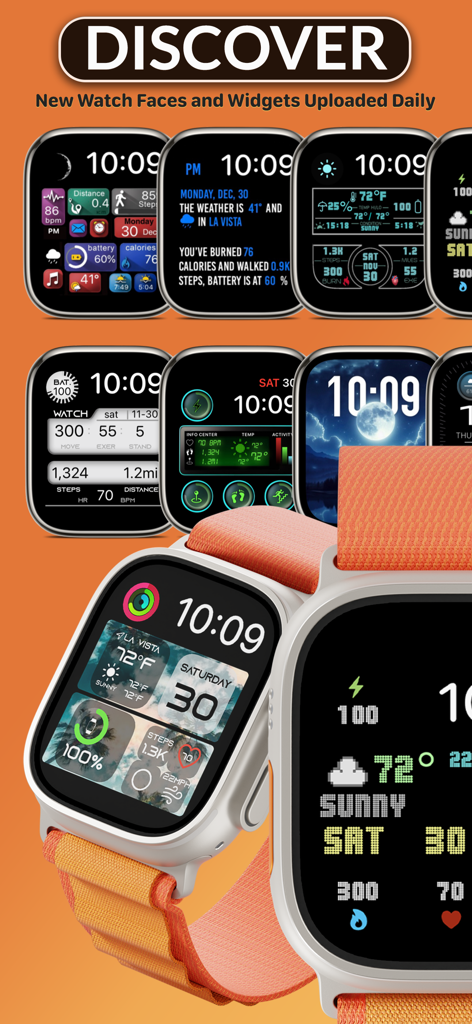
A gallery of various custom Apple Watch faces and widgets including health and weather data
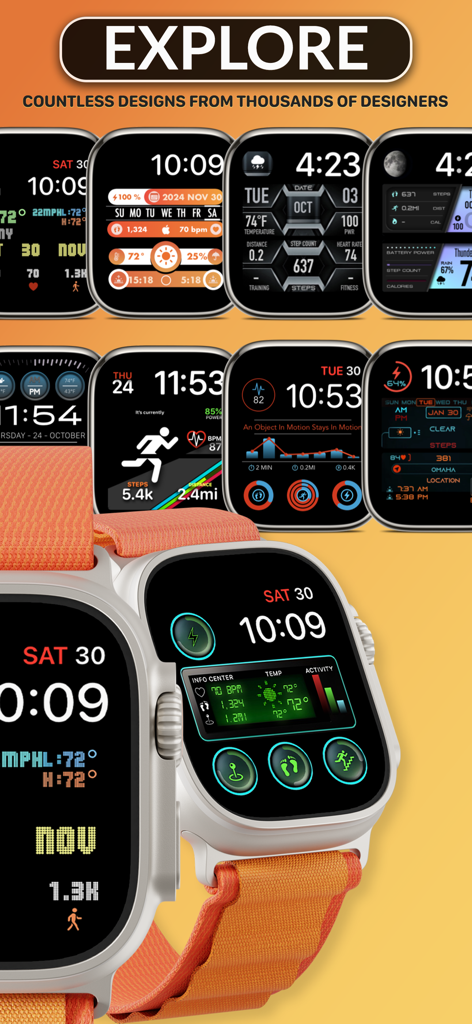
A collection of custom Apple Watch faces showing various digital designs with health data and weather widgets
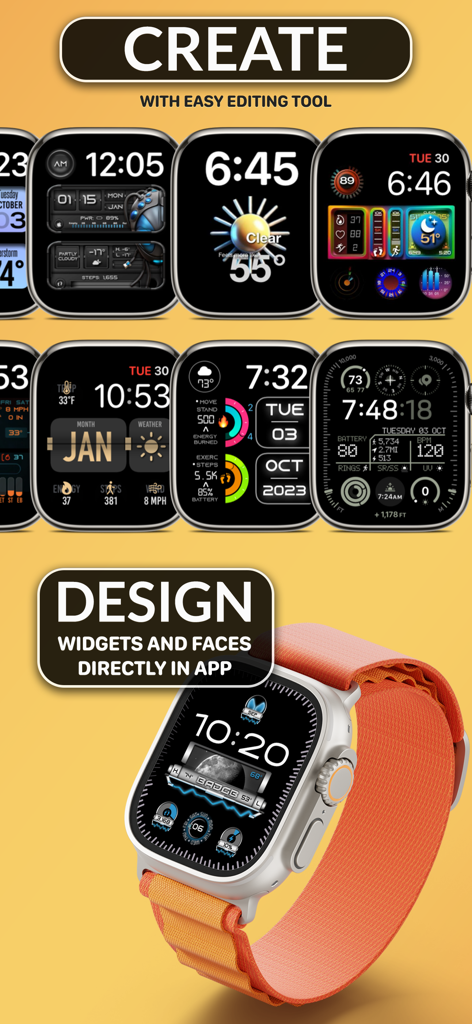
A variety of custom Apple Watch faces and widgets designed with the Clockology editing tool
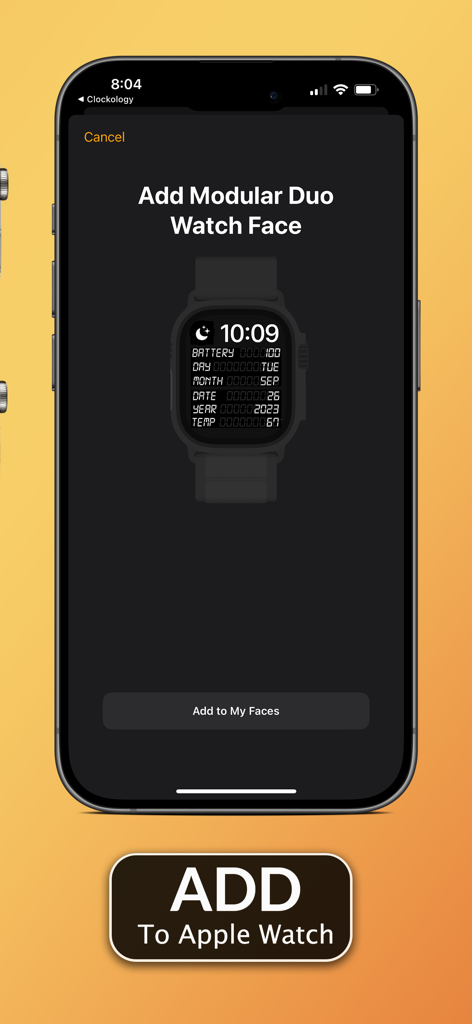
iPhone screen displaying Clockology app with Add Modular Duo Watch Face option for Apple Watch
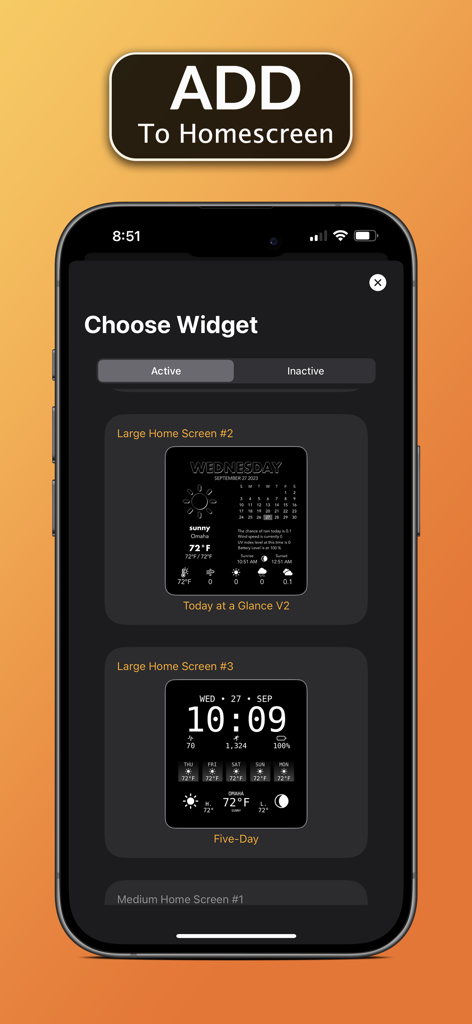
Clockology app interface showing different dark themed home screen widget designs for iPhone
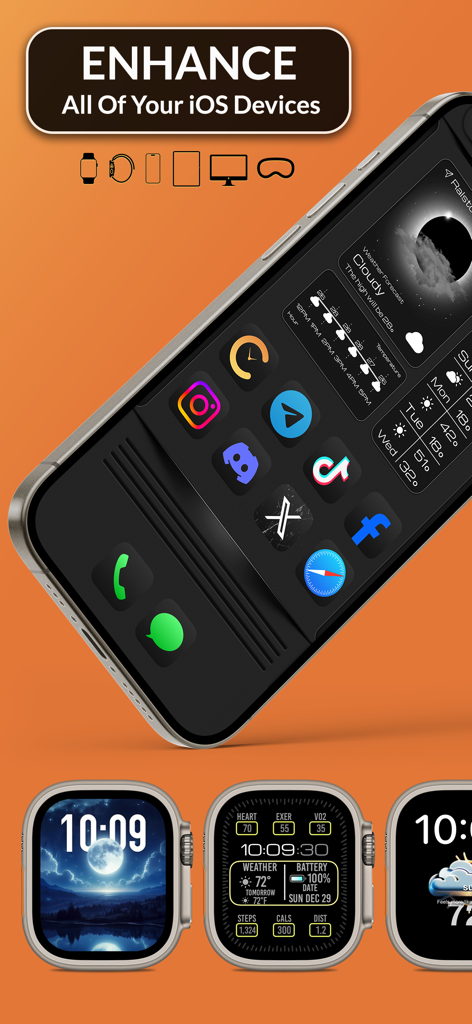
Custom Apple Watch faces and iPhone widgets showing personalized health data and weather dashboards
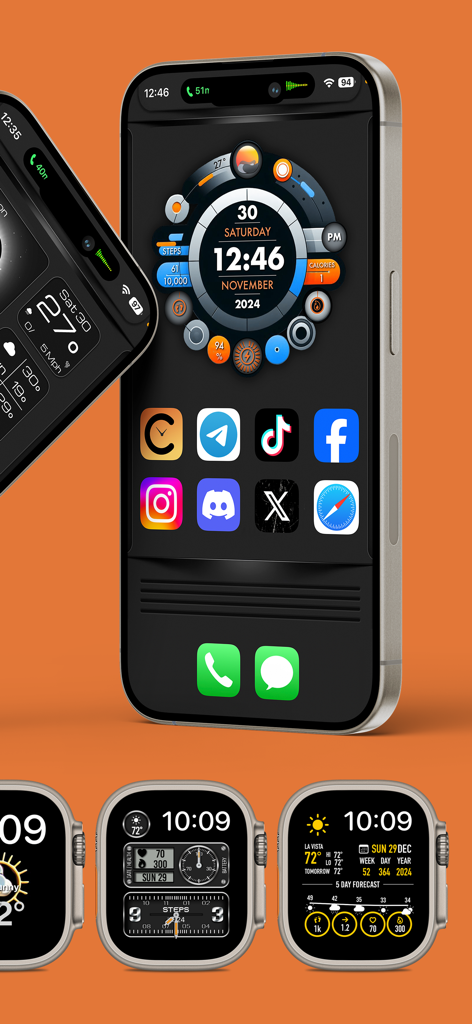
Customized iPhone dashboard widget and various Apple Watch faces
Description
Download
More Like This
Apps with similar features and user experience

iScreen - Widgets & Wallpaper
Xiamen ShenZhuo Information Technology Co., Ltd.

Top Widgets⁺ Icons & Themes
Chengdu Tiange Technology Co., Ltd

Colorful Widget- Widget&Themes
Guangzhou ZHIFENG Information Technology Co.,Ltd.

最美壁纸-手机动态主题AI壁纸
文彬 黄

全能实况 - 实况壁纸制作器&视频转实况动态壁纸
Xiamen Infinity Starway Technology Co., Ltd.

Fun Widgets-Widgets&Wallpapers
Beijing Curious Cat Co.Ltd

屏幕精灵 - 个性的动态壁纸&充电动画&来电壁纸秀
Guangzhou Shuhong Network Technology Co., Ltd.

Themes - Widget & Icon Themes
S.HOUSING INTERIOR ARCHITECTURE COMPANY LIMITED

Widgets Flow
MaiChong Network Technology Co., Ltd.
This page is not an official page of the app or its developer, but an independent editorial publication created for informational and commentary purposes. Unless expressly stated otherwise, neither the app nor its developer is affiliated with, endorsed by, sponsored by, authorized by, or otherwise officially connected with MWM, Apple, Google Play, the app publisher, or the app's developer, and nothing on this page implies that the app was developed using MWM's services. Any trademarks, logos, screenshots, and other content remain the property of their respective owners.