
This page is not an official page of the app or its developer, but an independent editorial publication created for informational and commentary purposes. Unless expressly stated otherwise, neither the app nor its developer is affiliated with, endorsed by, sponsored by, authorized by, or otherwise officially connected with MWM, Apple, Google Play, the app publisher, or the app's developer, and nothing on this page implies that the app was developed using MWM's services. Any trademarks, logos, screenshots, and other content remain the property of their respective owners.

Flip Sampler
Turn any sound into a song with a frictionless workflow designed for speed. Record, sequence, and export professional stems from the palm of your hand.
Downloads
215K+User Rating
Total Ratings
700Publisher
Category
MusicLocales
1Latest Version
1.4.2Size
184.4 MBFirst Released
Dec 1, 2020Pro-Level Production in Your Pocket
The most intuitive way to sample, sequence, and arrange. Capture inspiration the moment it strikes and turn raw sounds into finished tracks without ever leaving your phone.
Infinite Sampling Potential
Record directly from your device’s microphone or import sounds via AirDrop to create custom drum pads and playable keyboards in seconds.
Dynamic Automation & Chaos
Bring your beats to life by recording knob movements or using independent automation lanes to create evolving, polymetric textures and happy accidents.
The following screenshots and description are sourced directly from the app's official store listing and are the property of the app developer.
App Store
Screenshots
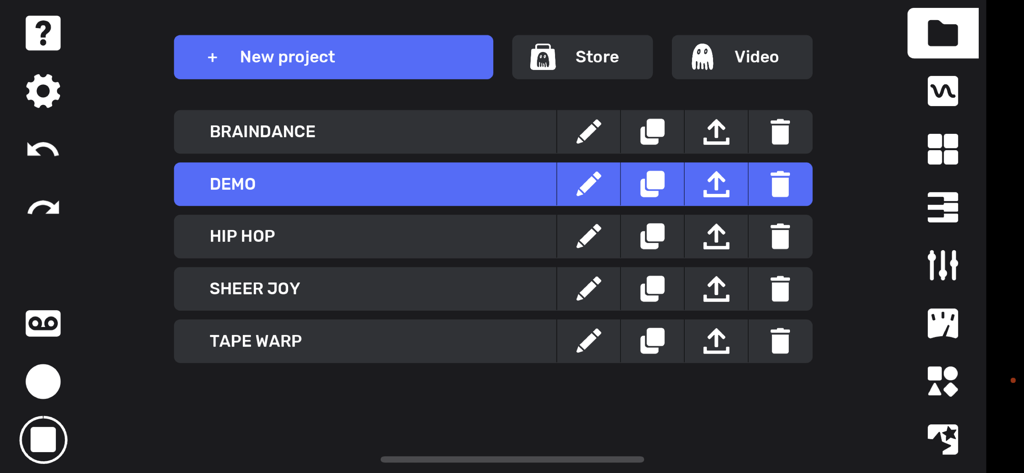
The project management screen in Flip Sampler showing a list of music tracks and creative tool icons
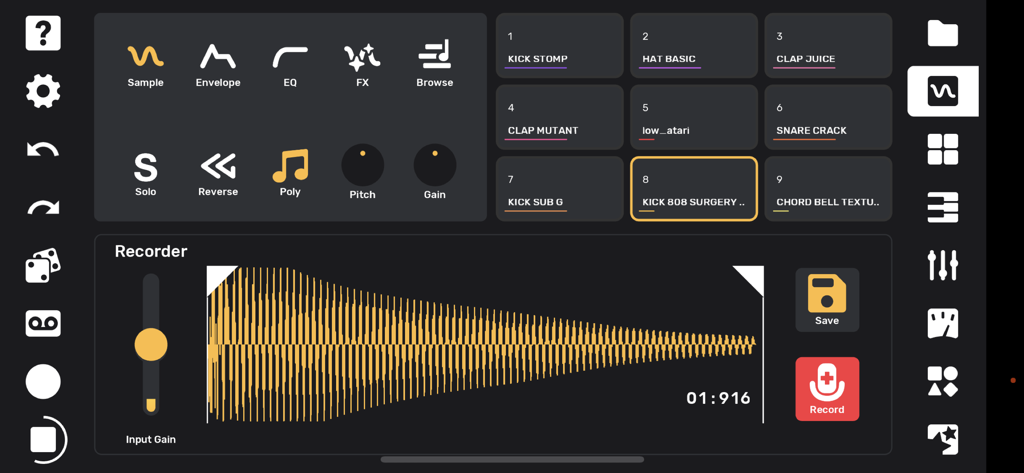
Flip Sampler app interface showing the recorder screen with waveform display and drum pads for music production.
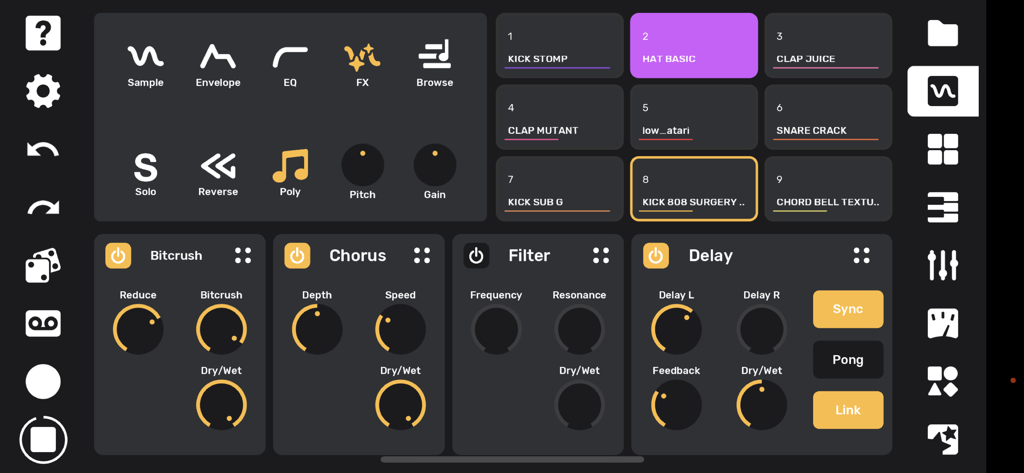
Interface of Flip Sampler showing nine drum pads and audio effects panels for bitcrush chorus filter and delay
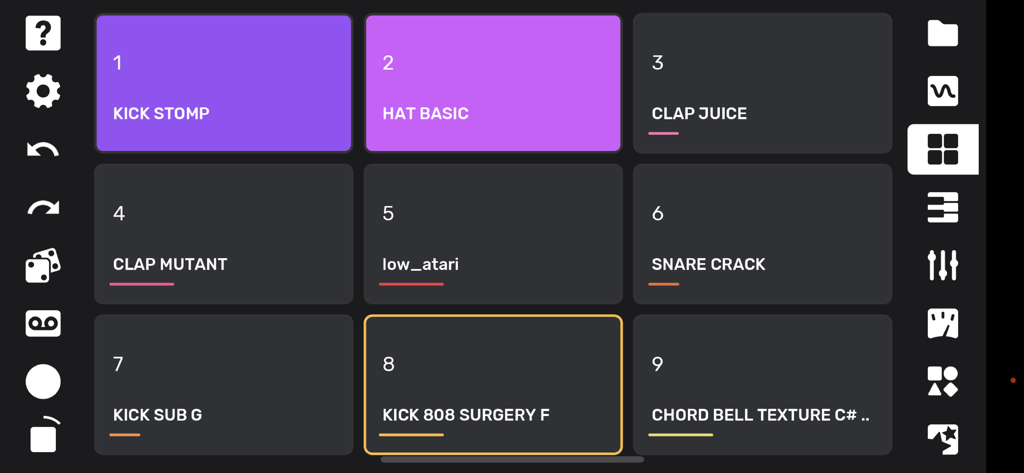
Drum pad interface of the Flip Sampler app with labeled sound samples
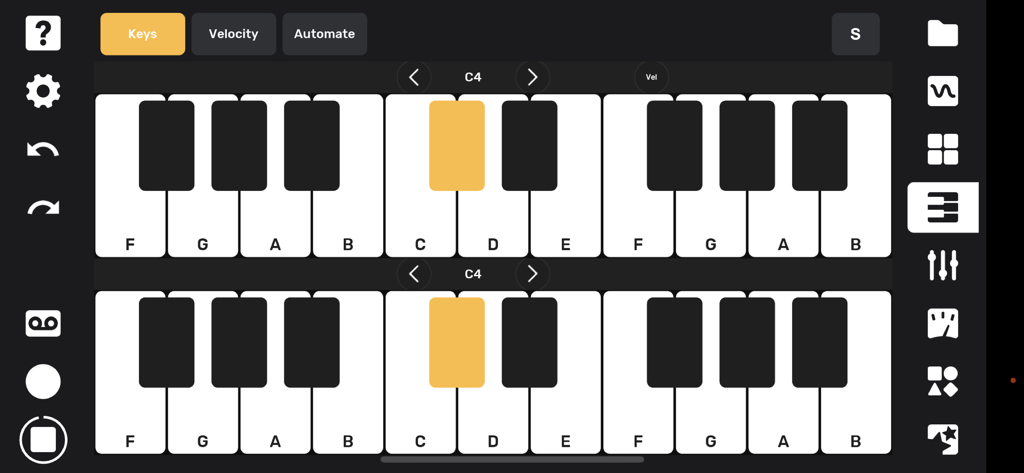
Dual piano keyboard interface in Flip Sampler for playing and recording melodic sounds
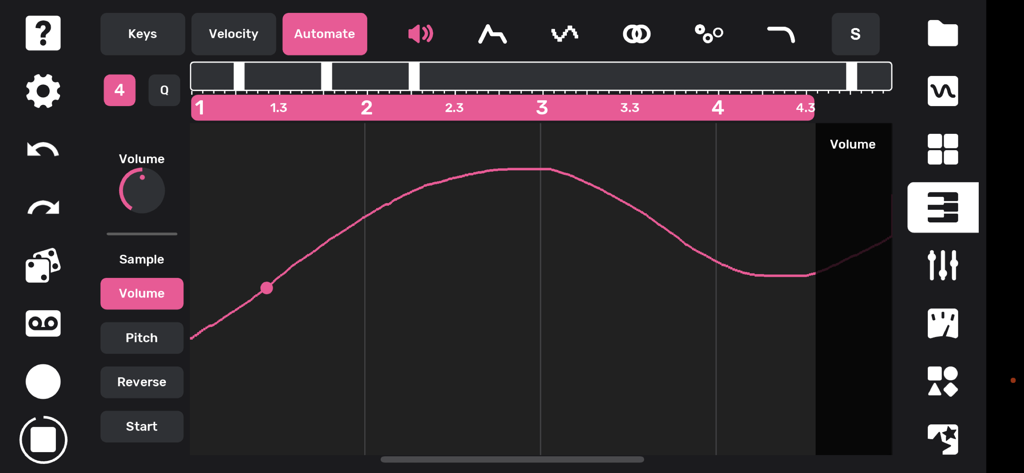
Interface of the Flip Sampler app showing a pink volume automation curve for music production.
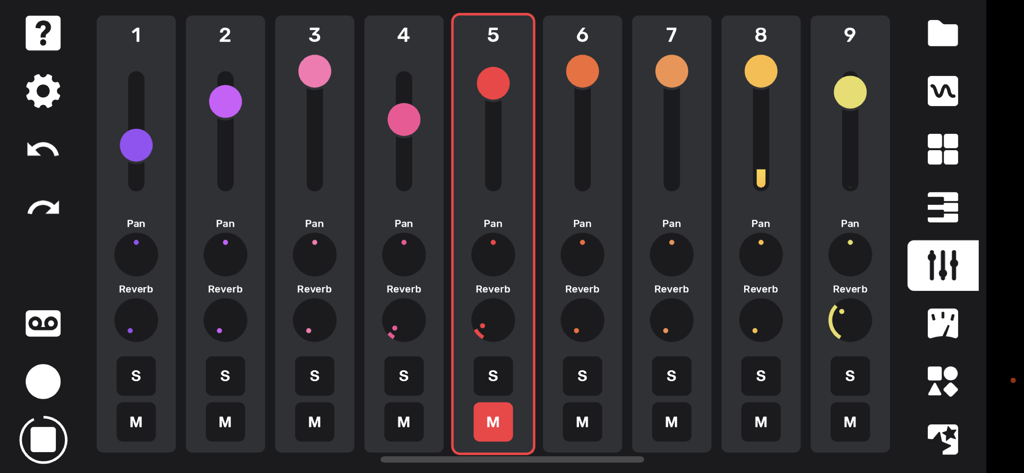
A nine track mixer interface with volume faders and knobs for pan and reverb controls.
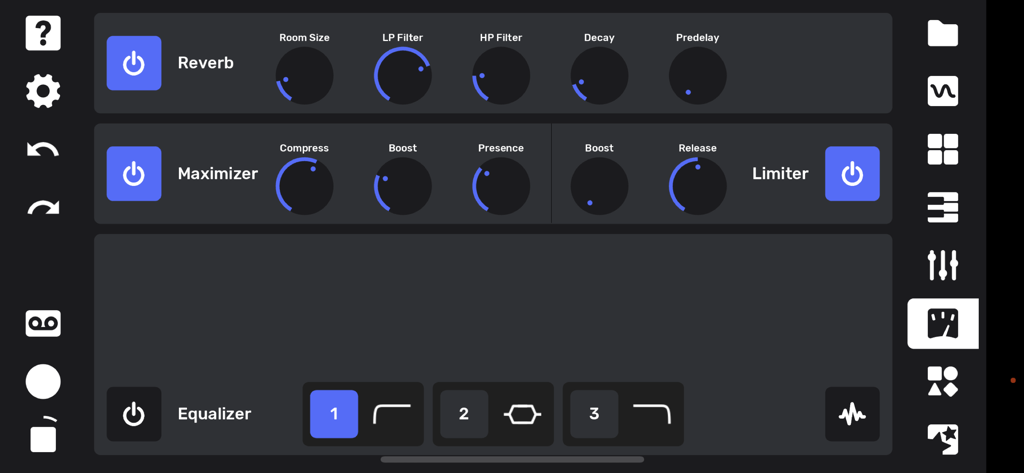
Flip Sampler app interface showing reverb maximizer and equalizer settings
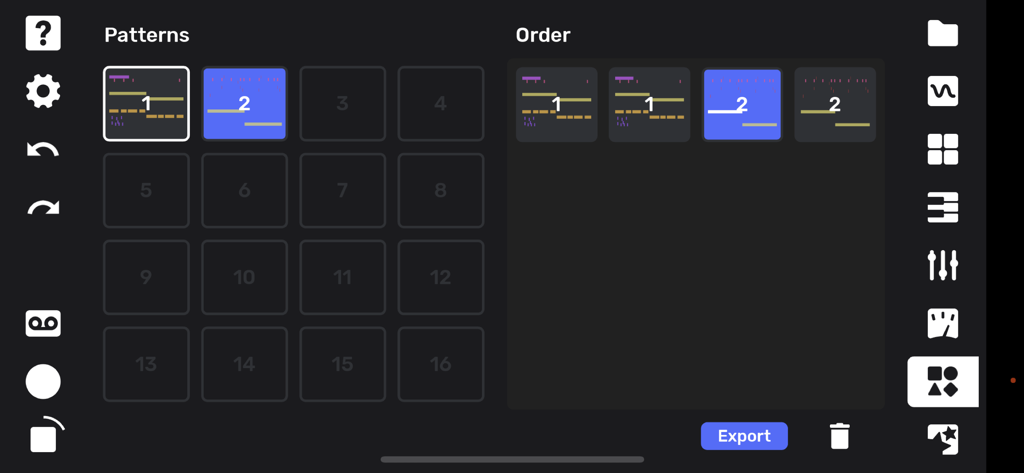
Song arrangement and pattern sequencing screen in Flip Sampler app
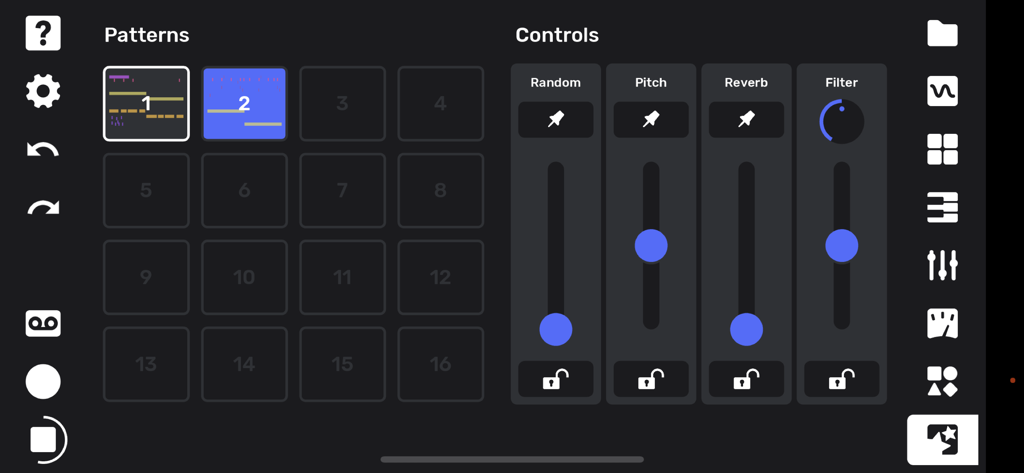
Flip Sampler app performance screen showing pattern grids and sliding controls for audio effects like pitch and reverb
Description
Download
More Like This
Top-ranked apps in the same category

Spotify: Music and Podcasts
Spotify

YouTube Music
Google LLC

Shazam: Find Music & Concerts
Apple Inc.

SoundCloud: The Music You Love
SoundCloud Global Limited & Co KG

Suno - AI Songs & Music
Suno Inc.

QQ音乐 - 听我想听
Tencent Technology (Shenzhen) Company Limited

Audiomack - Play Music Offline
Audiomack, Inc.

GuitarTuna: Tune & Play Guitar
Yousician Ltd

BandLab – Music Maker & Beats
BandLab Singapore Pte Ltd
This page is not an official page of the app or its developer, but an independent editorial publication created for informational and commentary purposes. Unless expressly stated otherwise, neither the app nor its developer is affiliated with, endorsed by, sponsored by, authorized by, or otherwise officially connected with MWM, Apple, Google Play, the app publisher, or the app's developer, and nothing on this page implies that the app was developed using MWM's services. Any trademarks, logos, screenshots, and other content remain the property of their respective owners.