Flipper - Mirror Image Editor

Flipper - Mirror Image Editor


Download on App Store
Logo of Flipper - Mirror Image Editor

Flipper - Mirror Image Editor: Create Perfect Symmetry in Seconds

Elevate your aesthetic with 36 unique mirroring effects and intuitive gesture controls. Transform ordinary shots into stunning visual masterpieces ready for your Instagram feed.

Download on App Store

Publisher

Aleksandr Romanchev

Category

Photo & Video

Downloads

0

User Rating

4.6/5

Total Ratings

0

Locales

11

Double Your Perspective

Discover the interface used by 0 users.
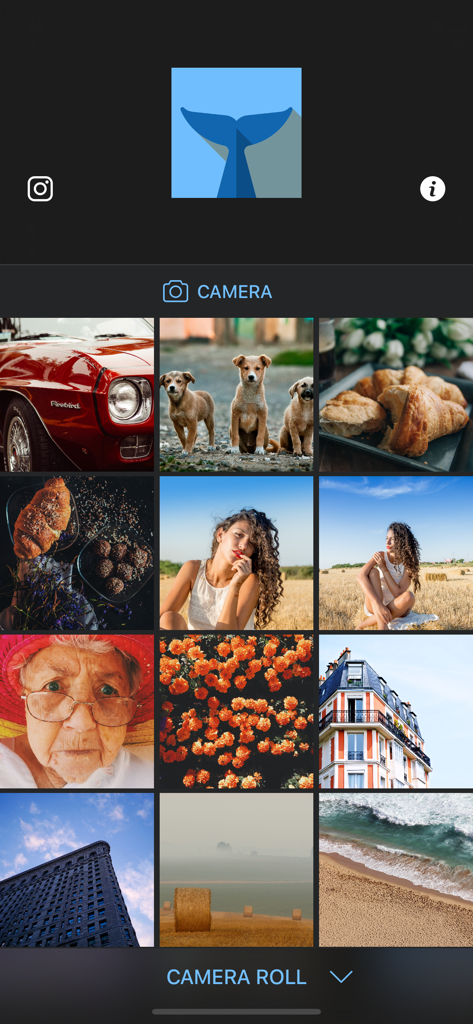
Main screen of Flipper Mirror Image Editor showing a photo gallery and camera access

Main screen of Flipper Mirror Image Editor showing a photo gallery and camera access

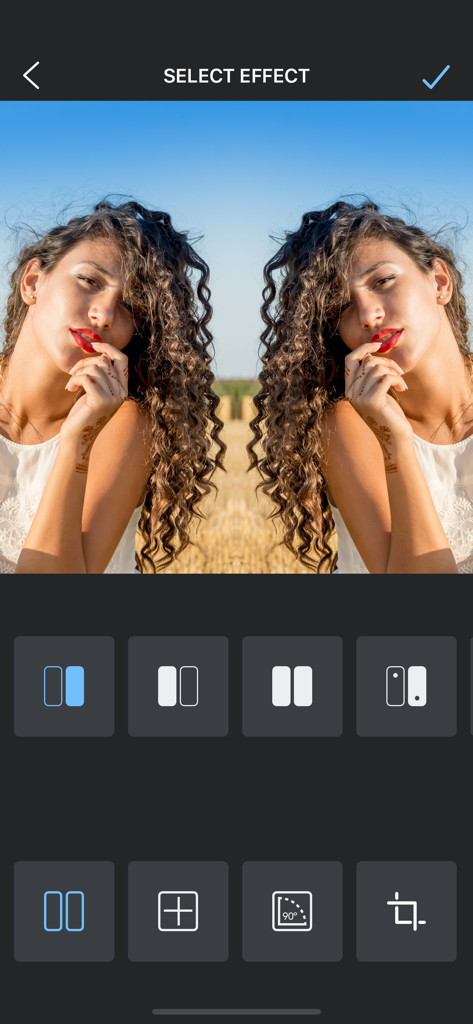
A mirrored portrait of a woman in the Flipper app selection screen

A mirrored portrait of a woman in the Flipper app selection screen

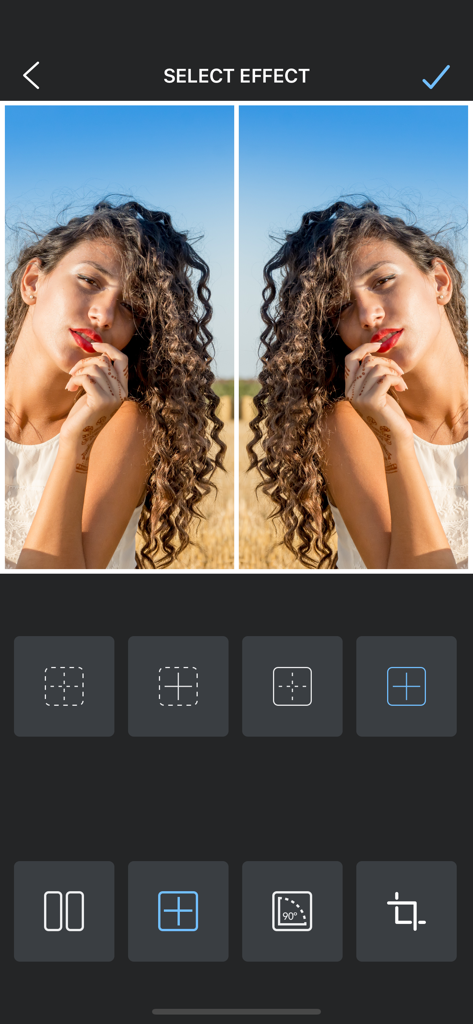
Symmetrical side by side mirror effect on a portrait in the Flipper app

Symmetrical side by side mirror effect on a portrait in the Flipper app

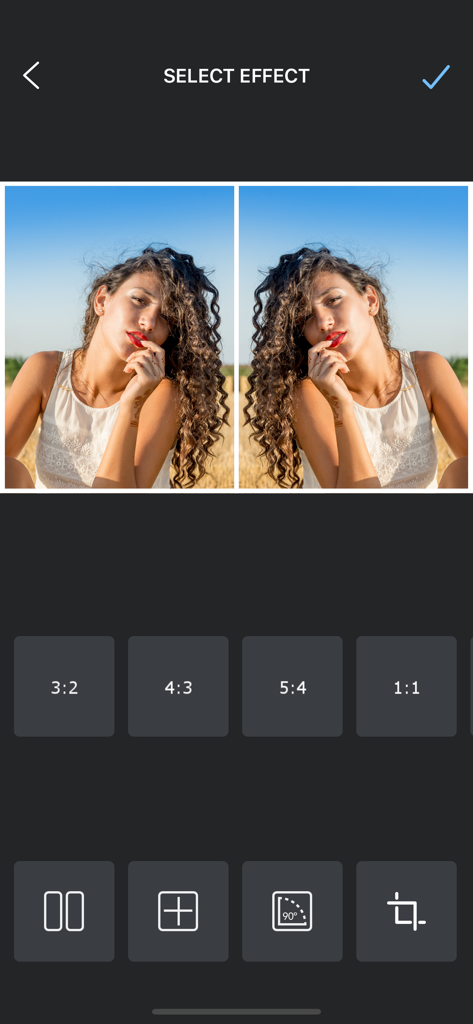
Interface of the Flipper app showing a mirrored portrait photo with various aspect ratio selection options.

Interface of the Flipper app showing a mirrored portrait photo with various aspect ratio selection options.

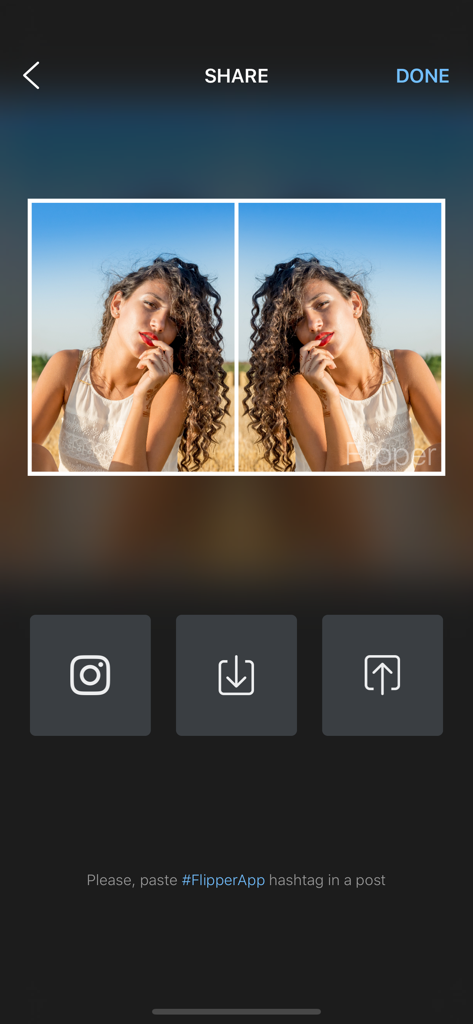
Interface showing a mirrored photo with share options for Instagram and download

Interface showing a mirrored photo with share options for Instagram and download

Master the Art of Symmetry

The tools that make this app stand out, trusted by 0 users.

🪞

36 Creative Mirror Styles

Discover a diverse library of unique reflection effects that transform simple snapshots into captivating works of art.

🤏

Seamless Gesture Control

Experience total creative freedom with fluid pinch-to-zoom and scroll-to-position gestures for the perfect alignment.

📸

Optimized for Your Feed

Export high-resolution layouts directly to Instagram and TikTok to give your aesthetic an edge that stands out in every scroll.

About the app

Everything you need to know about Flipper - Mirror Image Editor.

Description

Choose photo from your camera roll or take a photo, and automatically turn it into a photo with mirror effects. Pick the effect you like best, then edit it to make it your own. Flipper's smooth, intuitive process gives you complete creative control. Tap to select style of mirror, scroll to positioning, pinch to zoom in or out. You're the editor, change the look of your regular photos to convey a mood or theme. FEATURES * Select photo from your albums or take a photo, and automatically turn it into a photo with mirror effects. * Pick one of the 36 unique mirroring effects. * Enlarge, Shrink, Move, and use gestures to make mirror images. * Save your layouts to your camera roll and share them seamlessly to Instagram or other networks. * Download and start creating mirror photo immediately.

Latest Version

1.9.9

Size

19.3 MB

First Released

May 10, 2015

Ready to Level Up Your Aesthetic?

Join thousands of creators turning everyday shots into symmetrical masterpieces. Download Flipper now and make your feed unforgettable with just one tap.

Download on App Store

App information, icons, screenshots, and descriptions displayed on this page are sourced from the Apple App Store and are the property of their respective developers. Download estimates and rankings are based on MWM's proprietary models and may not reflect actual figures. This page is provided for informational and analytical purposes only.

Believe this page infringes your intellectual property? File a dispute