
This page is not an official page of the app or its developer, but an independent editorial publication created for informational and commentary purposes. Unless expressly stated otherwise, neither the app nor its developer is affiliated with, endorsed by, sponsored by, authorized by, or otherwise officially connected with MWM, Apple, Google Play, the app publisher, or the app's developer, and nothing on this page implies that the app was developed using MWM's services. Any trademarks, logos, screenshots, and other content remain the property of their respective owners.


Flow Kiosk: Offline iPad Kiosk
Transform your iPad into a professional, brand-perfect kiosk without writing a single line of code. Designed for trade shows, museums, and retail, it works 100% offline and stays locked down so you can engage customers and capture leads with total peace of mind.
Downloads
1K+User Rating
Total Ratings
0Publisher
Category
BusinessLocales
8Latest Version
2.61Size
96.7 MBFirst Released
Aug 29, 2018Everything You Need for a Flawless Kiosk
Create, secure, and manage professional interactive displays in minutes—no coding or IT department required.
100% Offline Performance
Eliminate the stress of unreliable venue Wi-Fi. Your videos, PDFs, and presentations run locally for a lightning-fast, zero-lag experience anywhere.
Secure Kiosk Lockdown
Keep visitors focused on your brand. One-tap lockdown and PIN protection prevent users from exiting the app or tampering with your iPad settings.
The following screenshots and description are sourced directly from the app's official store listing and are the property of the app developer.
App Store
Screenshots

A person interacting with an iPad kiosk display showing video and document options at a trade show
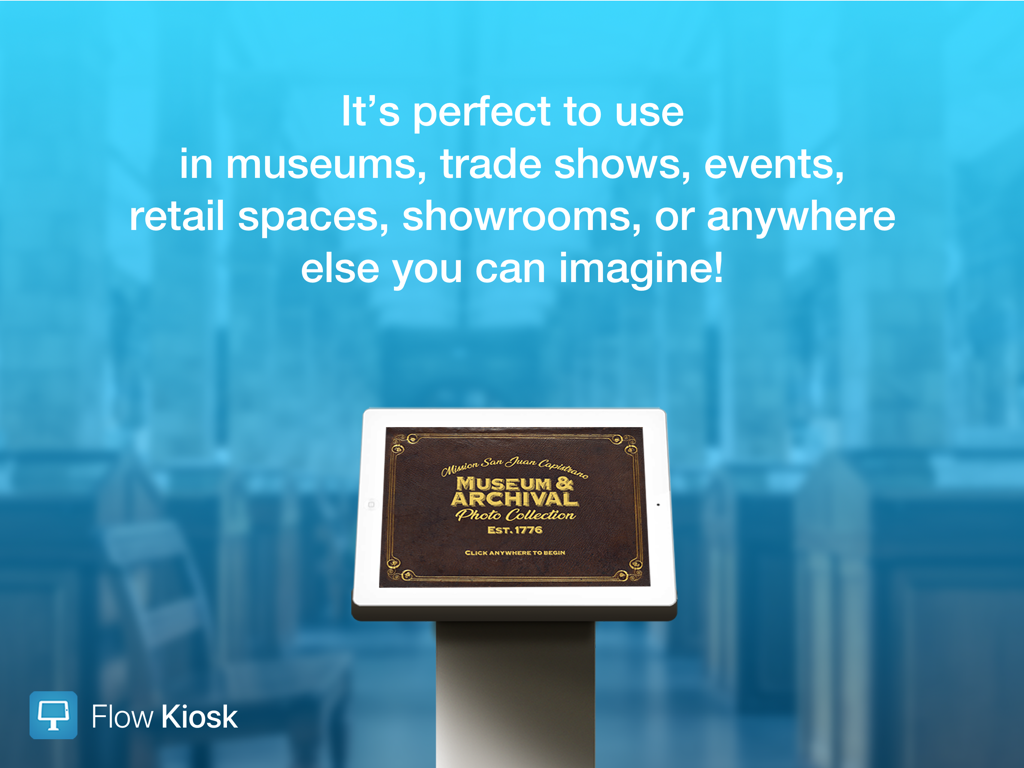
An iPad kiosk stand displaying a museum archival photo collection interface
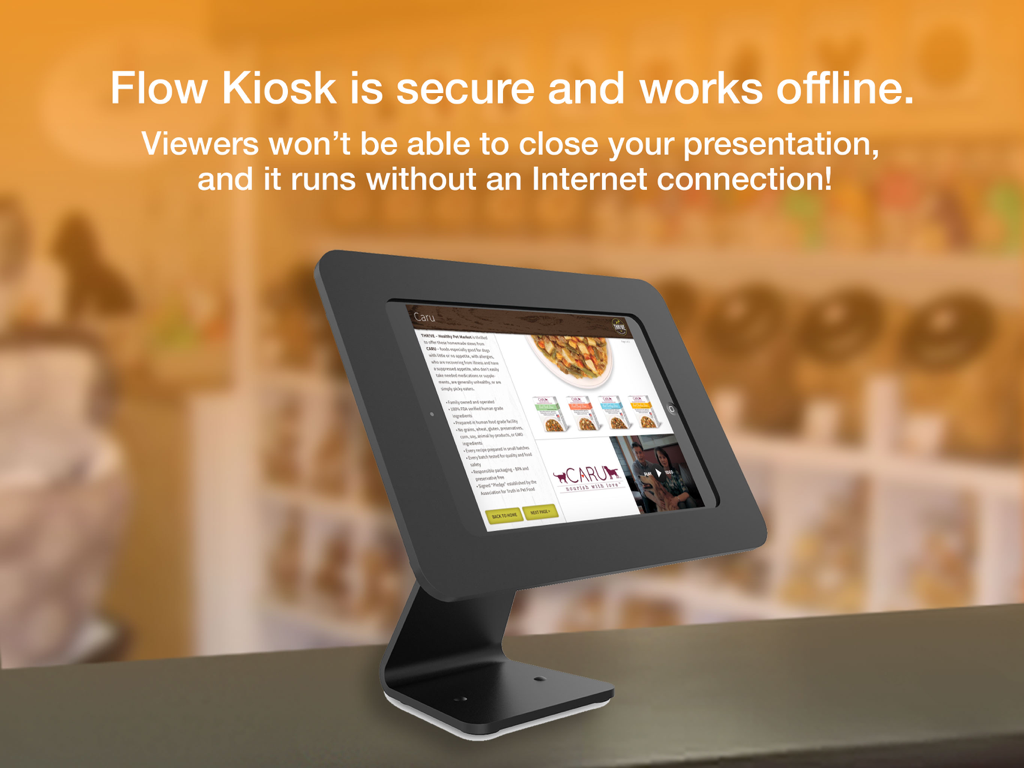
iPad in a black kiosk stand displaying a secure offline presentation
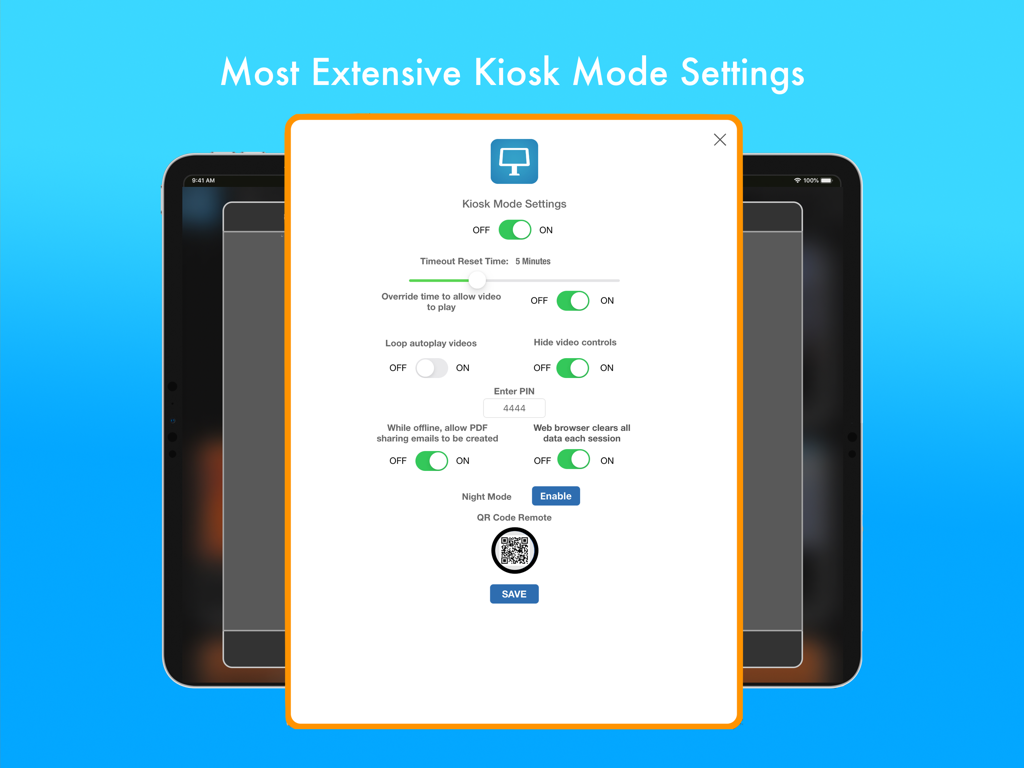
Flow Kiosk app interface showing extensive kiosk mode security and display settings on an iPad

iPad display showing a variety of professional kiosk templates for trade shows and museums
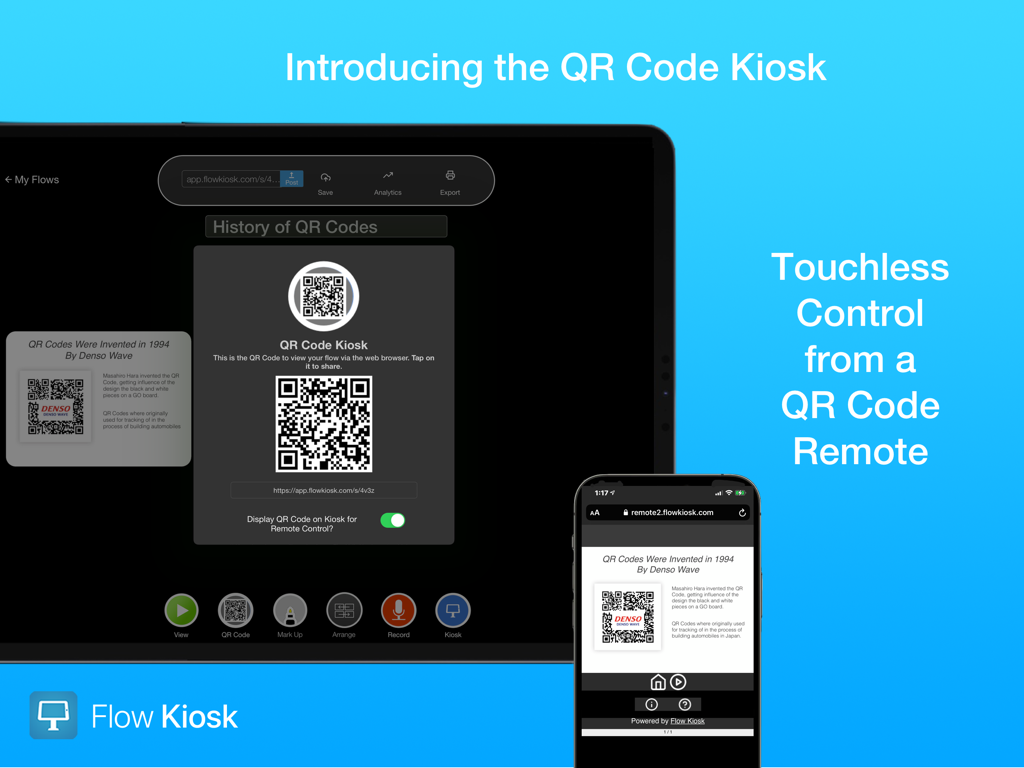
Flow Kiosk app interface showing touchless control feature using a QR code remote on a smartphone and iPad
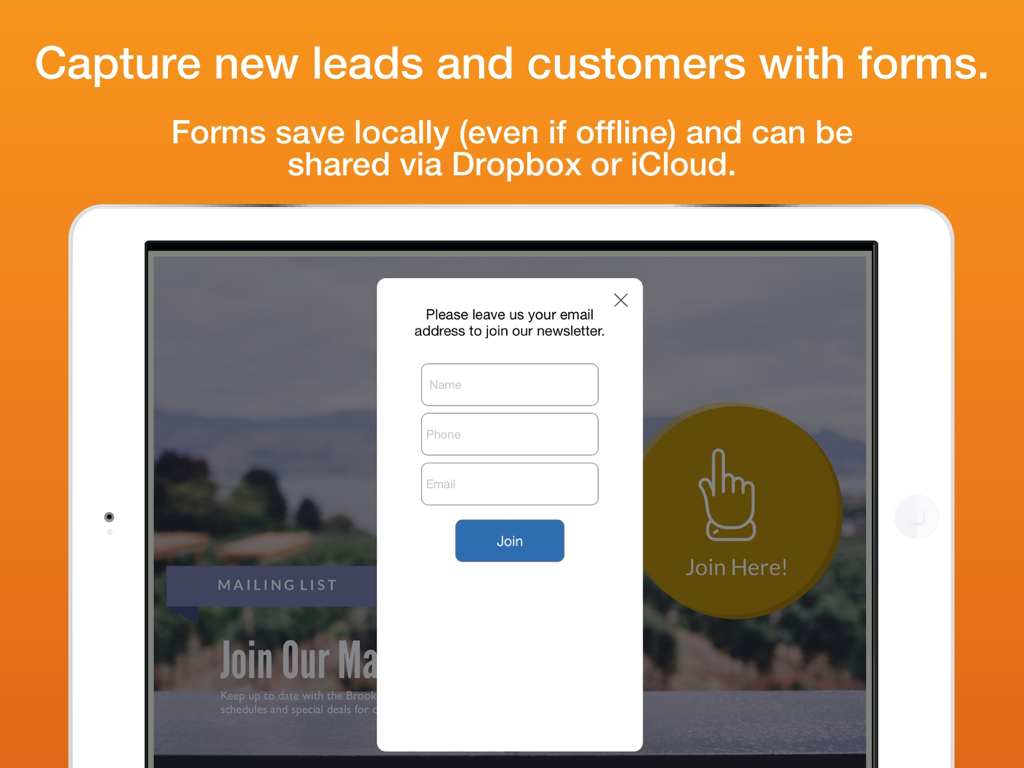
Flow Kiosk app showing an email newsletter signup form on an iPad for lead capture at events
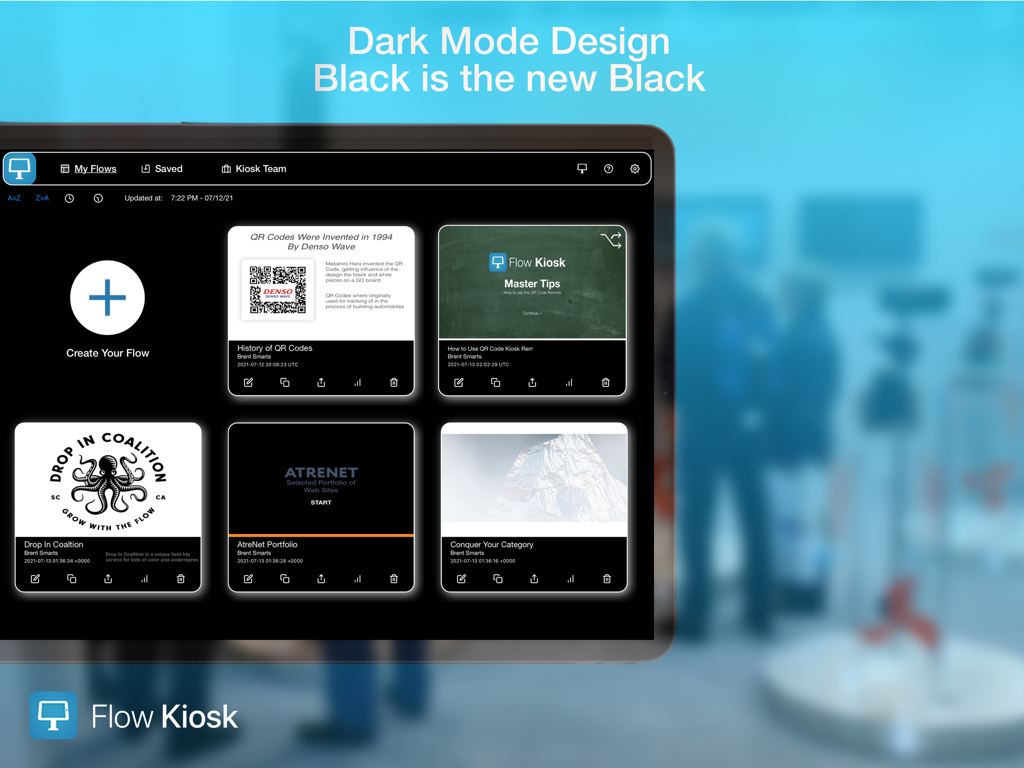
Flow Kiosk iPad app interface showing the My Flows dashboard in dark mode design
Description
Download
More Like This
Top-ranked apps in the same category

Microsoft Teams
Microsoft Corporation

Zoom Workplace
Zoom Communications, Inc.

WhatsApp Business
WhatsApp Inc.

Indeed Job Search
Indeed Inc.

LinkedIn: Network & Job Finder
LinkedIn Corporation

Adobe Acrobat Reader: Sign PDF
Adobe Inc.

DingDing - Redefine Work in AI
DingTalk Technology Co., Ltd.

WeCom-Work Communication&Tools
Tencent Technology (Shenzhen) Company Limited

BOSS直聘-招聘求职找工作神器
Beijing China Product Bo Farce Network Technology Co., Ltd.
This page is not an official page of the app or its developer, but an independent editorial publication created for informational and commentary purposes. Unless expressly stated otherwise, neither the app nor its developer is affiliated with, endorsed by, sponsored by, authorized by, or otherwise officially connected with MWM, Apple, Google Play, the app publisher, or the app's developer, and nothing on this page implies that the app was developed using MWM's services. Any trademarks, logos, screenshots, and other content remain the property of their respective owners.