
This page is not an official page of the app or its developer, but an independent editorial publication created for informational and commentary purposes. Unless expressly stated otherwise, neither the app nor its developer is affiliated with, endorsed by, sponsored by, authorized by, or otherwise officially connected with MWM, Apple, Google Play, the app publisher, or the app's developer, and nothing on this page implies that the app was developed using MWM's services. Any trademarks, logos, screenshots, and other content remain the property of their respective owners.


Forms for Google Docs
Finally, true mobile mastery over your Google Forms. The app offers comprehensive control, turning your device into a data-gathering powerhouse.
Downloads
5M+User Rating
Total Ratings
118.5KPublisher
Category
ProductivityLocales
31Latest Version
2.4.1Size
121.5 MBFirst Released
May 15, 2022Evaluating key functionalities for efficient online form creation and data management.
Forms for Google Docs: A Comprehensive Feature Analysis
AI-powered Form Generation
The app provides AI conversation to quickly generate form questions, significantly accelerating form creation.
Google Sheets Raw Data Integration
It allows users to open raw response data directly with Google Sheets for deeper analysis and automation workflows.
Conditional Logic for Forms
This tool features custom logic to display subsequent questions based on previous answers, enhancing survey dynamism.
Real-time Analytics & Visualizations
The app offers real-time response analytics and graphical summaries, providing immediate insights into data.
Advanced Response Controls
It provides distinctive features for setting response notifications, limits on responses, and scheduling collection periods.
Real-time Team Collaboration
The app allows users to add collaborators and editors to forms, facilitating real-time team-based question building.
Sophisticated Response Filtering
This tool enables filtering of form responses by various criteria such as date, email, questions, or score for targeted analysis.
Cross-platform Form Creation
The app provides the ability to easily create new forms across phone, tablet, or computer devices, ensuring accessibility.
Data Export Capabilities
It allows for the export of form responses in CSV or Excel file formats, supporting versatile data handling and integration.
Quiz & Feedback Automation
This tool features capabilities for making quizzes, assigning point values, setting answers, and providing automated feedback.
Frequently Asked Questions
Everything you need to know about Forms for Google Docs
What is FormsApp for Google Docs?
FormsApp allows users to create, edit, share, and manage online forms and surveys directly from their iOS, iPhone, iPod, or iPad devices. It facilitates real-time analysis of results.
Is FormsApp for Google Docs an official Google application?
No, FormsApp is a third-party application. It is not officially associated with Google. All trademarks mentioned are the property of their respective owners.
Can FormsApp create forms using AI?
Yes, FormsApp enables users to generate form questions quickly through AI conversation. Users input a research topic and content, then AI helps create the form.
Does FormsApp support real-time analysis of survey responses?
FormsApp provides real-time responses, analytics, and graphs for surveys and quizzes. Users view results in summary, questions, or individual response modes.
How can I customize forms within FormsApp?
FormsApp allows users to customize form themes by selecting fonts, colors, and backgrounds. It also provides various templates for different form types.
Can I collaborate on forms with other users in FormsApp?
Yes, FormsApp allows users to add collaborators or editors to their forms. Teams can build questions together in real-time by sharing an edit link.
Does FormsApp provide notifications for new form responses?
FormsApp notifies users via app push notifications or email whenever someone submits a new response. This feature is part of its distinctive notification settings.
Can FormsApp limit responses or set timeframes for forms?
Yes, FormsApp enables users to set a limit on the number of responses. It also allows users to specify a start and end time for form responses.
What export options are available for form responses in FormsApp?
FormsApp users can export responses in CSV or Excel file format. The app also supports opening raw data with Google Sheets for deeper analysis.
Where can I find the privacy policy for FormsApp?
FormsApp provides a Privacy Policy which details how the application handles user data. The policy is accessible via a dedicated link.
The following screenshots and description are sourced directly from the app's official store listing and are the property of the app developer.
App Store
Screenshots
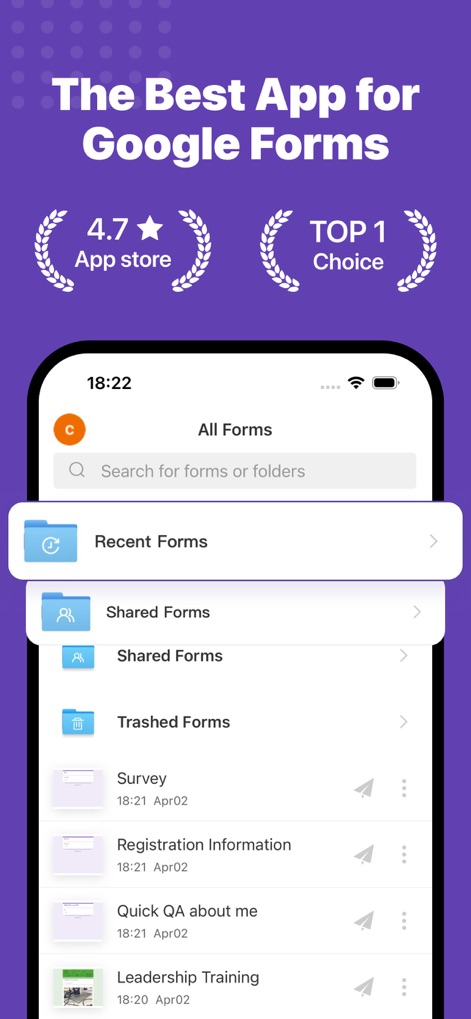
Explore the app's intuitive "All Forms" dashboard, featuring quick access to "Recent Forms" and clearly categorized sections for efficient form organization.
Effortless Form Management
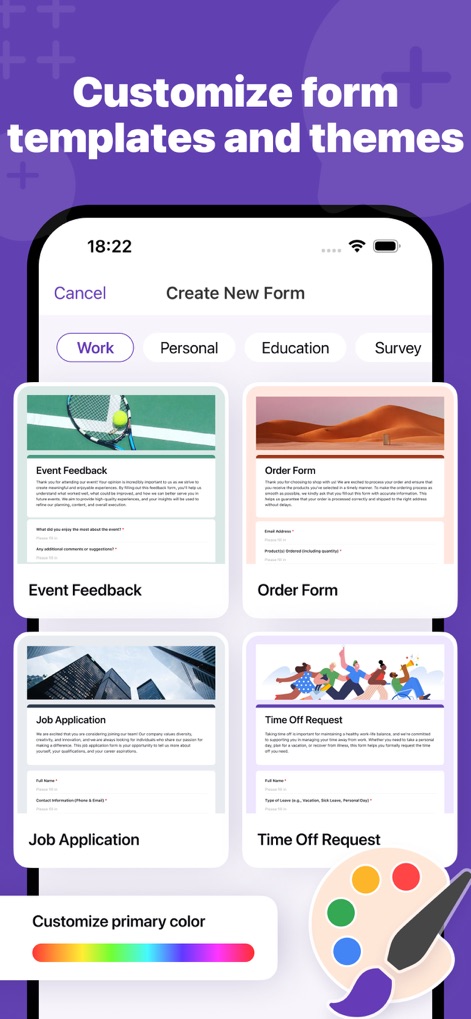
Discover how the app simplifies form creation with diverse templates like "Event Feedback" and empowers users to personalize themes with a vibrant "Customize primary color" tool.
Tailored Form Creation
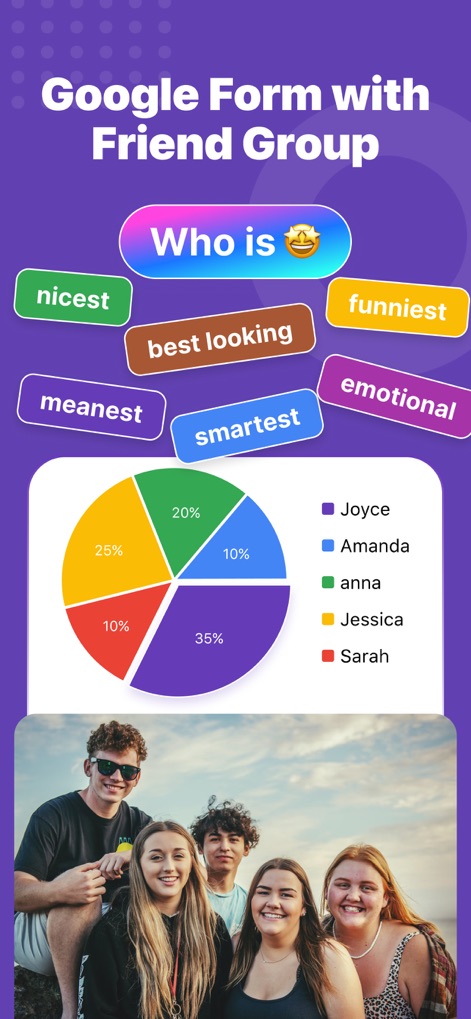
See how users can craft interactive polls such as "Who is" questions and instantly visualize results through a clear, informative "pie chart" display.
Engaging Quizzes & Polls

Uncover the app's powerful "AI Analyze & Chat" feature, providing deep "User Experience Insights" and enabling conversational data exploration with predefined prompts.
AI-Powered Insights

Witness the tool's advanced "AI Forms" functionality, allowing users to define a "Research Topic" and quickly generate questions with customizable "checkboxes" and "multiple choice" options.
Smart Form Generation

Observe the app's real-time analytics with visual charts, such as the "bar chart" displaying response distribution, and timely "push notifications" for new submissions.
Instant Data Visualization

Learn how the app offers versatile data export options, including direct integration with "Google Sheets" and the ability to download responses in "CSV or Excel file format".
Seamless Data Export
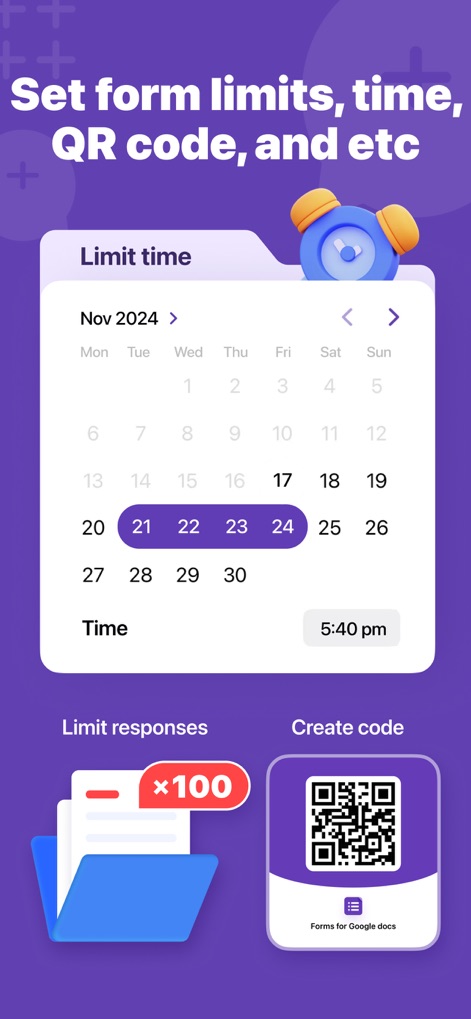
Explore distinctive features like setting a "time limit" for form availability and generating custom "QR codes" for easy sharing, enhancing control over data collection.
Advanced Form Controls
Description
Download
More Like This
Apps with similar features and user experience

Form for Google Forms
Amad Marwat

Forms fоr Google Form
Sanpeliano LTD
Forms for Google Drive
BurningFlower Inc

Form For Google Forms & Docs
Seven Mile Apps LLC
Forms ®
SMM service, s.r.o.
Forms for Google Fоrms
LightApps OU

Forms for Google Forms App
AppTraining Limited

Forms for Google Drive ™
Mariia Tereshkova

Forms for Google Forms & Quiz
Niharika Jindal
This page is not an official page of the app or its developer, but an independent editorial publication created for informational and commentary purposes. Unless expressly stated otherwise, neither the app nor its developer is affiliated with, endorsed by, sponsored by, authorized by, or otherwise officially connected with MWM, Apple, Google Play, the app publisher, or the app's developer, and nothing on this page implies that the app was developed using MWM's services. Any trademarks, logos, screenshots, and other content remain the property of their respective owners.