FrameShot - Photos from Videos

FrameShot - Photos from Videos

Download on App Store
Logo of FrameShot - Photos from Videos

FrameShot: High-Resolution Photos from Your Favorite Videos

Stop settling for blurry screenshots. Extract crystal-clear, full-quality stills in seconds for your Instagram, family albums, or thumbnails.

Download on App Store

Publisher

Karolis Raiselis

Category

Photo & Video

Downloads

0

User Rating

1.0/5

Total Ratings

0

Locales

1

Pixel-Perfect Precision

Discover the interface used by 0 users.
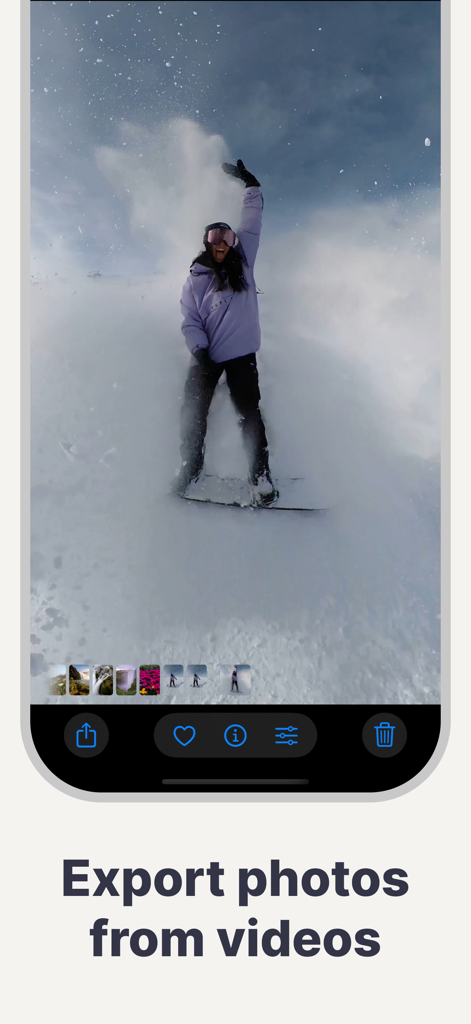
FrameShot app interface showing a still image of a snowboarder captured from a video with the text Export photos from videos

FrameShot app interface showing a still image of a snowboarder captured from a video with the text Export photos from videos

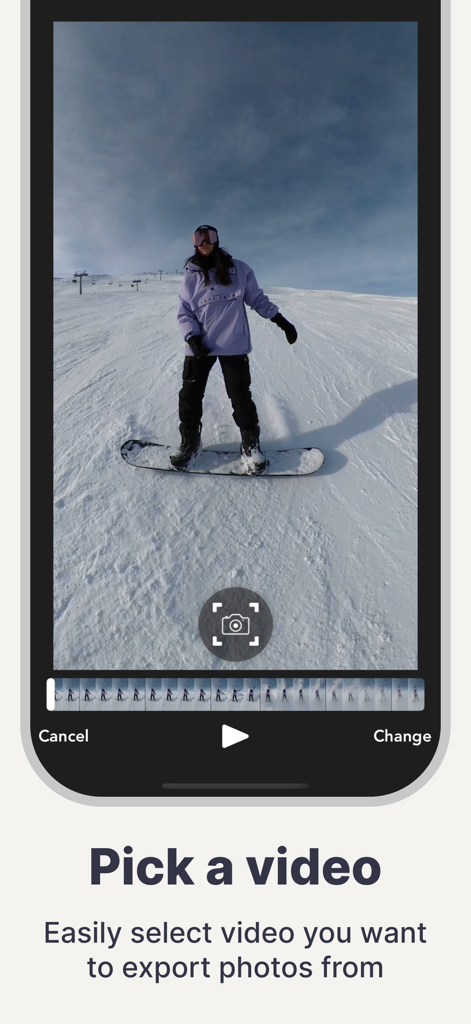
Screenshot of FrameShot app showing the interface to select a video for exporting high-quality photo frames.

Screenshot of FrameShot app showing the interface to select a video for exporting high-quality photo frames.

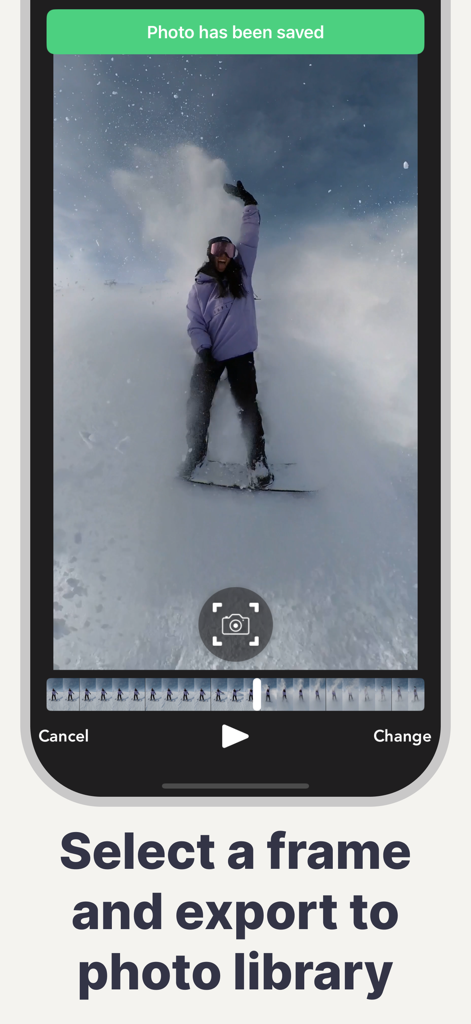
FrameShot app interface showing a high quality photo of a snowboarder captured and saved from a video clip

FrameShot app interface showing a high quality photo of a snowboarder captured and saved from a video clip

Perfect Stills from Every Video

The tools that make this app stand out, trusted by 0 users.

💎

Full-Resolution Exports

Preserve the exact quality of your 4K or HD video. Unlike standard screenshots, our technology saves frames in their original clarity.

âš¡

Instant & Effortless

No accounts, no registration, and no bloated menus. Just open the app, pick your video, and save your photo in seconds.

🎯

Frame-by-Frame Precision

Scrub through your clips with surgical accuracy to catch the exact millisecond of a toddler’s smile or a peak fitness moment.

About the app

Everything you need to know about FrameShot - Photos from Videos.

Description

Have you ever wanted to take a photo from a video? Maybe looked cute when your friend filmed you and now you would like to share a picture with your friends? Look no more because FrameShot got you covered. FrameShot takes and saves a selected video frame in exact video quality. Screenshooting with your phone, saves images in your phone screen resolution, but with FrameShot, you can be sure that quality will be the best possible. FrameShot is an amazing app for your iPhone or iPad for saving pictures and extracting those frames from a video. EASY TO USE: Just select a video from your video album and seek to desired frame. Tap screenshot button and now your frame is saved to photos library. No registration, or other process needed. Just download and start capturing those frames from your videos!

Latest Version

2.12.0

Size

9.2 MB

First Released

Nov 17, 2018

Stop Settling for Blurry Screenshots

Get the exact quality of your 4K videos in a single tap. No registration, no pixelation—just high-resolution stills ready to share instantly.

Download on App Store

App information, icons, screenshots, and descriptions displayed on this page are sourced from the Apple App Store and are the property of their respective developers. Download estimates and rankings are based on MWM's proprietary models and may not reflect actual figures. This page is provided for informational and analytical purposes only.

Believe this page infringes your intellectual property? File a dispute