
This page is not an official page of the app or its developer, but an independent editorial publication created for informational and commentary purposes. Unless expressly stated otherwise, neither the app nor its developer is affiliated with, endorsed by, sponsored by, authorized by, or otherwise officially connected with MWM, Apple, Google Play, the app publisher, or the app's developer, and nothing on this page implies that the app was developed using MWM's services. Any trademarks, logos, screenshots, and other content remain the property of their respective owners.


Gamma - PS 1 Game Emulator
The ultimate PlayStation experience for iPhone and iPad. Enjoy seamless cloud saves, custom controller skins, and enhanced graphics in one beautiful, easy-to-use app.
Downloads
1M+User Rating
Total Ratings
27K+Publisher
Category
GamesLocales
34Latest Version
1.9.3Size
107.3 MBFirst Released
May 11, 2024Classic Gaming, Modern Power
Gamma brings professional-grade PlayStation emulation to your pocket, combining elite performance with the ease of use you expect from iOS.
Crystal Clear Visuals
Enjoy upscaled high-resolution graphics and widescreen support that make retro titles look stunning on modern Retina displays.
Seamless Cloud Sync
Never lose progress. Automatically sync save states to Google Drive or Dropbox to switch between iPhone and iPad effortlessly.
Frequently Asked Questions
Everything you need to know about Gamma - PS 1 Game Emulator
What is Gamma?
Gamma is a user-friendly PlayStation 1 game emulator. It allows you to play your favorite console games with enhanced hi-resolution graphics, custom controller skins, and instant cover artwork, offering a full-featured emulation experience.
What game file types does Gamma emulator support?
Gamma supports various file types including CUE+BIN, CHD, PBP, ISO, and MDS. It also handles compressed archives like 7zip, Zip, RAR, and ECM.
Does Gamma support external game controllers and keyboards?
Yes, Gamma supports console, PC Bluetooth, and MFi game controllers. It also offers compatibility with both Bluetooth and wired keyboards for enhanced gameplay.
Does Gamma improve original PlayStation 1 game graphics?
Yes, Gamma enhances graphics by rendering games at the highest resolution. It also provides fullscreen stretch mode for landscape viewing and widescreen options for 3D games.
Can users save and load game progress in Gamma?
Yes, Gamma offers comprehensive save states functionality. Users can save and load games at any point during gameplay, and the emulator automatically saves progress.
How does Gamma sync game data and save states?
Gamma facilitates data syncing through Google Drive or DropBox services. This ensures that user files and save states are automatically backed up and accessible across devices.
Does Gamma provide a cheat code system for games?
Yes, Gamma includes a built-in cheat code system. Users can easily access and apply their favorite cheat codes directly within the game while playing.
Can I customize the on-screen controllers in Gamma?
Yes, Gamma provides both pre-crafted portrait and landscape controller skins. Users also have the option to create and design their own custom controller skins.
Does Gamma support multiplayer gaming?
Yes, Gamma supports screen mirroring for multiplayer experiences. This feature allows multiple players to engage in games, often utilizing external controllers.
What are the methods for importing games into Gamma?
Gamma offers several import methods: from your browser, from your device's storage (including AirDrop), and via drag-and-drop from your desktop computer.
Does Gamma offer user support or a help center?
Yes, Gamma includes a dedicated help center. This resource provides support and guidance to users who may encounter issues or require assistance while using the emulator.
The following screenshots and description are sourced directly from the app's official store listing and are the property of the app developer.
App Store
Screenshots
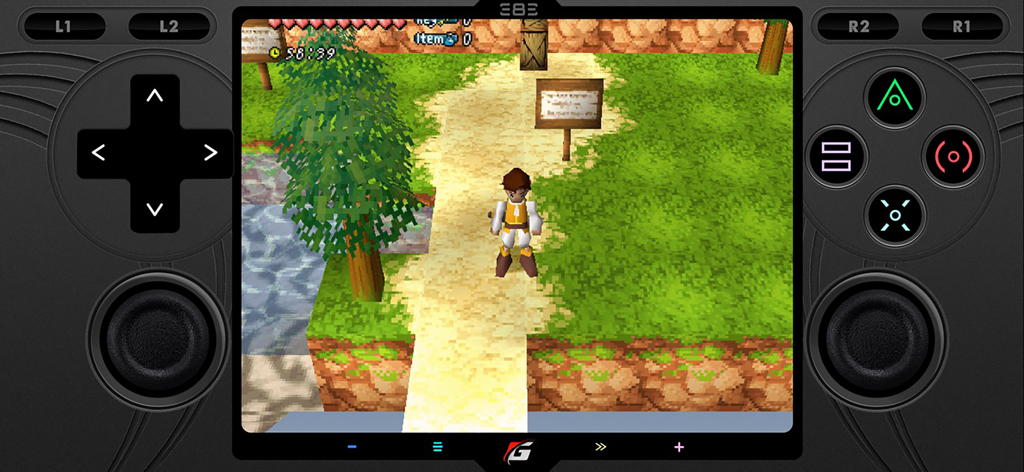
Gamma PS1 emulator showing a 3D adventure game in landscape mode with a custom virtual controller skin
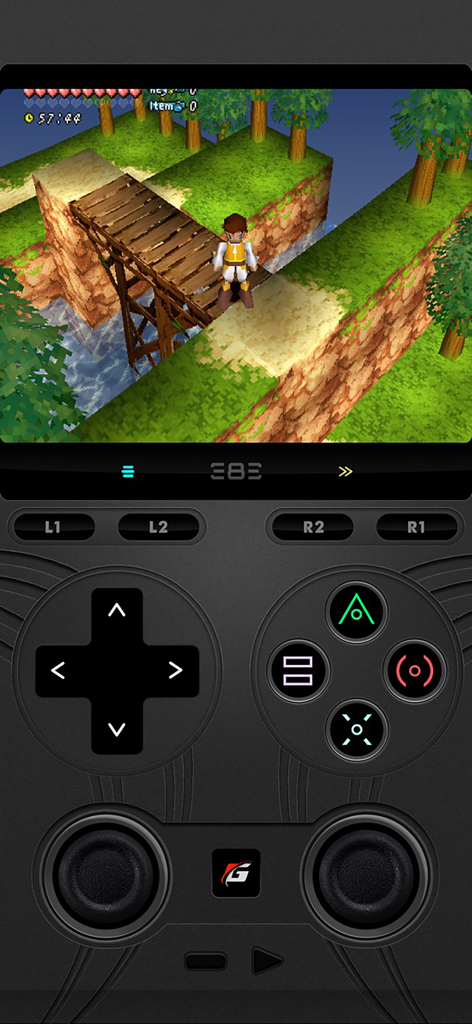
Gamma PS1 emulator showing a retro game played with a custom virtual controller skin on mobile
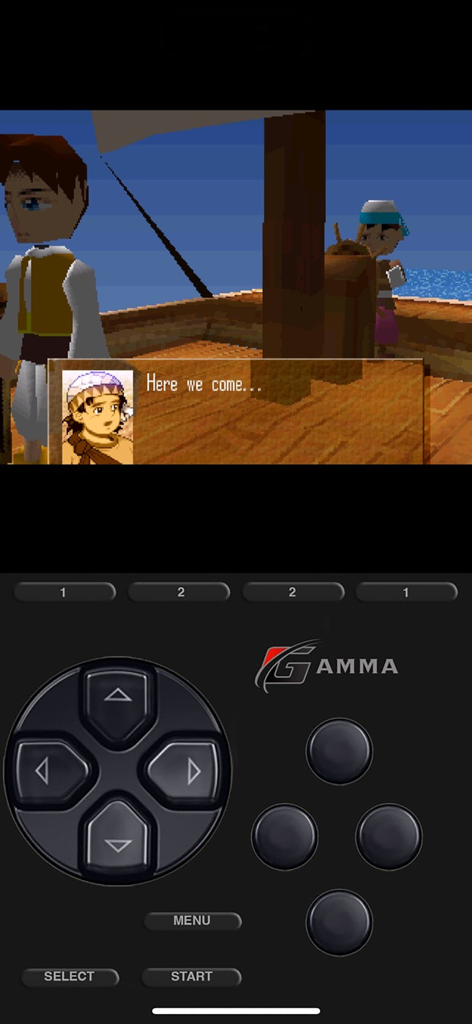
Gamma PS1 emulator showing retro game and virtual controller
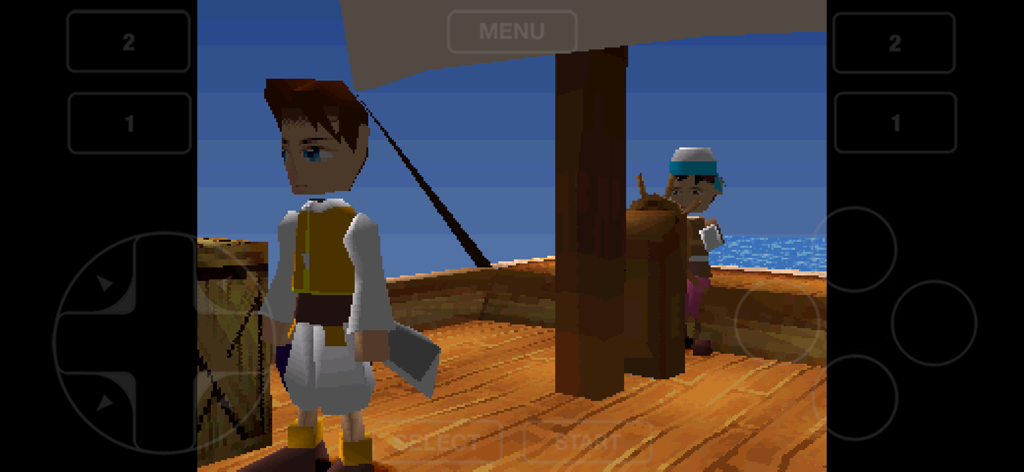
A classic PlayStation 1 game running on the Gamma emulator with mobile touch controls
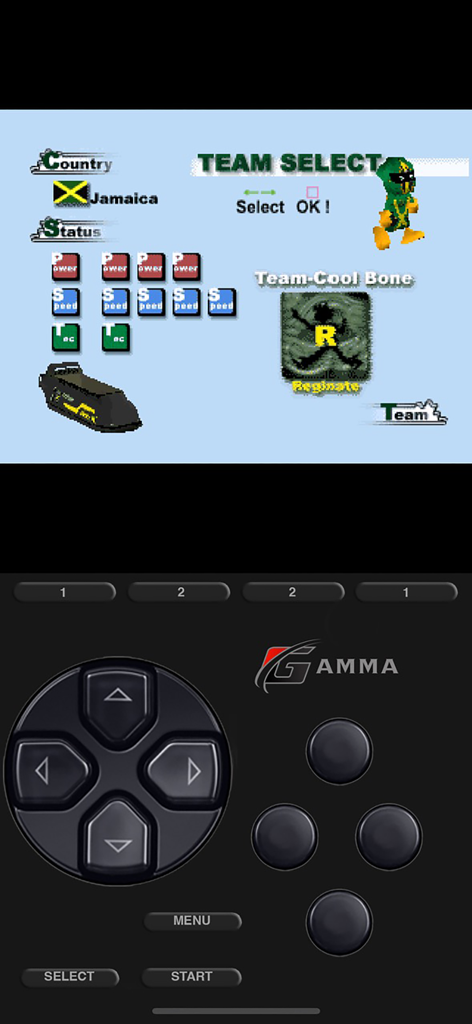
Gamma PS1 emulator interface featuring a retro game team selection screen and a virtual PlayStation controller skin on an iPhone.
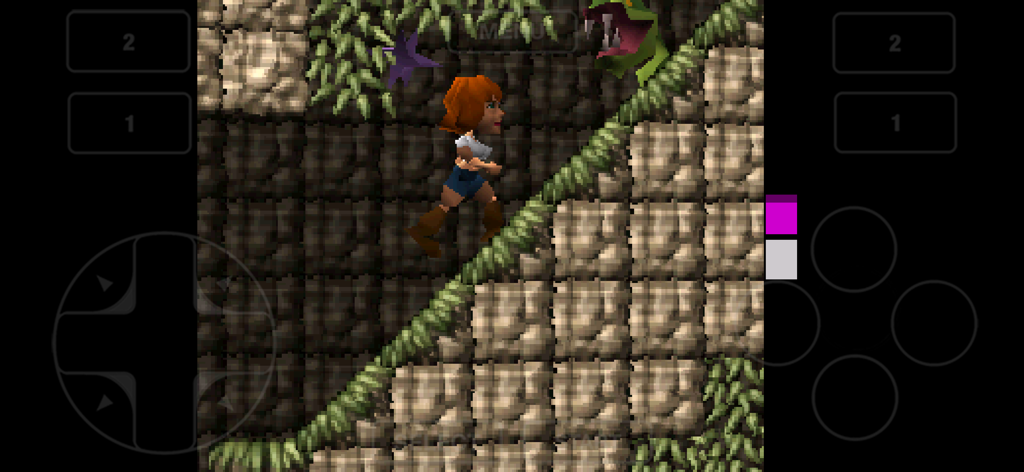
A platformer game being played on the Gamma PS1 emulator with virtual on-screen controls.
Description
Download
More Like This
Top-ranked apps in the same category

Block Blast!
ARETIS LIMITED

Heartopia
XD Entertainment Co., Ltd.

Solitaire Associations Journey
Hitapps Games LTD

Roblox
Roblox Corporation

Gossip Harbor®: Merge & Story
Microfun Limited

Arrows – Puzzle Escape
Lessmore UG haftungsbeschraenkt

Township
PLR Worldwide Sales Limited

Last War:Survival
FUNFLY PTE. LTD.

Vita Mahjong
VITA STUDIO PTE. LTD.
This page is not an official page of the app or its developer, but an independent editorial publication created for informational and commentary purposes. Unless expressly stated otherwise, neither the app nor its developer is affiliated with, endorsed by, sponsored by, authorized by, or otherwise officially connected with MWM, Apple, Google Play, the app publisher, or the app's developer, and nothing on this page implies that the app was developed using MWM's services. Any trademarks, logos, screenshots, and other content remain the property of their respective owners.