
This page is not an official page of the app or its developer, but an independent editorial publication created for informational and commentary purposes. Unless expressly stated otherwise, neither the app nor its developer is affiliated with, endorsed by, sponsored by, authorized by, or otherwise officially connected with MWM, Apple, Google Play, the app publisher, or the app's developer, and nothing on this page implies that the app was developed using MWM's services. Any trademarks, logos, screenshots, and other content remain the property of their respective owners.

GanttchartAI: GanttChart by AI
Stop building charts from scratch. Just describe your project in natural language and let AI generate, adjust, and optimize your schedule instantly—perfect for agile professionals and side-hustlers on the go.
Downloads
500+User Rating
Total Ratings
0Publisher
Category
BusinessLocales
47Latest Version
1.2.7Size
63.5 MBFirst Released
Oct 6, 2025Plan Smarter, Not Harder
Ditch the spreadsheets. Use natural language to build, adjust, and optimize professional Gantt charts on the go.
Conversational Planning
Tell the AI your goal—like 'Build a 3-week web launch'—and it generates a full task breakdown instantly.
One-Tap Adjustments
Shift deadlines or reorder tasks using simple commands. No more dragging bars one by one manually.
The following screenshots and description are sourced directly from the app's official store listing and are the property of the app developer.
App Store
Screenshots
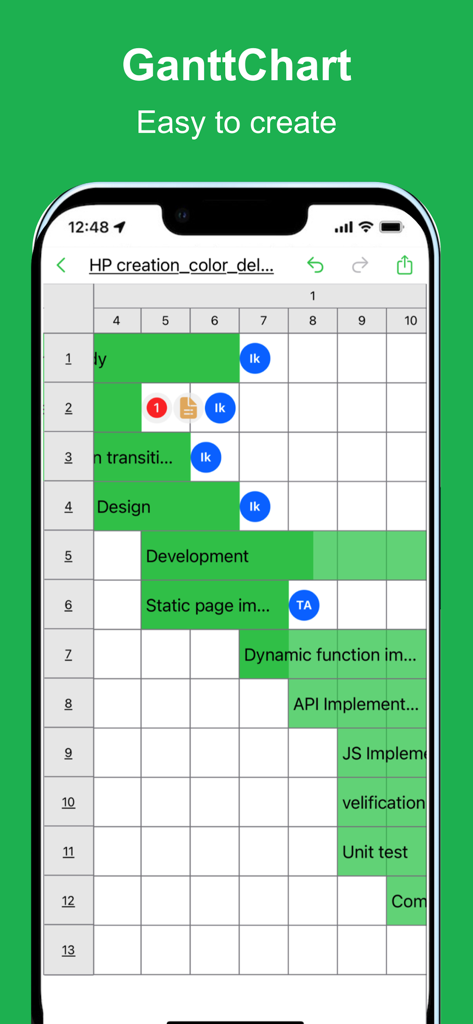
Mobile interface of GanttchartAI displaying a project schedule with task bars and team assignments
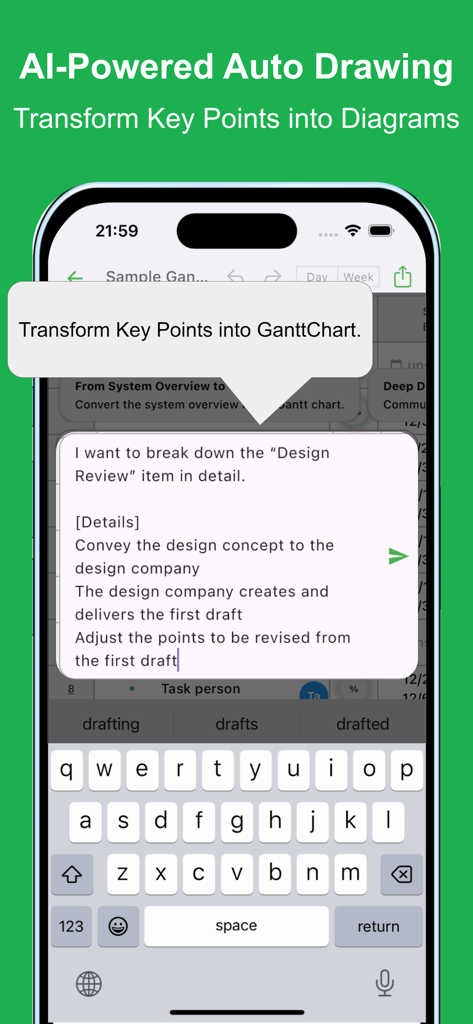
A mobile interface showing the AI powered auto drawing feature of GanttchartAI transforming natural language text into diagrams
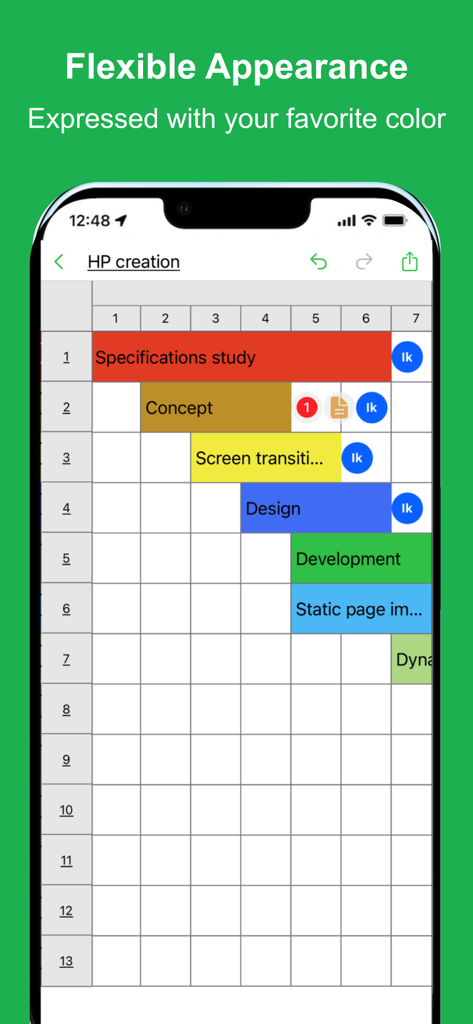
Mobile screenshot of a Gantt chart with colorful task bars for project planning
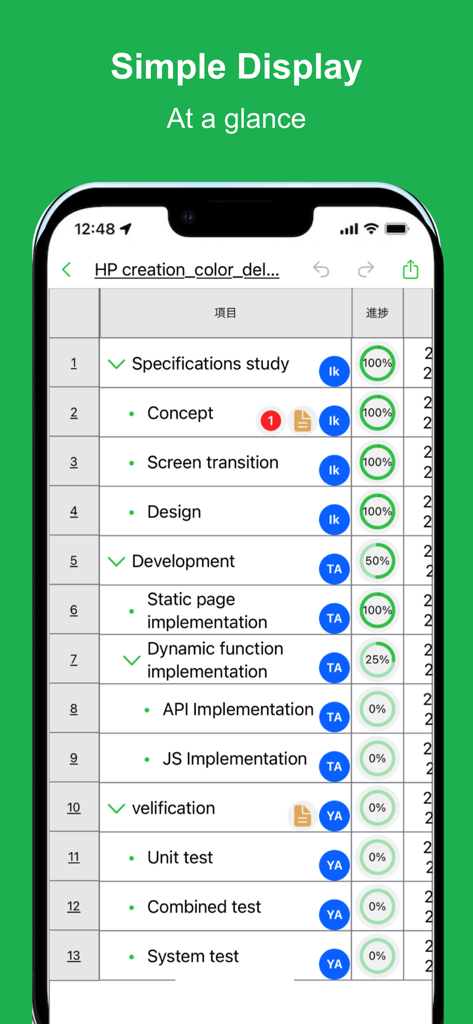
Mobile app interface displaying a project task list with progress circles and team member icons.
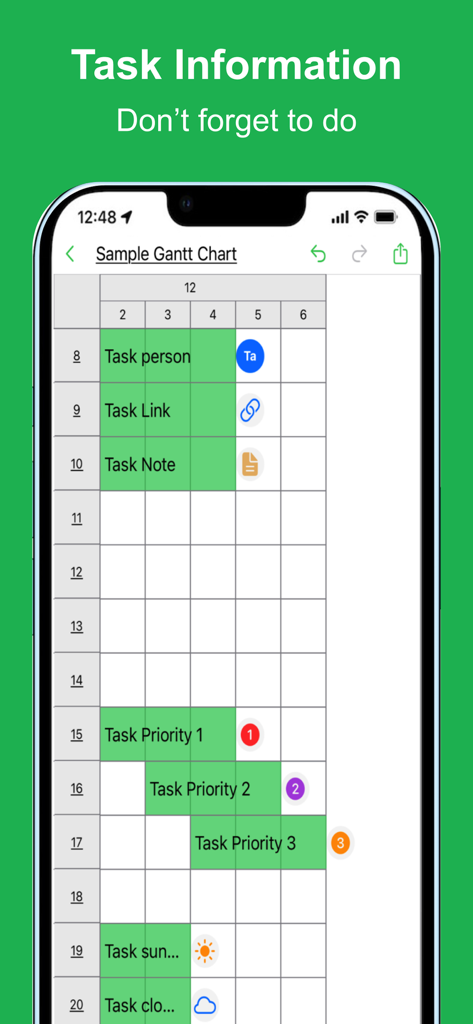
A Gantt chart on a mobile device showing task schedules and priorities
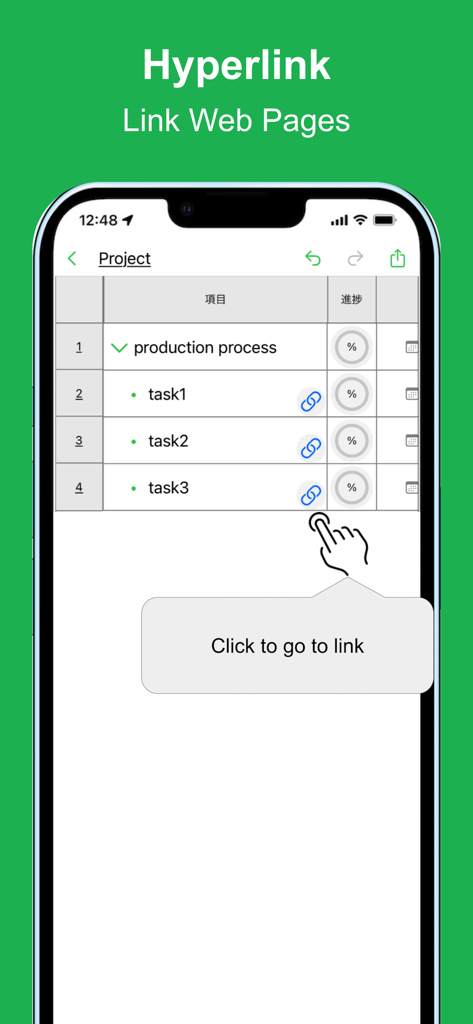
GanttchartAI mobile interface displaying project tasks with attached hyperlinks to web pages
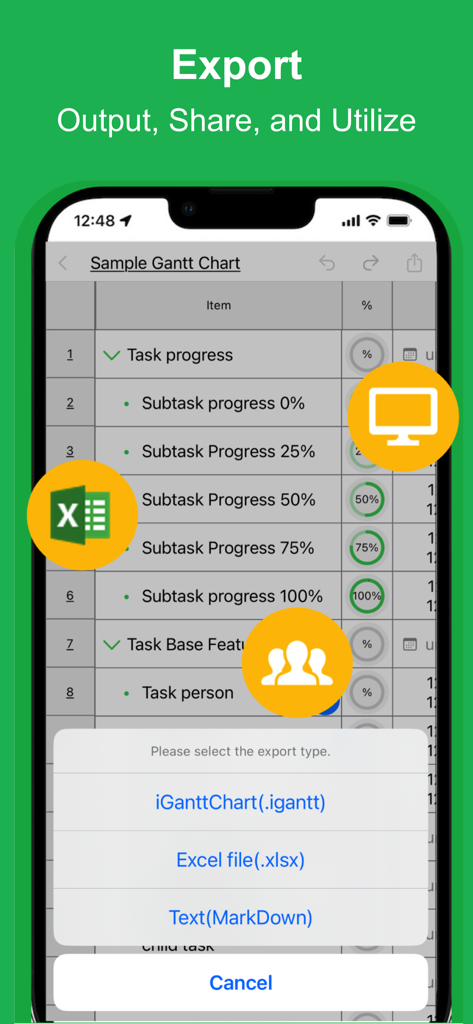
Mobile interface of GanttchartAI showing export options for Excel and MarkDown files
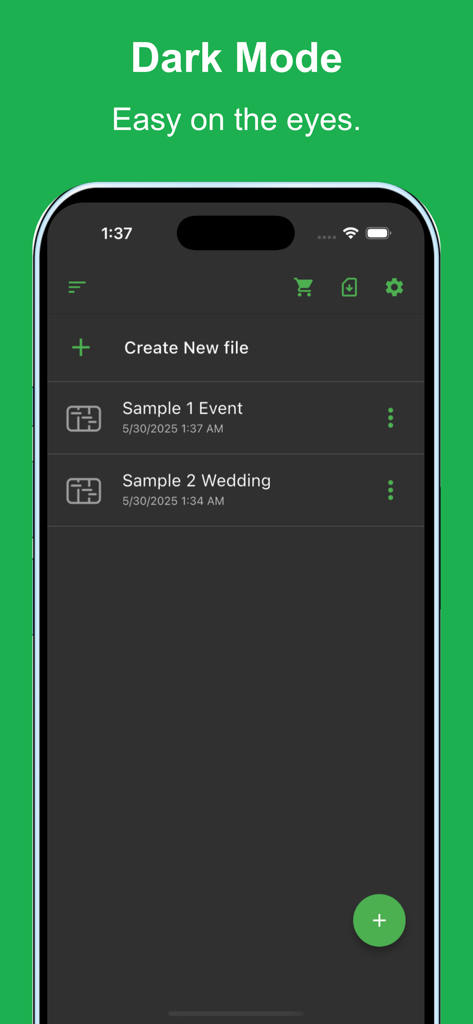
GanttchartAI mobile app interface in dark mode showing a project file list
Description
Download
More Like This
Top-ranked apps in the same category

Microsoft Teams
Microsoft Corporation

WhatsApp Business
WhatsApp Inc.

Zoom Workplace
Zoom Communications, Inc.

BOSS直聘-招聘求职找工作神器
Beijing China Product Bo Farce Network Technology Co., Ltd.

Indeed Job Search
Indeed Inc.

LinkedIn: Community & Network
LinkedIn Corporation

Adobe Acrobat Reader: Sign PDF
Adobe Inc.

DingDing - Redefine Work in AI
DingTalk Technology Co., Ltd.

WeCom-Work Communication&Tools
Tencent Technology (Shenzhen) Company Limited
This page is not an official page of the app or its developer, but an independent editorial publication created for informational and commentary purposes. Unless expressly stated otherwise, neither the app nor its developer is affiliated with, endorsed by, sponsored by, authorized by, or otherwise officially connected with MWM, Apple, Google Play, the app publisher, or the app's developer, and nothing on this page implies that the app was developed using MWM's services. Any trademarks, logos, screenshots, and other content remain the property of their respective owners.