
This page is not an official page of the app or its developer, but an independent editorial publication created for informational and commentary purposes. Unless expressly stated otherwise, neither the app nor its developer is affiliated with, endorsed by, sponsored by, authorized by, or otherwise officially connected with MWM, Apple, Google Play, the app publisher, or the app's developer, and nothing on this page implies that the app was developed using MWM's services. Any trademarks, logos, screenshots, and other content remain the property of their respective owners.


GDevelop - Create & Play Games
Join the no-code revolution. Use AI-powered tools to build games in minutes, or explore thousands of unique indie titles instantly—no experience needed.
Downloads
70K+User Rating
Total Ratings
1K+Publisher
Category
Developer ToolsLocales
1Latest Version
1.0.258Size
353.3 MBFirst Released
Apr 10, 2023From Player to Creator
Turn your imagination into reality with the most intuitive no-code game engine. Build, play, and share your own games with the power of AI at your fingertips.
Build Without Coding
Skip the steep learning curve. Use visual logic and AI-powered tools to create complex gameplay mechanics in minutes.
Instant Indie Feed
Dive into a growing world of thousands of community-made games. Play instantly within the app with zero installation required.
Frequently Asked Questions
Everything you need to know about GDevelop - Create & Play Games
What is GDevelop - Create & Play Games?
GDevelop is an app for playing and creating indie games using a no-code, AI-powered, open-source game engine. It enables users to develop various game types without prior technical knowledge.
Does GDevelop require coding knowledge to create games?
No, GDevelop does not require coding knowledge. It employs a no-code approach with an intuitive event system based on "if / then" actions, making game creation accessible to all.
Can I play games made with GDevelop directly in the app?
Yes, GDevelop allows users to play unlimited indie games directly in-app without installation. It features a continually growing collection of quirky and joyful indie games.
How does GDevelop assist with game creation using AI?
GDevelop assists game creation with AI by helping users build games step-by-step. It offers an "Ask AI" feature where requests consume credits, as shown in the interface.
What types of games can users create with GDevelop?
GDevelop enables the creation of diverse game types, including platformers, shoot’em ups, strategy, 8-bit, and hyper-casual games. It supports 2D, 2.5D isometric, and 3D game rendering.
Does GDevelop offer resources for learning game development?
Yes, GDevelop provides learning resources for game development, including a "Complete GDevelop Master course" with multiple chapters and interactive in-app tutorials for practical learning.
Is a GDevelop subscription required to access all features?
Yes, a GDevelop subscription is required to unlock every feature within the app. Users can try GDevelop initially, but full access necessitates a subscription.
Can users customize game objects in GDevelop?
Yes, GDevelop users can customize game objects. The app provides a properties panel to edit instances, and pre-made logic can be applied to objects using GDevelop's Behaviors.
How can GDevelop users find assets for their games?
GDevelop users can find game assets through an in-app shop that categorizes resources like characters, visual effects, and full game asset packs. A search and filter function is also available.
Where can I find the privacy policy for GDevelop - Create & Play Games?
The privacy policy for GDevelop - Create & Play Games is accessible via the link provided in the app description: https://gdevelop.io/page/privacy-policy.
The following screenshots and description are sourced directly from the app's official store listing and are the property of the app developer.
App Store
Screenshots
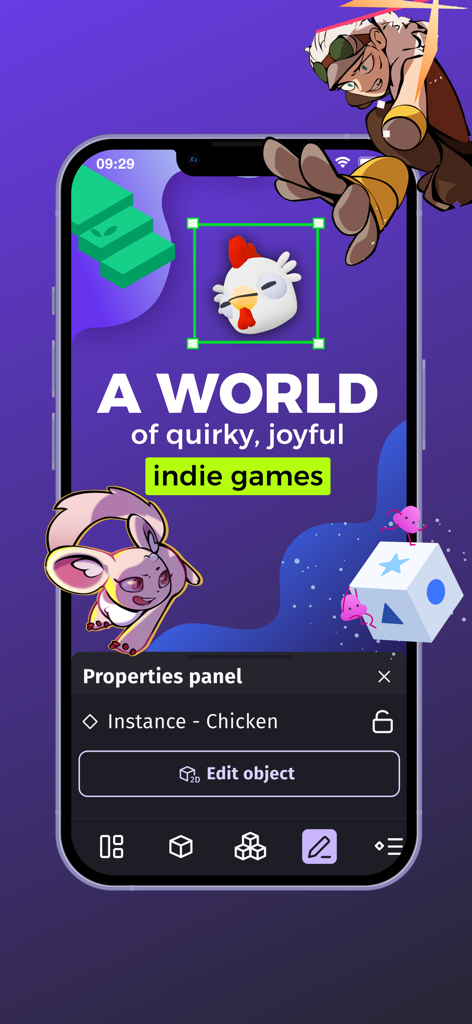
A mobile interface for the GDevelop app showing a chicken character being edited within a game development environment with the text A world of quirky joyful indie games.
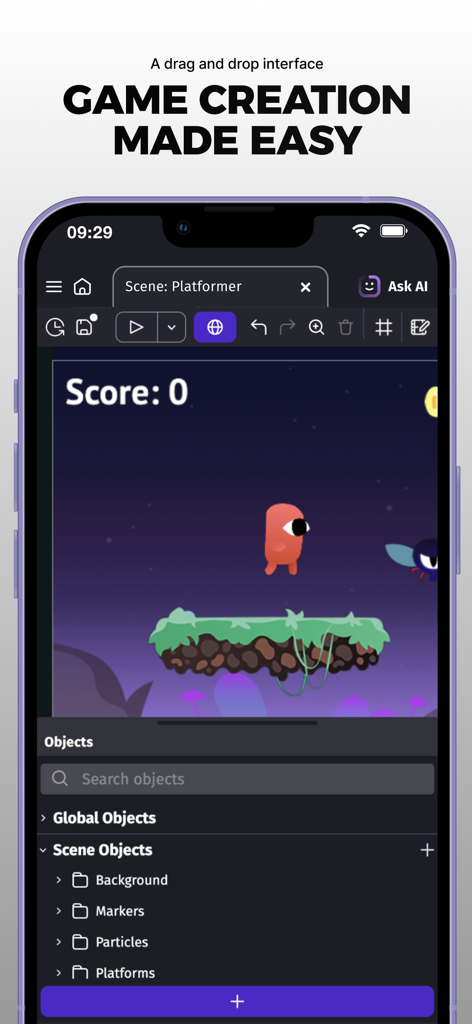
GDevelop mobile app interface showing a drag and drop game editor for creating a platformer game
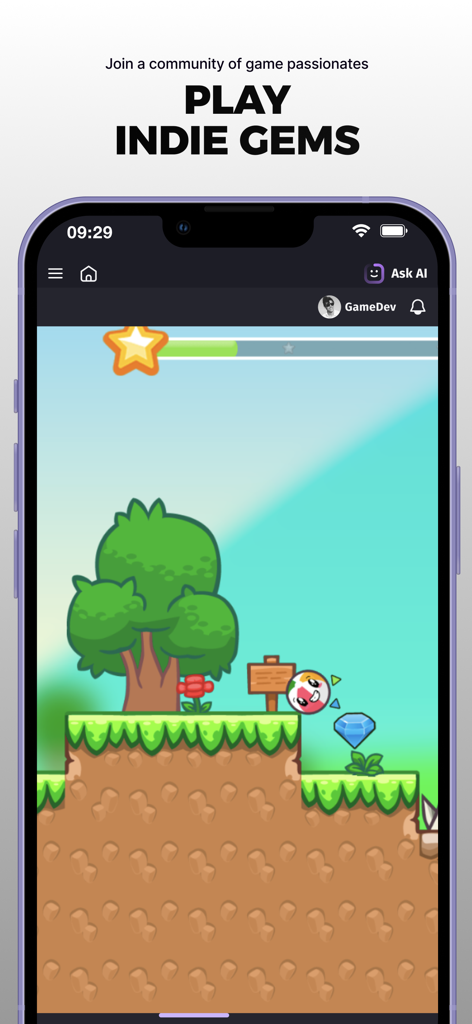
GDevelop mobile app interface showing a 2D indie platformer game with a round character and colorful environment
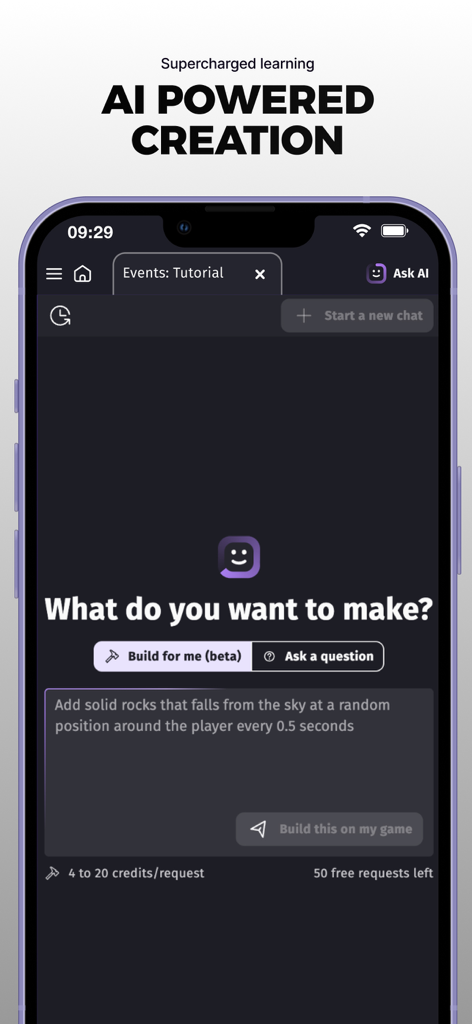
AI powered game creation interface in the GDevelop app showing a natural language prompt to build game mechanics
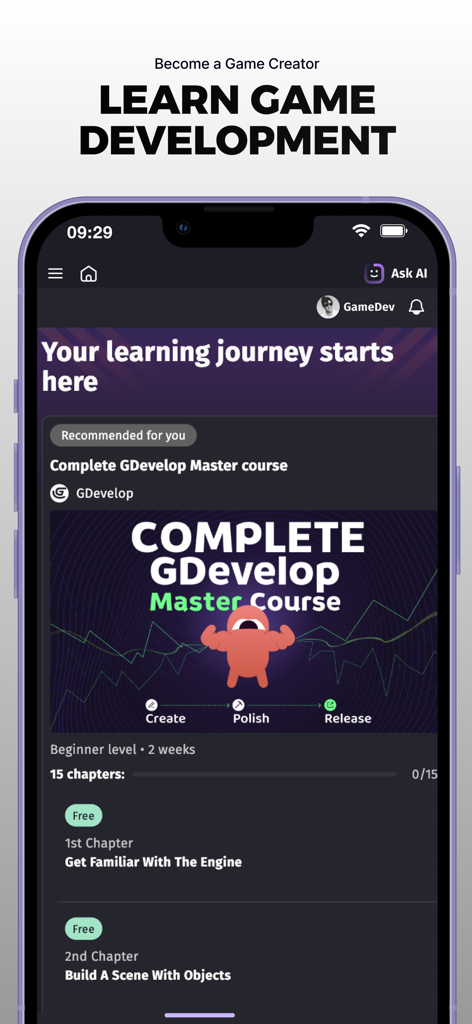
A screen from the GDevelop app showing a game development master course with chapters for beginners
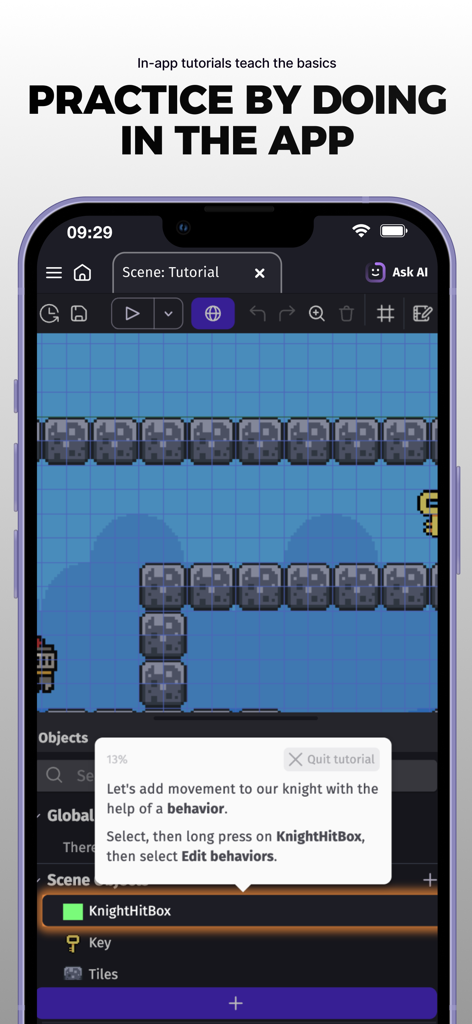
An in-app tutorial showing how to add movement behaviors to game objects in the GDevelop mobile editor.
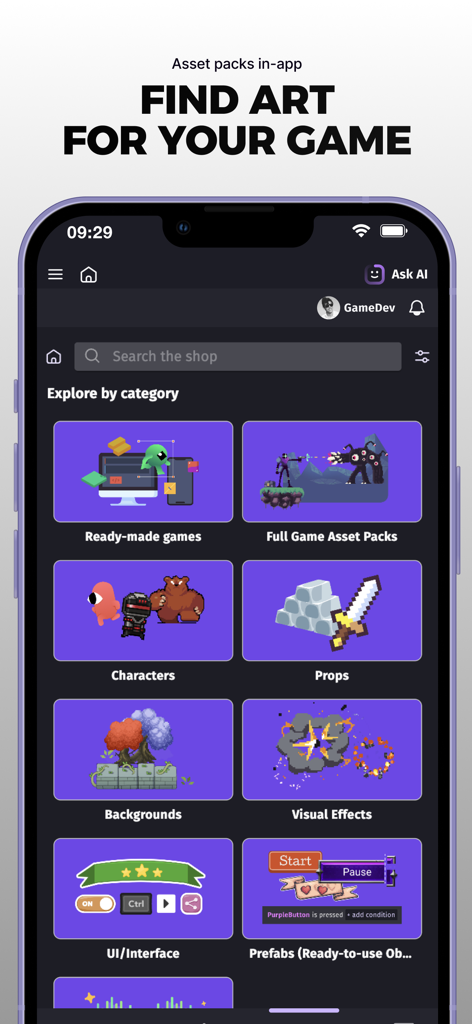
GDevelop mobile app screen displaying a store with categories for game assets like characters, props, and backgrounds
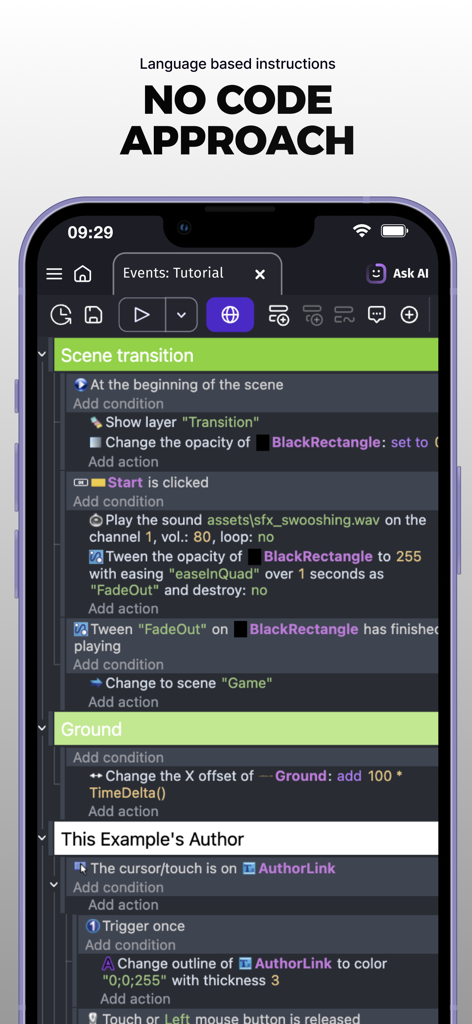
Mobile screen showing the GDevelop visual logic editor with no code instructions
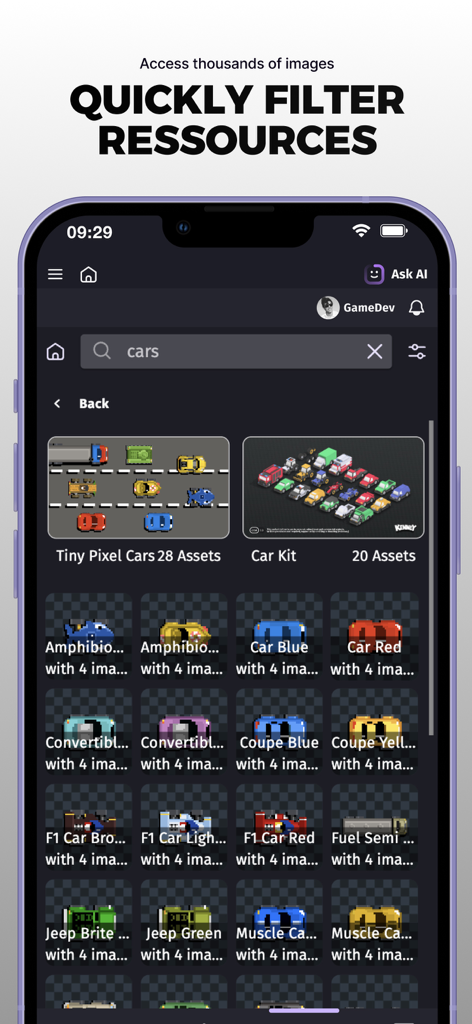
Searching and filtering car assets in the GDevelop game resource library
Description
Download
More Like This
Apps with similar features and user experience

VK Clips: short videos
V Kontakte OOO

브런치 - 좋은 글과 작가를 만나보세요
Kakao Corp.

TruyenHD - Đọc Truyện Full
Tuan Nguyen

YouTube
Google LLC

Rumble: Livestreams & Videos
Rumble Inc.

Castle - Make and Play
Montereys Coast, Inc.

Дзен — видео, ролики, статьи
VK LLC

プリ小説 byGMO 恋愛小説や夢小説が気軽に読める!
GMO Media, Inc.

Builda: Create & Play Games
Beijing Hortor Interactive Technology Co., Ltd.
This page is not an official page of the app or its developer, but an independent editorial publication created for informational and commentary purposes. Unless expressly stated otherwise, neither the app nor its developer is affiliated with, endorsed by, sponsored by, authorized by, or otherwise officially connected with MWM, Apple, Google Play, the app publisher, or the app's developer, and nothing on this page implies that the app was developed using MWM's services. Any trademarks, logos, screenshots, and other content remain the property of their respective owners.