
This page is not an official page of the app or its developer, but an independent editorial publication created for informational and commentary purposes. Unless expressly stated otherwise, neither the app nor its developer is affiliated with, endorsed by, sponsored by, authorized by, or otherwise officially connected with MWM, Apple, Google Play, the app publisher, or the app's developer, and nothing on this page implies that the app was developed using MWM's services. Any trademarks, logos, screenshots, and other content remain the property of their respective owners.


GDI eServices
Stay connected to home with the official app of the General Department of Identification. Securely verify documents, report lost paperwork, and access essential government news from anywhere in the world.
Downloads
179K+User Rating
Total Ratings
100Publisher
Category
NewsLocales
2Latest Version
3.0.8Size
57.5 MBFirst Released
Aug 1, 2018Your Direct Bridge to Cambodian Identity Services
Securely manage your official documents and stay updated with the General Department of Identification, no matter where you are in the world.
Verify ID and QR Codes
Instantly validate your Khmer identification and scan GDI QR codes to ensure your documents are recognized in the national database.
Report Lost Documents
Safeguard your identity by reporting lost documents or searching for found ones through a centralized, official government channel.
Frequently Asked Questions
Everything you need to know about GDI eServices
What is the purpose of the GDI eServices app?
The GDI eServices app helps Cambodian citizens easily find information, search for Khmer identification, scan GDI QR codes, report lost or found documents, and locate places.
How can I search for Khmer identification using GDI eServices?
The GDI eServices app provides a specific function to search for Khmer identification. Access this feature from the main dashboard, represented by an icon in the second row.
Does the GDI eServices app allow scanning of GDI QR codes?
Yes, the GDI eServices app includes a feature to scan GDI QR codes. Users can access the QR code scanning interface directly from the app's main screen.
Can I report lost or found documents through the GDI eServices app?
Yes, GDI eServices allows users to report lost or found documents. The app offers dedicated sections for managing both lost passports and lost identity cards.
How do I access GDI service information within the GDI eServices app?
You access GDI service information by tapping the dedicated icon on the GDI eServices main dashboard. This section provides details on various services, including passport and identity card information.
Does the GDI eServices app offer a "Question and Answer" section?
Yes, GDI eServices features a "Question and Answer" section. This allows users to find common queries and solutions directly within the application for assistance.
Can the GDI eServices app help me find a specific location?
Yes, the GDI eServices app includes a "Find location" feature. Users can search for locations by entering specific details through provided dropdown menus.
The following screenshots and description are sourced directly from the app's official store listing and are the property of the app developer.
App Store
Screenshots
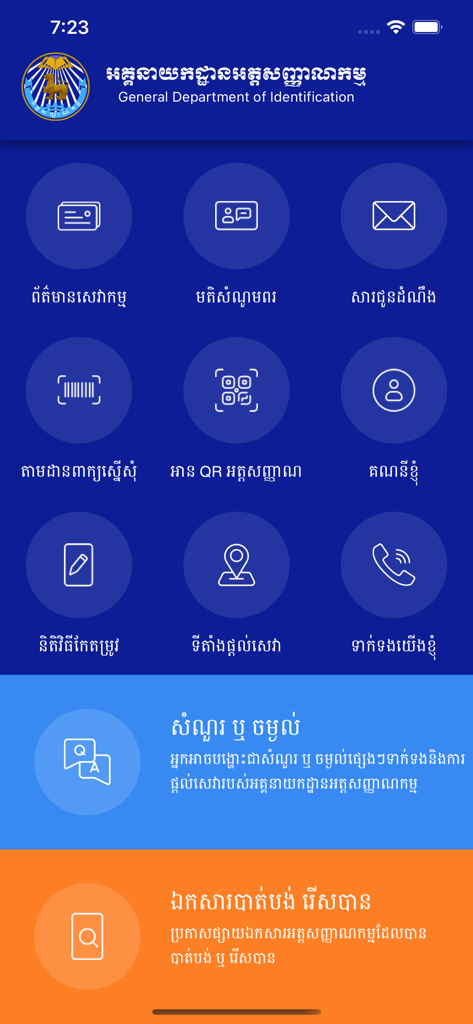
Home screen dashboard of the GDI eServices app featuring identification and document services in Khmer
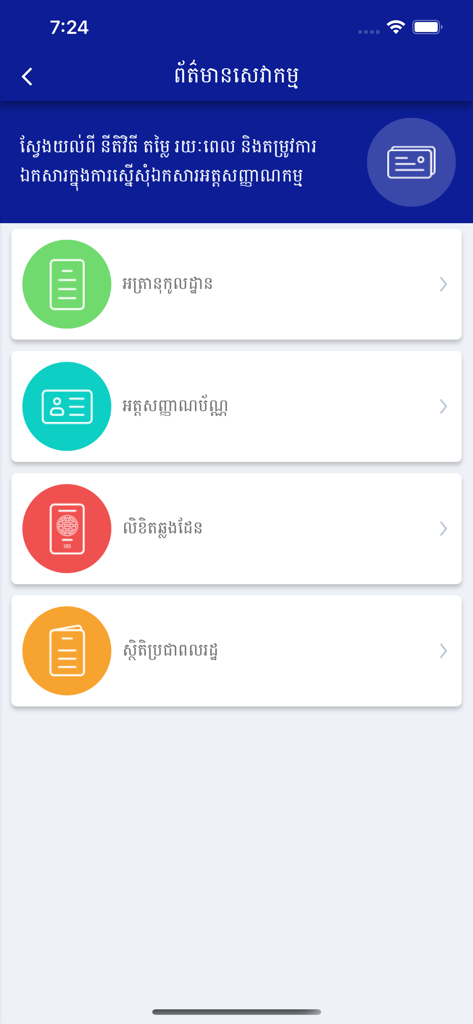
GDI eServices app menu displaying options for identification cards, passports, and civil documents in Khmer language.
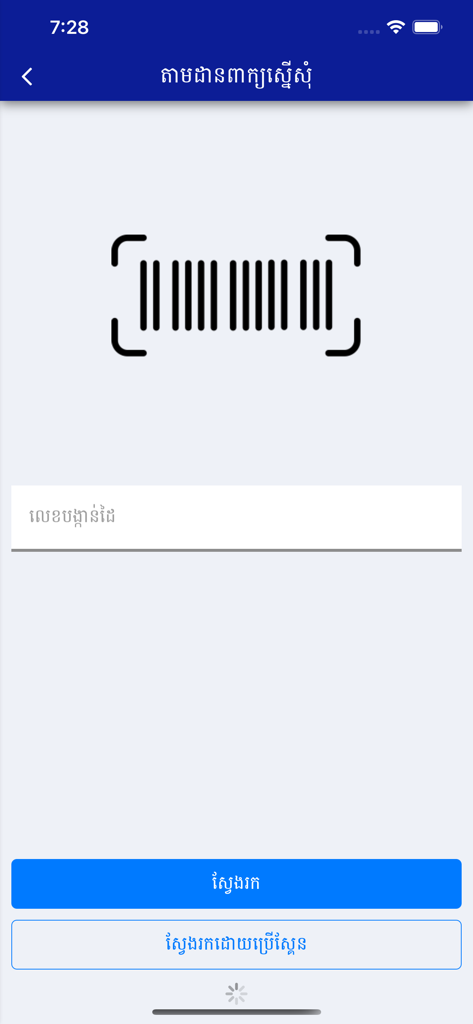
GDI eServices barcode scanner interface for tracking Cambodian identification applications
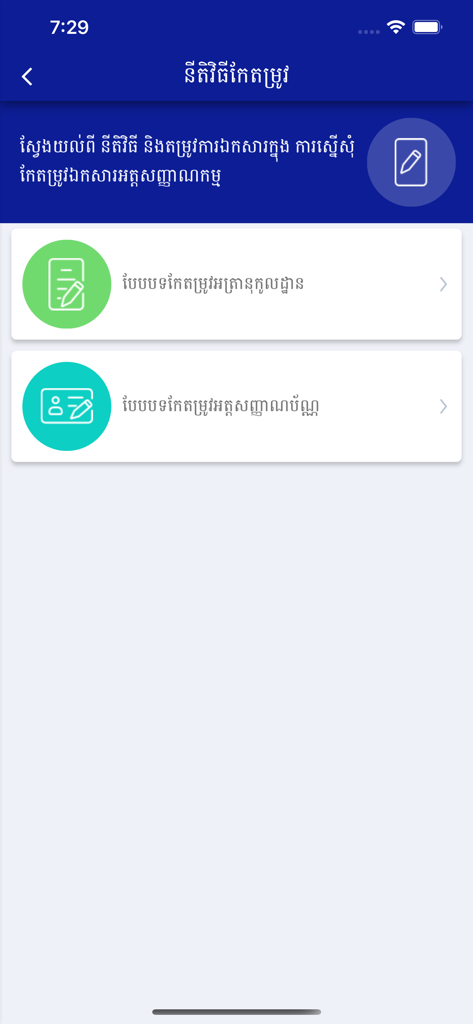
GDI eServices app screen showing Cambodian identification and document correction options
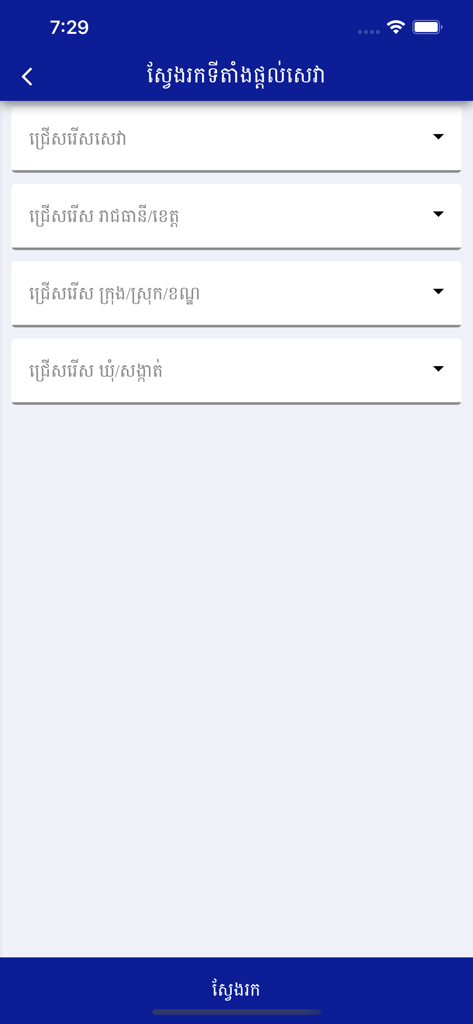
Find location screen in GDI eServices app featuring province and district selection filters in Khmer
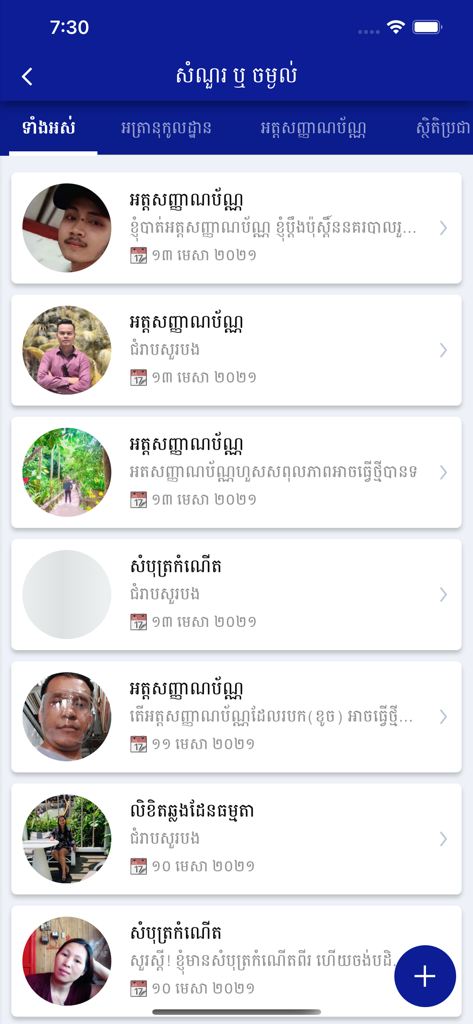
Question and Answer list in Khmer within the GDI eServices app
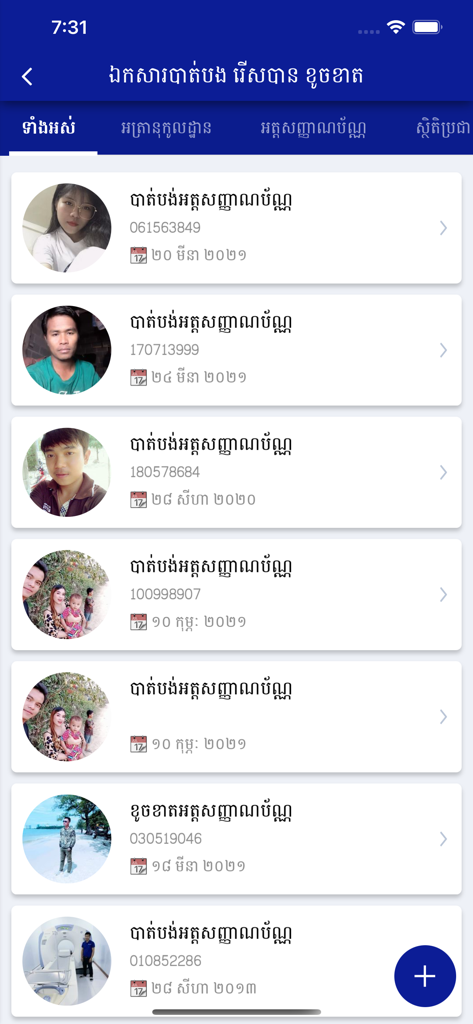
The lost or found documents screen in the GDI eServices app showing a list of reported missing identification papers with photos
Description
Download
More Like This
Apps with similar features and user experience

집지켜: 행복주택을 가장 쉽게
PeulDa Co.,Ltd

공공주택 알리미
HyunJun Yoon
Consulta CPF, Score e Dívidas
G PLUS - TECNOLOGIA DA INFORMACAO EIRELI

Sakani
National Housing Company

Bolsa Família - Consulta
Clebson Pereira

지원금24
jisu kim

guia meu pe de meia jornada
Guilherme Sena

ePIS
Matheus Estoque

Consulta Bolsa Família
Yan Uynitu Seles Correa
This page is not an official page of the app or its developer, but an independent editorial publication created for informational and commentary purposes. Unless expressly stated otherwise, neither the app nor its developer is affiliated with, endorsed by, sponsored by, authorized by, or otherwise officially connected with MWM, Apple, Google Play, the app publisher, or the app's developer, and nothing on this page implies that the app was developed using MWM's services. Any trademarks, logos, screenshots, and other content remain the property of their respective owners.