
This page is not an official page of the app or its developer, but an independent editorial publication created for informational and commentary purposes. Unless expressly stated otherwise, neither the app nor its developer is affiliated with, endorsed by, sponsored by, authorized by, or otherwise officially connected with MWM, Apple, Google Play, the app publisher, or the app's developer, and nothing on this page implies that the app was developed using MWM's services. Any trademarks, logos, screenshots, and other content remain the property of their respective owners.


Genio
Simplify daily transactions with secure tap-and-go technology, real-time spending insights, and effortless fund management designed for modern parents and growth-focused entrepreneurs.
Downloads
0User Rating
Total Ratings
0Publisher
Category
BusinessLocales
1Latest Version
2.6.2Size
41.5 MBFirst Released
Aug 15, 2022Smart Payments. Total Control.
From school lunches to retail checkouts, Genio combines secure RFID technology with powerful mobile tools to simplify payments and management for everyone.
Tap-and-Go Convenience
Speed up checkout lines and eliminate cash handling with secure RFID cards and wristbands for instant, contactless payments.
Real-Time Management
Take full control from your phone. Top up balances, track spending history, and set limits instantly through our intuitive mobile app.
The following screenshots and description are sourced directly from the app's official store listing and are the property of the app developer.
App Store
Screenshots
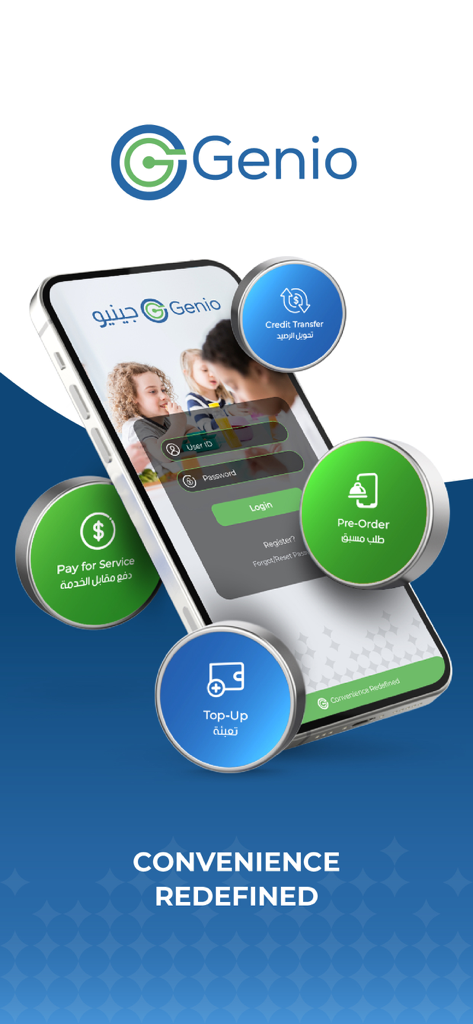
Genio mobile app interface for digital payments and account management
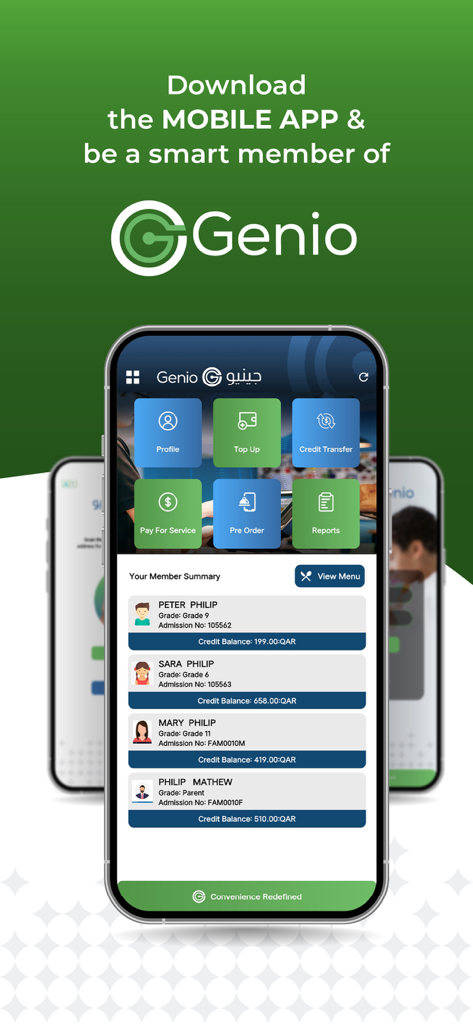
Genio app interface showing member summary and payment management features
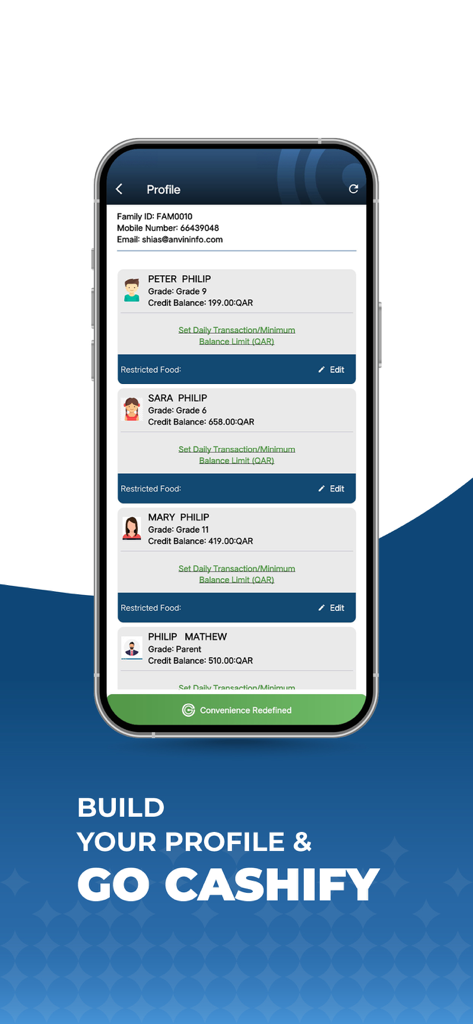
Genio app profile screen displaying family member profiles with credit balances and transaction limit settings
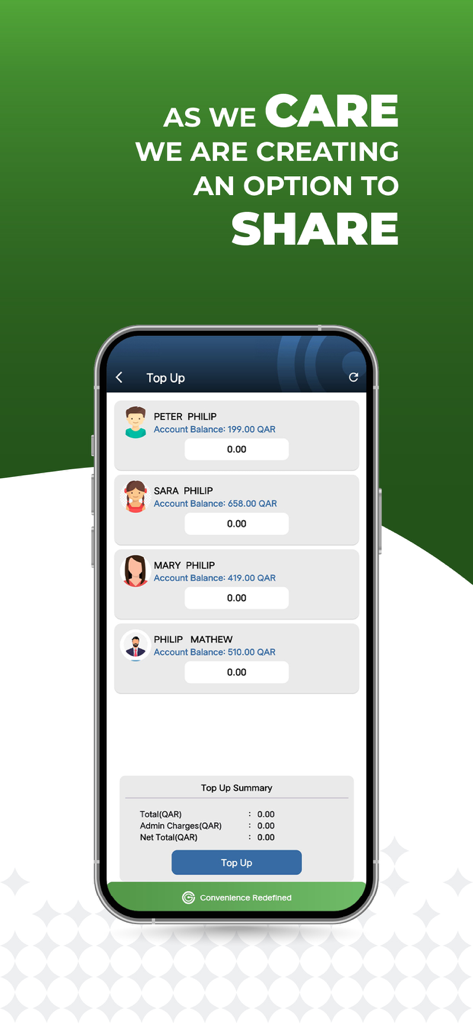
Genio mobile app interface for topping up account balances for multiple family members
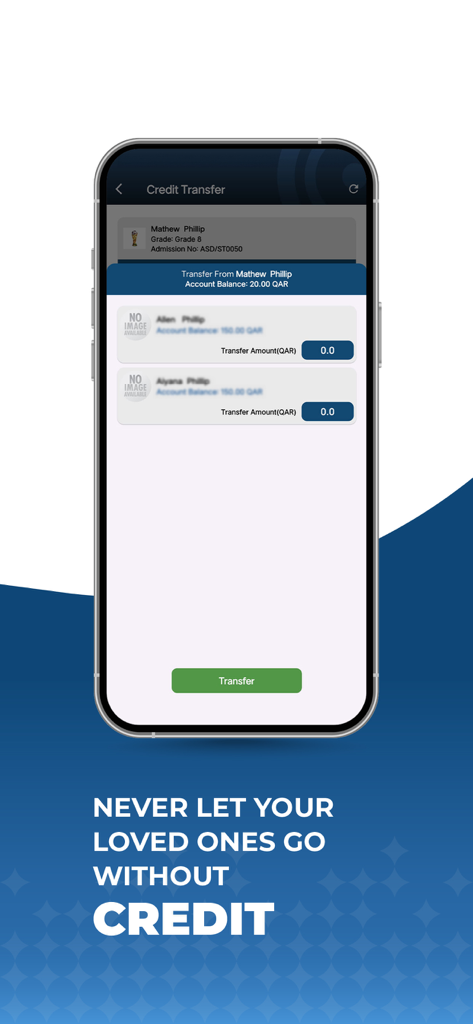
Genio app screen showing credit transfer feature for family accounts
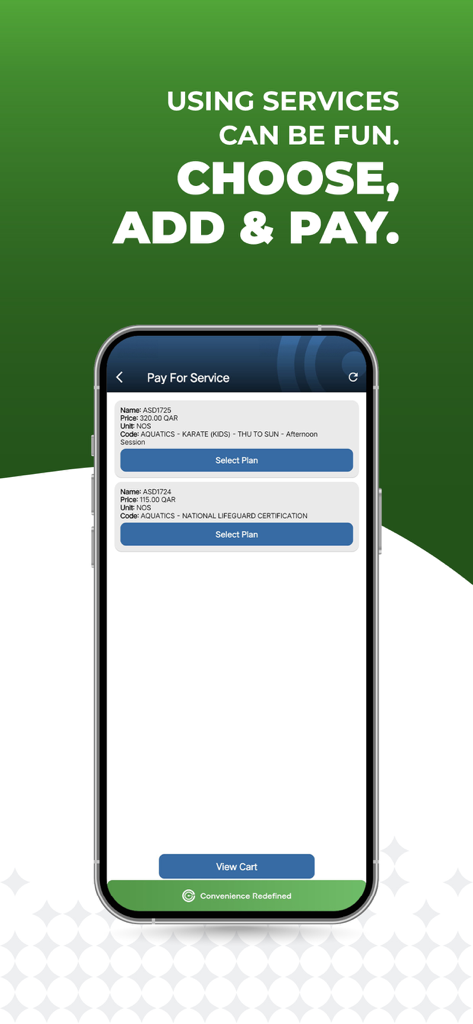
Mobile app interface of Genio showing service options for aquatic classes and payment selection
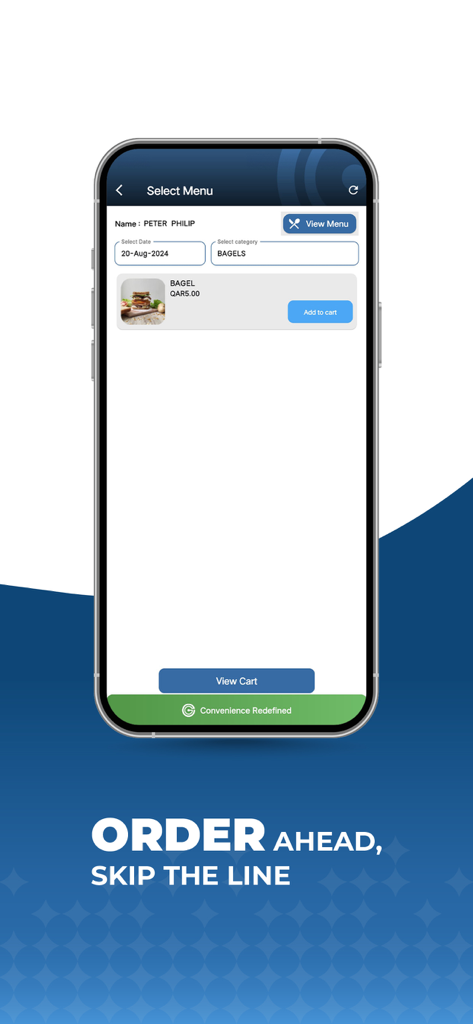
A mobile screen showing the Genio app menu for selecting a bagel with an order ahead feature to skip the line
Description
Download
More Like This
Top-ranked apps in the same category

Microsoft Teams
Microsoft Corporation

WhatsApp Business
WhatsApp Inc.

BOSS直聘-招聘求职找工作神器
Beijing China Product Bo Farce Network Technology Co., Ltd.

Zoom Workplace
Zoom Communications, Inc.

Indeed Job Search
Indeed Inc.

LinkedIn: Community & Network
LinkedIn Corporation

WeCom-Work Communication&Tools
Tencent Technology (Shenzhen) Company Limited

DingDing - Redefine Work in AI
DingTalk Technology Co., Ltd.

Adobe Acrobat Reader: Sign PDF
Adobe Inc.
This page is not an official page of the app or its developer, but an independent editorial publication created for informational and commentary purposes. Unless expressly stated otherwise, neither the app nor its developer is affiliated with, endorsed by, sponsored by, authorized by, or otherwise officially connected with MWM, Apple, Google Play, the app publisher, or the app's developer, and nothing on this page implies that the app was developed using MWM's services. Any trademarks, logos, screenshots, and other content remain the property of their respective owners.