
This page is not an official page of the app or its developer, but an independent editorial publication created for informational and commentary purposes. Unless expressly stated otherwise, neither the app nor its developer is affiliated with, endorsed by, sponsored by, authorized by, or otherwise officially connected with MWM, Apple, Google Play, the app publisher, or the app's developer, and nothing on this page implies that the app was developed using MWM's services. Any trademarks, logos, screenshots, and other content remain the property of their respective owners.


Ghost Finder Tools
Join over 1 million investigators worldwide. Turn your smartphone into a high-tech ghost hunting suite with professional EMF detectors, EVP recorders, and SLS cameras to uncover the unseen.
Downloads
1M+User Rating
Total Ratings
1K+Publisher
Category
EntertainmentLocales
14Latest Version
4.6.9Size
273.3 MBFirst Released
Oct 18, 2018Professional Paranormal Equipment in Your Pocket
From visual detection to frequency scanning, Ghost Finder Tools provides a comprehensive suite of professional-grade sensors designed to help you uncover and document the unseen world.
Real-Time Visual Discovery
Use the GhostCam SLS to map humanoid shapes and phantom movements, turning your phone into a visual gateway for capturing proof on camera.
Direct Spirit Communication
Interact with the beyond using the Ghost Box and REM tool, featuring a 1500+ word database and frequency scanner for real-time EVP capture.
Frequently Asked Questions
Everything you need to know about Ghost Finder Tools
What is Ghost Finder Tools?
Ghost Finder Tools is an app designed for ghost hunting, enabling users to explore haunted places, communicate with spirits, and uncover paranormal activity using their smartphone.
Does Ghost Finder Tools include an EMF detector?
Yes, Ghost Finder Tools includes an M1 EMF Meter tool that identifies magnetic anomalies, making it one of the best EMF detector apps for haunted areas.
Can Ghost Finder Tools record spirit voices?
Yes, Ghost Finder Tools features an EVP Recorder that captures, stores, and allows users to review spirit voices directly within the app.
How does Ghost Finder Tools detect humanoid shapes?
Ghost Finder Tools uses the GhostCam SLS feature to detect humanoid shapes and phantom activity, which also records EMF and EVP events.
What is the REM Tool in Ghost Finder Tools?
The REM Tool in Ghost Finder Tools analyzes EMF shifts and facilitates real-time spirit communication via a database containing over 1500 words.
What is Ghost Finder Tools PRO?
Ghost Finder Tools PRO is a premium version that offers a full experience with no ads and complete access to all professional ghost-hunting tools for accurate, real-time data.
Is Ghost Finder Tools compatible with all smartphones?
No, some features in Ghost Finder Tools require advanced magnetometers and may not function on older devices. Modern smartphones provide the best results.
Does Ghost Finder Tools offer free tools?
Yes, Ghost Finder Tools provides free tools for new users, alongside its professional-grade equipment, allowing for initial exploration of paranormal activity.
How do I use the Ghost Box for spirit communication?
You use the Ghost Box feature in Ghost Finder Tools to scan AM/FM frequencies. This captures EVP (Electronic Voice Phenomena) by utilizing white noise.
Can Ghost Finder Tools generate phonetic noise?
Yes, Ghost Finder Tools includes a Blackbox feature that creates chaotic phonetic noise. Spirits can use this noise to form words for interaction.
The following screenshots and description are sourced directly from the app's official store listing and are the property of the app developer.
App Store
Screenshots
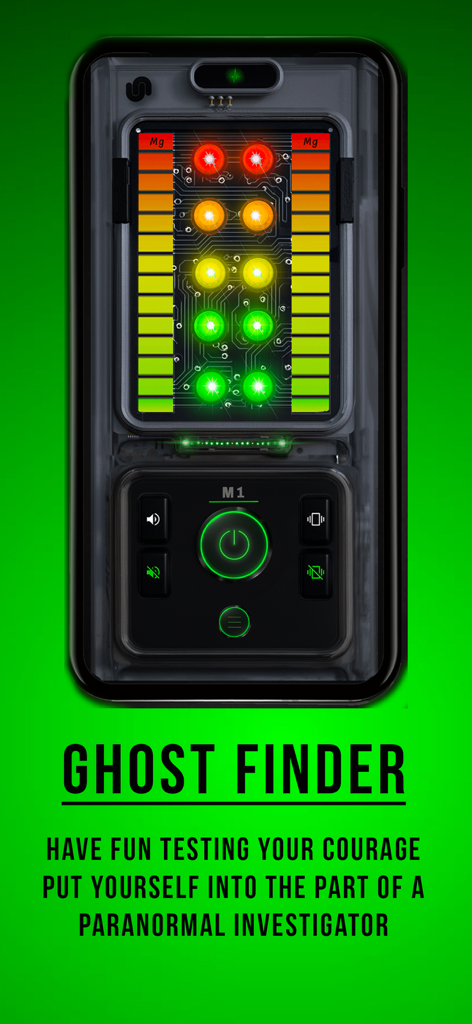
Smartphone screen showing the M1 EMF meter interface for ghost hunting
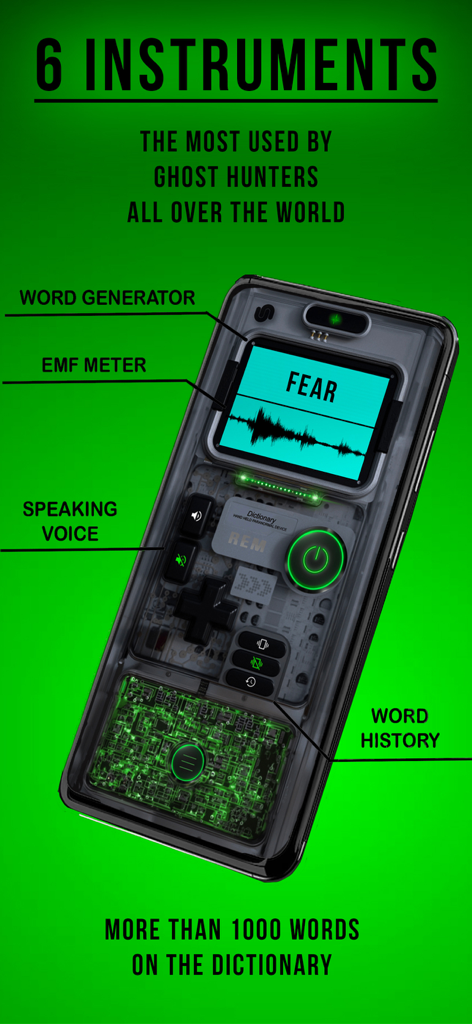
A smartphone showing the Ghost Finder Tools app interface with word generator and EMF meter features on a green background.
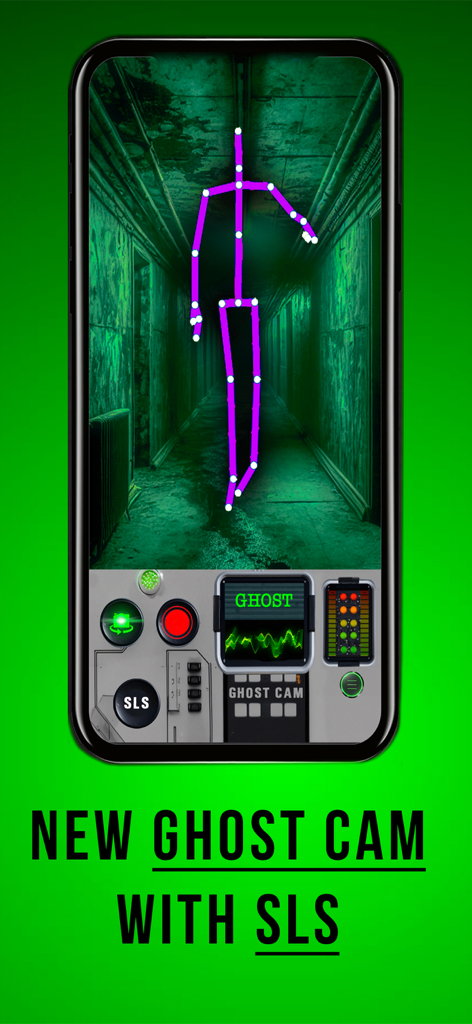
Ghost Finder Tools app GhostCam SLS feature detecting a purple humanoid stick figure in a haunted hallway
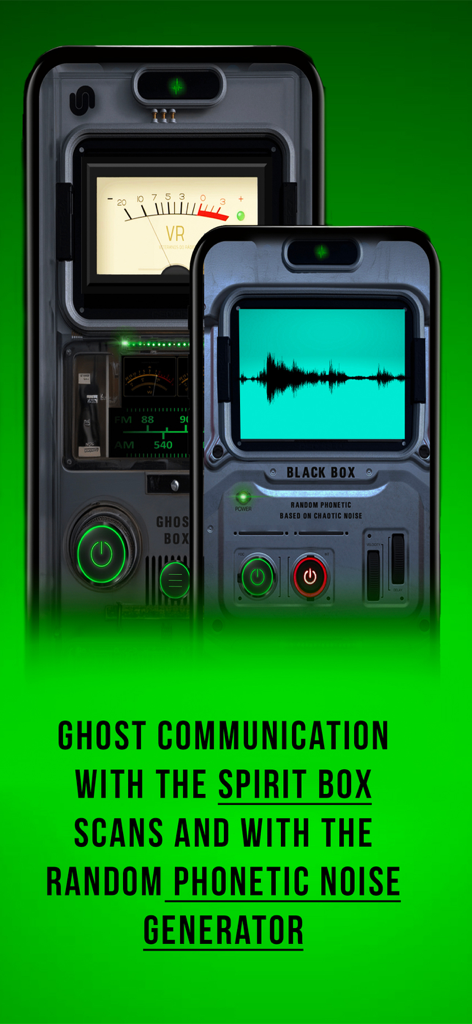
Ghost Finder Tools app interface showing the Spirit Box and Black Box ghost communication features.
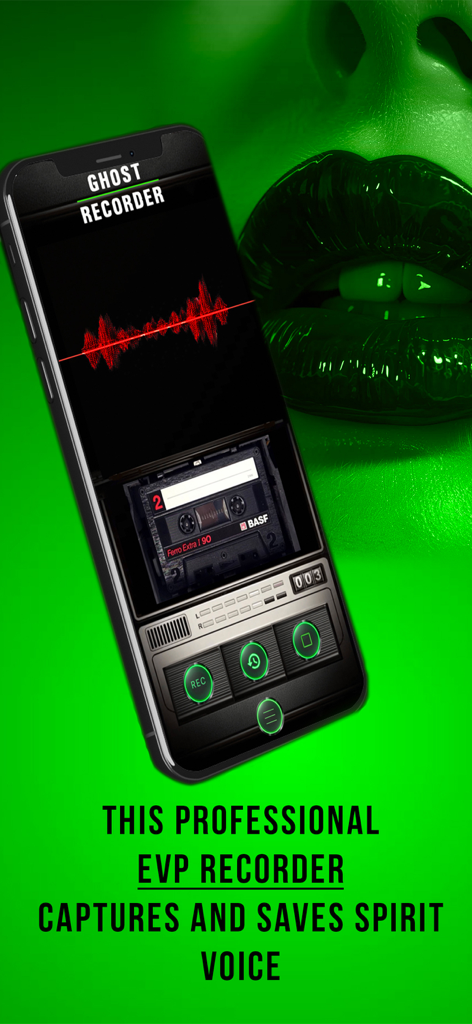
Ghost Finder Tools app showing the EVP Recorder feature with a red sound wave display and recording controls
Description
Download
More Like This
Apps with similar features and user experience

Enigma: What’s that in the Sky
Enigma Labs, LLC

GhostTube SLS Camera
GhostTube Pty Ltd
Ghost detector spirit hunter
Alex Quesada

Ghost Detector - Spirit Box
Zipo Apps Ltd.

AR Spirits Box: Ghost Detector
YET ROOM DESIGN LIMITED

GhostTube EVP
GhostTube Pty Ltd
Ghost Detector Spirit Hunting.
Wojciech Jan Pawlowski

Ghost Detector Radar Camera
First Class Media B.V.

GhostTube
GhostTube Pty Ltd
This page is not an official page of the app or its developer, but an independent editorial publication created for informational and commentary purposes. Unless expressly stated otherwise, neither the app nor its developer is affiliated with, endorsed by, sponsored by, authorized by, or otherwise officially connected with MWM, Apple, Google Play, the app publisher, or the app's developer, and nothing on this page implies that the app was developed using MWM's services. Any trademarks, logos, screenshots, and other content remain the property of their respective owners.