
This page is not an official page of the app or its developer, but an independent editorial publication created for informational and commentary purposes. Unless expressly stated otherwise, neither the app nor its developer is affiliated with, endorsed by, sponsored by, authorized by, or otherwise officially connected with MWM, Apple, Google Play, the app publisher, or the app's developer, and nothing on this page implies that the app was developed using MWM's services. Any trademarks, logos, screenshots, and other content remain the property of their respective owners.


Global Entry Mobile
Exclusively for active members. Report your arrival via smartphone, submit your photo, and breeze through the terminal with a digital receipt.
Downloads
2M+User Rating
Total Ratings
6K+Publisher
Category
TravelLocales
4Latest Version
2.1.0Size
9.8 MBFirst Released
Sep 18, 2023Seamless Entry. Zero Lines.
Designed for the efficiency-obsessed traveler, Global Entry Mobile eliminates the last remaining friction in your arrival. Skip the physical kiosks and process your entry while you walk.
Bypass Terminal Kiosks
Eliminate the wait at stationary portals. Submit your photo and arrival details directly through your iPhone as soon as you land.
Instant Digital Receipts
Receive an encrypted digital receipt on your screen. Simply show it to the CBP officer to breeze through the final checkpoint.
Frequently Asked Questions
Everything you need to know about Global Entry Mobile
What is the Global Entry Mobile app for?
The Global Entry Mobile app allows active Global Entry members to report their arrival at supported airports, replacing stationary kiosks. Members submit a photo and receive a digital receipt for CBP verification.
Do I need to be a Global Entry member to use the Global Entry Mobile app?
Yes, you must be an active member in the Global Entry program to use the Global Entry Mobile app. It does not allow enrollment into the program.
How does the Global Entry Mobile app work upon arrival?
Upon arrival, you choose your airport, submit a photo for CBP verification while physically in the terminal, and receive a digital receipt. You must present this receipt to a Global Entry officer.
Can I enroll in the Global Entry program using the Global Entry Mobile app?
No, the Global Entry Mobile app does not enable enrollment for the Global Entry program. Users must already be active members to utilize its features.
What should I do if the Global Entry Mobile app does not provide a receipt?
If you are unable to obtain a receipt using the Global Entry Mobile app, you can proceed to an existing Global Entry Portal and follow the normal process for entry.
What information can I store in the Global Entry Mobile app profile?
The Global Entry Mobile app allows existing members to store their CBP Pass ID and select their preferred Class of Admission (COA) to streamline their processing.
Who created the Global Entry Mobile app?
The Global Entry Mobile app is an official application created by U.S. Customs and Border Protection (CBP).
Can I select my preferred Class of Admission (COA) in the Global Entry Mobile app?
Yes, active Global Entry members can select their preferred Class of Admission (COA) within the Global Entry Mobile app profile settings. This preference is then used by all Global Entry services.
The following screenshots and description are sourced directly from the app's official store listing and are the property of the app developer.
App Store
Screenshots
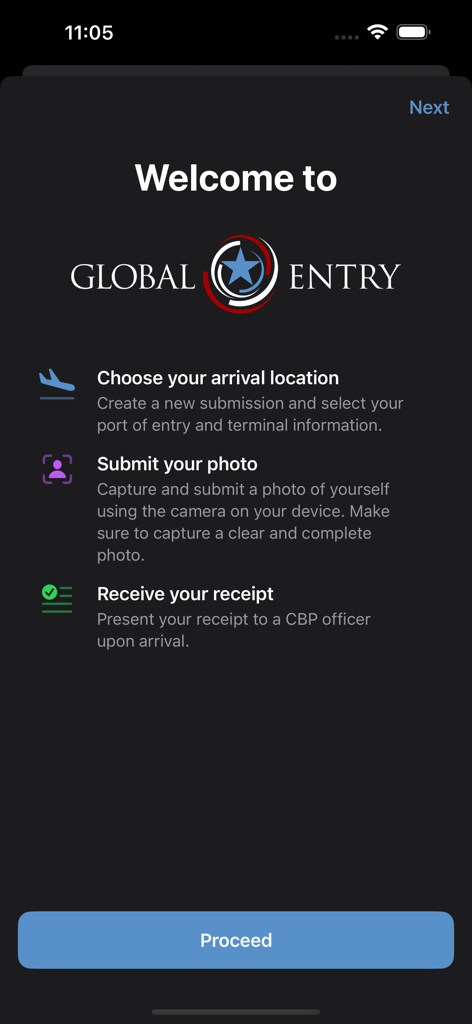
Welcome screen of the Global Entry Mobile app detailing the process to choose arrival location, submit a photo, and receive a receipt.
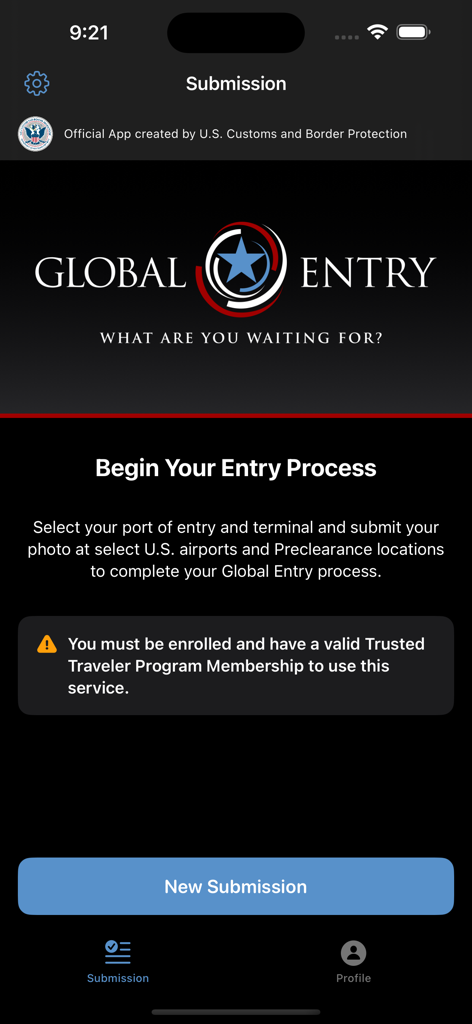
The home screen of the Global Entry Mobile app showing the start of the entry process and a new submission button
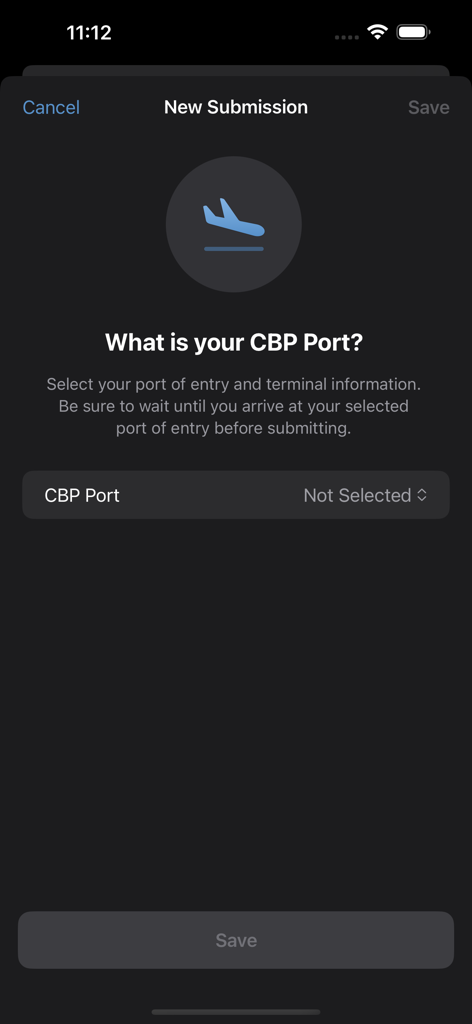
Screen for selecting a CBP port and terminal in the Global Entry Mobile app.
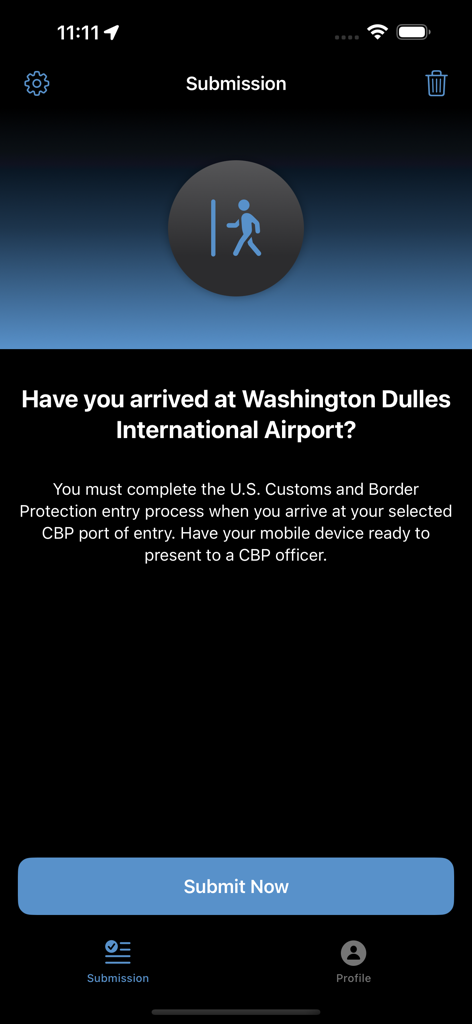
Screenshot of the Global Entry Mobile app showing the arrival submission page for Washington Dulles International Airport.
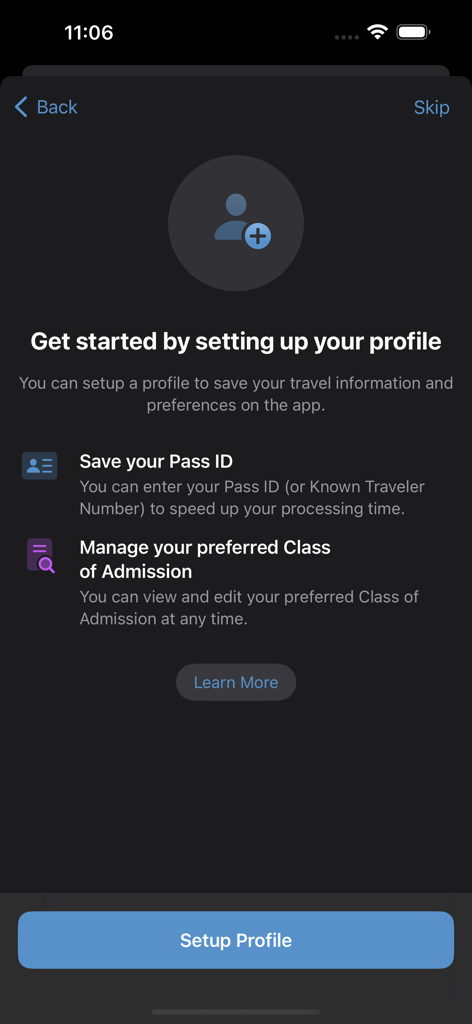
Profile setup screen for Global Entry Mobile app
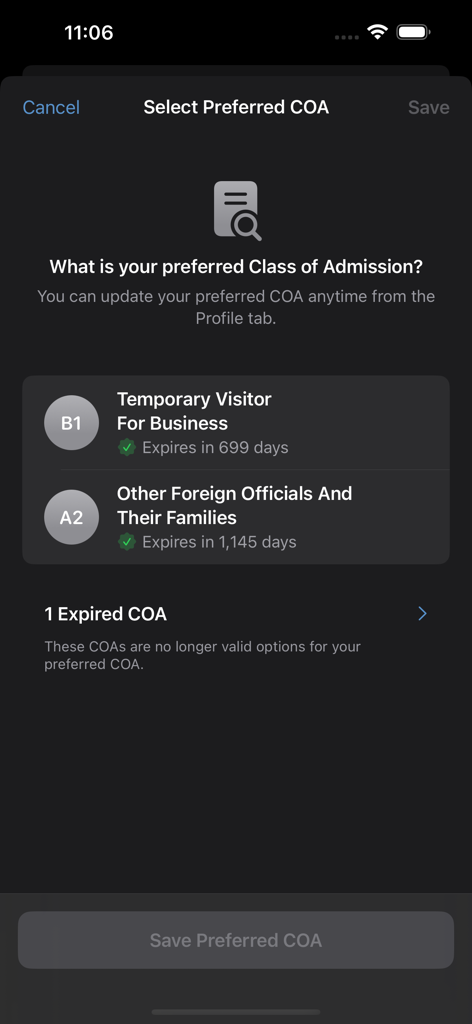
A screenshot of the Global Entry Mobile app interface where a user can select their preferred Class of Admission from a list of options like Temporary Visitor for Business.
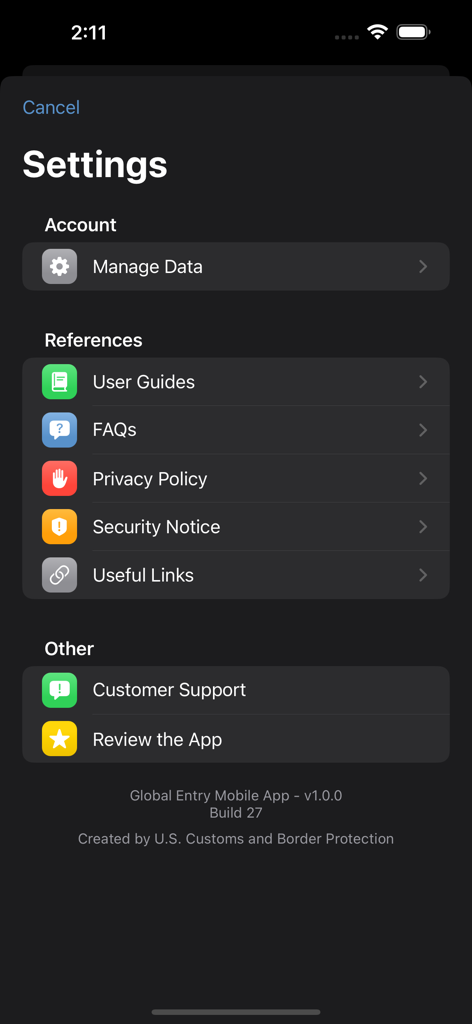
The settings screen of the Global Entry Mobile app showing account management and reference links.
Description
Download
More Like This
Apps with similar features and user experience

Mobile Passport Control
US Customs and Border Protection

Smart Customs
AzerTerminalKompleks Association of the State Customs Committee of the Republic of Azerbaijan

ArriveCAN
Canada Border Services Agency

NZTD
Ministry of Business, Innovation and Employment

MyTSA
Transportation Security Administration

UAE Aber | عابر الإمارات
SHORY TECHNOLOGY L.L.C.

Airside Digital Identity
Airside Mobile LLC

Travel to Europe
European Union - Publications Office

MyICA Mobile
Immigration and Checkpoints Authority of Singapore
This page is not an official page of the app or its developer, but an independent editorial publication created for informational and commentary purposes. Unless expressly stated otherwise, neither the app nor its developer is affiliated with, endorsed by, sponsored by, authorized by, or otherwise officially connected with MWM, Apple, Google Play, the app publisher, or the app's developer, and nothing on this page implies that the app was developed using MWM's services. Any trademarks, logos, screenshots, and other content remain the property of their respective owners.