
This page is not an official page of the app or its developer, but an independent editorial publication created for informational and commentary purposes. Unless expressly stated otherwise, neither the app nor its developer is affiliated with, endorsed by, sponsored by, authorized by, or otherwise officially connected with MWM, Apple, Google Play, the app publisher, or the app's developer, and nothing on this page implies that the app was developed using MWM's services. Any trademarks, logos, screenshots, and other content remain the property of their respective owners.


Gmoji: AI Emoji Maker
Stop settling for boring icons. Turn your photos, text, and wildest ideas into custom emojis and stickers that perfectly capture your vibe.
Downloads
2M+User Rating
Total Ratings
27K+Publisher
Category
Graphics & DesignLocales
1Latest Version
4.0.2Size
233.8 MBFirst Released
Sep 19, 2024Level Up Your Group Chats
Tired of basic emojis? Gmoji uses AI to turn your wildest ideas and personal photos into unique reactions that own the conversation.
AI Text-to-Emoji
Type any inside joke or random thought and watch our AI instantly create a custom emoji masterpiece.
Personalized YouMojis
Transform your selfies into custom sticker packs so you can react with your own face in any chat.
Frequently Asked Questions
Everything you need to know about Gmoji: AI Emoji Maker
What is Gmoji: AI Emoji Maker?
Gmoji is an ultimate AI-powered app for creating unique emojis. It allows users to merge existing emojis, transform text into visual masterpieces, and convert photos into personalized emojis, offering endless creative possibilities.
How can I create custom emojis using the Gmoji app?
Gmoji offers several ways to create custom emojis: merging existing emojis, transforming text into emojis, and converting your own photos into personalized emojis. Users can also explore themed packs for inspiration.
Can I merge emojis together in Gmoji?
Yes, Gmoji allows users to merge their favorite emojis and even combine them with photos to craft entirely new creations. This feature is called 'Merge & Create' within the app.
Does Gmoji: AI Emoji Maker include a 'Text to Emoji' feature?
Yes, Gmoji features a 'Text to Emoji' function. Users can type a phrase, and the app instantly transforms the words into a custom, visual emoji masterpiece.
Can I turn my photos into personalized emojis with Gmoji?
Yes, Gmoji allows users to snap a picture and instantly turn it into a personalized emoji. This feature also supports creating 'YouMoji Packs' from your photos.
What are YouMoji Packs in the Gmoji app?
YouMoji Packs in Gmoji allow users to choose a vibe, upload a photo, and create a personalized pack of custom emojis that resemble themselves or their friends. These packs are unique to the user.
How many emojis are available in Gmoji: AI Emoji Maker?
Gmoji offers millions of curated emojis. The app description mentions 'Millions of Curated Emojis,' and screenshots indicate '1M+ Emojis' and 'Explore 2,000,000+ Emojis.'
Can I save my created emojis in Gmoji?
Yes, Gmoji allows users to save all their custom creations in a dedicated section called 'My Emoji' for easy access. This ensures personal collections are readily available.
Where can I share custom emojis made with Gmoji: AI Emoji Maker?
Gmoji enables instant sharing of custom creations directly to iMessage, WhatsApp, Instagram, and other platforms. This allows users to easily integrate their unique emojis into conversations.
Where can I find the Privacy Policy for Gmoji: AI Emoji Maker?
The Privacy Policy for Gmoji is available at the following URL: https://massiveappsfzco.com/privacy-policy/. This ensures transparency regarding user data handling.
The following screenshots and description are sourced directly from the app's official store listing and are the property of the app developer.
App Store
Screenshots
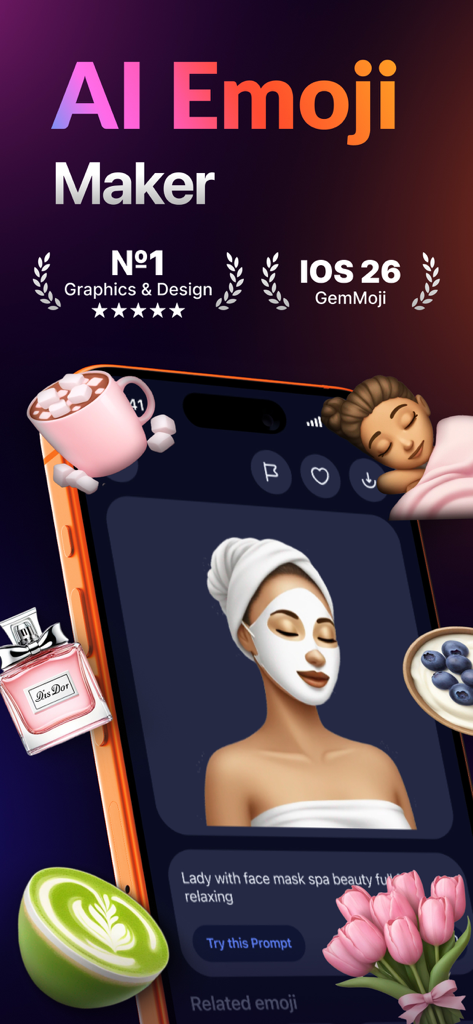
Gmoji AI Emoji Maker app interface showing a custom creation of a woman with a face mask and floating lifestyle emojis
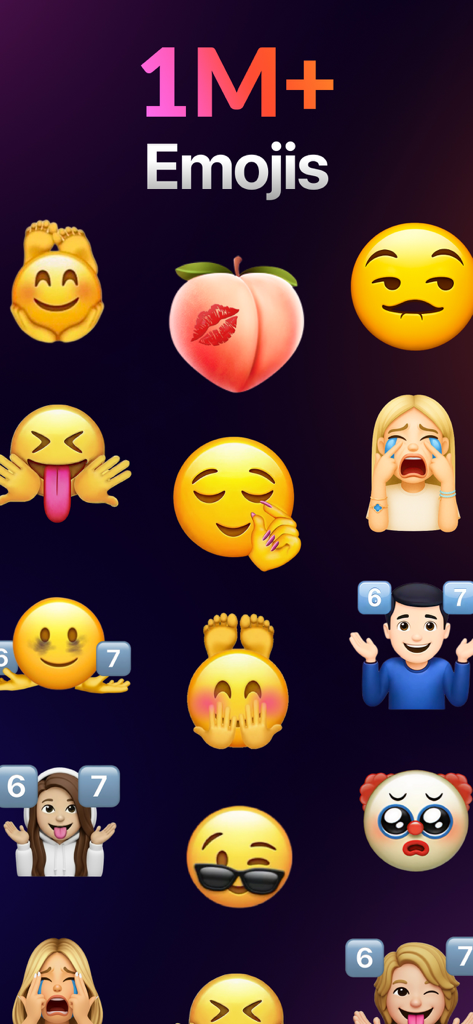
A diverse grid of creative and custom AI-generated emojis from the Gmoji app
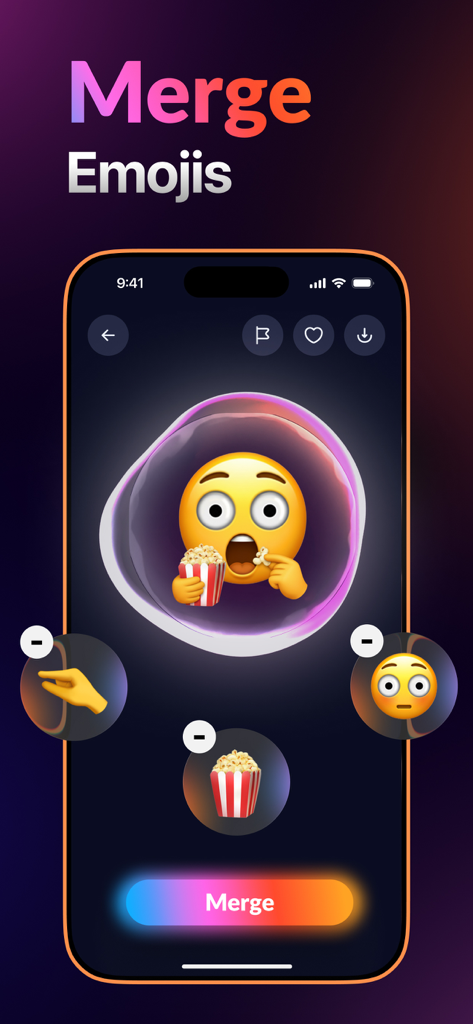
Interface of the Gmoji app showing the emoji merge tool with a shocked face eating popcorn
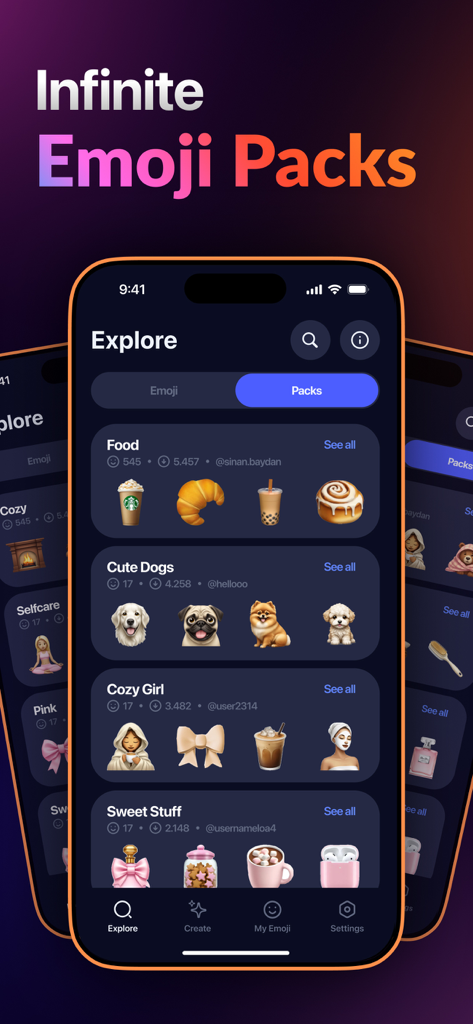
Explore screen of Gmoji app showing curated emoji packs for different categories
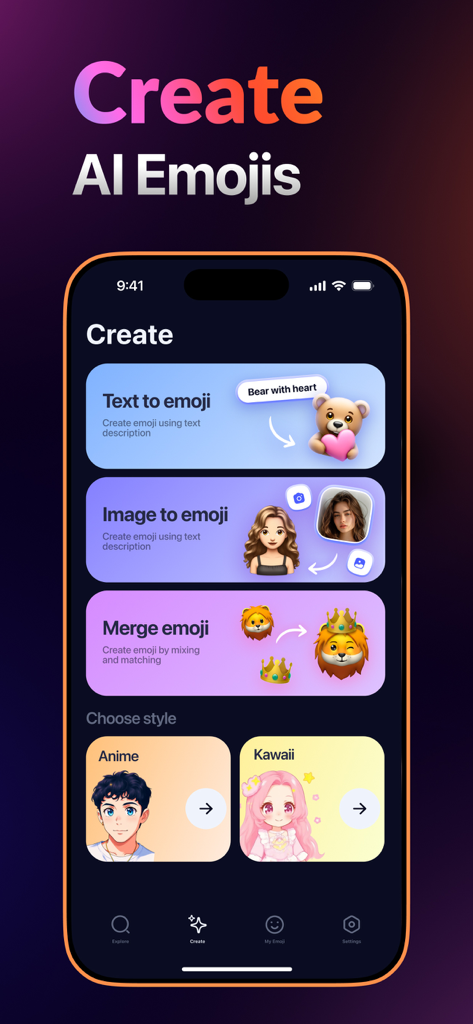
Interface of Gmoji app showing options to create AI emojis from text images or by merging characters
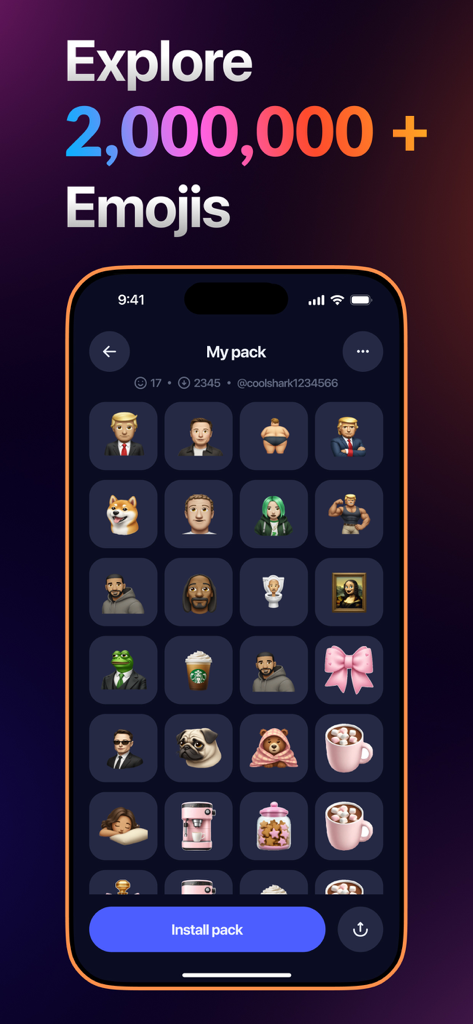
A mobile screen showing a large collection of custom AI-generated emojis and stickers including famous figures and memes
Description
Download
More Like This
Apps with similar features and user experience

Sticker.ly - Sticker Maker
NAVER Z Corporation

Emoji Maker: Emoji Up
Mobile entertainment srl

sticker maker - holos
Maxim Kartuzov

Sticker Maker Studio
Tamara Vardanyan

WhatSticker - Sticker Maker
WHATSTICKER APPS SRL

LINE Sticker Maker
LY Corporation

Top Sticker Maker - WaSticker
Aplicativos Legais LTDA - ME

Emoji & Sticker Design Lab
Nguyen Yen

AI Emoji: Swipemoji
Mobile entertainment srl
This page is not an official page of the app or its developer, but an independent editorial publication created for informational and commentary purposes. Unless expressly stated otherwise, neither the app nor its developer is affiliated with, endorsed by, sponsored by, authorized by, or otherwise officially connected with MWM, Apple, Google Play, the app publisher, or the app's developer, and nothing on this page implies that the app was developed using MWM's services. Any trademarks, logos, screenshots, and other content remain the property of their respective owners.