Grial UIKit
Grial UIKit
Download on App Store

This page is not an official page of the app or its developer, but an independent editorial publication created for informational and commentary purposes. Unless expressly stated otherwise, neither the app nor its developer is affiliated with, endorsed by, sponsored by, authorized by, or otherwise officially connected with MWM, Apple, Google Play, the app publisher, or the app's developer, and nothing on this page implies that the app was developed using MWM's services. Any trademarks, logos, screenshots, and other content remain the property of their respective owners.


Logo of Grial UIKit
Download on App Store

Grial UIKit

Accelerate your development with 300+ production-ready XAML templates, enterprise-grade controls, and fully customizable themes designed for the professional .NET developer.

Key Figures

Downloads

0

User Rating

4.3/5

Total Ratings

0

Publisher

UXDivers LTDA

Category

Shopping

Locales

-

Latest Version

4.3.120

Size

141.2 MB

First Released

Apr 8, 2016
Features

Ship High-Performance .NET MAUI Apps Faster

Stop wasting hundreds of hours on UI coding. Grial UIKit gives you a production-ready foundation with 300+ XAML templates and enterprise-grade controls designed for the modern developer.

300+ Pro XAML Templates

Skip the tedious design phase with a massive library of professionally crafted screens. All templates are MVVM-ready, ensuring a clean separation between logic and UI.

Enterprise-Grade Controls

Deliver complex functionality instantly with built-in DataGrids, interactive Charts, and advanced Calendars designed specifically for high-stakes business applications.

The following screenshots and description are sourced directly from the app's official store listing and are the property of the app developer.

App Store

Screenshots
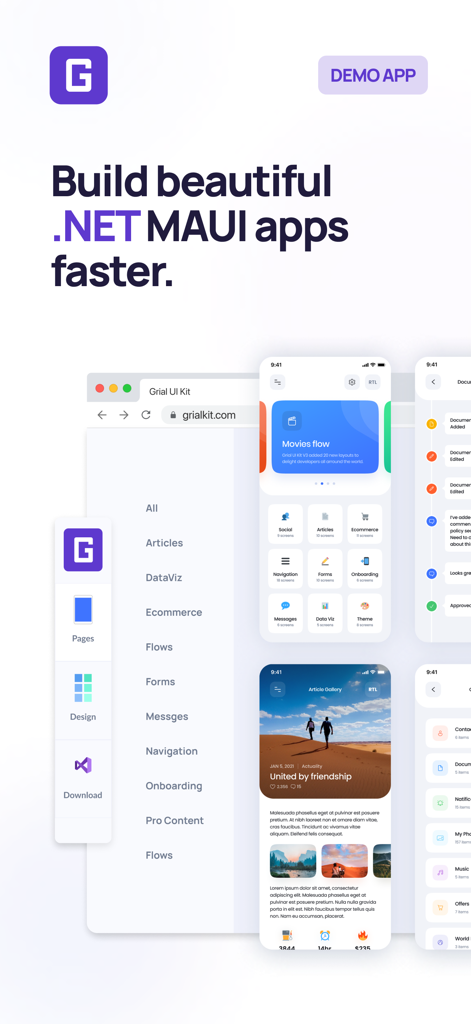
Grial UIKit - Grial UIKit promotional screen showcasing various NET MAUI mobile app templates and developer tools
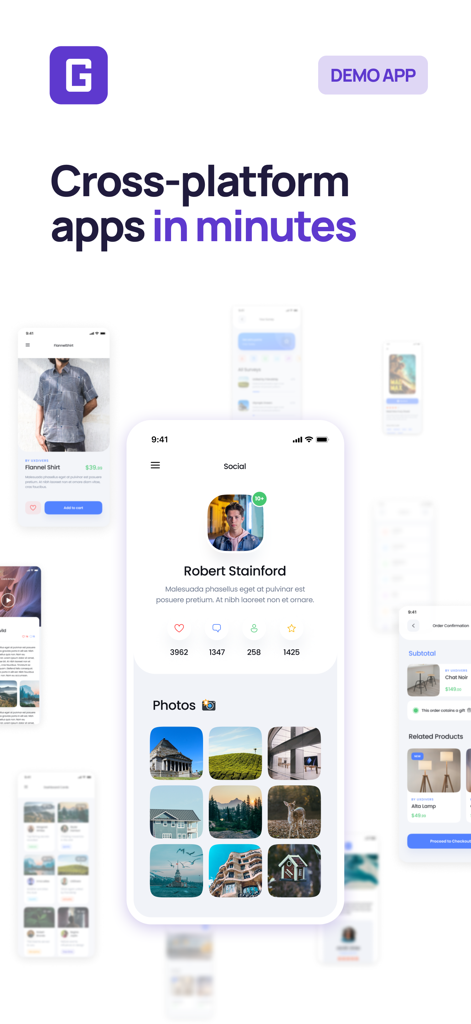
Grial UIKit promotional screen showcasing various NET MAUI mobile app templates and developer tools

Grial UIKit - Grial UIKit demo app showing professional mobile UI templates for cross-platform development
Grial UIKit demo app showing professional mobile UI templates for cross-platform development

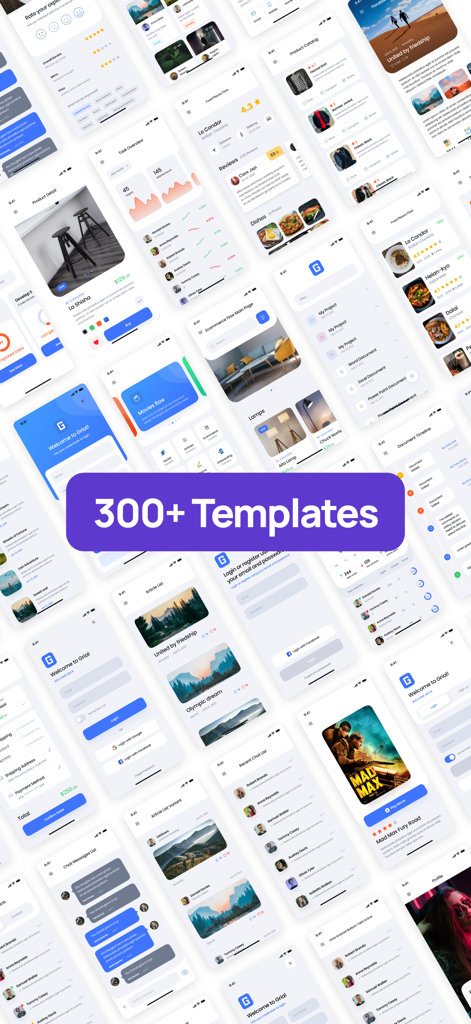
Grial UIKit - A mosaic display showcasing over 300 professional UI templates and screens for .NET MAUI mobile app development
A mosaic display showcasing over 300 professional UI templates and screens for .NET MAUI mobile app development

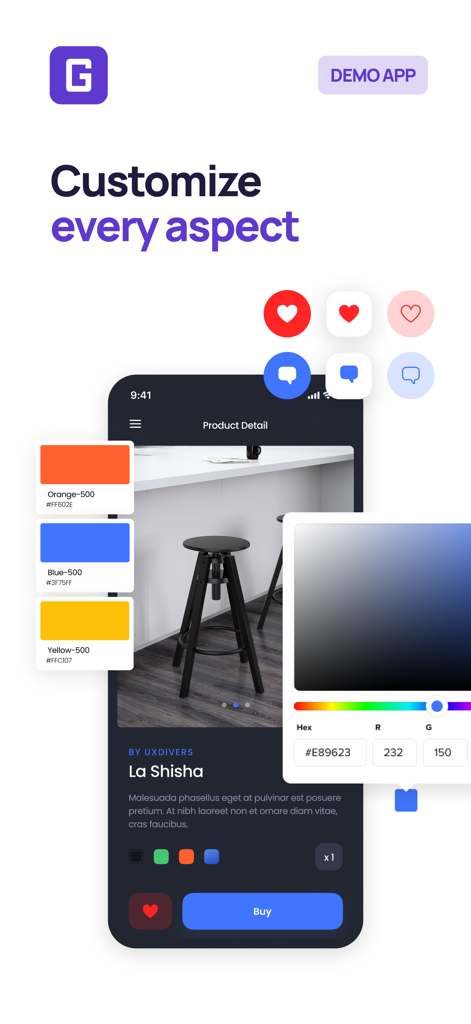
Grial UIKit - Interface of Grial UIKit showing UI customization tools and a product detail screen.
Interface of Grial UIKit showing UI customization tools and a product detail screen.

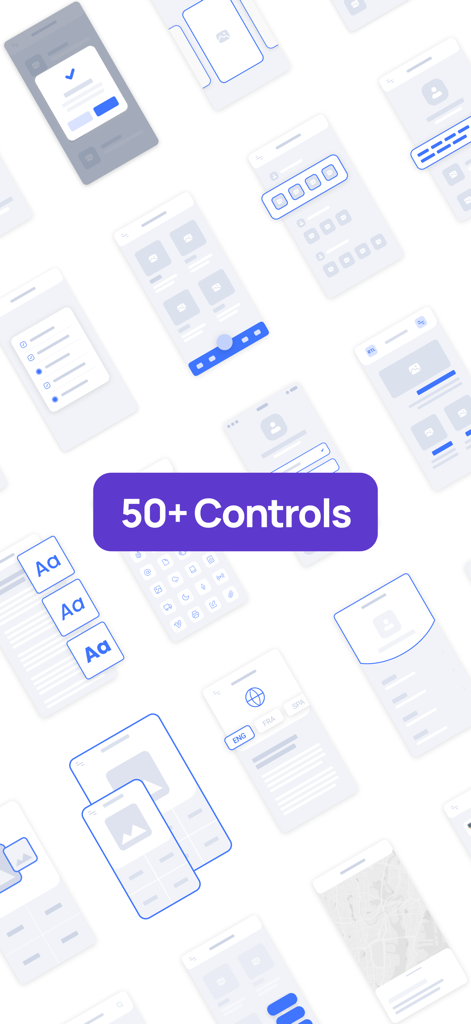
Grial UIKit - A collage of various mobile UI wireframes and components for NET MAUI developers featuring a badge that says 50 plus controls
A collage of various mobile UI wireframes and components for NET MAUI developers featuring a badge that says 50 plus controls

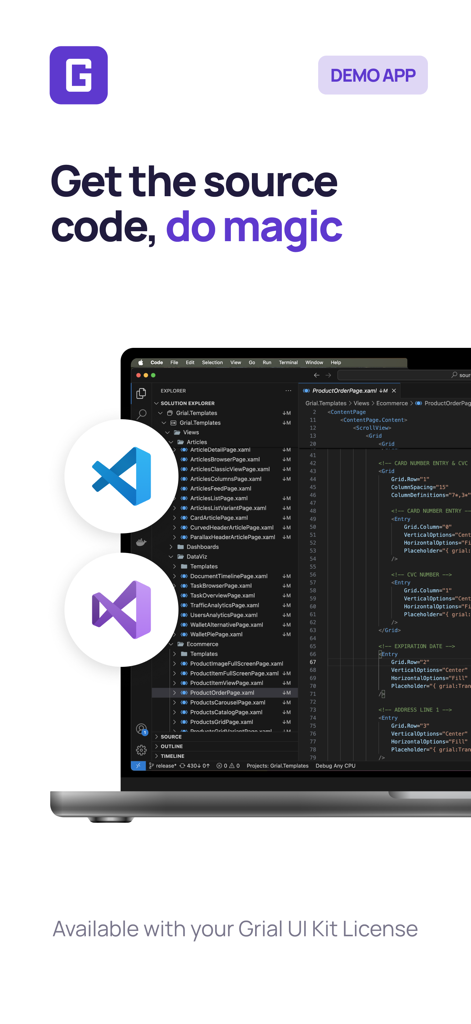
Grial UIKit - A laptop screen displaying XAML source code with the Grial UI Kit branding and developer tool icons

A laptop screen displaying XAML source code with the Grial UI Kit branding and developer tool icons

Description

Grial UI Kit gives you everything you need to build beautiful, professional apps with .NET MAUI, fast. Designed with the MVVM pattern in mind, Grial ensures a clean separation between your app’s logic and a carefully crafted UI. With over 300+ ready-to-use XAML templates, you can focus on building great apps instead of reinventing the wheel. Key Features: - Made for .NET Developers: Grial UI Kit offers a complete collection of fully customizable UI screens and resources. Easily change colors, elements, sizes, layouts, and themes — everything you need to get the exact look and feel you want. - Grial Web Admin: Set up your project in minutes! Pick your pages, styles, themes, and app icon through our easy-to-use Web Admin. Download the project and start building right away. - Stunning Themes: Choose from 6 beautiful themes to match your brand or project style. - Tablet and Phone Support: Deliver a great user experience across different devices and orientations. - Full RTL/LTR Support: Build apps for both left-to-right and right-to-left languages with minimal effort. Seamlessly switch layouts at runtime. - Calendar Control: Add a beautiful, customizable calendar to your app with just a few lines of XAML. Supports day, week, and month views, with full control over styling, events, and interactions. Easily highlight dates, manage selections, and create rich scheduling experiences. - Chart Controls: Visualize your data beautifully with Grial’s wide range of charts — including bar, line, pie, radial, and more. Fully customizable and designed for mobile, our charts help you build interactive, high-performance dashboards and data-driven screens with ease. - Swipeable Layout Control: The perfect option whether you want to showcase a few items in an engaging loop with smooth animations or implement a simple binary choice interface (like yes/no, true/false). - Stepper Control: Easily guide users through a series of steps or forms with the Stepper control. Perfect for onboarding, checkouts, or multi-step processes, it's fully customizable and works with horizontal or vertical layouts. Add icons, titles, descriptions, and track user progress with style. - Drawer Control: Add extra layers of content without overwhelming users. Our Drawer control features smooth open/close animations for an elegant experience. - DataGrid Control: Display tabular data beautifully with our customizable cross-platform DataGrid. Adjust everything from row colors to full cell templates. Supports sorting and selection too. - Map Control: Create maps with custom markers, perfect for shops, restaurants, and more. Make finding places easier than ever. - Video Player Control: Play local or remote videos with our fully customizable cross-platform player — perfect for video feeds or background videos. Supports popular formats, including YouTube. - Floating Button Control: Make key actions more accessible. This stylish circular button sticks to the bottom of the screen and pops up a floating menu of options — fully customizable via XAML. - Custom TabControl: Organize your content with a fully customizable, native-feeling TabControl. Add as many tabs as you need. - Parallax View Control: Create stunning parallax scrolling effects with optional sticky headers — all with minimal setup. - And More! Also included: Charts, CardViews, Popups, Rating controls, Carousel, Checkboxes, Radio buttons, Sliders, ProgressBar, DataPresenter, GridView WrapPanel, Icons, Localization and more. - Animations API: Bring your app to life! Easily add animations like translation, rotation, scaling, color changes, and fading. Create eye-catching effects with minimal effort. - Emoji Support: Spice up your UI with emojis! Modern apps aren’t complete without them — add a little fun to your user experience. - XAML Goodies Galore: Use powerful features like XAML expressions, responsive helpers, view trimming, converters, markup extensions, aliases, and more to streamline your development process.

Download

Download on App Store

This page is not an official page of the app or its developer, but an independent editorial publication created for informational and commentary purposes. Unless expressly stated otherwise, neither the app nor its developer is affiliated with, endorsed by, sponsored by, authorized by, or otherwise officially connected with MWM, Apple, Google Play, the app publisher, or the app's developer, and nothing on this page implies that the app was developed using MWM's services. Any trademarks, logos, screenshots, and other content remain the property of their respective owners.