
Grid Connect

Stop switching between apps and save on setup costs. Join over 1 million users who trust our high-rated platform to manage their entire home automation network from a single, easy-to-use interface.
Publisher
Category
UtilitiesDownloads
1M+User Rating
Total Ratings
39K+Locales
61Discover the interface used by 1M+ users.
The tools that make this app stand out, trusted by 1M+ users.
Stop juggling multiple apps. Manage lighting, power, and security from one central place, designed specifically to eliminate digital clutter.
Experience luxury home features without the premium price tag. Easily setup and customize your own cost-effective DIY smart network.
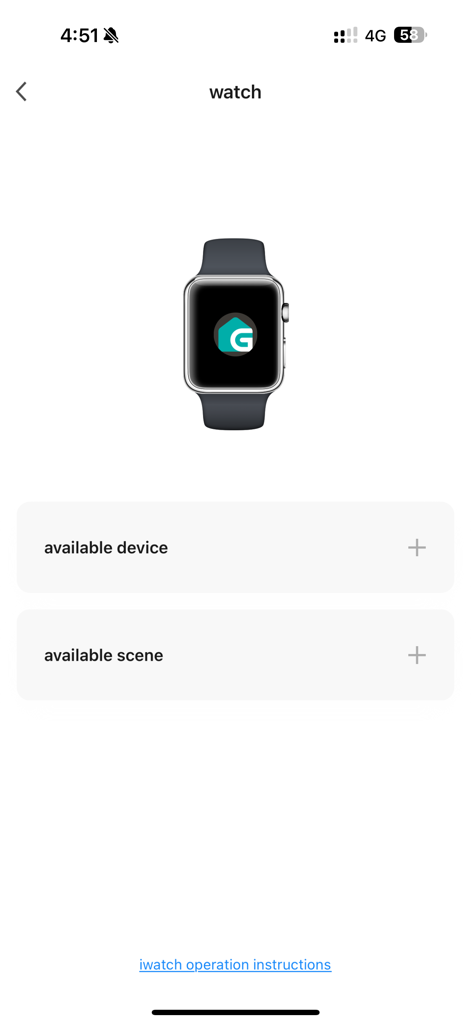
Control your home from your iPhone, iPad, or Apple Watch. Enjoy instant access to your devices from your wrist or your couch.
Everything you need to know about Grid Connect.
Description
Latest Version
2.0.2
Size
226.1 MB
First Released
Nov 21, 2018
Join over 1 million users simplifying their lives. Ditch the app clutter and manage all your smart devices through a single, cost-effective hub today.
Everything you need to know about Grid Connect
Grid Connect is a home automation application that allows users to establish a cost-effective smart home network. It controls various electronic devices, eliminating the need for multiple apps.
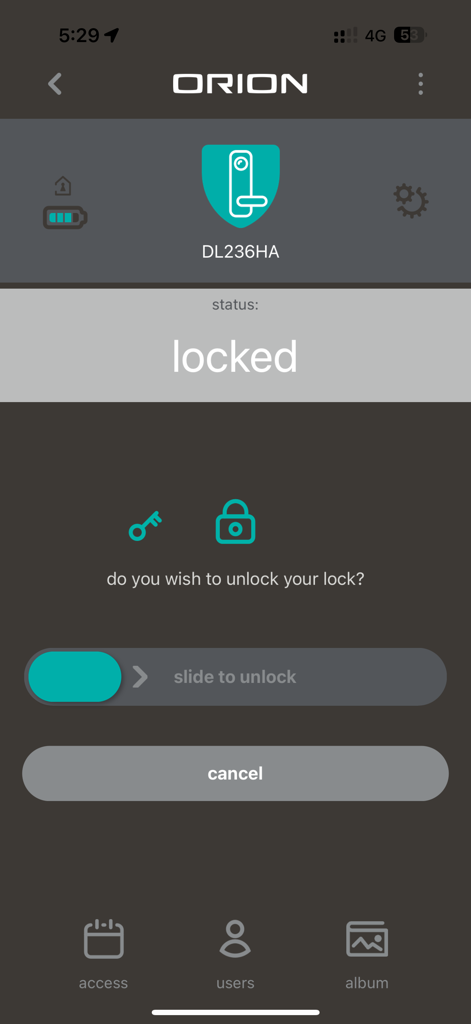
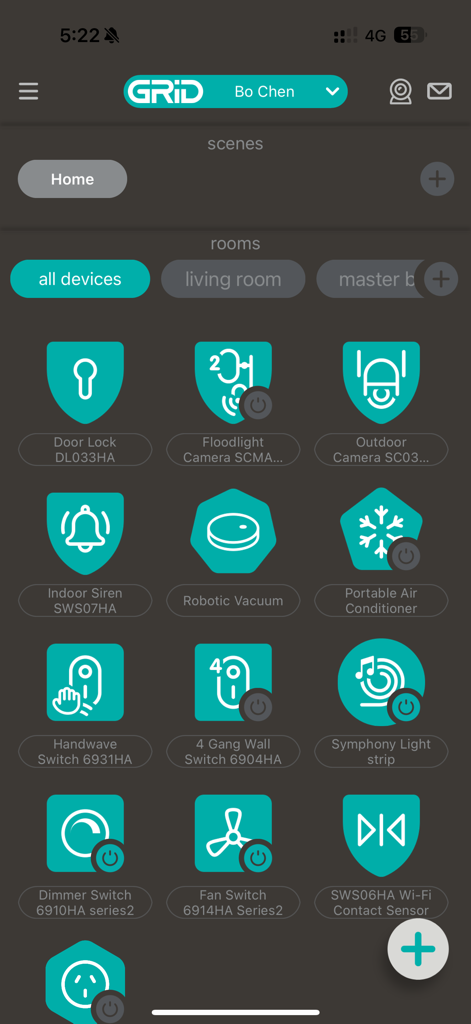
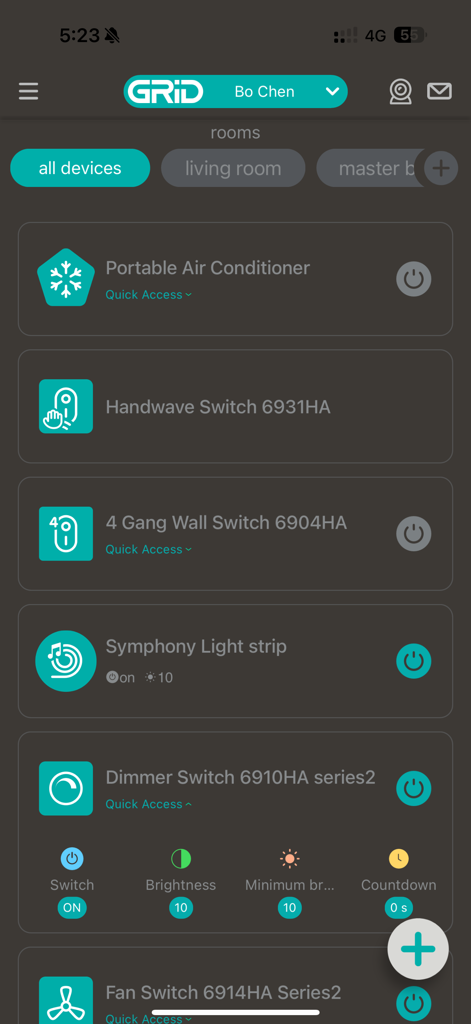
Grid Connect controls diverse electronic devices such as door locks, floodlight cameras, indoor sirens, robotic vacuums, air conditioners, and various switches. It supports a comprehensive home automation network.
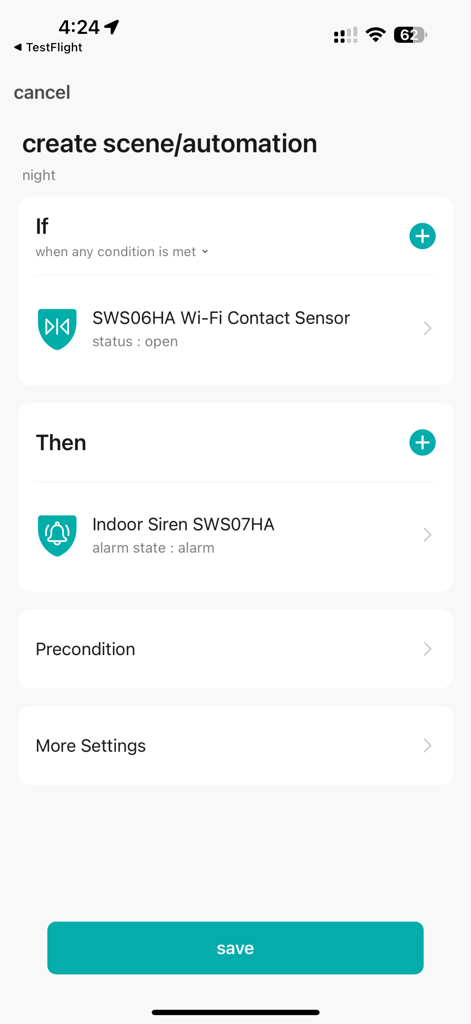
Yes, Grid Connect allows users to create automation scenes. This feature enables defining specific conditions, like a contact sensor opening, to trigger actions such as an indoor siren alarm.
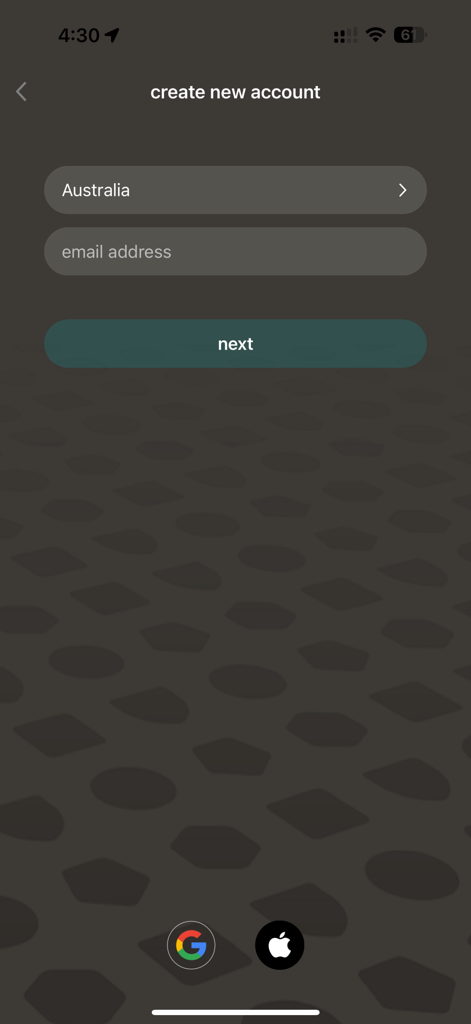
To create a new Grid Connect account, tap "create new account" on the initial screen. Then, select your country and enter your email address to proceed with the registration.
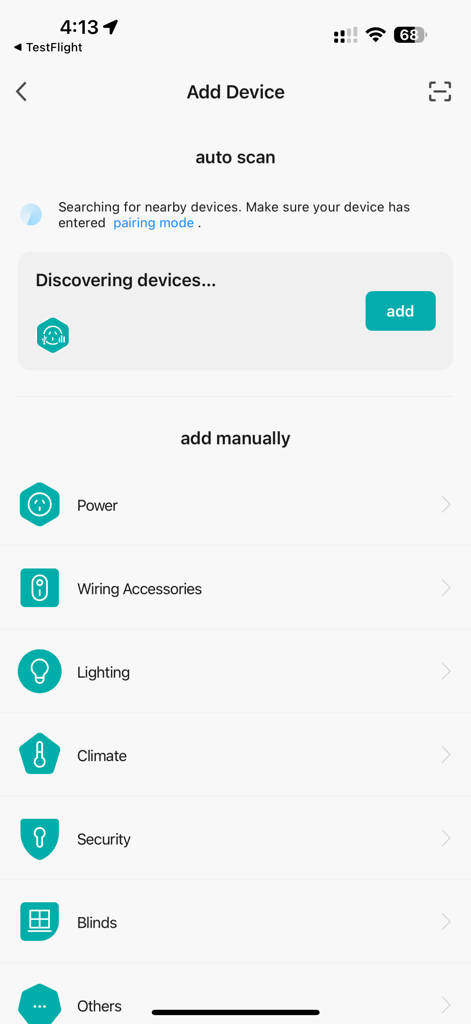
The Grid Connect app allows adding devices via auto-scan for nearby units or manually by selecting categories like Power, Lighting, Climate, and Security.
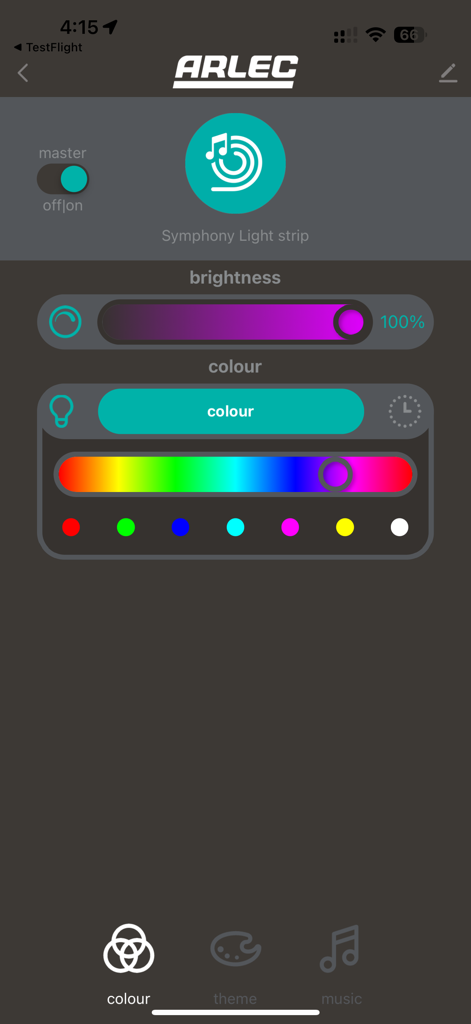
Yes, Grid Connect offers precise control over lighting. Users can adjust brightness levels and select from a wide range of colors for connected devices, such as the Symphony Light strip.
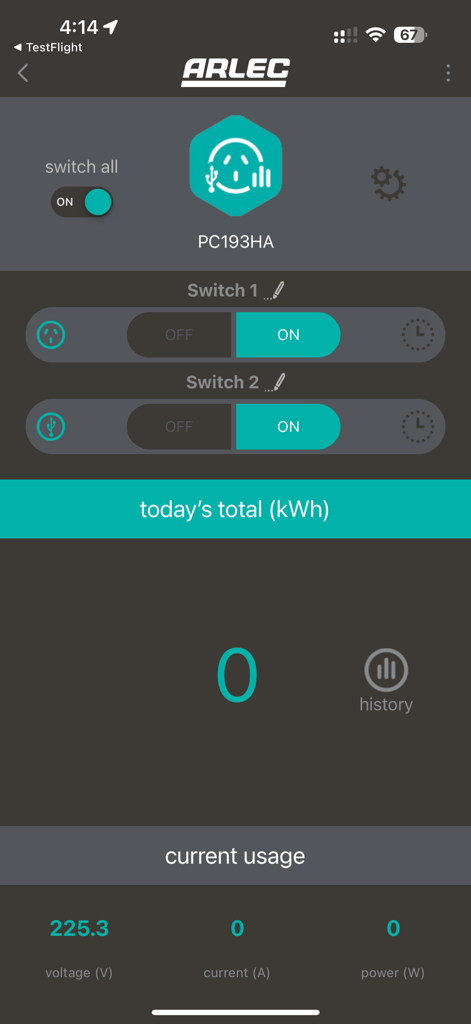
Yes, Grid Connect provides power usage monitoring for connected smart devices. It displays critical metrics like voltage, current, power, and today's total kilowatt-hours for detailed tracking.
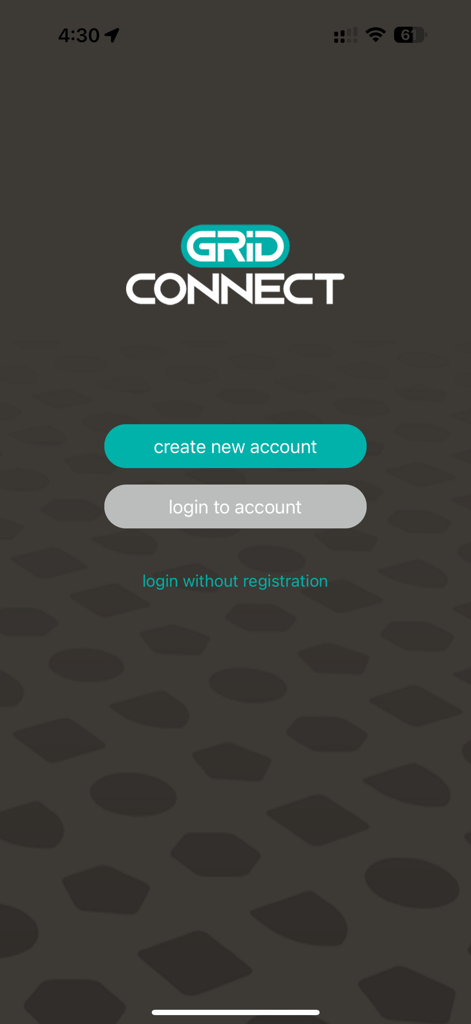
Yes, Grid Connect allows users to log in without full registration. The app presents a "login without registration" option on its primary login interface for quick access.
Yes, Grid Connect supports Apple Watch integration. Users can manage available smart devices and activate scenes directly from their Apple Watch for convenient control.
The main benefit of Grid Connect is its ability to manage a wide array of electronic devices from a single application. This simplifies home automation by eliminating the need for multiple apps.
Apps with similar features and user experience

TP-Link Systems Inc.

DIRECT CURSUS COMPUTER SYSTEMS TRADING LLC

Vesync Technology Corporation

TP-Link Systems Inc.

ecobee Ltd.

Afero, Inc.

ADT LLC

Resideo Technologies, Inc.

Intelbras S.A. Ind. de Telecom. Elet. Brasileira
App information, icons, screenshots, and descriptions displayed on this page are sourced from the Apple App Store and are the property of their respective developers. Download estimates and rankings are based on MWM's proprietary models and may not reflect actual figures. This page is provided for informational and analytical purposes only.
Believe this page infringes your intellectual property? File a dispute