
This page is not an official page of the app or its developer, but an independent editorial publication created for informational and commentary purposes. Unless expressly stated otherwise, neither the app nor its developer is affiliated with, endorsed by, sponsored by, authorized by, or otherwise officially connected with MWM, Apple, Google Play, the app publisher, or the app's developer, and nothing on this page implies that the app was developed using MWM's services. Any trademarks, logos, screenshots, and other content remain the property of their respective owners.

Griddy: Split Photo Grid Posts
Transform your profile into a professional digital storefront. The all-in-one design tool for influencers and small businesses to create stunning puzzle feeds, custom layouts, and brand-consistent content in seconds.
Downloads
2M+User Rating
Total Ratings
3K+Publisher
Category
Graphics & DesignLocales
12Latest Version
4.0.23Size
177.1 MBFirst Released
May 18, 2016Design a Feed That Converts
From viral grid posts to professional puzzle layouts, Griddy gives you the tools to build a cohesive brand and captivate your audience in seconds.
Signature Puzzle Grids
Split your photos into breathtaking grid layouts or aesthetic puzzle feeds that turn your profile into a curated digital gallery.
Seamless Carousel Slicing
Transform panoramas into fluid, swipeable stories. Keep followers engaged longer with perfectly aligned multi-post carousel layouts.
Frequently Asked Questions
Everything you need to know about Griddy: Split Photo Grid Posts
How does Griddy help create Instagram grid layouts?
Griddy splits photos into grid layouts for Instagram, offering predefined options like 1x3, 2x3, 3x3, or 4x3. Users can also create custom grids and adjust aspect ratios.
Can Griddy create seamless carousel posts for Instagram?
Yes, Griddy creates seamless carousel posts by slicing panorama photos or transforming regular posts into photo collages and image galleries for a continuous swipe experience.
Does Griddy offer templates for Instagram content?
Yes, Griddy provides over 500 fully customizable templates for various content types. These include Grid Feeds, Carousel Posts, Stories, and Square Posts to enhance creativity.
Can users add their own brand elements with Griddy?
Yes, Griddy features a Brand Kit tool. Users can manage and apply their brand's logos, fonts, and colors, and also import custom fonts to their designs easily.
What are the primary uses of the Griddy app?
Griddy is an all-in-one tool for Instagram marketing. It helps users create professional grid posts, seamless carousel layouts, engaging stories, and captivating visual content.
Can I preview my Instagram posts before sharing them with Griddy?
Yes, Griddy includes a Preview Mode. This feature allows users to see exactly how their Instagram feed, carousel post, or story will appear before sharing.
Is it possible to add text and stickers to designs in Griddy?
Yes, Griddy allows users to add text with various styles, including curved text, strokes, and shadows. Users can also enhance posts with stickers and shapes.
How does Griddy help protect content?
Griddy offers an instant watermarking feature. This tool helps protect users' photos and content, which is ideal for maintaining brand identity and securing visuals.
Does Griddy support photo collages?
Yes, Griddy includes a Photo Collage Maker. This tool enables users to combine multiple photos easily and choose from dozens of creative layouts for stunning visuals.
How can Griddy users share their creations to Instagram?
Griddy allows users to export their grid or carousel posts directly to Instagram. The sharing process is quick, taking only a few taps, and supports HD quality.
The following screenshots and description are sourced directly from the app's official store listing and are the property of the app developer.
App Store
Screenshots
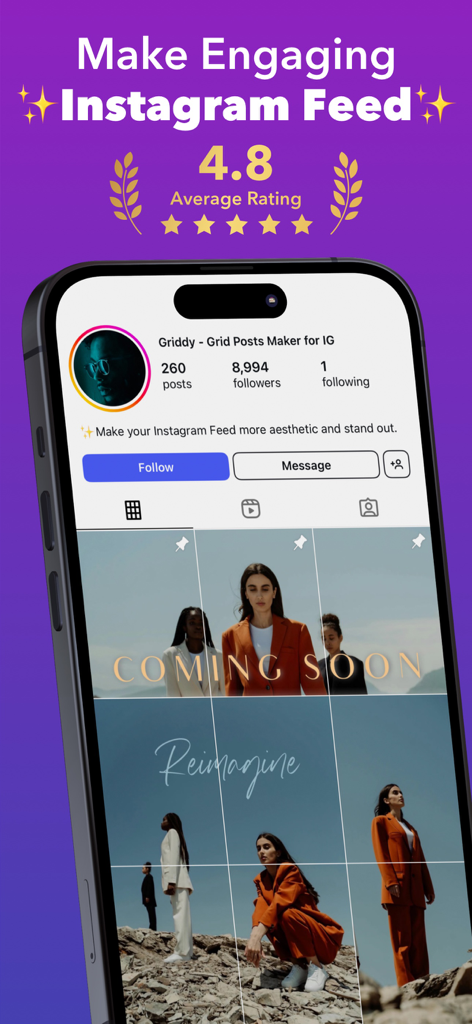
A phone displaying a professional Instagram grid feed layout created with the Griddy app
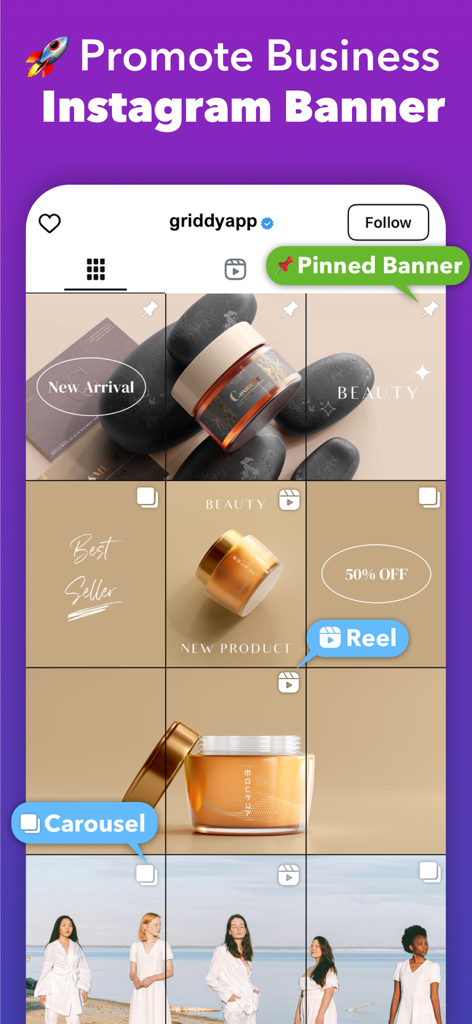
Instagram business grid banner for beauty product marketing
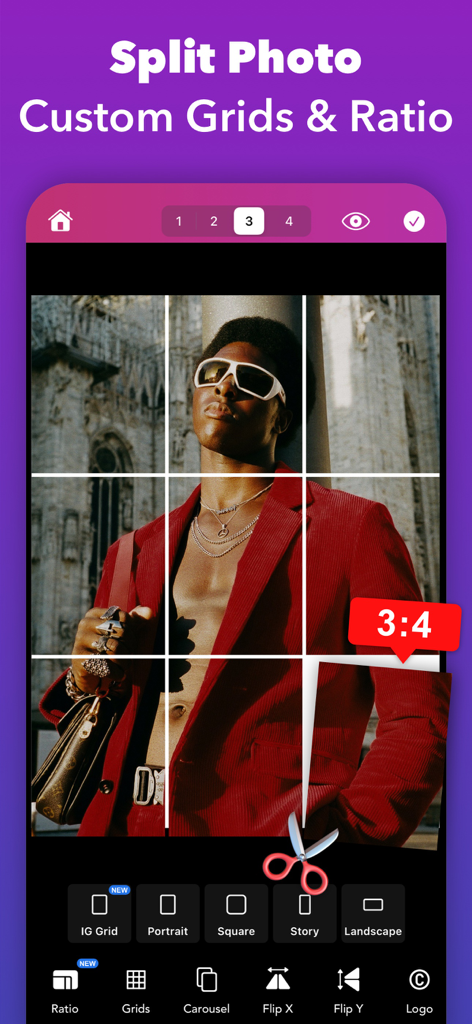
Griddy mobile app interface for splitting a photo into an Instagram grid with a 3x4 aspect ratio.
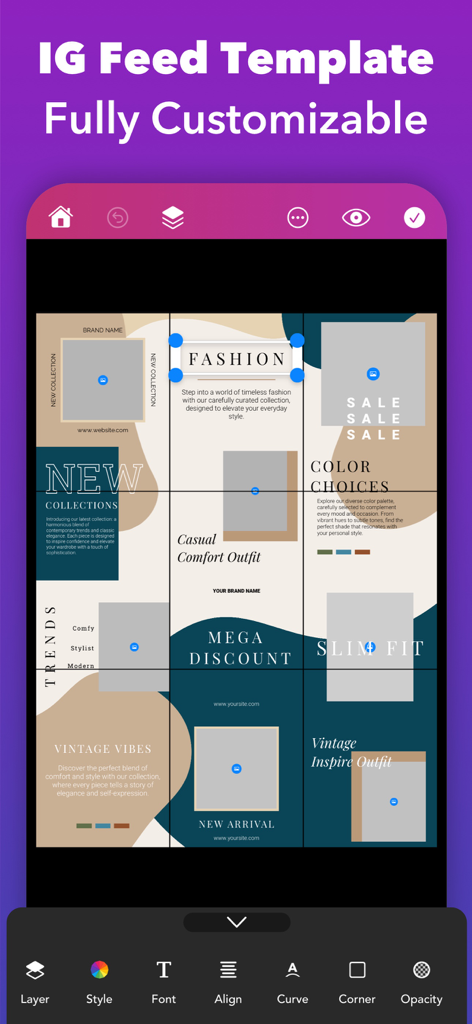
Customizable Instagram puzzle feed template for fashion brands on Griddy app interface
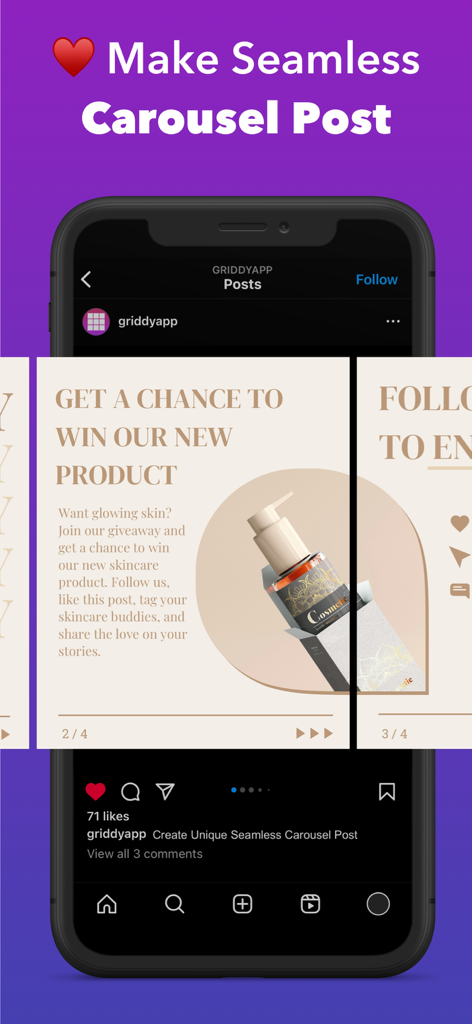
Griddy app interface showing how to create a seamless Instagram carousel post for a brand
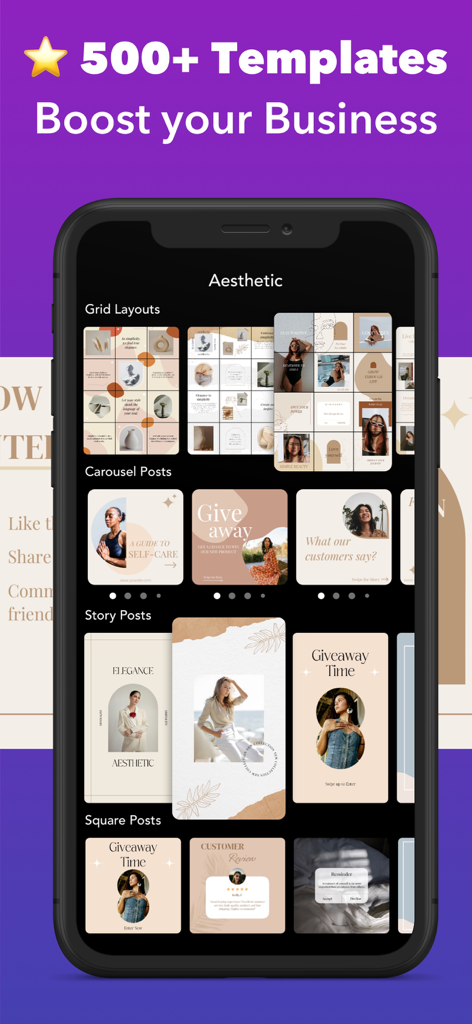
Griddy app interface showcasing over 500 aesthetic templates for Instagram grid layouts carousels and story posts
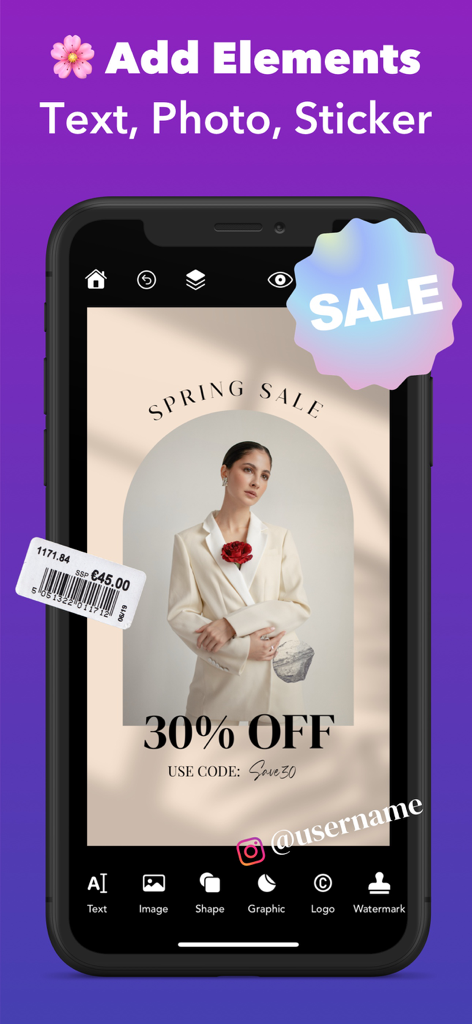
Griddy app interface showing how to add text and stickers to a professional Instagram post design.
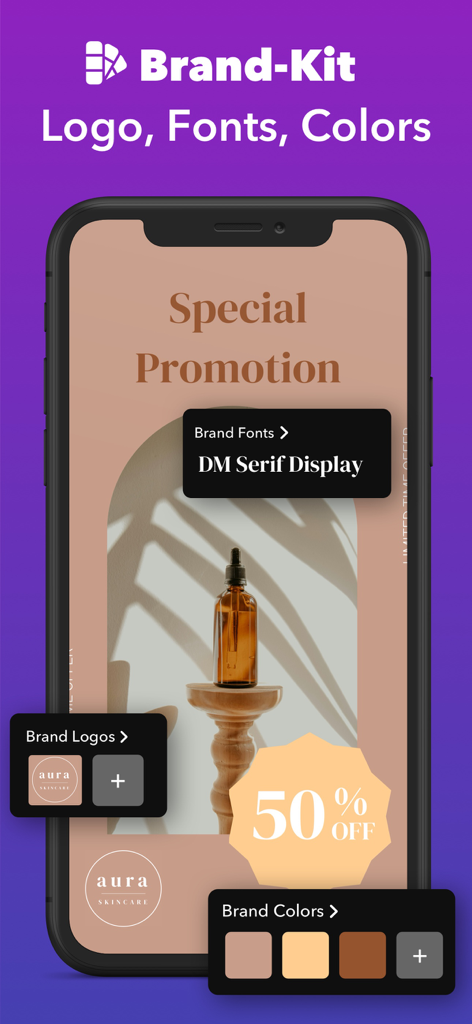
Griddy app Brand-Kit interface featuring custom logos, fonts, and color palettes for professional branding.
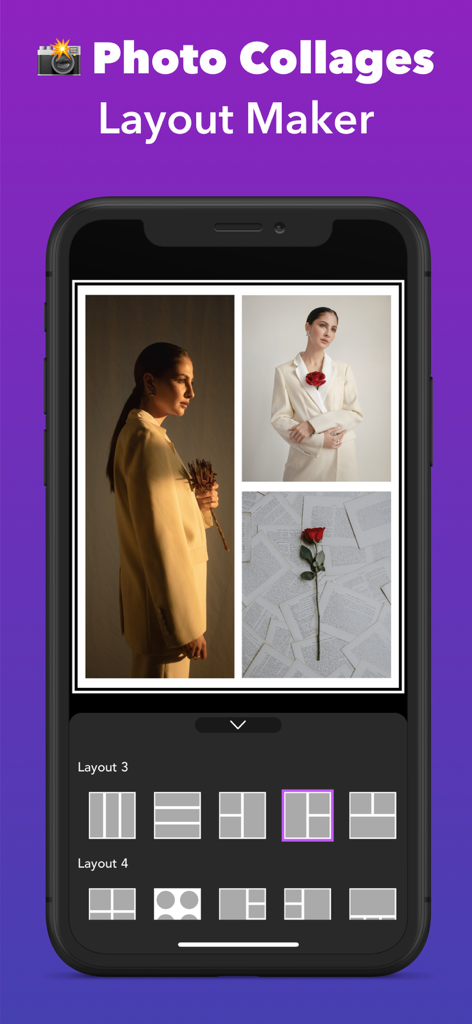
Griddy app interface for creating photo collages and grid layouts
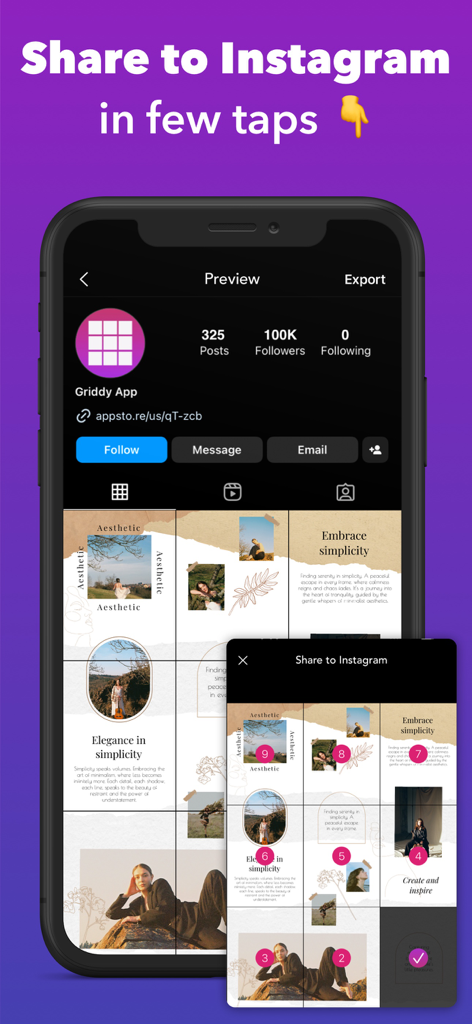
A preview of the Griddy app interface showing an aesthetic Instagram puzzle grid layout and the share feature
Description
Download
More Like This
Apps with similar features and user experience

Crsel: Carousel & Story Maker
Georgy Romelashvili

Layout for Instagram・Inpreview
Onelight Apps CY Ltd

Carousel Layout Maker・SwipeMix
Onelight Apps CY Ltd

PanoCut: Panorama Scroll Maker
Hashone Tech LLP

PhotoSplit for Instagram
Tech Positive Inc.

Setty: Photo Filters & Presets
A Color Story LLC

Preview Feed for Insta・Layout
Appslead Ltd

Feed Preview Planner IG・InPlan
Cubetix Ltd.

Feeds: Post & Template Maker
WNDR11 LTD
This page is not an official page of the app or its developer, but an independent editorial publication created for informational and commentary purposes. Unless expressly stated otherwise, neither the app nor its developer is affiliated with, endorsed by, sponsored by, authorized by, or otherwise officially connected with MWM, Apple, Google Play, the app publisher, or the app's developer, and nothing on this page implies that the app was developed using MWM's services. Any trademarks, logos, screenshots, and other content remain the property of their respective owners.