
This page is not an official page of the app or its developer, but an independent editorial publication created for informational and commentary purposes. Unless expressly stated otherwise, neither the app nor its developer is affiliated with, endorsed by, sponsored by, authorized by, or otherwise officially connected with MWM, Apple, Google Play, the app publisher, or the app's developer, and nothing on this page implies that the app was developed using MWM's services. Any trademarks, logos, screenshots, and other content remain the property of their respective owners.

Guitar Interval Ear Trainer
Bridge the gap between hearing a melody and playing it instantly. Developed for serious musicians to identify intervals, visualize scale patterns, and sharpen their ears—anytime, anywhere.
Downloads
197K+User Rating
Total Ratings
100Publisher
Category
MusicLocales
1Latest Version
5.02Size
27.9 MBFirst Released
Jun 15, 2010Master the Fretboard by Ear
Stop guessing and start playing what you hear. Our specialized trainer bridges the gap between music theory and your guitar neck with professional tools designed for serious musicians.
Visual Fretboard Mapping
Bridge the gap between hearing a note and playing it. Unlike generic piano-based apps, we map every interval directly onto the guitar neck to build instant muscle memory.
Hands-Free Practice Mode
Maximize your daily commute or 'dead time' with our unique voice function. Sharpen your ears on the go without ever having to look at your screen or touch your device.
The following screenshots and description are sourced directly from the app's official store listing and are the property of the app developer.
App Store
Screenshots
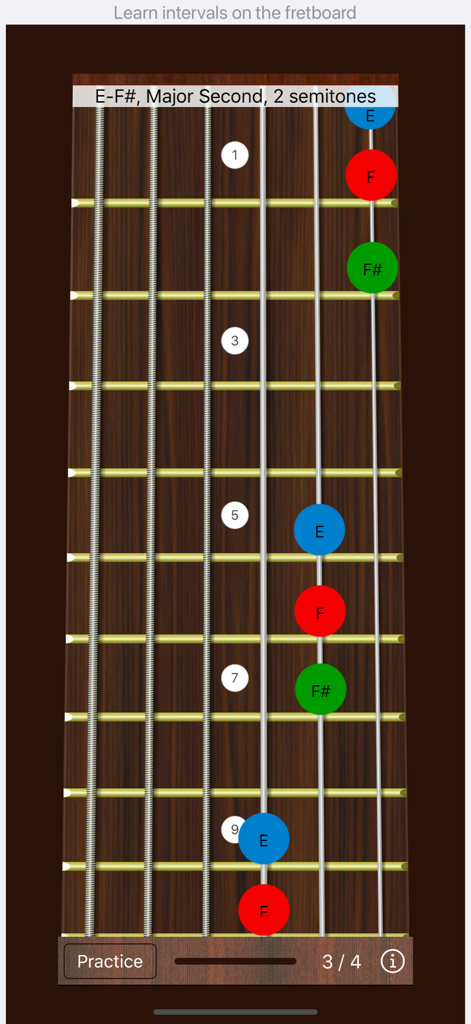
Guitar fretboard displaying a Major Second interval visualization for ear training practice
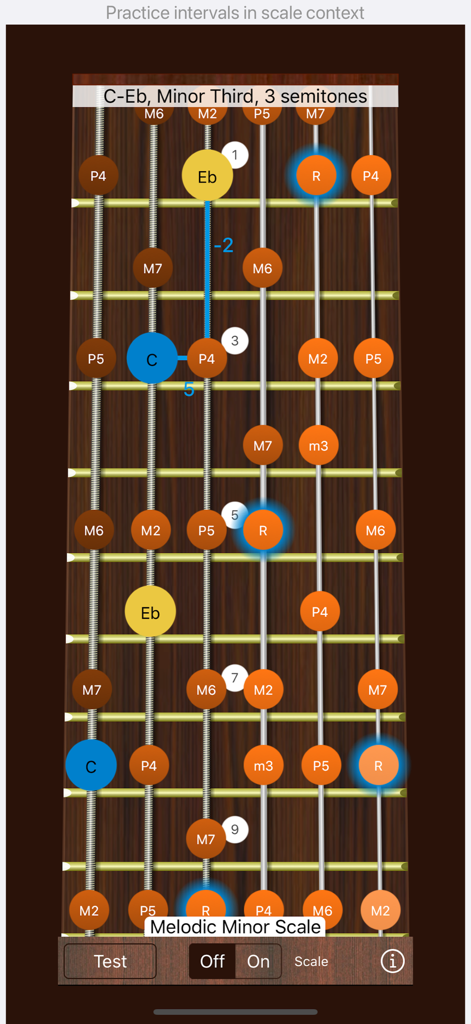
Guitar fretboard interface showing a melodic minor scale and minor third interval for ear training practice
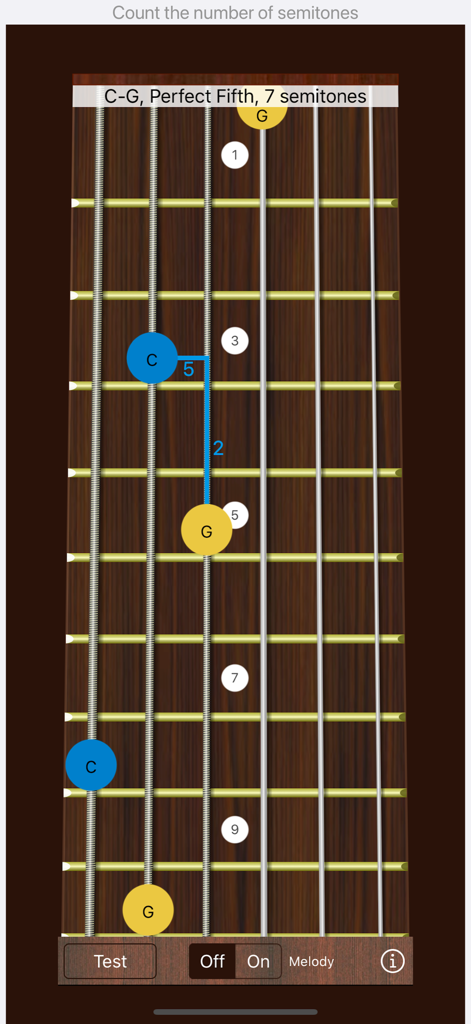
A screenshot of the Guitar Interval Ear Trainer app showing a perfect fifth interval visualization on a guitar fretboard.
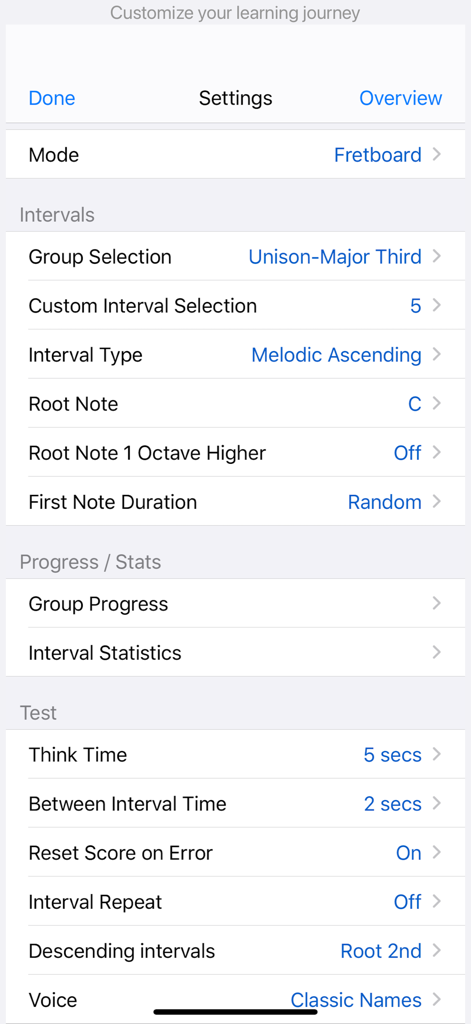
The settings menu of the Guitar Interval Ear Trainer app showing options for customizing intervals and test parameters
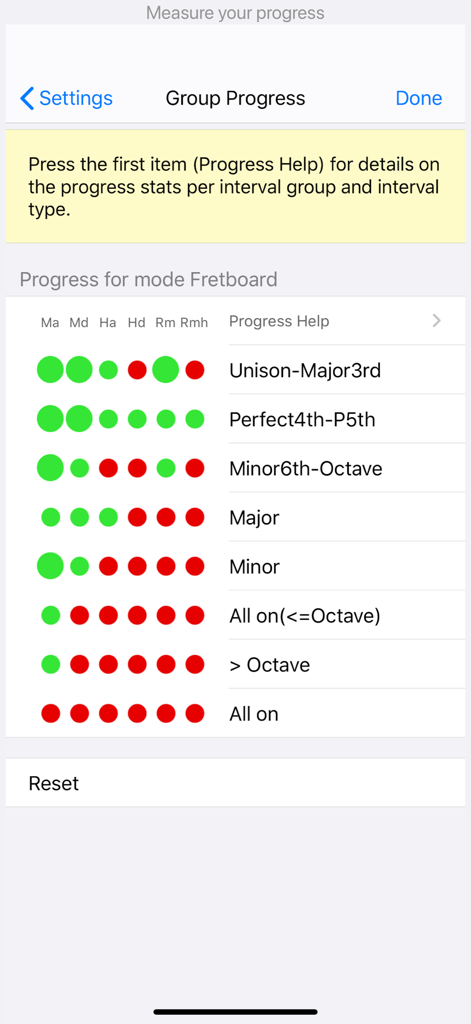
Group progress screen showing musical interval learning statistics with color-coded indicators for different interval types.
Description
Download
More Like This
Top-ranked apps in the same category

Spotify: Music and Podcasts
Spotify

YouTube Music
Google LLC

Shazam: Find Music & Concerts
Apple Inc.

SoundCloud: The Music You Love
SoundCloud Global Limited & Co KG

Suno - AI Songs & Music
Suno Inc.

QQ音乐 - 听我想听
Tencent Technology (Shenzhen) Company Limited

Audiomack - Play Music Offline
Audiomack, Inc.

GuitarTuna: Tune & Play Guitar
Yousician Ltd

BandLab – Music Maker & Beats
BandLab Singapore Pte Ltd
This page is not an official page of the app or its developer, but an independent editorial publication created for informational and commentary purposes. Unless expressly stated otherwise, neither the app nor its developer is affiliated with, endorsed by, sponsored by, authorized by, or otherwise officially connected with MWM, Apple, Google Play, the app publisher, or the app's developer, and nothing on this page implies that the app was developed using MWM's services. Any trademarks, logos, screenshots, and other content remain the property of their respective owners.