
This page is not an official page of the app or its developer, but an independent editorial publication created for informational and commentary purposes. Unless expressly stated otherwise, neither the app nor its developer is affiliated with, endorsed by, sponsored by, authorized by, or otherwise officially connected with MWM, Apple, Google Play, the app publisher, or the app's developer, and nothing on this page implies that the app was developed using MWM's services. Any trademarks, logos, screenshots, and other content remain the property of their respective owners.

Harvest: Turn Feed into Notes
Stop losing great recipes and travel plans in your saved folders. Instantly transform videos from TikTok, Instagram, and YouTube into clean, formatted Apple Notes. No accounts, no bloat—just the info you need where you want it.
Downloads
0User Rating
Total Ratings
0Publisher
Category
TravelLocales
1Latest Version
1.3.4Size
27.9 MBFirst Released
Jan 9, 2025Turn Your Inspiration Into Action
Stop letting your saved videos gather digital dust. Harvest extracts recipes, itineraries, and workouts from social media and turns them into clean, formatted Apple Notes instantly.
One-Tap Share Capture
No app switching or manual typing required. Simply hit the Share button on TikTok, Instagram, or YouTube to send content directly to your notes.
Intelligent Auto-Formatting
Your notes arrive perfectly organized. Harvest identifies ingredient lists, step-by-step instructions, and travel spots for a clean, aesthetic layout.
The following screenshots and description are sourced directly from the app's official store listing and are the property of the app developer.
App Store
Screenshots
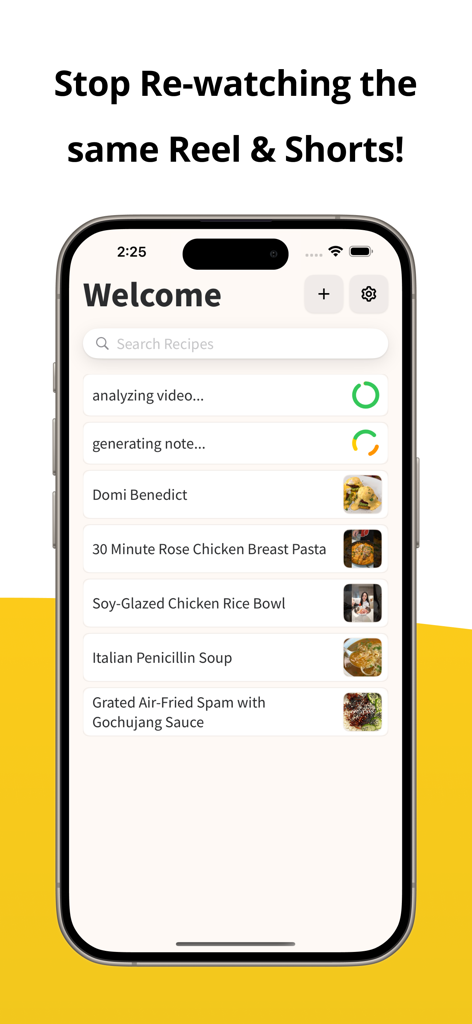
Harvest app interface showing a list of saved recipes converted from social media reels and shorts
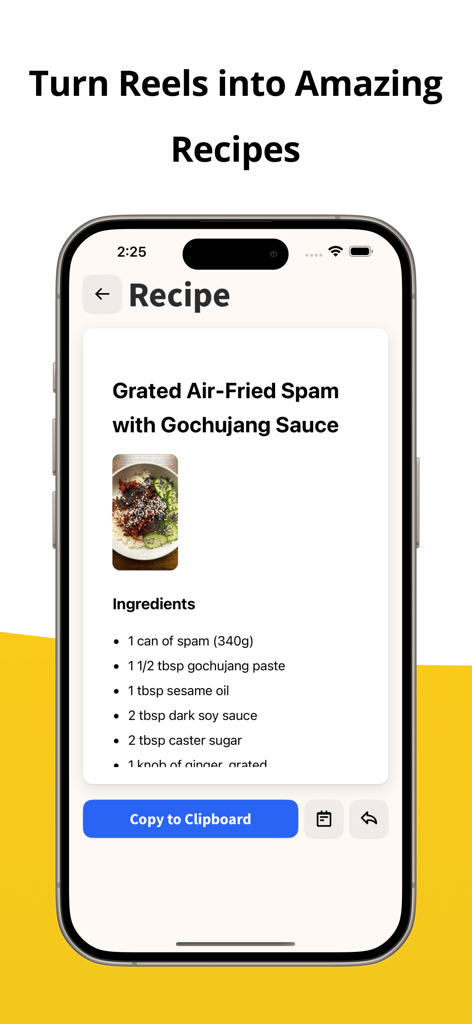
Harvest app turning a social media reel into a clean recipe note with an ingredients list and a copy button.
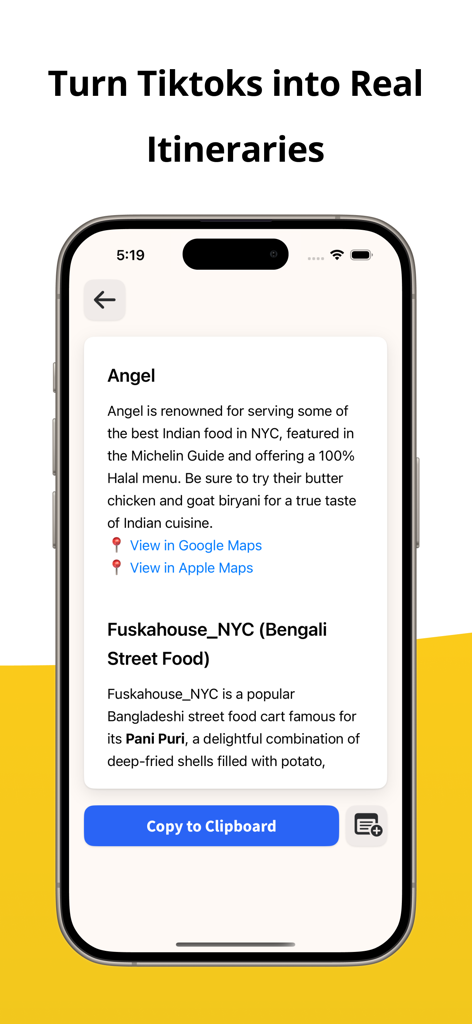
The Harvest app interface displaying a travel itinerary for New York City restaurants with descriptions and map links.
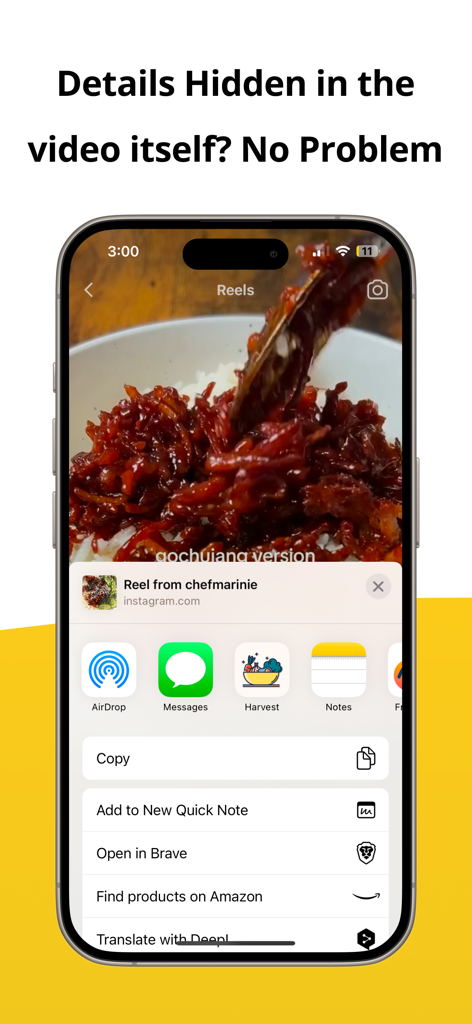
iPhone showing the Harvest app in the iOS share sheet to save an Instagram recipe reel as a formatted note
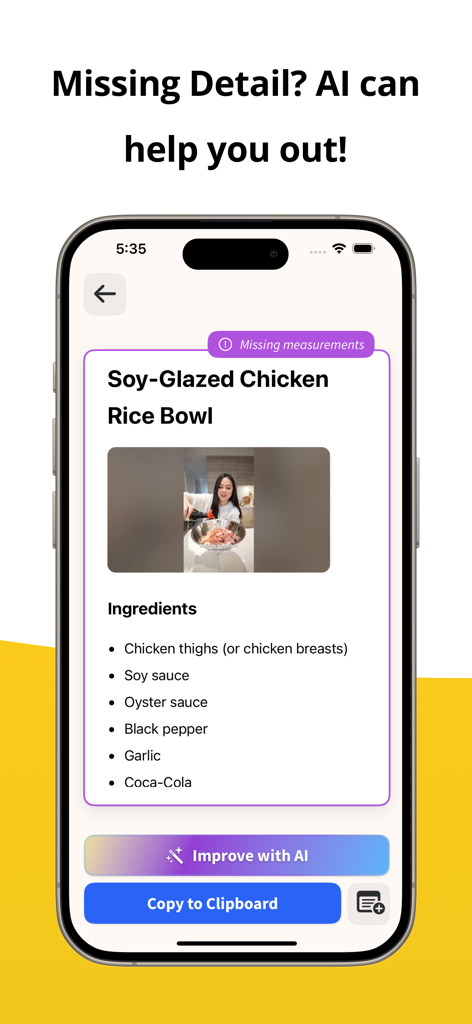
Screenshot of Harvest app interface showing a recipe for a soy glazed chicken rice bowl with a notification for missing measurements and an improve with AI button.
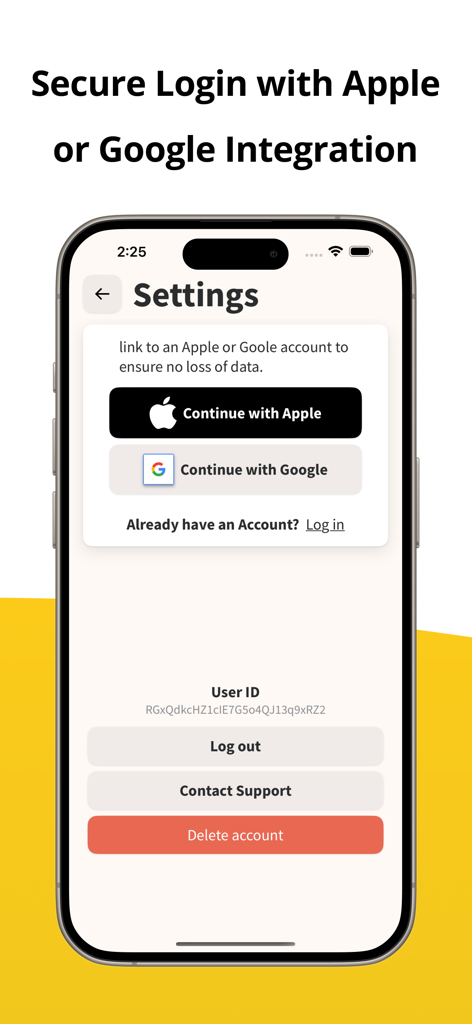
Smartphone screen showing Harvest app settings with secure login options for Apple and Google accounts
Description
Download
More Like This
Top-ranked apps in the same category

Uber - Request a ride
Uber Technologies, Inc.

铁路12306
ACADEMY OF RAILWAY SCIENCES CO., ltd.

Airbnb
Airbnb, Inc.

Booking.com: Hotels & Travel
Booking.com B.V.

Grab: Taxi Ride, Food Delivery
GRABTAXI HOLDINGS PTE. LTD.

DiDi China: Ride Hailing
Didi Chuxing (Beijing) Network Platform Technology Co., Ltd

Bolt: Request a Ride
BOLT TECHNOLOGY OU

携程旅行-订酒店机票火车票
Shanghai Ctrip Commerce Co.,Ltd

去哪儿旅行-订酒店机票火车票
Beijing Qunar Information Technology Company Limit
This page is not an official page of the app or its developer, but an independent editorial publication created for informational and commentary purposes. Unless expressly stated otherwise, neither the app nor its developer is affiliated with, endorsed by, sponsored by, authorized by, or otherwise officially connected with MWM, Apple, Google Play, the app publisher, or the app's developer, and nothing on this page implies that the app was developed using MWM's services. Any trademarks, logos, screenshots, and other content remain the property of their respective owners.