
This page is not an official page of the app or its developer, but an independent editorial publication created for informational and commentary purposes. Unless expressly stated otherwise, neither the app nor its developer is affiliated with, endorsed by, sponsored by, authorized by, or otherwise officially connected with MWM, Apple, Google Play, the app publisher, or the app's developer, and nothing on this page implies that the app was developed using MWM's services. Any trademarks, logos, screenshots, and other content remain the property of their respective owners.


Homeroom Private Photo Sharing
The safest way for teachers to share daily moments and for parents to stay connected—all in a secure, private space away from social media.
Downloads
226K+User Rating
Total Ratings
16K+Publisher
Category
EducationLocales
1Latest Version
4.3Size
34.2 MBFirst Released
Oct 8, 2014A Private Window into Their Daily Discoveries
Stay connected with your child's education through secure, private photo sharing that keeps classroom memories safe and families informed.
Total Privacy & Safety
Keep classroom moments away from public social media. Our secure 'walled garden' ensures only invited family members can see your child's growth.
Instant Emotional Connection
Receive real-time alerts when photos are posted. Bridge the gap between work and school by seeing your child's smiles and science projects as they happen.
Frequently Asked Questions
Everything you need to know about Homeroom Private Photo Sharing
What is Homeroom Private Photo Sharing?
Homeroom Private Photo Sharing is an app enabling teachers to share classroom photos and videos safely with parents in private, secure albums, away from public social media.
How does Homeroom ensure photo and video privacy?
Homeroom ensures privacy by keeping all uploaded content visible only to invited members within private classroom albums. It operates completely separate from social media and the internet.
Can parents interact with shared photos in Homeroom?
Yes, parents can interact with shared photos in Homeroom. They can add comments and like photos, facilitating conversations with other album members.
Is Homeroom available on multiple platforms?
Yes, Homeroom is available on multiple platforms. Users can access Homeroom through mobile apps and a web interface, catering to various devices.
Does Homeroom offer a premium subscription?
Yes, Homeroom offers a premium subscription called Homeroom Pro. It provides teachers and administrators with enhanced control over their classroom groups.
How do teachers create and share albums in Homeroom?
Teachers create albums, invite parents to join, and then share photos and videos of their students. This three-step process makes sharing simple and organized.
Can parents receive notifications for specific classes in Homeroom?
Yes, parents only receive relevant notifications for their kids' specific classes. Homeroom ensures that updates are targeted to avoid irrelevant alerts.
Can other teachers or parents post to a Homeroom album?
Yes, Homeroom allows collaboration. Teachers can assign other teachers and parents the ability to post content to an album, facilitating shared contributions.
What benefits does Homeroom Pro offer to educators?
Homeroom Pro offers teachers and administrators more control over their classroom groups. It is available as a monthly or annual subscription.
The following screenshots and description are sourced directly from the app's official store listing and are the property of the app developer.
App Store
Screenshots
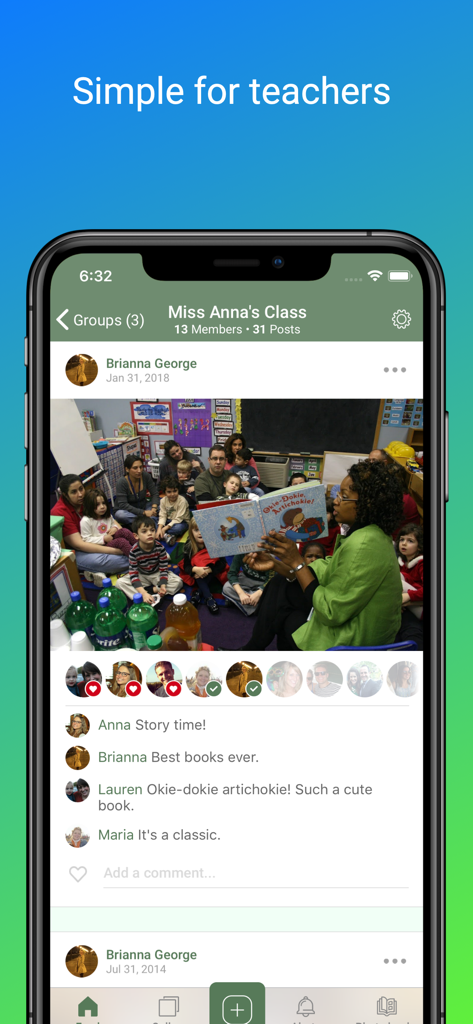
Interface of the Homeroom app showing a classroom photo shared by a teacher with interactive comments from parents
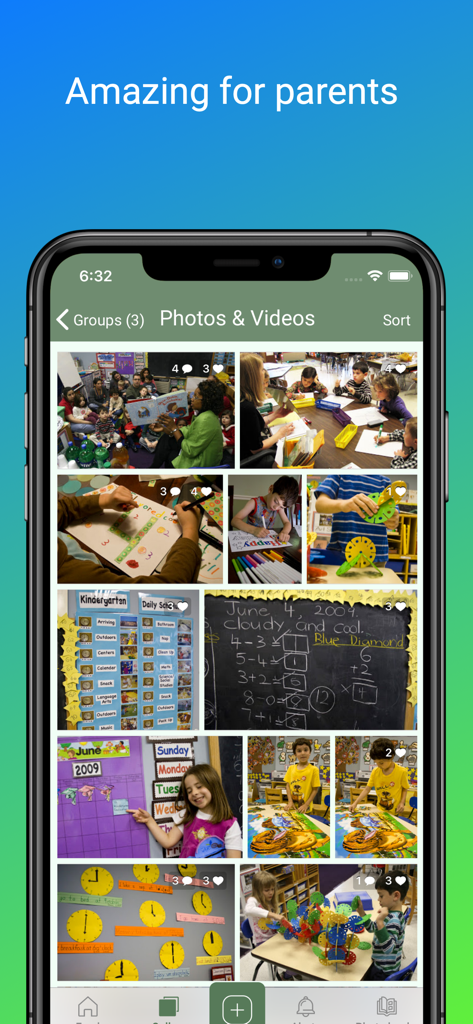
Smartphone screen showing the Homeroom app interface with a private gallery of classroom photos and videos for parents
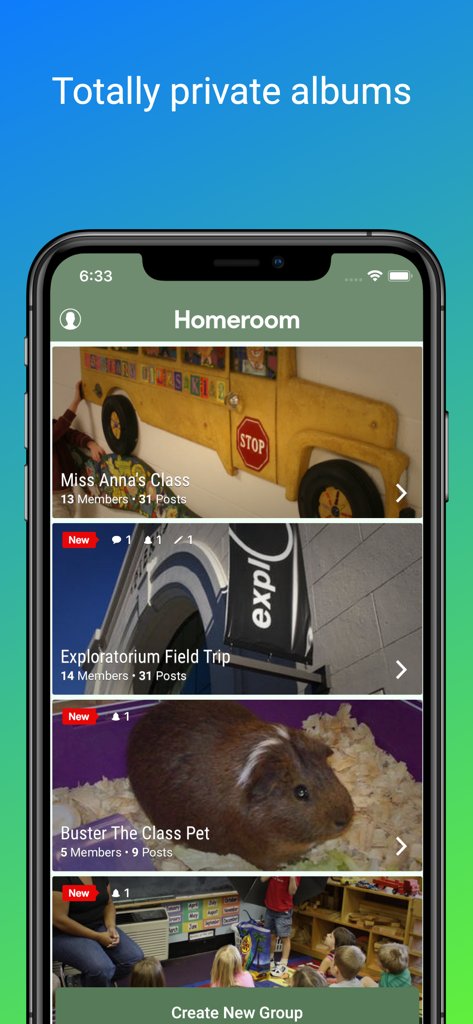
Smartphone display of the Homeroom app showing private classroom photo albums for teachers and parents.
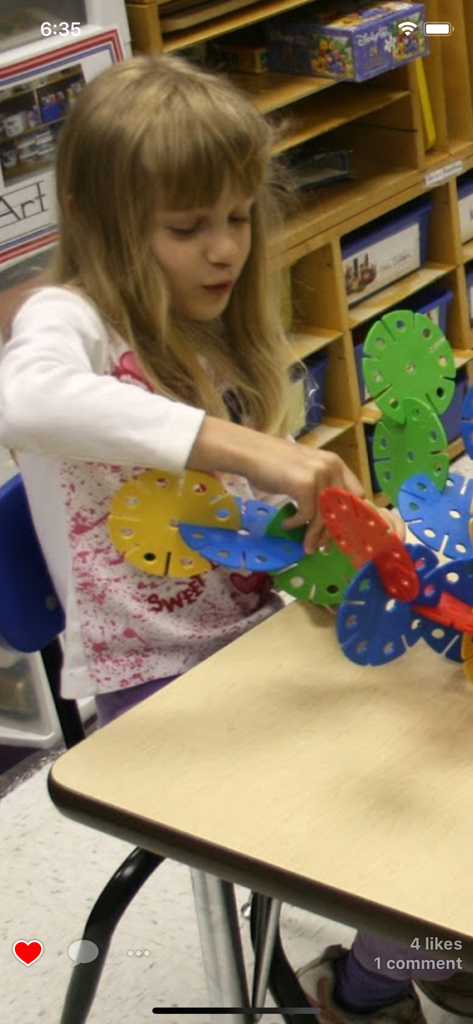
Young student playing with construction toys in a classroom shown on the Homeroom app
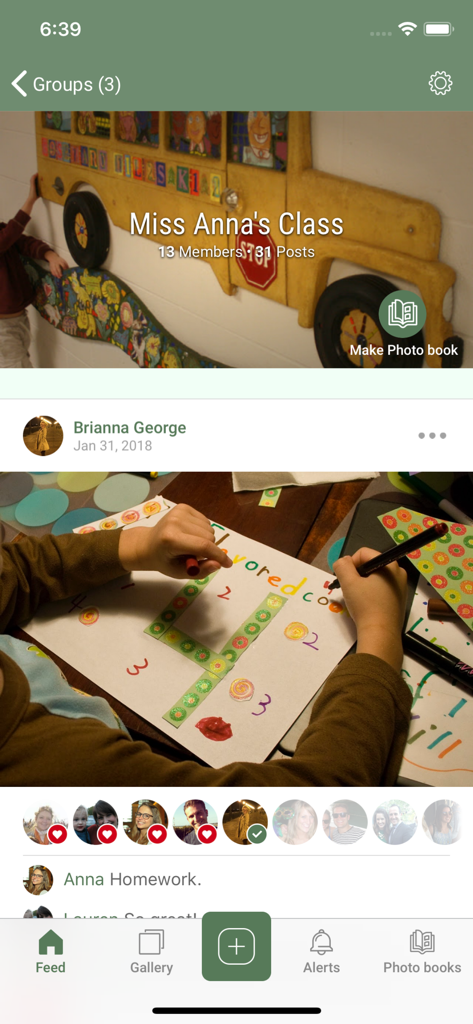
Homeroom app interface showing a private classroom feed with a photo of a students school project and parent engagement
Description
Download
More Like This
Top-ranked apps in the same category

Duolingo - Language Lessons
Duolingo, Inc

Speak & Learn English: Learna
DEEP FLOW SOFTWARE SERVICES - FZCO

驾考宝典-科一科四驾驶证考试驾考通
Wuhan Jiakaobaodian Information Service Co., Ltd.

Toca Boca World
Toca Boca AB

Google Classroom
Google LLC

作业帮-中小学家长作业检查和辅导工具
Guangzhou Polar Future Culture Technology Co., Ltd

学信网
Student Information Consultation Service Co., Ltd.

Gauth: AI Study Companion
GAUTHTECH PTE. LTD.

ArtWorkout: Learn How to Draw
Aleksandr Ulitin
This page is not an official page of the app or its developer, but an independent editorial publication created for informational and commentary purposes. Unless expressly stated otherwise, neither the app nor its developer is affiliated with, endorsed by, sponsored by, authorized by, or otherwise officially connected with MWM, Apple, Google Play, the app publisher, or the app's developer, and nothing on this page implies that the app was developed using MWM's services. Any trademarks, logos, screenshots, and other content remain the property of their respective owners.