
House Designer

From detailed 2D floor plans to immersive 3D interiors, join over 2 million homeowners and DIY enthusiasts using the iPad's most intuitive design tool to plan, renovate, and decorate with confidence.
Publisher
Category
Graphics & DesignDownloads
2M+User Rating
Total Ratings
17K+Locales
30Discover the interface used by 2M+ users.
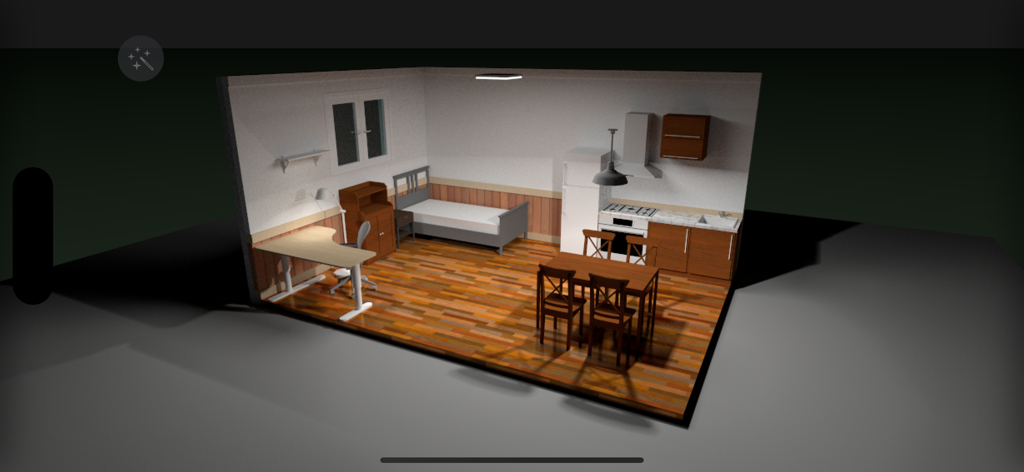
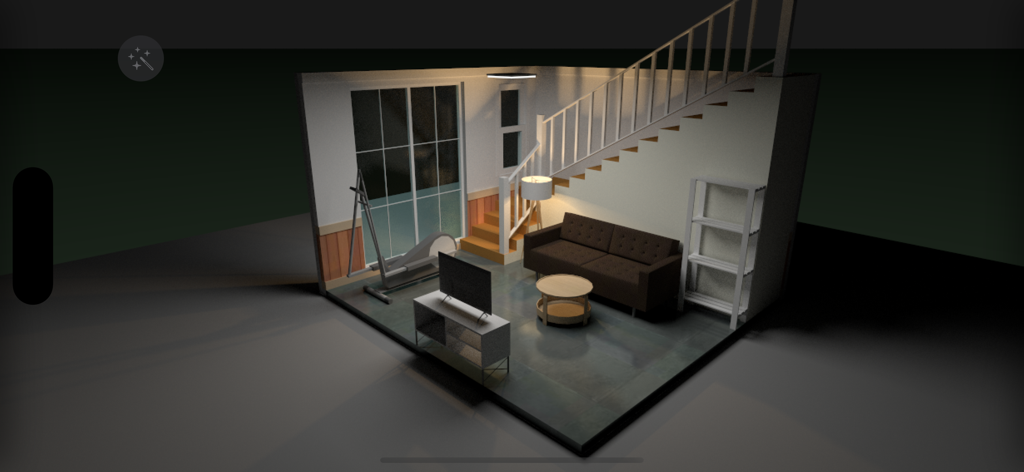
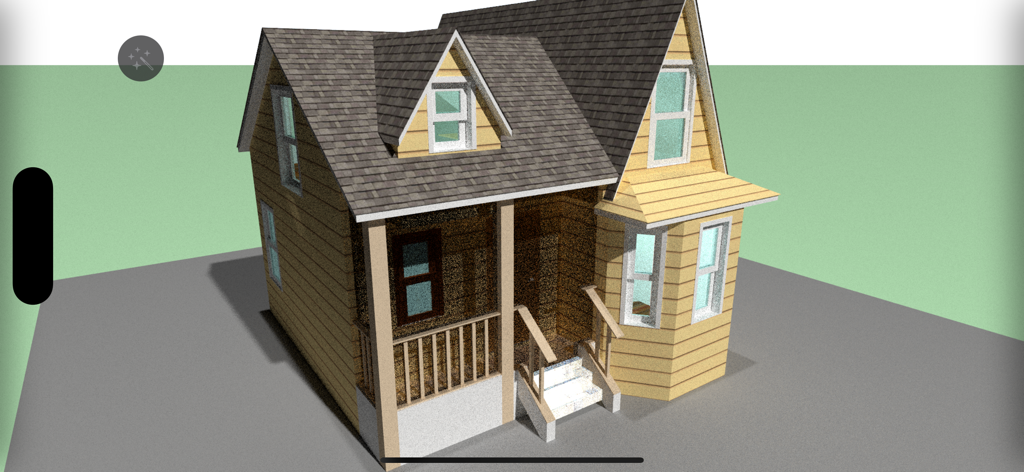
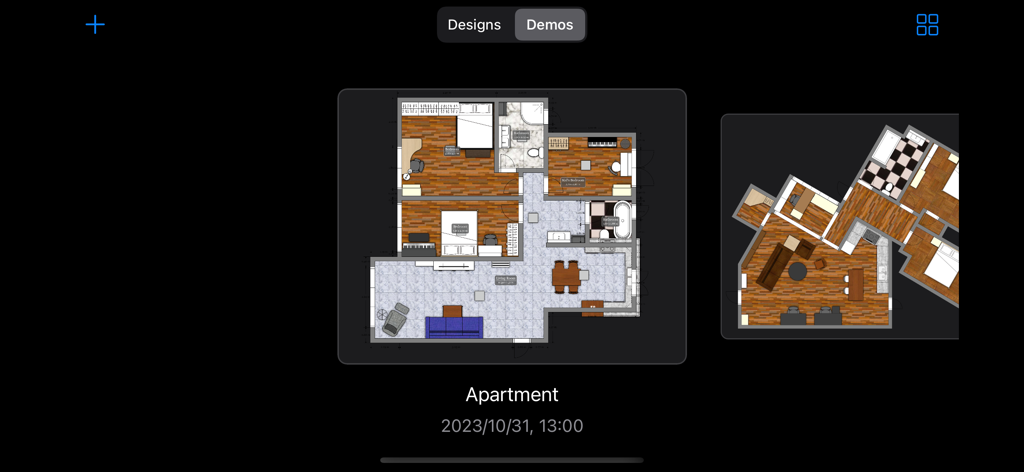
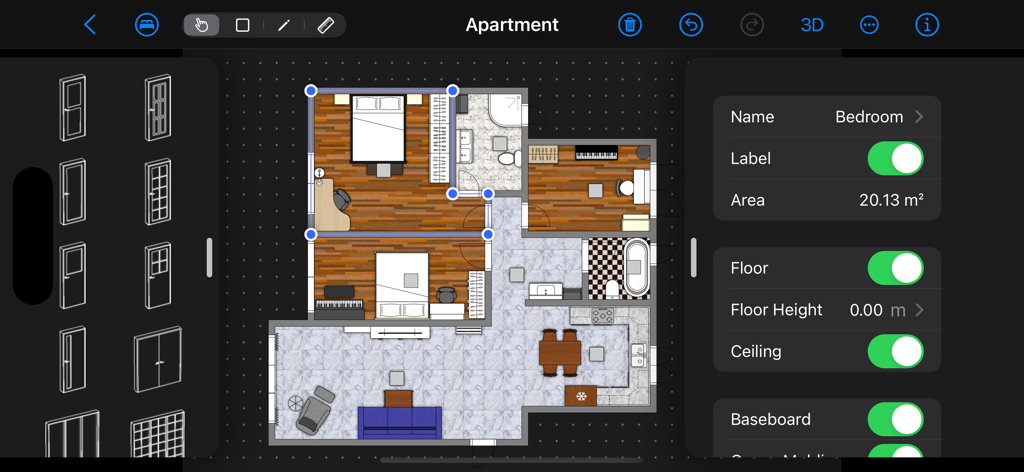
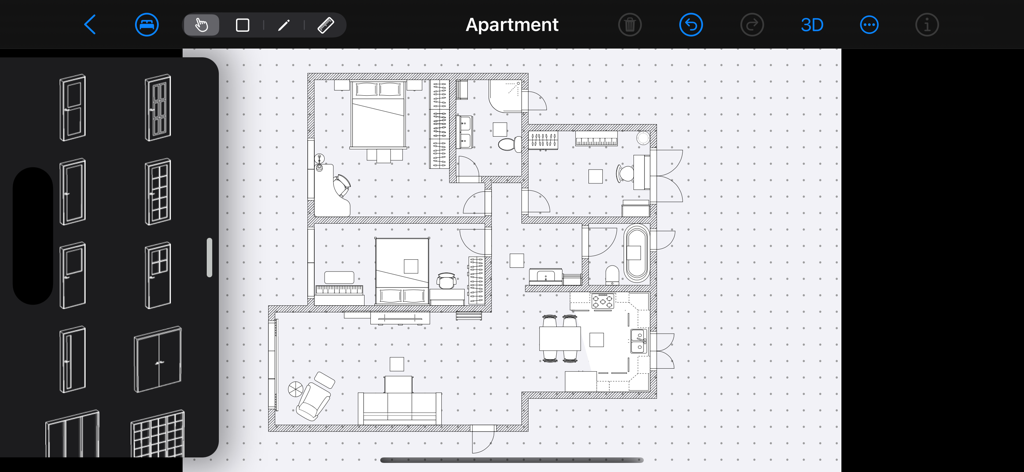
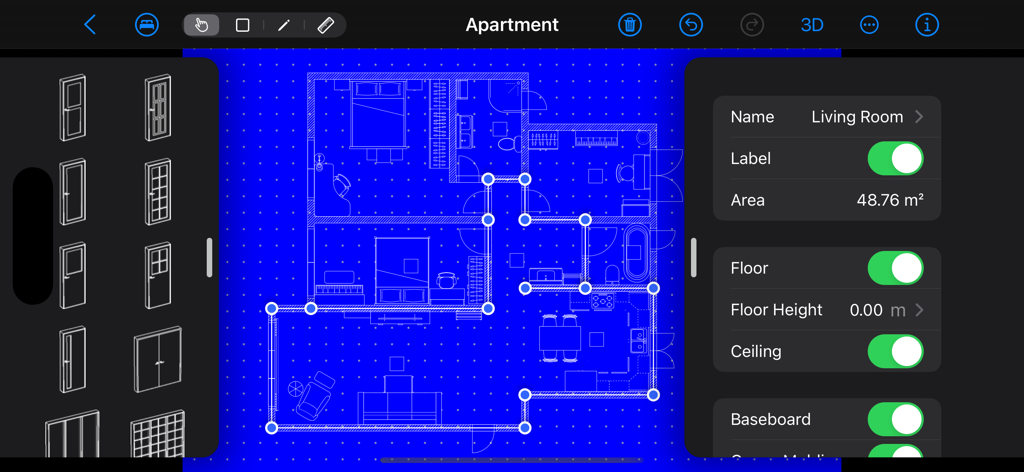
The tools that make this app stand out, trusted by 2M+ users.
Draft accurate layouts in minutes. Our intelligent room recognition and auto-size computation handle the math, so you can focus on the design.
Instantly step inside your creation. Experience the flow of your home in stunning 3D to feel the scale and lighting before you spend a dime on construction.
Browse an extensive library of furniture and textures. Test different styles and finishes to find the perfect look that matches your personal aesthetic.
Everything you need to know about House Designer.
Description
Latest Version
11.25
Size
157.9 MB
First Released
Dec 30, 2013
Join over 2 million homeowners and designers who use House Designer to visualize their projects. Create your first 2D floor plan today and see it instantly in 3D.
Everything you need to know about House Designer
House Designer is an intuitive interior design app for iPad and iPhone. It enables users to create detailed 2D floor plans and visualize house designs in real-time 3D.
Yes, House Designer features a real-time 3D view. Users can visualize their house and interior designs, including furniture and room layouts, in three dimensions directly within the app.
Yes, House Designer enables users to create detailed 2D floor plans. The app provides tools for drawing and arranging rooms, along with an extensive palette of items for design.
House Designer includes more than 300 items and materials. This selection allows users to customize their interior designs with a variety of elements and finishes.
Yes, House Designer automatically computes room size. This feature assists users in precise planning by providing immediate area measurements for designed spaces.
Yes, House Designer supports exporting images of designs to photos. This allows users to save and share visual representations of their completed or in-progress projects.
The Lite version of House Designer has one main restriction: designs cannot be saved. Full saving functionality is available in the complete version of the app.
House Designer provides intelligent room recognition. This feature helps in defining and managing individual room properties and boundaries within the 2D floor plans.
Apps with similar features and user experience

CamPlan AI Ltd

Trimble Inc.

Arctuition LLC

Morpholio LLC

Quasarts LLC

Sebastian Kemper

Quasarts LLC

Anuman

Homestyler (Shanghai) Technology Co., Ltd.
App information, icons, screenshots, and descriptions displayed on this page are sourced from the Apple App Store and are the property of their respective developers. Download estimates and rankings are based on MWM's proprietary models and may not reflect actual figures. This page is provided for informational and analytical purposes only.
Believe this page infringes your intellectual property? File a dispute