
This page is not an official page of the app or its developer, but an independent editorial publication created for informational and commentary purposes. Unless expressly stated otherwise, neither the app nor its developer is affiliated with, endorsed by, sponsored by, authorized by, or otherwise officially connected with MWM, Apple, Google Play, the app publisher, or the app's developer, and nothing on this page implies that the app was developed using MWM's services. Any trademarks, logos, screenshots, and other content remain the property of their respective owners.


ArcSite: Floor Plans and CAD
The precision CAD tool built for field pros. Sketch with LiDAR, automate material takeoffs, and deliver stunning quotes to your clients before you even leave the job site.
Downloads
2M+User Rating
Total Ratings
10K+Publisher
Category
ProductivityLocales
10Latest Version
5.47.0Size
214.2 MBFirst Released
May 7, 2015Design, Estimate, and Close in One Visit
ArcSite combines powerful CAD sketching with instant professional proposal generation, allowing you to move from site survey to signed contract faster than ever before.
Instant CAD-Level Sketching
Replace outdated graph paper with precise digital drawings. Use LiDAR to scan rooms instantly or draw with an Apple Pencil for professional-grade accuracy in the field.
Automated Proposals & Pricing
Stop wasting nights at the office. Your drawings automatically calculate material takeoffs and generate branded, professional estimates to present to clients on the spot.
Frequently Asked Questions
Everything you need to know about ArcSite: Floor Plans and CAD
What is ArcSite?
ArcSite is an intuitive CAD design tool for creating professional floor plans, 2D designs, and site plans. It allows users to generate estimates, mark up PDFs, and manage project photos from any device.
Who can use the ArcSite app?
ArcSite is for sales teams, contractors, designers, architects, and creative homeowners. It serves anyone from beginners sketching floor plans to experienced professionals taking on complex CAD projects.
Does ArcSite support exporting drawings to other formats?
Yes, ArcSite supports exporting scaled drawings to PNG, PDF, DXF, and DWG file formats. It is also compatible with desktop CAD software such as AutoCAD and Revit.
Can ArcSite create proposals and estimates?
Yes, ArcSite generates professional estimates and proposals directly from your drawings. This feature helps users present detailed pricing information to clients efficiently.
Is ArcSite secure for data storage?
Yes, ArcSite is SOC 2 Type II compliant and ISO/IEC 27001 certified. It stores all drawings, LiDAR scans, and proposals securely in the cloud.
Can I try ArcSite before subscribing?
Yes, ArcSite offers a free 14-day trial on all plans. After the trial, users can purchase a monthly or annual subscription plan to continue using the service.
What are the subscription options for ArcSite?
ArcSite offers monthly or annual subscription plans: Draw Basic, Draw Pro, Takeoff, or Estimate. Each tier provides different features, with details available in-app.
Can I import existing PDFs into ArcSite for markup?
Yes, ArcSite allows users to import and markup PDFs. You can also start a new drawing from scratch or by using a background photo.
Does ArcSite allow collaboration and cloud storage?
Yes, ArcSite allows users to upload drawings to the cloud, share, and co-edit with coworkers. All files are stored securely and accessible from any team device.
Can I add photos to my drawings in ArcSite?
Yes, ArcSite allows embedding photos within your drawings. Users can capture and store important photos directly within the drawing for enhanced visual information.
The following screenshots and description are sourced directly from the app's official store listing and are the property of the app developer.
App Store
Screenshots
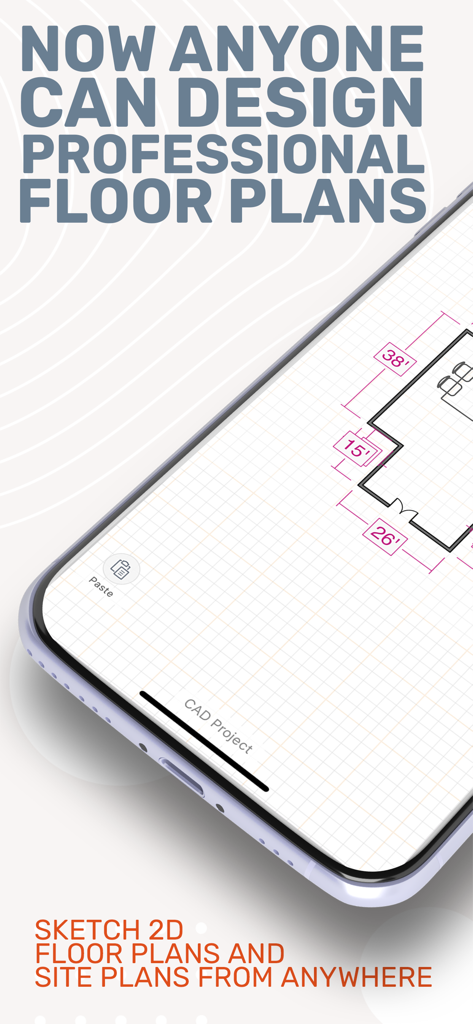
Smartphone screen showing a professional floor plan designed with ArcSite
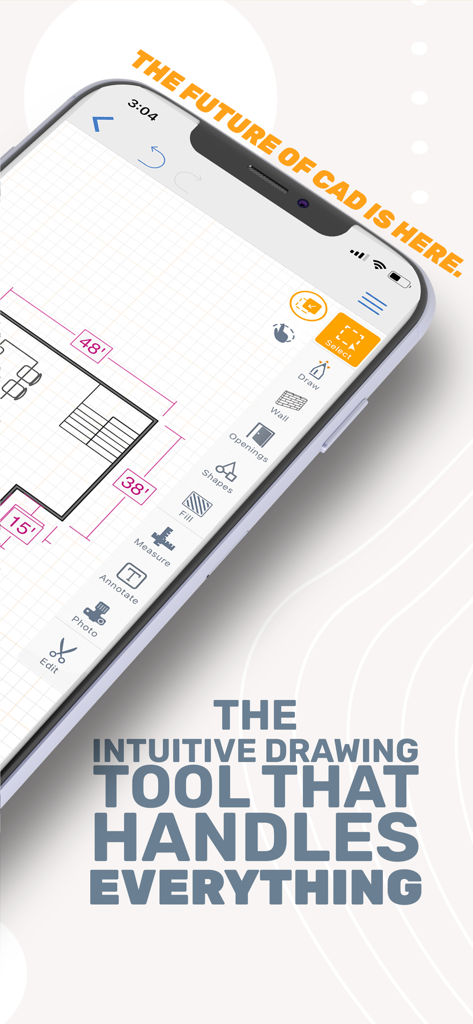
Smartphone displaying the ArcSite app interface with a detailed CAD floor plan and professional drawing tools
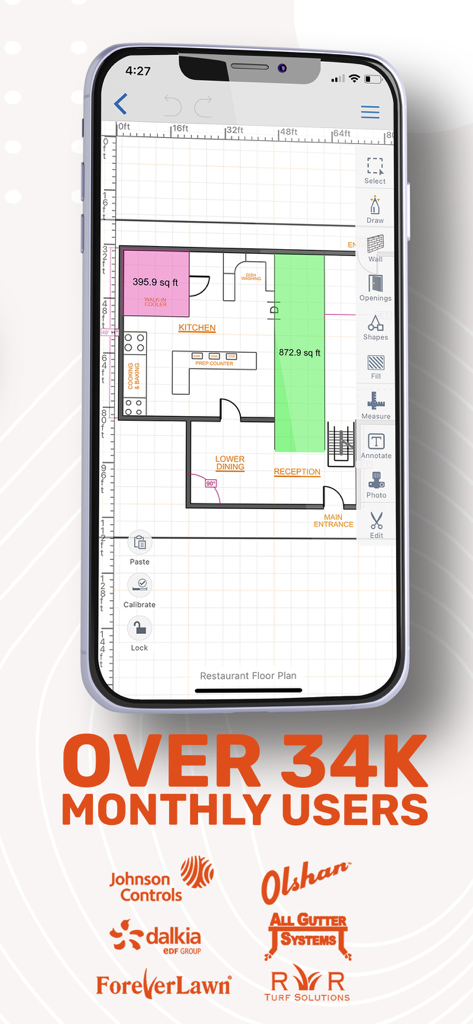
A smartphone displaying a detailed restaurant floor plan created in the ArcSite app with an overlay mentioning 34,000 monthly users and partner logos.
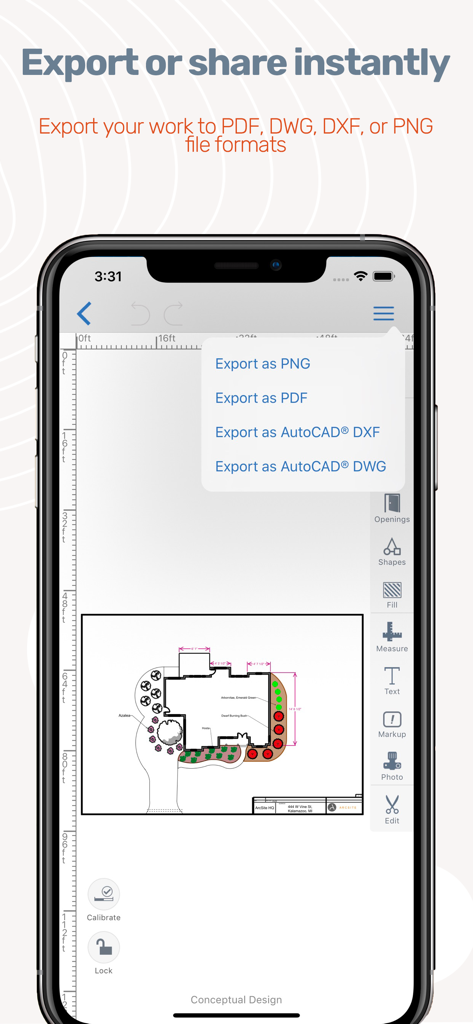
ArcSite app interface showing export options for floor plans in PDF and CAD formats
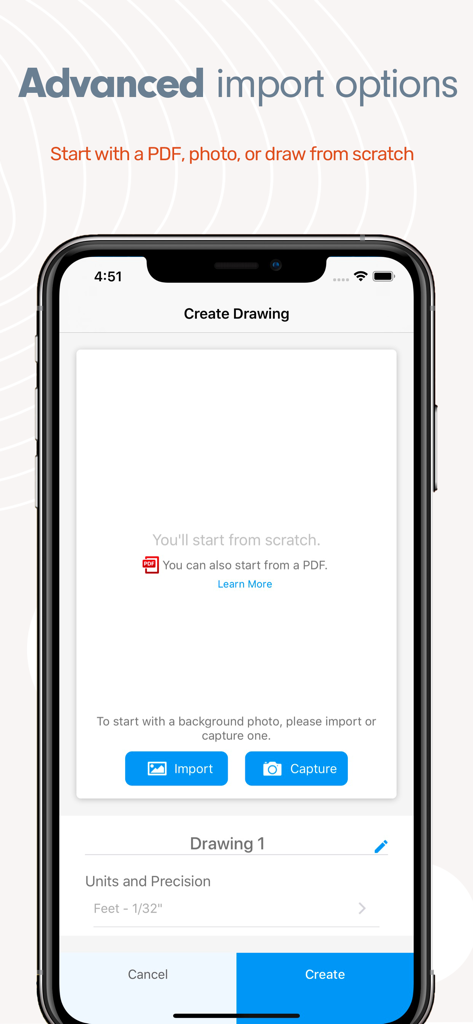
Interface for creating a new drawing in ArcSite with options to import a PDF, capture a photo, or start from scratch.
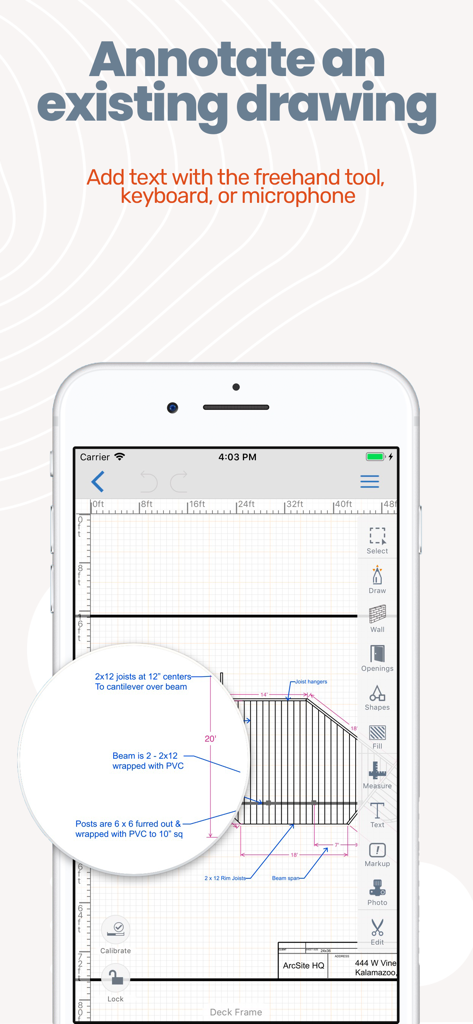
ArcSite app interface showing detailed text annotations on a deck frame floor plan drawing
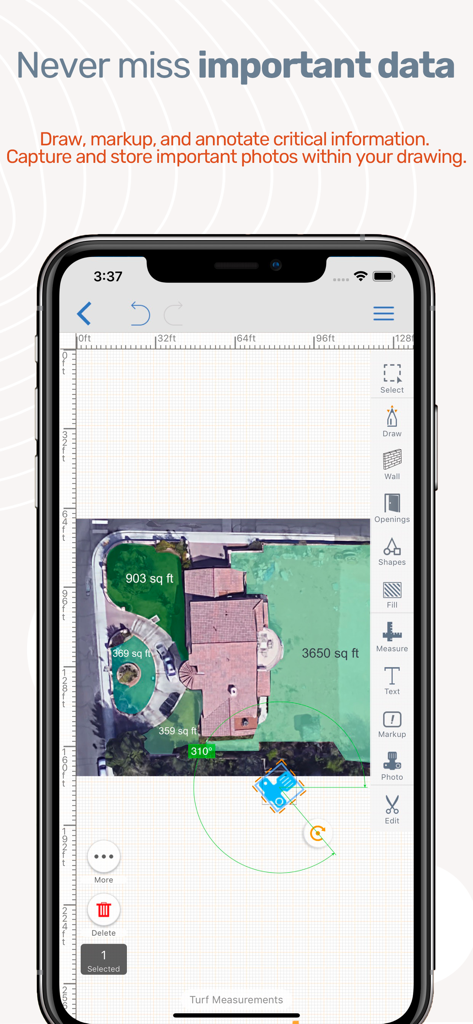
ArcSite app interface showing an aerial property drawing with area measurements and annotations on a smartphone screen.
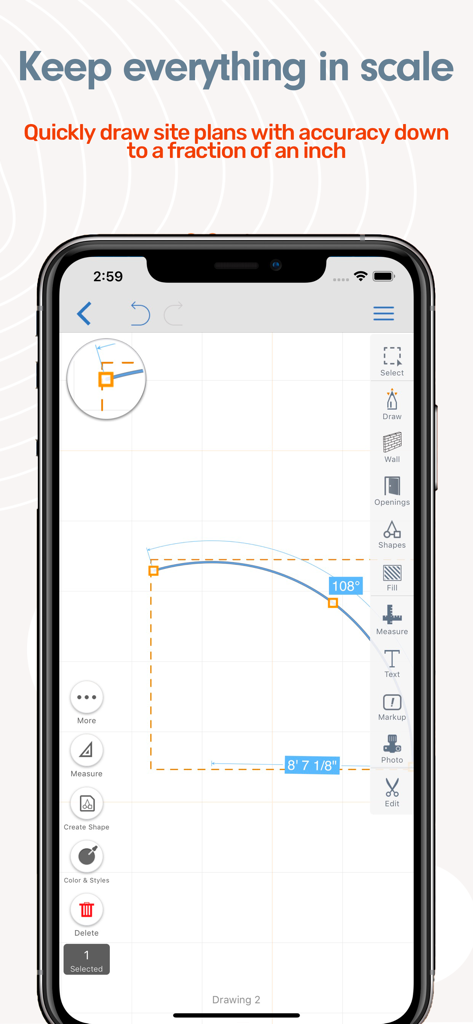
ArcSite mobile app interface showing a precise site plan drawing with measurements and angles to scale
Description
Download
More Like This
Apps with similar features and user experience

Floor Plan & AI Home - CamPlan
CamPlan AI Ltd

SketchUp - 3D Modeling
Trimble Inc.

Morpholio Trace - Sketch CAD
Morpholio LLC

Keyplan 3D Lite - Home design
Quasarts LLC

Smart Home Design 3D
Sebastian Kemper

Keyplan 3D - Home design
Quasarts LLC

Home Design 3D: Draw & Plan
Anuman

Homestyler-3D Home Decor
Homestyler (Shanghai) Technology Co., Ltd.
Sweet Home 3D: Plan Your House
AI Photo Editor Lab SRL
This page is not an official page of the app or its developer, but an independent editorial publication created for informational and commentary purposes. Unless expressly stated otherwise, neither the app nor its developer is affiliated with, endorsed by, sponsored by, authorized by, or otherwise officially connected with MWM, Apple, Google Play, the app publisher, or the app's developer, and nothing on this page implies that the app was developed using MWM's services. Any trademarks, logos, screenshots, and other content remain the property of their respective owners.