
This page is not an official page of the app or its developer, but an independent editorial publication created for informational and commentary purposes. Unless expressly stated otherwise, neither the app nor its developer is affiliated with, endorsed by, sponsored by, authorized by, or otherwise officially connected with MWM, Apple, Google Play, the app publisher, or the app's developer, and nothing on this page implies that the app was developed using MWM's services. Any trademarks, logos, screenshots, and other content remain the property of their respective owners.

Sweet Home 3D: Plan Your House
Stop guessing and start visualizing. Create accurate floor plans, drag-and-drop over 800 customizable furniture pieces, and experience your home in stunning 3D before you start your renovation.
Downloads
454K+User Rating
Total Ratings
4K+Publisher
Category
Graphics & DesignLocales
13Latest Version
7.5.11Size
214.2 MBFirst Released
Sep 6, 2023Design Your Dream Home with Precision
Transform your renovation ideas into stunning 3D reality. Whether you're remodeling a kitchen or furnishing a new home, visualize every detail before you commit.
Instant 2D to 3D Viewing
Sketch your floor plan in 2D and watch it instantly transform into an immersive 3D model. Experience your space from every angle.
Precision-Perfect Layouts
Stop guessing and start planning. Input exact dimensions to ensure your furniture fits perfectly, saving you from costly delivery mistakes.
Frequently Asked Questions
Everything you need to know about Sweet Home 3D: Plan Your House
What is Sweet Home 3D used for?
Sweet Home 3D enables users to design and visualize their dream spaces. It combines 2D floor plan creation with instant 3D visualization, making furniture placement and room layout adjustments effortless for all skill levels.
How does Sweet Home 3D allow users to visualize their designs?
Sweet Home 3D allows design visualization by simultaneously displaying 2D and 3D views. This enables users to explore their designs from multiple perspectives, providing a true feel of the envisioned space.
How many furniture pieces does Sweet Home 3D offer?
Sweet Home 3D offers over 800 furniture pieces, lighting options, and decor items with textures. Users choose from this collection or import custom 3D models to furnish their spaces exactly as envisioned.
Can users import custom 3D models into Sweet Home 3D?
Yes, Sweet Home 3D allows users to import custom 3D models. This feature enables the addition of unique furniture and decor elements, ensuring personalized and distinctive designs within the application.
What are the subscription options for Sweet Home 3D?
Sweet Home 3D offers weekly or yearly subscription lengths for premium app features. Payment is charged to the iTunes Account upon purchase confirmation. Users manage subscriptions via Account Settings.
Does Sweet Home 3D offer a free trial?
Yes, Sweet Home 3D offers a free trial only on selected subscriptions. Any unused portion of a free trial period, if offered, is forfeited when purchasing a subscription.
How do I manage my Sweet Home 3D subscription?
Users manage Sweet Home 3D subscriptions and turn off auto-renewal from their Account Settings after purchase. Auto-renewal must be disabled at least 24 hours before the current period ends.
What languages does Sweet Home 3D support?
Sweet Home 3D supports multiple languages. This multi-language capability makes the application accessible for users around the globe, catering to a diverse international audience.
Can I create 2D floor plans with Sweet Home 3D?
Yes, Sweet Home 3D enables easy creation of 2D floor plans. This feature integrates with instant 3D visualization, providing a comprehensive design experience and precise layout control.
Can Sweet Home 3D help with precise dimension adjustments?
Yes, Sweet Home 3D allows users to set precise dimensions and adjust room layouts. This ensures accuracy and compatibility of the designs with the actual physical space.
The following screenshots and description are sourced directly from the app's official store listing and are the property of the app developer.
App Store
Screenshots
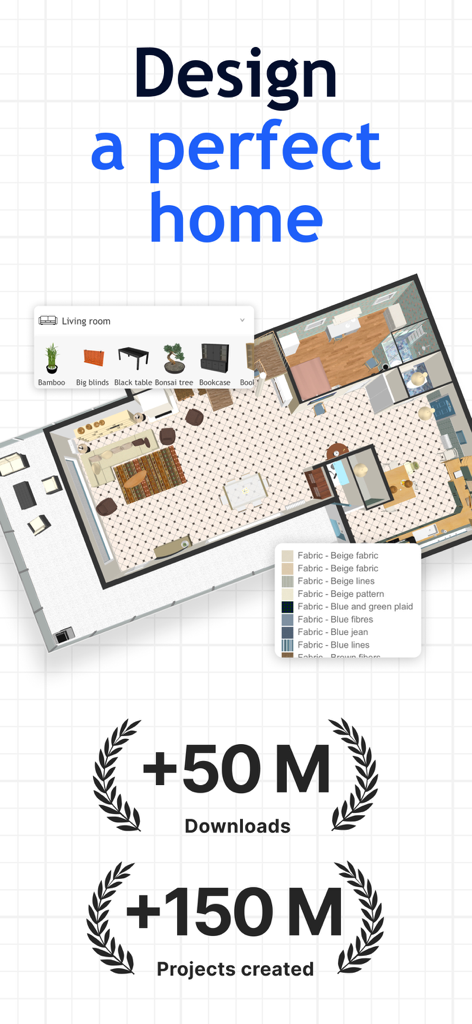
Sweet Home 3d app interface showing a 2D house floor plan with furniture selection menus and user statistics
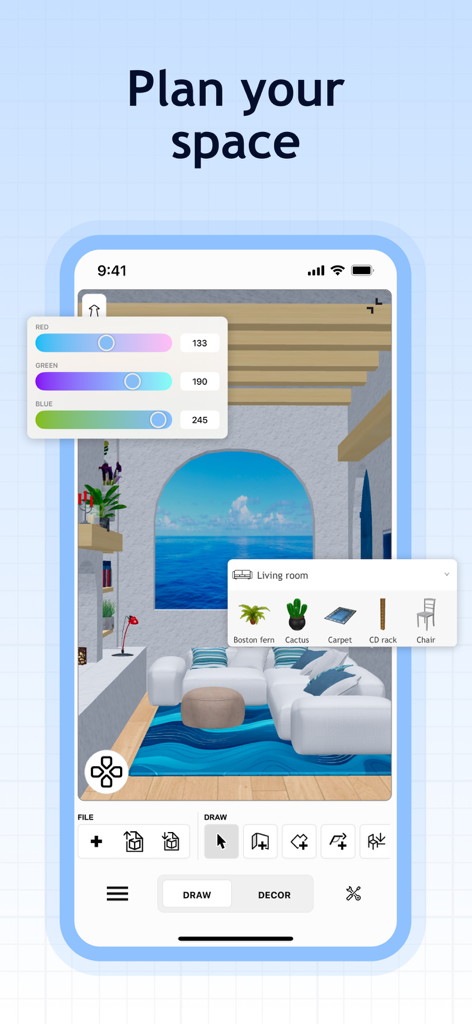
Sweet Home 3D app interface showing a 3D living room design with furniture selection and color adjustment tools.
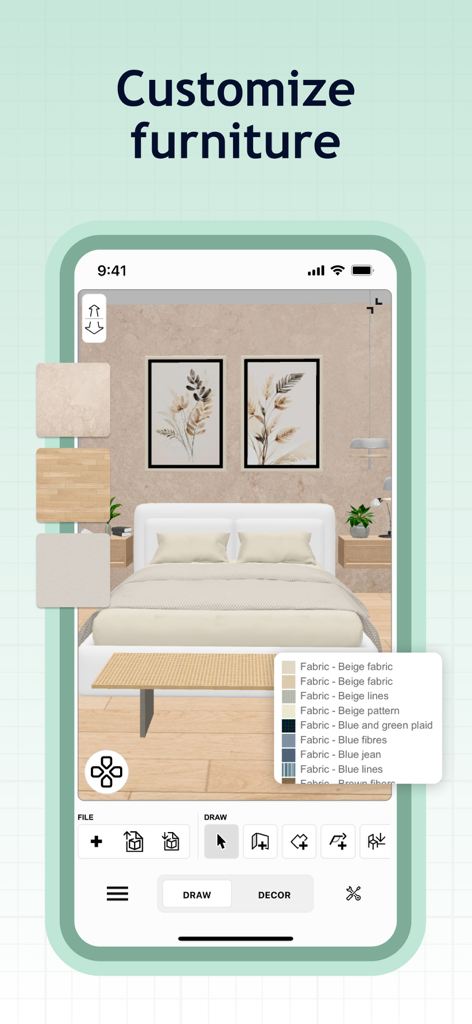
Sweet Home 3D app interface showing a bedroom with fabric and texture customization options for furniture
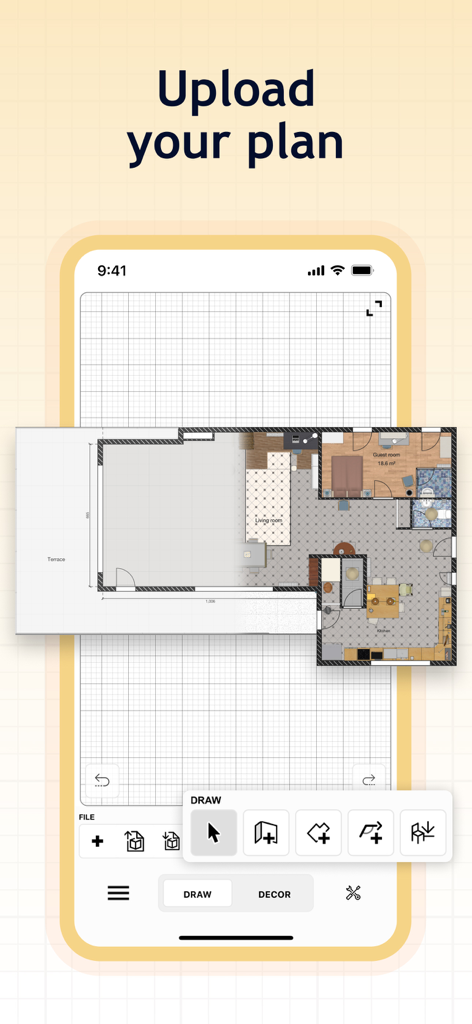
Mobile app interface showing how to upload and trace a floor plan on a digital grid
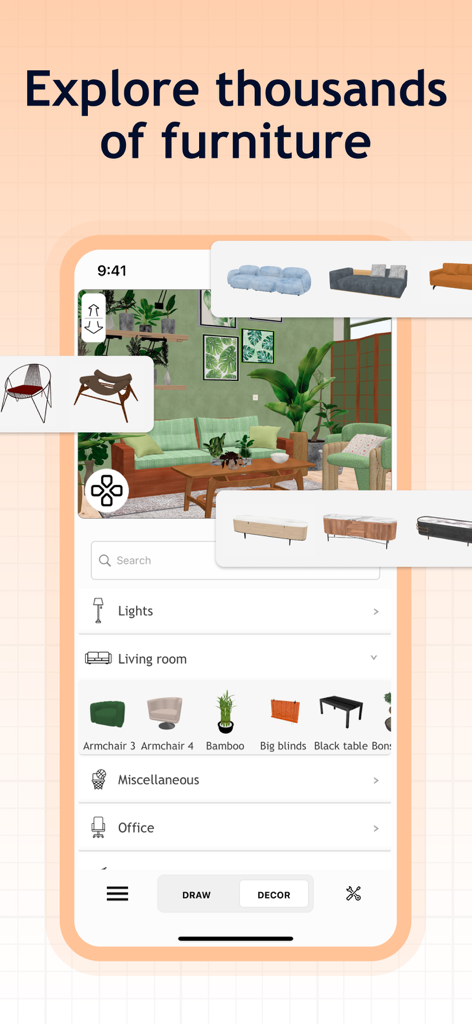
Sweet Home 3D app interface showing a 3D living room design with a catalog of furniture items and decor options.
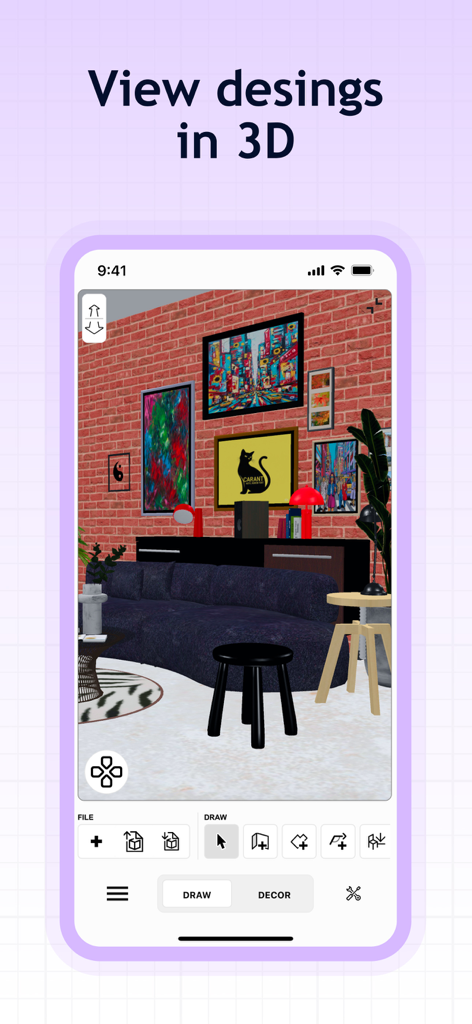
Screenshot of Sweet Home 3D app showing a 3D interior design project with a brick wall and modern furniture
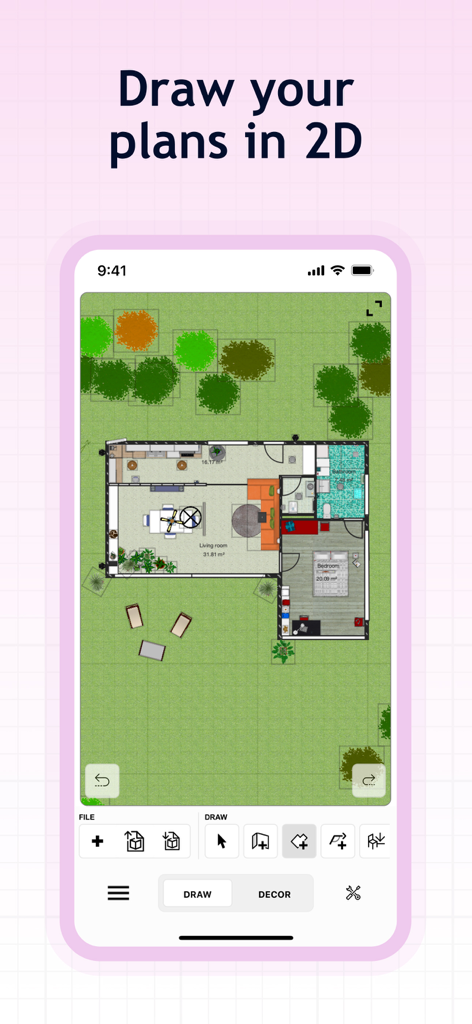
2D floor plan view of a house layout with furniture and garden in the Sweet Home 3D app
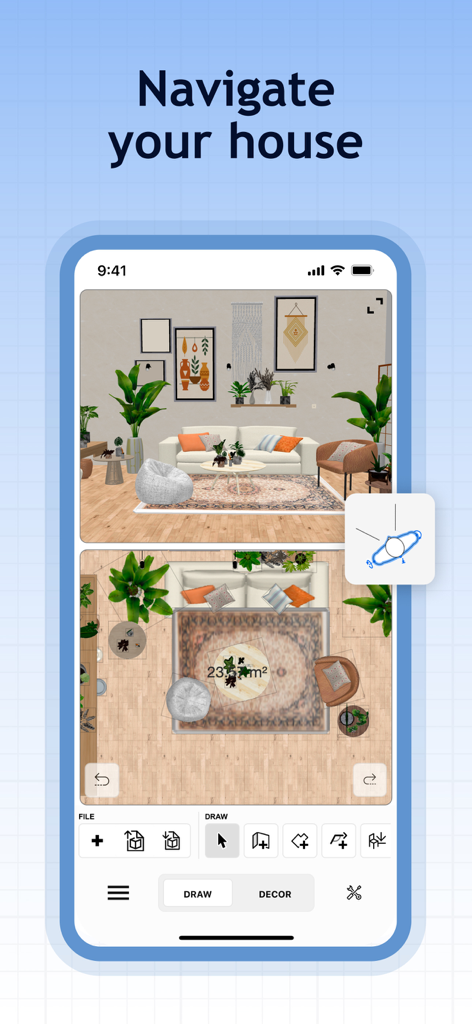
Sweet Home 3D app interface with 2D floor plan and 3D interior visualization
Description
Download
More Like This
Apps with similar features and user experience

Floor Plan & AI Home - CamPlan
CamPlan AI Ltd

SketchUp - 3D Modeling
Trimble Inc.

ArcSite: Floor Plans and CAD
Arctuition LLC

Morpholio Trace - Sketch CAD
Morpholio LLC

Keyplan 3D Lite - Home design
Quasarts LLC

Smart Home Design 3D
Sebastian Kemper

Keyplan 3D - Home design
Quasarts LLC

Home Design 3D: Draw & Plan
Anuman

Homestyler-3D Home Decor
Homestyler (Shanghai) Technology Co., Ltd.
This page is not an official page of the app or its developer, but an independent editorial publication created for informational and commentary purposes. Unless expressly stated otherwise, neither the app nor its developer is affiliated with, endorsed by, sponsored by, authorized by, or otherwise officially connected with MWM, Apple, Google Play, the app publisher, or the app's developer, and nothing on this page implies that the app was developed using MWM's services. Any trademarks, logos, screenshots, and other content remain the property of their respective owners.