HUDWAY Drive: HUD for any car
Download on App Store

This page is not an official page of the app or its developer, but an independent editorial publication created for informational and commentary purposes. Unless expressly stated otherwise, neither the app nor its developer is affiliated with, endorsed by, sponsored by, authorized by, or otherwise officially connected with MWM, Apple, Google Play, the app publisher, or the app's developer, and nothing on this page implies that the app was developed using MWM's services. Any trademarks, logos, screenshots, and other content remain the property of their respective owners.

Logo of HUDWAY Drive: HUD for any car
Download on App Store

HUDWAY Drive: HUD for any car

Stay connected without the distraction. Project navigation, calls, and real-time vehicle diagnostics directly in your line of sight for a safer, high-tech driving experience.

Key Figures

Downloads

0

User Rating

3.5/5

Total Ratings

0

Publisher

HUDWAY LLC.

Category

Navigation

Locales

2

Latest Version

1.4.8

Size

126.3 MB

First Released

Feb 12, 2020
Features

Upgrade Your Drive to First Class

Experience the future of driving with a transparent heads-up display that keeps you connected, informed, and safe without taking your eyes off the road.

Distraction-Free Connectivity

Get instant alerts from WhatsApp, Slack, and calls on a transparent screen, keeping your phone out of your hands and your focus on the commute.

Your Favorite Maps, Elevated

Mirror Waze or Google Maps directly into your field of vision to navigate heavy traffic and avoid speeding tickets with real-time limit alerts.

The following screenshots and description are sourced directly from the app's official store listing and are the property of the app developer.

App Store

Screenshots
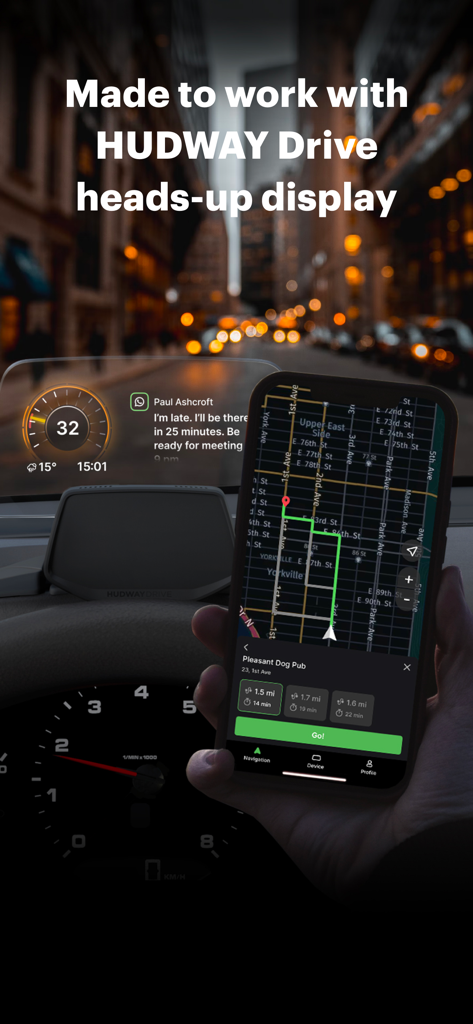
HUDWAY Drive: HUD for any car - HUDWAY Drive mobile app navigation and notifications displayed on a car heads-up display
HUDWAY Drive mobile app navigation and notifications displayed on a car heads-up display

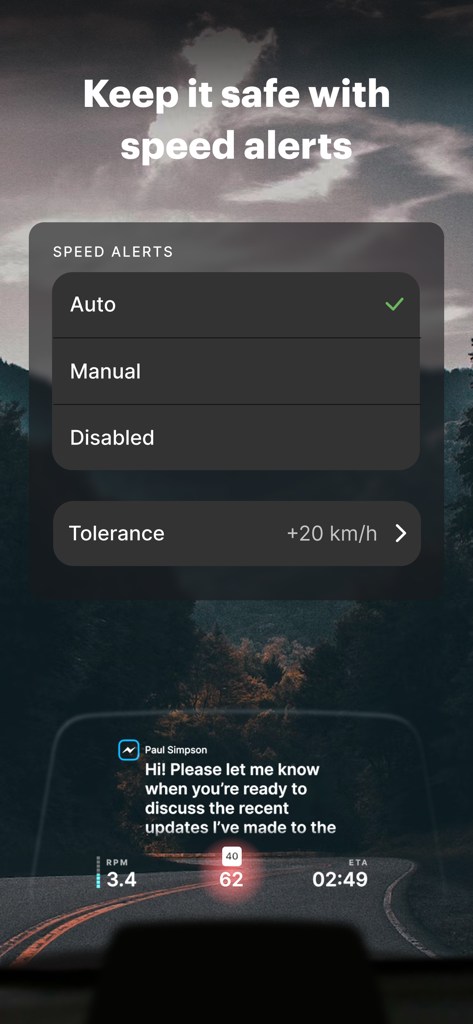
HUDWAY Drive: HUD for any car - HUDWAY Drive app interface showing speed alerts settings and a heads-up display dashboard with speed and notifications
HUDWAY Drive app interface showing speed alerts settings and a heads-up display dashboard with speed and notifications

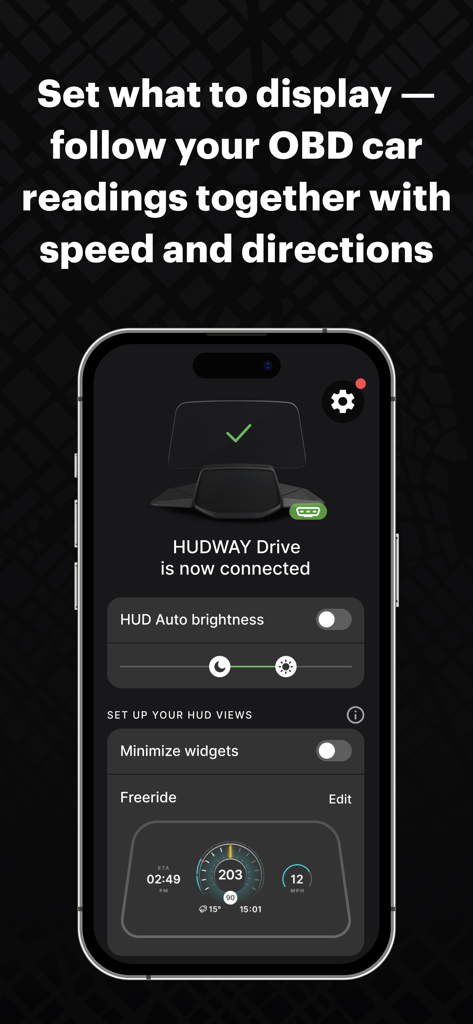
HUDWAY Drive: HUD for any car - HUDWAY Drive app interface showing OBD car readings and display settings on a smartphone.
HUDWAY Drive app interface showing OBD car readings and display settings on a smartphone.

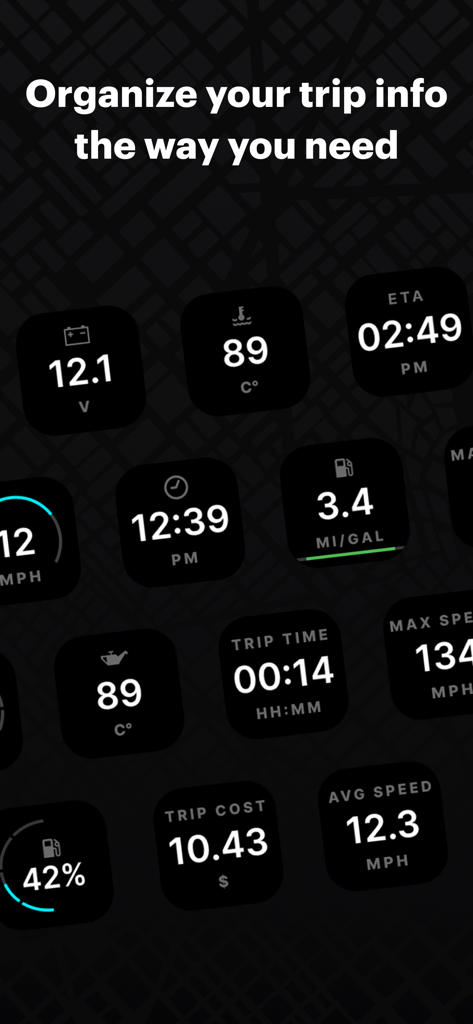
HUDWAY Drive: HUD for any car - HUDWAY Drive app interface showing various customizable widgets for car diagnostics and trip information
HUDWAY Drive app interface showing various customizable widgets for car diagnostics and trip information

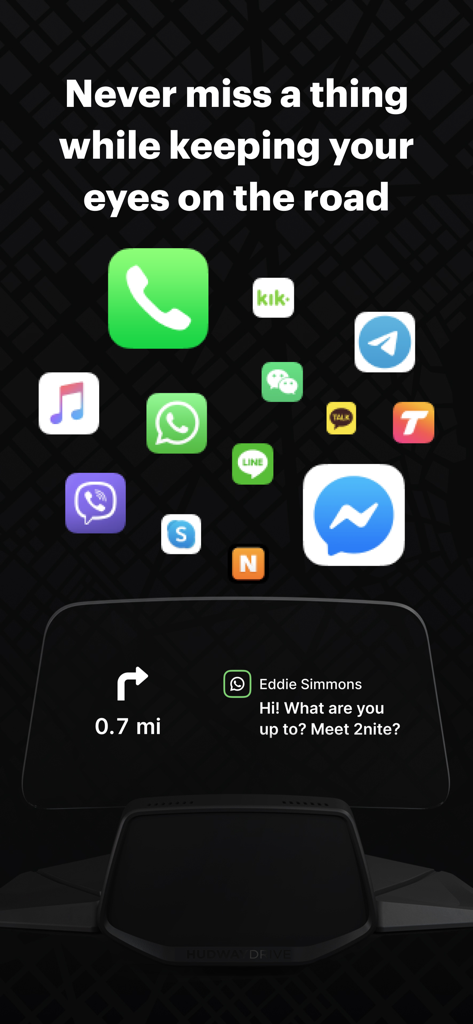
HUDWAY Drive: HUD for any car - HUDWAY Drive app interface showing messaging notifications and navigation instructions on a car heads-up display.
HUDWAY Drive app interface showing messaging notifications and navigation instructions on a car heads-up display.

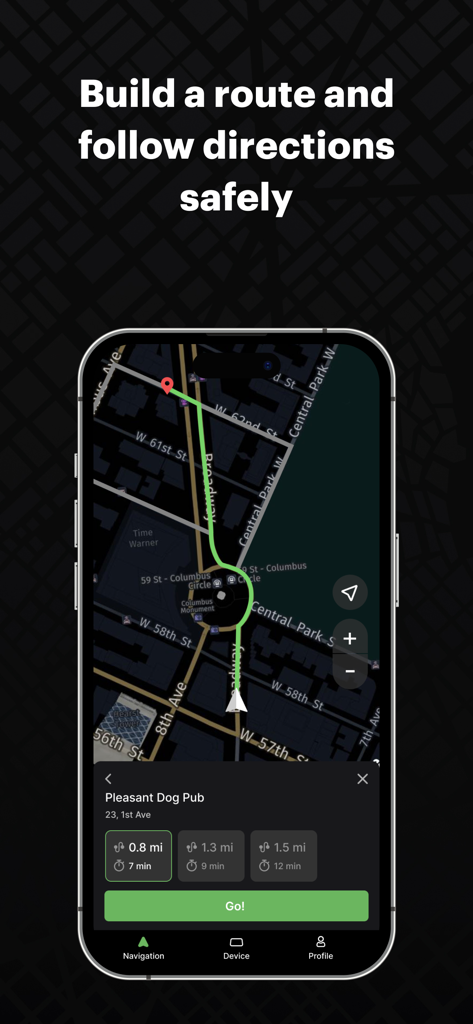
HUDWAY Drive: HUD for any car - HUDWAY Drive app interface showing route planning and navigation options on a dark city map.
HUDWAY Drive app interface showing route planning and navigation options on a dark city map.

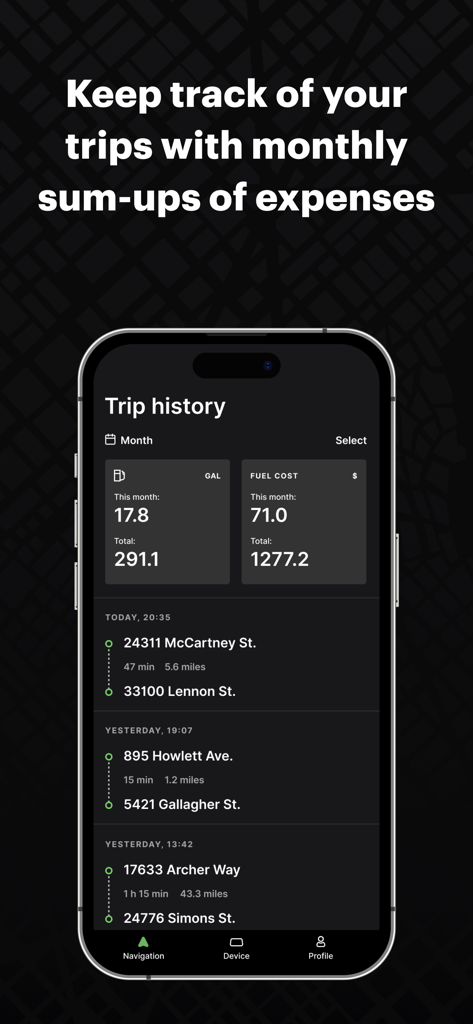
HUDWAY Drive: HUD for any car - HUDWAY Drive app trip history screen showing fuel usage and expense summaries
HUDWAY Drive app trip history screen showing fuel usage and expense summaries

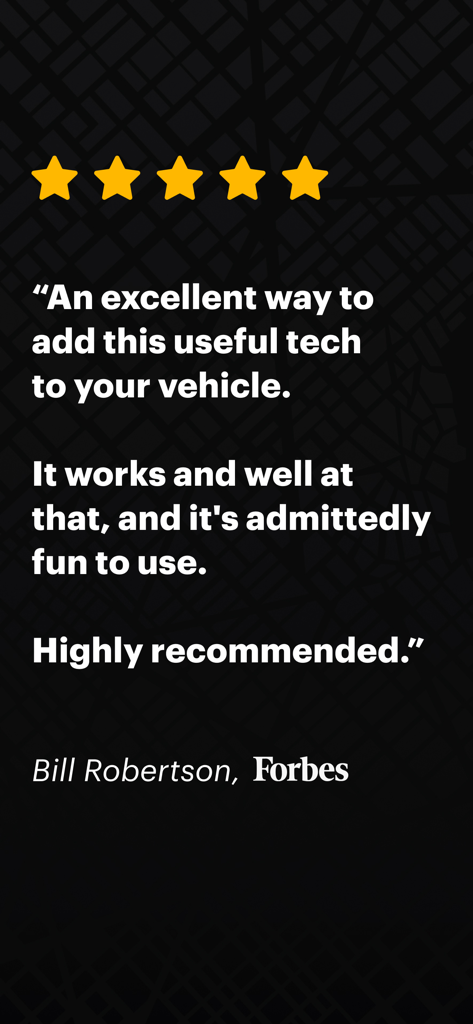
HUDWAY Drive: HUD for any car - Forbes five star review for HUDWAY Drive app by Bill Robertson

Forbes five star review for HUDWAY Drive app by Bill Robertson

Description

It’s how you drive focused and stay connected at the same time! HUDWAY Drive heads-up display (hudway.co/drive) allows you to keep your eyes on the road ahead without compromising the comfort of staying connected. The app seamlessly delivers notifications, incoming calls, navigation directions to the transparent screen on the dashboard. This is how you’ll revise the experience of driving with a smartphone — when there’s no need to check it, when you instantly receive all the information you selected to receive — and respond hands- and hassle-free. Why HUDWAY Drive? Stay in touch without being distracted by the phone: — Instantly know who's calling you and decide whether to pick up the phone. — Get notifications from the apps that matter to you: Messages, Mail, Calendar, WhatsApp, Facebook, Twitter, Instagram, Skype, Telegram, Viber, etc. — See what you’re listening to — never lower your eyes to check on the track you switch to. Build routes and get to your destination in the quickest way: — Minimalist map design focuses on the really important things while you're driving. — Information about speed limits helps you comply with traffic rules. — The route is built with traffic jams in mind. You are always offered the best route. — If you prefer to stick with Waze or Google Maps, you can have them mirrored to the HUD. Get real-time information about your car with the OBD-II scanner that comes with the device: — Speed — now brought from your car computer to your field of vision. — RPM — so that you shift gears at the right moments. — Fuel consumption — whenever you feel like viewing instantaneous consumption or seeing your trip cost calculated in real time. — Fuel tank level — shows you the fuel level percentage to keep an eye on and never run out of fuel in the middle of nowhere. — Battery voltage — for you to quickly check if your battery and alternator are okay. — Coolant and oil temperature — to stay confident there's nothing wrong with your vehicle's engine. Tune it to suit you best at any moment: — Select from the variety of widgets — and create the combination that speaks to you — Minimize the widgets — they will stay at the bottom of your line of sight and keep the main area clear until a notification pops in. — Go for mirroring — that’s how you can have Waze, Google Maps, and other applications displayed on the HUD. See how it can help you with the traffic tickets: — Fewer speeding tickets — you’re in better control of your speed and current limit as they’re displayed on the HUD. — No more fines for using your phone while driving — HUDWAY Drive keeps it out of your hands and focus. HUDWAY Drive is what makes navigation with a smartphone safer, more comfortable, and less-distracted. Learn more: hudway.co/drive Problems? Feedback? The more you tell us, the better HUDWAY Drive gets: support@hudway.co

Download

Download on App Store

This page is not an official page of the app or its developer, but an independent editorial publication created for informational and commentary purposes. Unless expressly stated otherwise, neither the app nor its developer is affiliated with, endorsed by, sponsored by, authorized by, or otherwise officially connected with MWM, Apple, Google Play, the app publisher, or the app's developer, and nothing on this page implies that the app was developed using MWM's services. Any trademarks, logos, screenshots, and other content remain the property of their respective owners.