
This page is not an official page of the app or its developer, but an independent editorial publication created for informational and commentary purposes. Unless expressly stated otherwise, neither the app nor its developer is affiliated with, endorsed by, sponsored by, authorized by, or otherwise officially connected with MWM, Apple, Google Play, the app publisher, or the app's developer, and nothing on this page implies that the app was developed using MWM's services. Any trademarks, logos, screenshots, and other content remain the property of their respective owners.


Hueber Media
Access all your language learning materials instantly. Simply search by ISBN to stream or download media for your Hueber books, and keep your studies moving forward—anywhere, anytime, and even offline.
Downloads
517K+User Rating
Total Ratings
200Publisher
Category
EducationLocales
2Latest Version
1.1.1Size
1.6 MBFirst Released
Feb 1, 2022Master Your Language Course Anywhere
The ultimate digital companion for your Hueber textbooks. Access expert-led audio and video materials to achieve fluency on your own terms.
Study on the Go
Download your media files for full offline access. Perfect for practicing during your commute or in the library without relying on Wi-Fi.
Instant Textbook Sync
No more searching for old CDs. Simply enter your book’s ISBN or title to instantly unlock all the digital content you need for class.
Frequently Asked Questions
Everything you need to know about Hueber Media
How do I add a new book to the Hueber Media app?
To add a new book, select "Add book" in the "Books" tab of the Hueber Media app. Users can choose from a list of available titles or search by entering the book’s title or ISBN in the search field.
Does the Hueber Media app work without an internet connection?
Yes, the Hueber Media app works offline. Users must download audio and video files to their device beforehand. Content that is not downloaded requires an active internet connection for streaming.
Can I play videos in the Hueber Media app?
Yes, the Hueber Media app plays video files associated with Hueber books. These videos can be streamed live or downloaded to the device for offline viewing. Video playback controls are available.
How can I change my download settings for media in Hueber Media?
Users can change their download preferences for video files in the Hueber Media app. Go to the "Books" tab and click the information button next to the specific title to adjust the download settings.
What content is available in the Hueber Media app?
The Hueber Media app provides audio and video files directly linked to Hueber books. This content is designed to supplement the books and is accessible for both online streaming and offline use.
The following screenshots and description are sourced directly from the app's official store listing and are the property of the app developer.
App Store
Screenshots
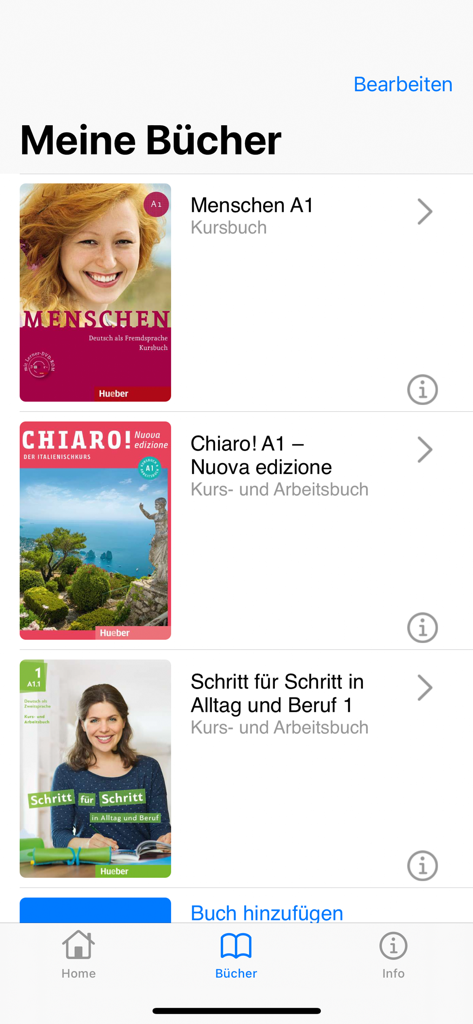
Interface of the Hueber Media app displaying a digital library of language learning textbooks
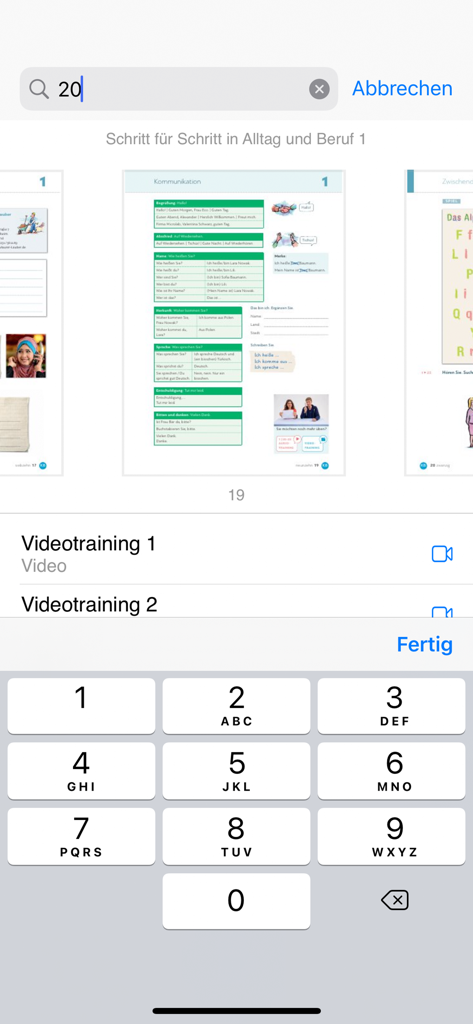
Mobile app interface showing textbook page thumbnails and a search field with a numeric keypad
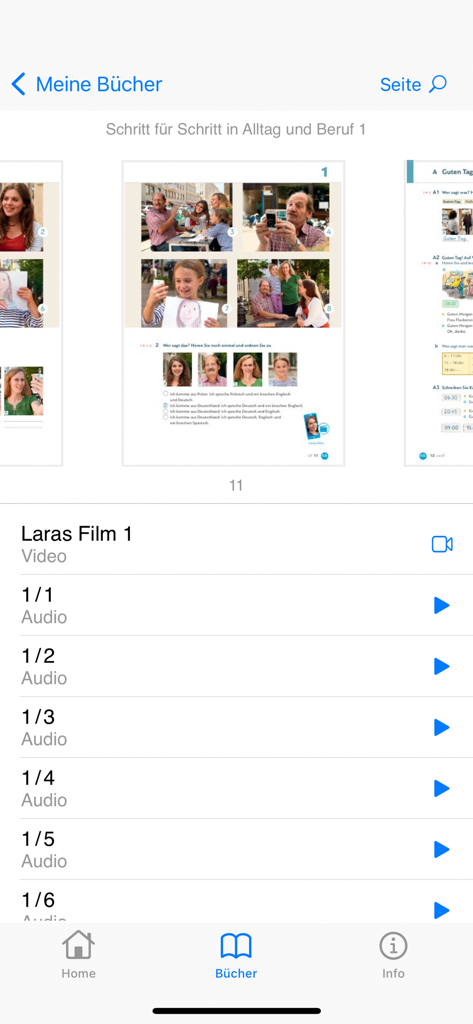
Mobile interface of the Hueber Media app showing a textbook page overview and a list of playable audio and video files for German language learning.

Video player interface in the Hueber Media app showing people at an outdoor cafe for language learning.
Description
Download
More Like This
Apps with similar features and user experience

AnatomyMapp
Books of Discovery

Sharpen - College Exam Prep
McGraw-Hill Higher Education

my-oto-mo
Gakken CO.,LTD

3D Mobil
Muhammet Karakok

PagePlayer - Cornelsen
Cornelsen Verlag GmbH

伴学课堂
Jiangxi Doubanjiang Technology Co., Ltd

学而思HD-学生端
Beijing Xueersi Education Technology Co., Ltd.

Video Cepte
FERNUS BILISIM HIZMETLERI EGI.DAN. ve TIC.LTD.STI.

标准日本语(日语教材)
PEP Digital Publishing Corporation Limited
This page is not an official page of the app or its developer, but an independent editorial publication created for informational and commentary purposes. Unless expressly stated otherwise, neither the app nor its developer is affiliated with, endorsed by, sponsored by, authorized by, or otherwise officially connected with MWM, Apple, Google Play, the app publisher, or the app's developer, and nothing on this page implies that the app was developed using MWM's services. Any trademarks, logos, screenshots, and other content remain the property of their respective owners.