
This page is not an official page of the app or its developer, but an independent editorial publication created for informational and commentary purposes. Unless expressly stated otherwise, neither the app nor its developer is affiliated with, endorsed by, sponsored by, authorized by, or otherwise officially connected with MWM, Apple, Google Play, the app publisher, or the app's developer, and nothing on this page implies that the app was developed using MWM's services. Any trademarks, logos, screenshots, and other content remain the property of their respective owners.


I Am Saving
Turn pocket money into a powerful lesson in financial literacy. A simple, 100% private tracker designed to help children ages 6–12 visualize progress, practice delayed gratification, and build lifelong money habits.
Downloads
2M+User Rating
Total Ratings
2K+Publisher
Category
FinanceLocales
3Latest Version
2.2Size
18.7 MBFirst Released
Mar 23, 2019Building Smart Money Habits for a Brighter Future
Turn pocket money into a powerful learning experience. Help your child set goals, track their progress, and discover the rewarding feeling of saving for what they love.
Set Rewarding Saving Goals
Whether it is a new LEGO set or a video game, kids learn to plan and prioritize their wishes through intentional saving habits.
Visual Progress Tracking
Interactive progress bars show exactly how close they are to their target, teaching the value of patience and delayed gratification.
Frequently Asked Questions
Everything you need to know about I Am Saving
What is the "I Am Saving" app?
The "I Am Saving" app helps children learn to save money by setting personalized goals, tracking progress, and managing incomes and outcomes. It visually shows how long they need to save.
How does "I Am Saving" protect user privacy?
The "I Am Saving" app does not collect or send any user data. All data remains on the user's device, ensuring privacy and user ownership.
Can saving goals be changed in the "I Am Saving" app?
Yes, saving goals in the "I Am Saving" app are adjustable at any time. Users can modify the goal's price or the amount of money received weekly.
What age range is the "I Am Saving" app suitable for?
The "I Am Saving" app works best for children aged 6–12. Parents should assist younger children who cannot yet count money to set up goals.
Does "I Am Saving" allow multiple users or profiles?
Yes, the "I Am Saving" app supports multiple users. Users can switch between different names, each with their own saving goal and personalized emoji.
Does the "I Am Saving" app show saving progress visually?
Yes, the "I Am Saving" app visualizes saving progress. It displays the amount saved, the total goal, and estimates the remaining time until the goal is reached.
How does "I Am Saving" help children log money?
The "I Am Saving" app helps children log income and expenses. They input received or spent money, and the app immediately updates their progress towards the saving goal.
The following screenshots and description are sourced directly from the app's official store listing and are the property of the app developer.
App Store
Screenshots
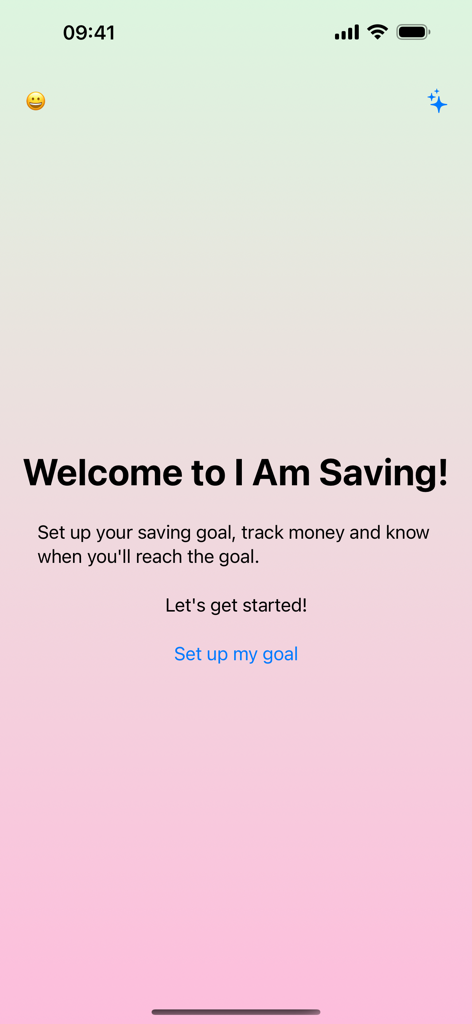
I Am Saving app welcome screen with a button to set up a new saving goal on a soft gradient background
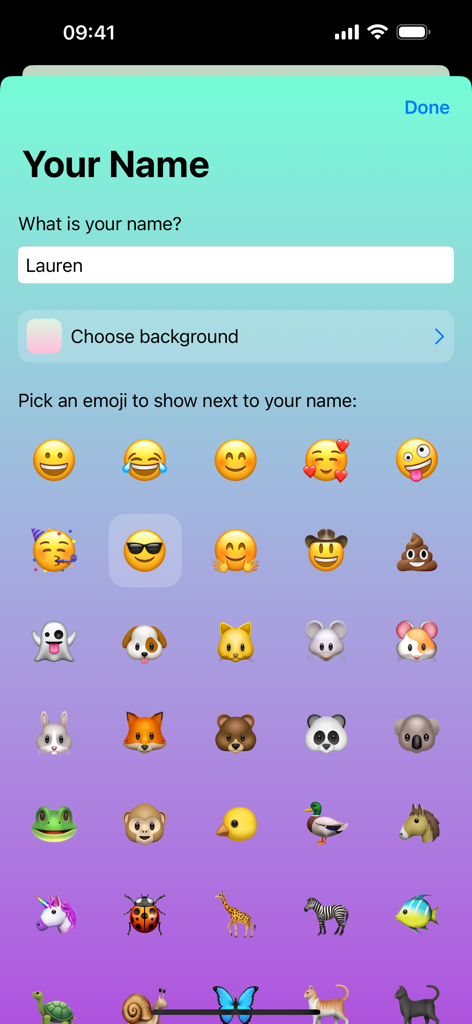
Profile customization screen where children can enter their name and choose an emoji character for the I Am Saving app
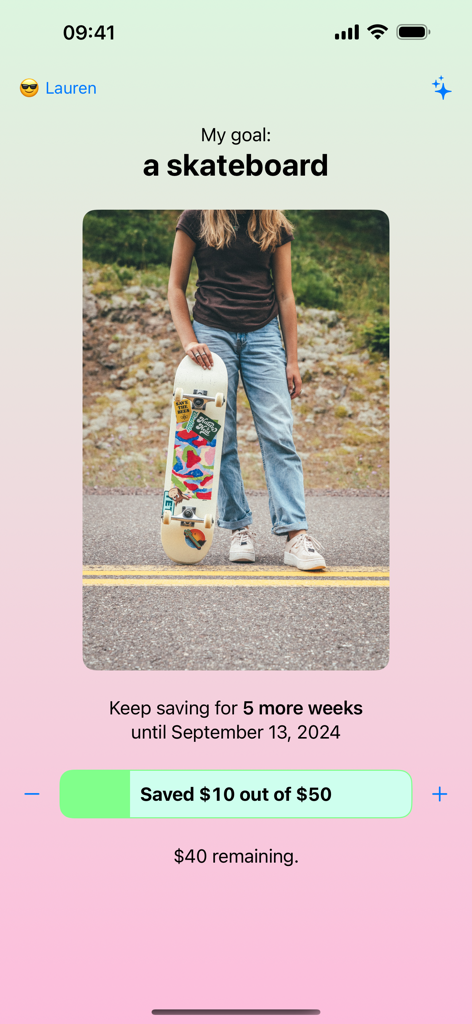
I Am Saving app interface showing a child's goal for a skateboard with a progress tracker and timeline
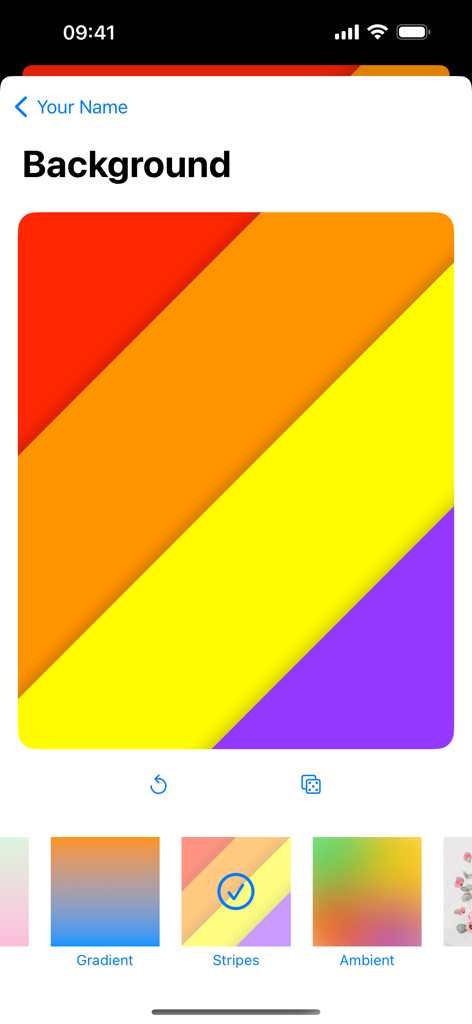
A screen showing colorful background pattern options like stripes and gradients for personalizing the child savings app
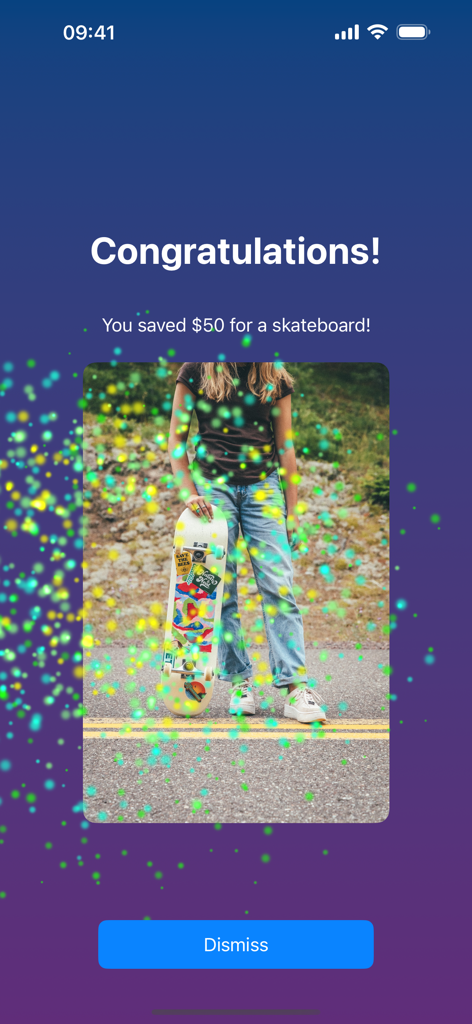
A screen in the I Am Saving app congratulating a user for saving fifty dollars for a skateboard with a celebratory image and confetti.
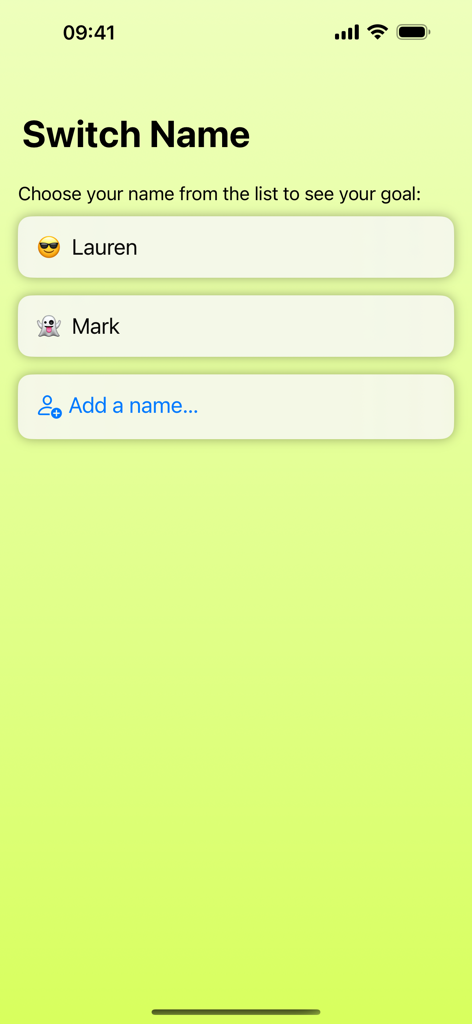
A user profile selection screen in the I Am Saving app showing options for different children to track their individual savings goals.
Description
Download
More Like This
Apps with similar features and user experience

Greenlight Kids & Teen Banking
Greenlight Financial Technology, Inc.

C6 Yellow
BANCO C6 S.A.

Till: Kids & Teen Banking
Till Financial, inc.

nextJoy
Bradesco

Modak: Kids & Teens Banking
Modak Communities Operating Holdings Inc.

Увеличь заработок с KeepMoney
Arthur Barlow

Acorns Early: Kids Money App
Acorns Grow Incorporated

Bloom: Learn to Invest
Contour Labs, Inc.

GoHenry by Acorns Kids Banking
gohenry Ltd
This page is not an official page of the app or its developer, but an independent editorial publication created for informational and commentary purposes. Unless expressly stated otherwise, neither the app nor its developer is affiliated with, endorsed by, sponsored by, authorized by, or otherwise officially connected with MWM, Apple, Google Play, the app publisher, or the app's developer, and nothing on this page implies that the app was developed using MWM's services. Any trademarks, logos, screenshots, and other content remain the property of their respective owners.