
This page is not an official page of the app or its developer, but an independent editorial publication created for informational and commentary purposes. Unless expressly stated otherwise, neither the app nor its developer is affiliated with, endorsed by, sponsored by, authorized by, or otherwise officially connected with MWM, Apple, Google Play, the app publisher, or the app's developer, and nothing on this page implies that the app was developed using MWM's services. Any trademarks, logos, screenshots, and other content remain the property of their respective owners.


I Love a Piano
Master your favorite tracks with seamless Apple Music integration and tactile haptic keys. Experience the original MultiPiano design and learn by ear with slow-mo controls, all in one professional-grade instrument.
Downloads
0User Rating
Total Ratings
0Publisher
Category
MusicLocales
1Latest Version
1.0Size
19.1 MBFirst Released
Jan 26, 2026Master the Keys, Anywhere You Go
Experience a professional-grade 88-key piano designed for the modern musician. Seamlessly play along with your favorite tracks, customize your sound, and record your progress on the fly.
Learn by Ear with Apple Music
Slow down tracks to 70% speed and use 5-second rewinds to master complex riffs without ever leaving the app.
88 Keys, Zero Compromise
Navigate a full keyboard with a scrollable layered design and haptic feedback for a realistic, tactile playing experience.
Frequently Asked Questions
Everything you need to know about I Love a Piano
What is I Love a Piano?
I Love a Piano is an iPhone app offering a piano utility that is fast, intuitive, and fun. It provides 88 haptic keys and integrates with Apple Music.
What instrument sounds are available in I Love a Piano?
The I Love a Piano app features five vibrant instrument sounds: Acoustic Piano, Electric Piano, Drawbar Organ, Sine Wave, and Music Box (Glockenspiel).
Can I customize the keys in the I Love a Piano app?
Yes, I Love a Piano offers 88 slideable, tappable, haptic keys. Users can customize key sizes (Small, Medium, Large), label styles (Sharps, Flats, Naturals, None), and choose from 9 colors or a wooden texture.
Does I Love a Piano integrate with Apple Music?
Yes, I Love a Piano features specialized Apple Music controls. This allows users to learn and play along with their music library directly within the app.
Does I Love a Piano allow screen recording?
Yes, the I Love a Piano app supports one-tap screen recording. Recordings save directly to the Photos library.
What iOS version is required for I Love a Piano?
I Love a Piano version 1.0 requires iOS 18 or later to function.
What accessibility features does I Love a Piano offer?
I Love a Piano supports VoiceOver with spoken and musical feedback, offering adjustable navigation methods like 'Stepwise' and 'Scrub'. It also includes Dark Mode support.
What is the MultiPiano feature in I Love a Piano?
MultiPiano is the app's original design feature. It is a scrollable stack of layered keyboards that smoothly transitions between portrait and landscape orientations.
The following screenshots and description are sourced directly from the app's official store listing and are the property of the app developer.
App Store
Screenshots
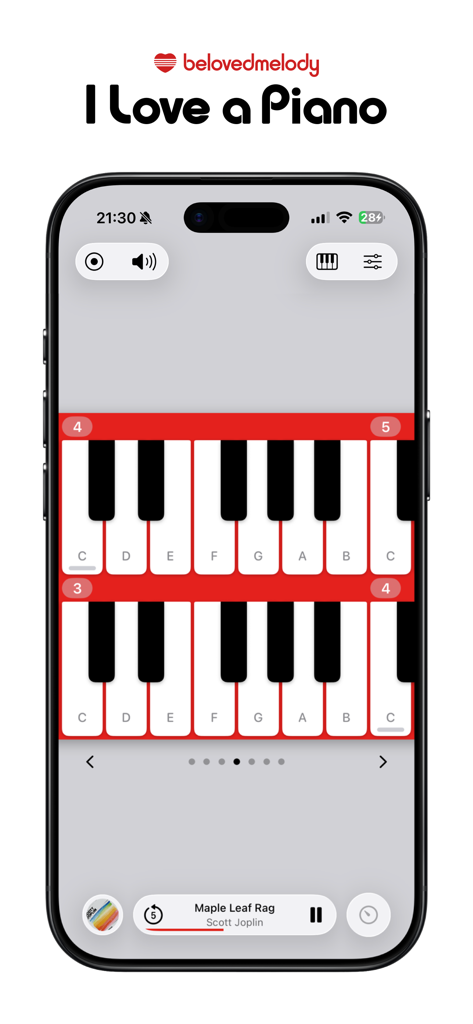
I Love a Piano app showing a layered keyboard design and music playback controls on an iPhone
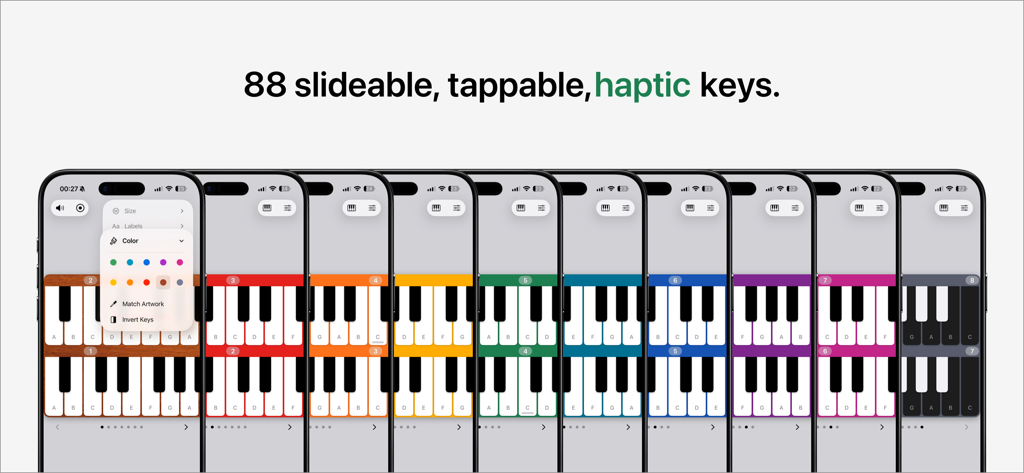
A row of iPhones displaying various color themes for the I Love a Piano app keyboard.
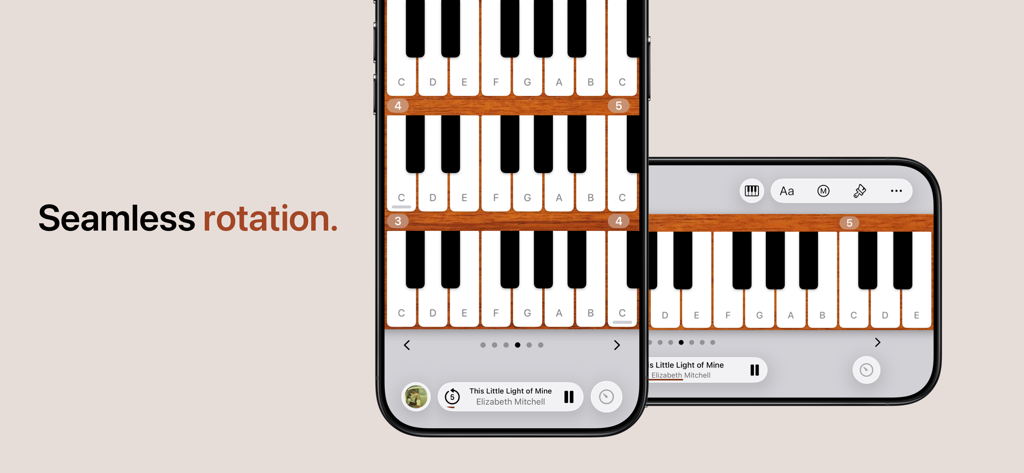
I Love a Piano app showing the MultiPiano interface in portrait and landscape orientations.
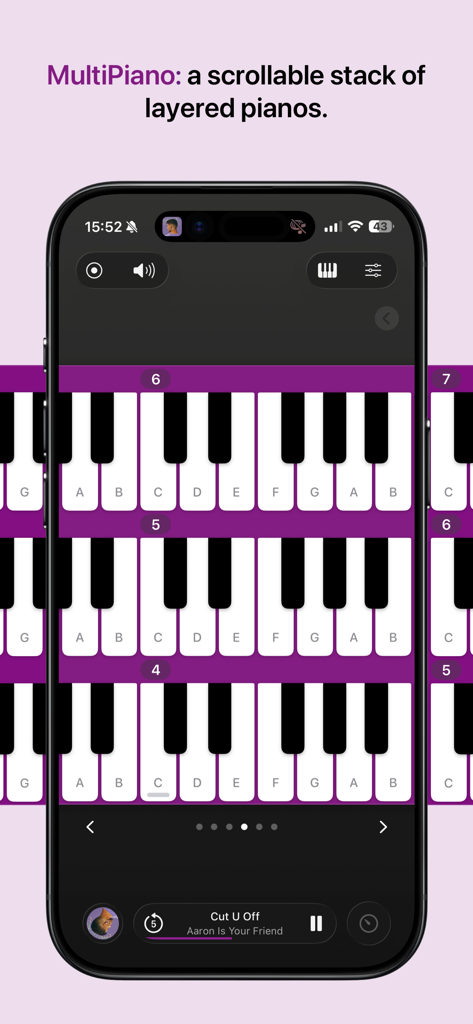
I Love a Piano app displaying the MultiPiano scrollable stack of layered keyboards on an iPhone screen.
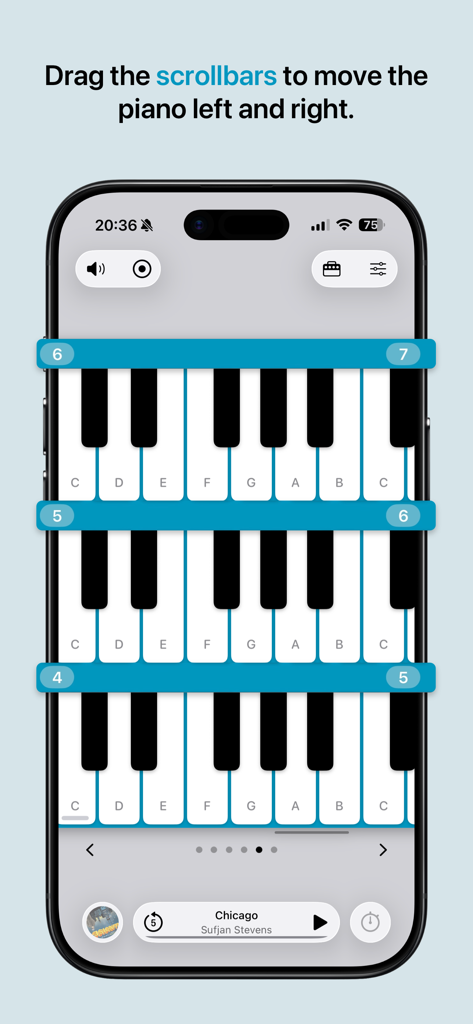
Interface of I Love a Piano app showing three layered keyboards with blue scrollbars for navigation.
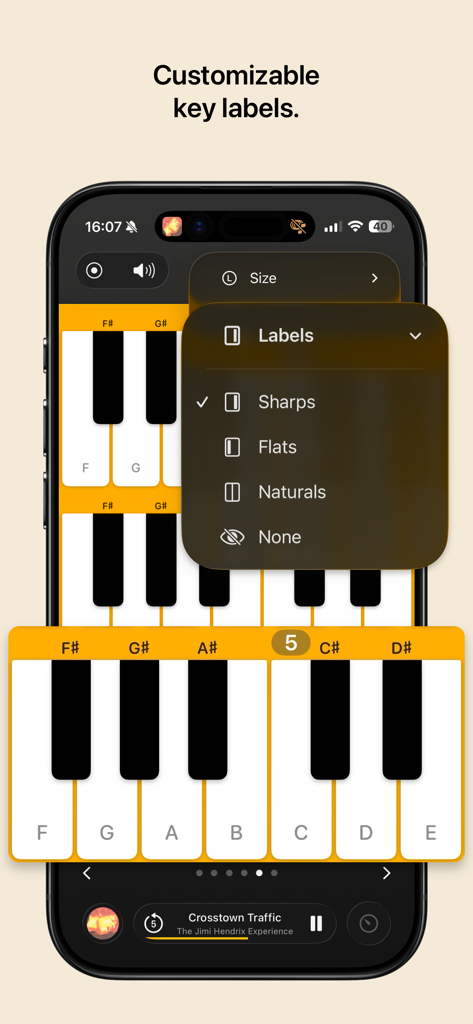
I Love a Piano app interface showing a menu for customizable key labels including sharps and flats.
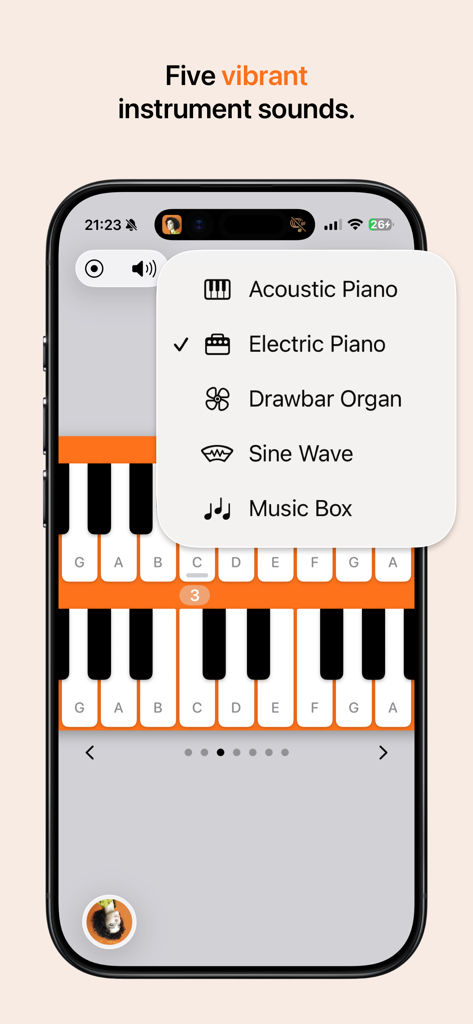
I Love a Piano app interface displaying a menu with five instrument sounds over a dual-layered keyboard.
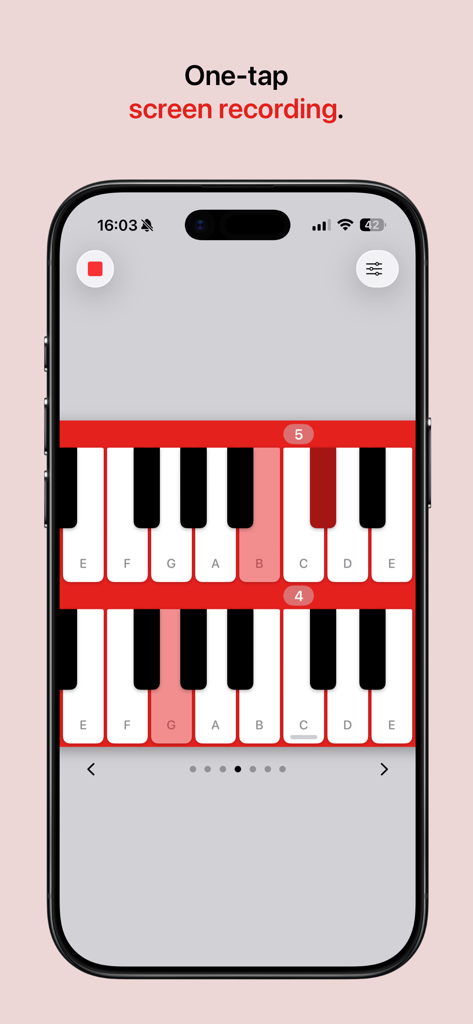
I Love a Piano app screen recording feature
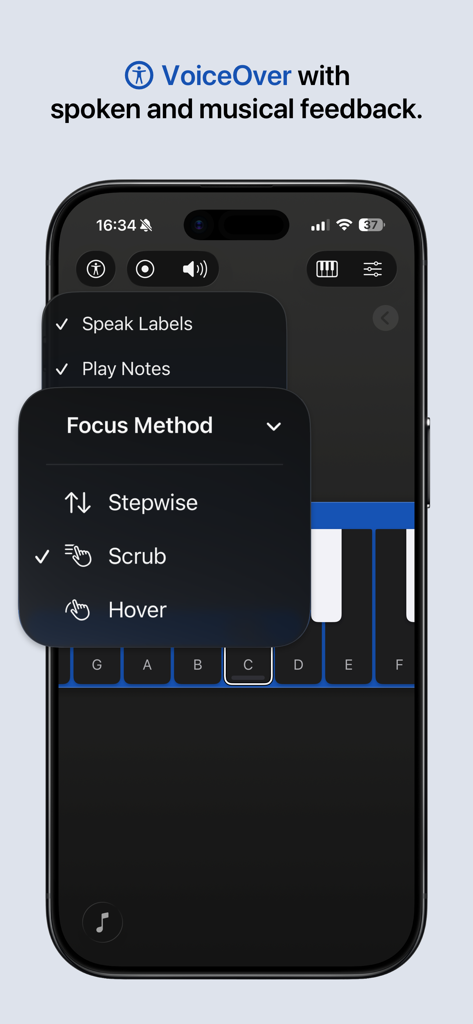
Accessibility menu in the I Love a Piano app showing VoiceOver options for spoken and musical feedback including focus methods like scrub and stepwise.
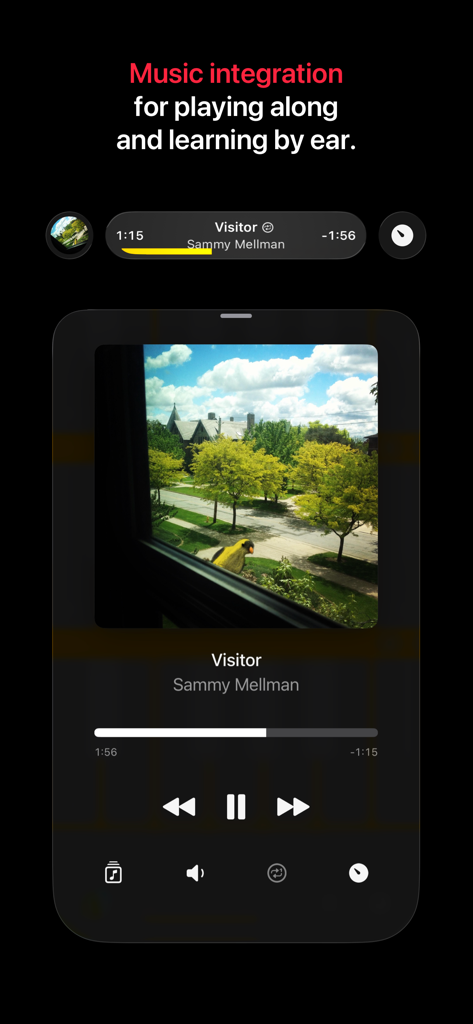
Music integration screen in the I Love a Piano app showing playback controls and track information for playing along.
Description
Download
More Like This
Top-ranked apps in the same category

Spotify: Music and Podcasts
Spotify

YouTube Music
Google LLC

Shazam: Find Music & Concerts
Apple Inc.

SoundCloud: The Music You Love
SoundCloud Global Limited & Co KG

Suno - AI Songs & Music
Suno Inc.

QQ音乐 - 听我想听
Tencent Technology (Shenzhen) Company Limited

Audiomack - Play Music Offline
Audiomack, Inc.

GuitarTuna: Tune & Play Guitar
Yousician Ltd

BandLab – Music Maker & Beats
BandLab Singapore Pte Ltd
This page is not an official page of the app or its developer, but an independent editorial publication created for informational and commentary purposes. Unless expressly stated otherwise, neither the app nor its developer is affiliated with, endorsed by, sponsored by, authorized by, or otherwise officially connected with MWM, Apple, Google Play, the app publisher, or the app's developer, and nothing on this page implies that the app was developed using MWM's services. Any trademarks, logos, screenshots, and other content remain the property of their respective owners.