iCathedral Organ
iCathedral Organ
Download on App Store

This page is not an official page of the app or its developer, but an independent editorial publication created for informational and commentary purposes. Unless expressly stated otherwise, neither the app nor its developer is affiliated with, endorsed by, sponsored by, authorized by, or otherwise officially connected with MWM, Apple, Google Play, the app publisher, or the app's developer, and nothing on this page implies that the app was developed using MWM's services. Any trademarks, logos, screenshots, and other content remain the property of their respective owners.

Logo of iCathedral Organ
Download on App Store

iCathedral Organ

Experience authentic, high-polyphony performance with 28 meticulously recorded stops. Designed by award-winning sound designer Kurt Ader for professional musicians who demand zero-latency, privacy, and no subscriptions.

Key Figures

Downloads

2K+

User Rating

3.8/5

Total Ratings

0

Publisher

Christian Schoenebeck d/b/a Crudebyte

Category

Music

Locales

1

Latest Version

2.4

Size

1.0 GB

First Released

Dec 20, 2014
Features

Professional Cathedral Sound in the Palm of Your Hand

Designed for church organists and professional musicians, iCathedral Organ delivers the authentic power of a real pipe organ through a high-performance virtual instrument.

28 Authentic Organ Stops

Meticulously recorded by award-winning designer Kurt Ader to replicate the rich, color-filled textures of a genuine cathedral pipe organ.

Live-Ready Performance

Experience zero-lag playing with 1ms latency and massive polyphony, optimized for external MIDI keyboards and professional live services.

The following screenshots and description are sourced directly from the app's official store listing and are the property of the app developer.

App Store

Screenshots
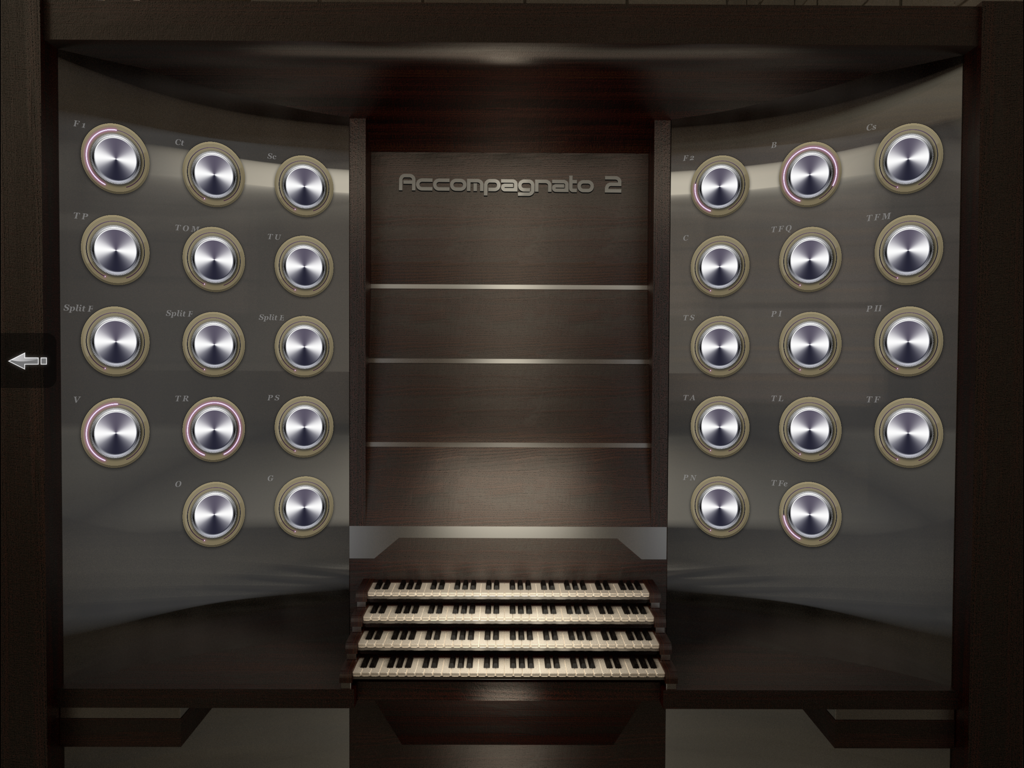
iCathedral Organ - A professional virtual pipe organ console interface with three keyboards and multiple adjustable stop knobs.
A professional virtual pipe organ console interface with three keyboards and multiple adjustable stop knobs.

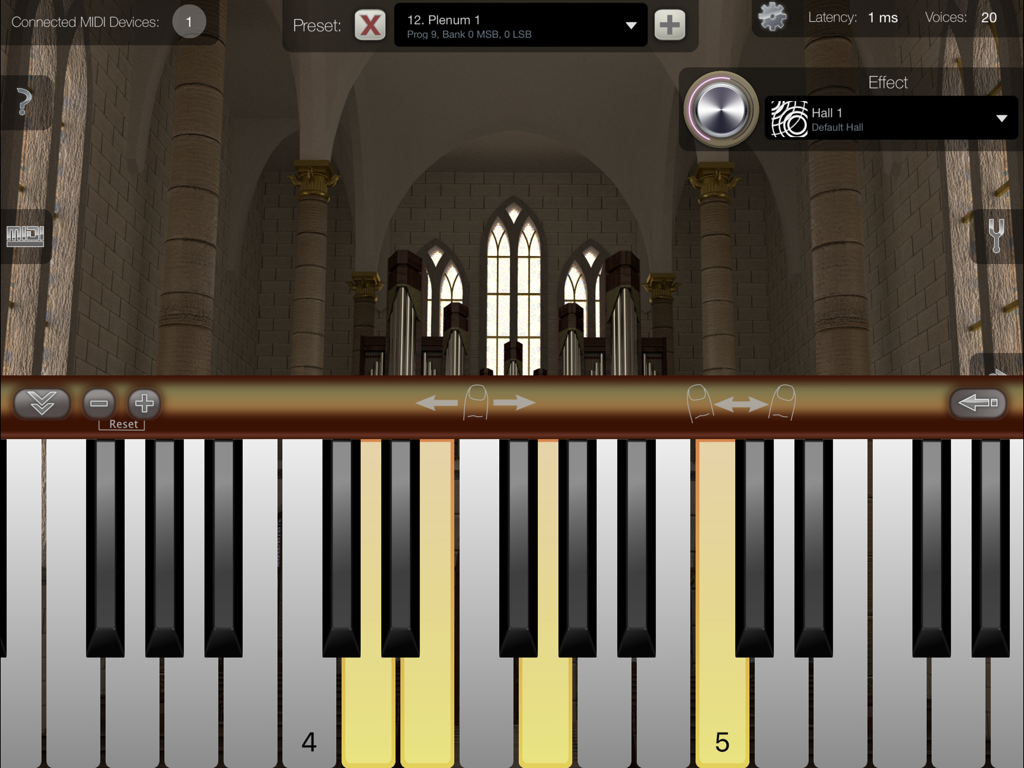
iCathedral Organ - iPad interface for iCathedral Organ showing a virtual piano keyboard and a cathedral interior background.
iPad interface for iCathedral Organ showing a virtual piano keyboard and a cathedral interior background.

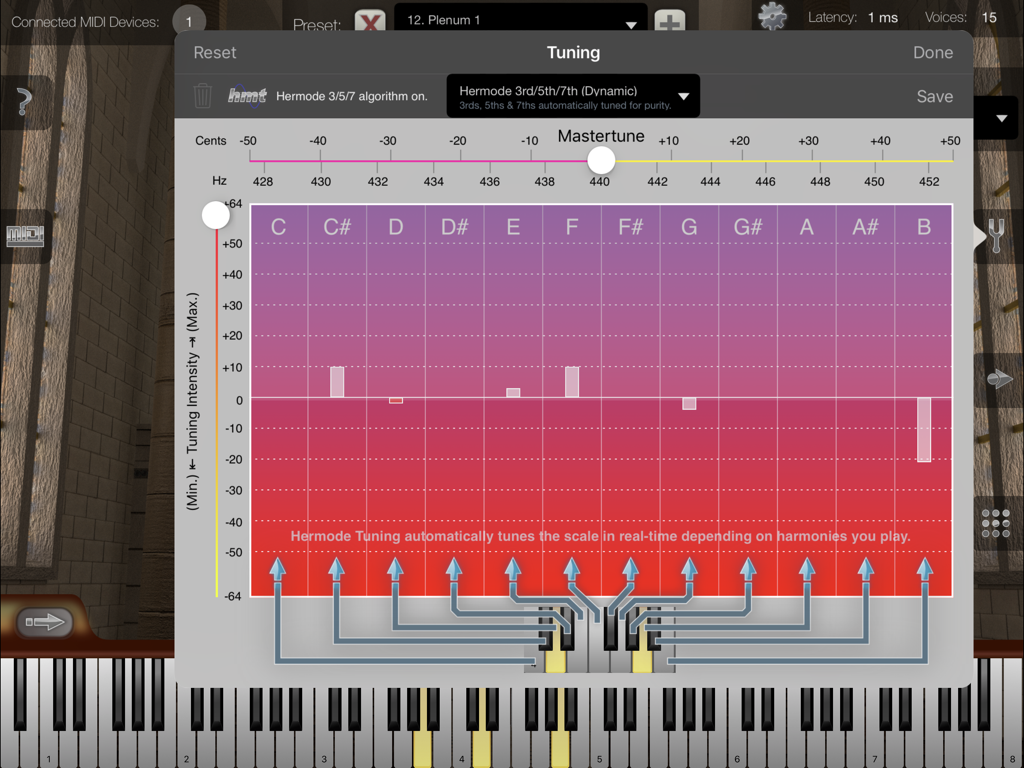
iCathedral Organ - The tuning settings window in the iCathedral Organ app showing master tune and Hermode tuning options.
The tuning settings window in the iCathedral Organ app showing master tune and Hermode tuning options.

iCathedral Organ - Interface of the iCathedral Organ app with a virtual keyboard and cathedral background
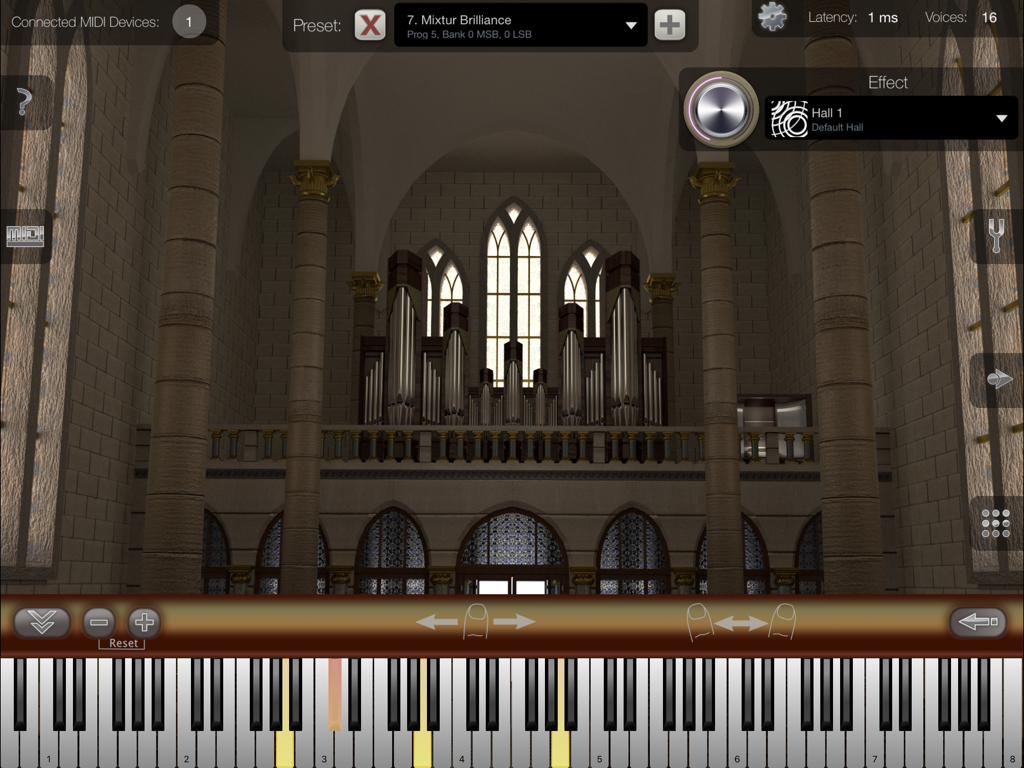
Interface of the iCathedral Organ app with a virtual keyboard and cathedral background

iCathedral Organ - Export song menu in iCathedral Organ app showing MIDI and audio file options over a multitrack recording interface.
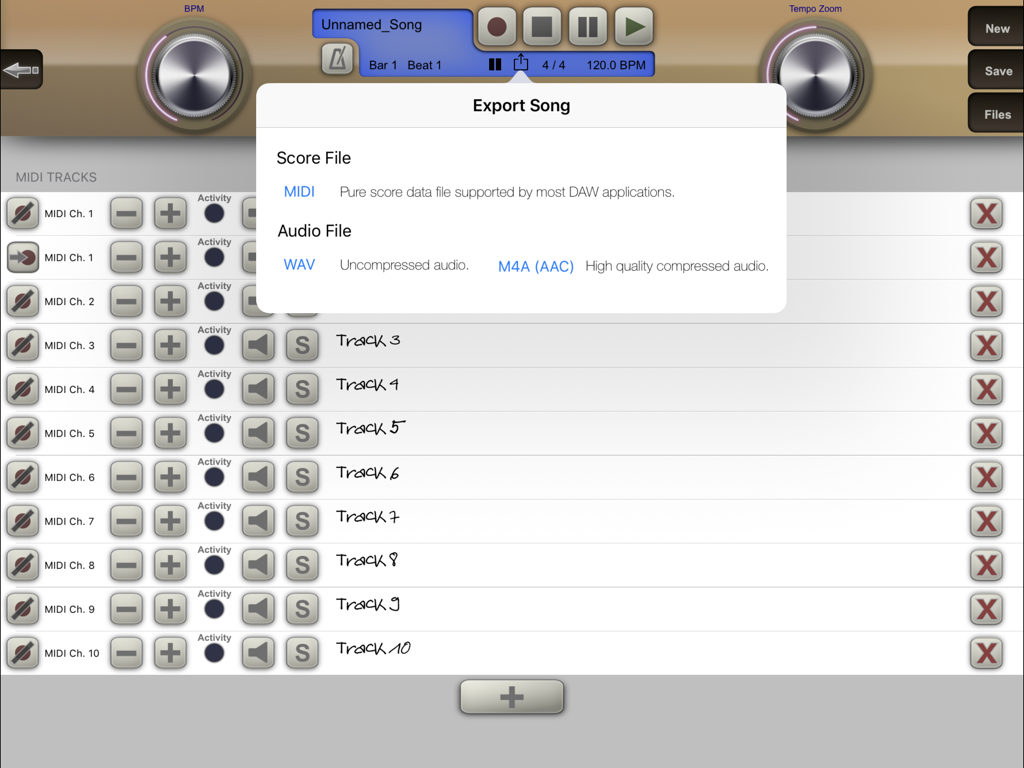
Export song menu in iCathedral Organ app showing MIDI and audio file options over a multitrack recording interface.

iCathedral Organ - MIDI configuration screen in the iCathedral Organ app showing various organ stops and omni mode settings
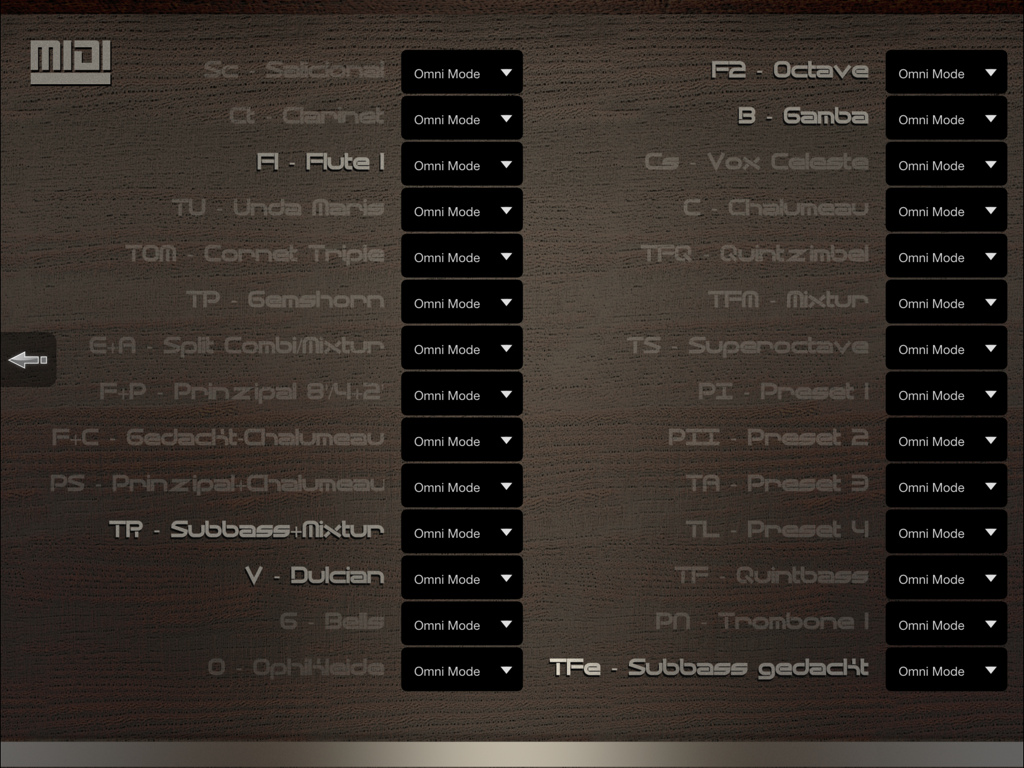
MIDI configuration screen in the iCathedral Organ app showing various organ stops and omni mode settings

iCathedral Organ - Interface of iCathedral Organ app featuring a large dial for adjusting effect send level with a cathedral interior background.
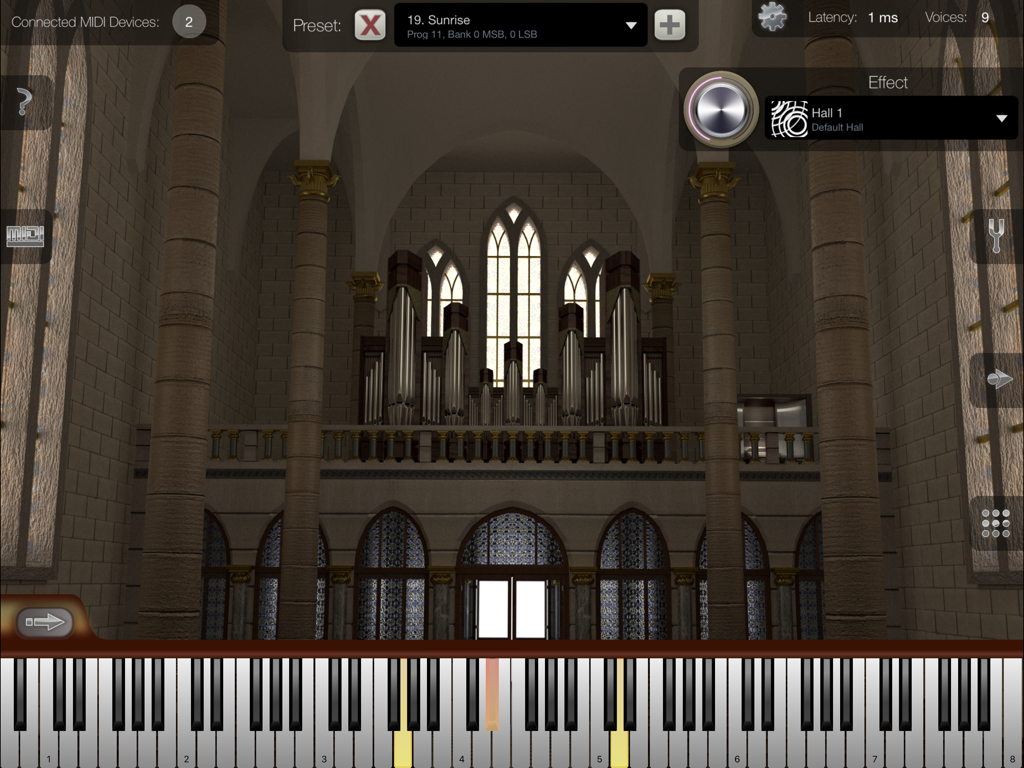
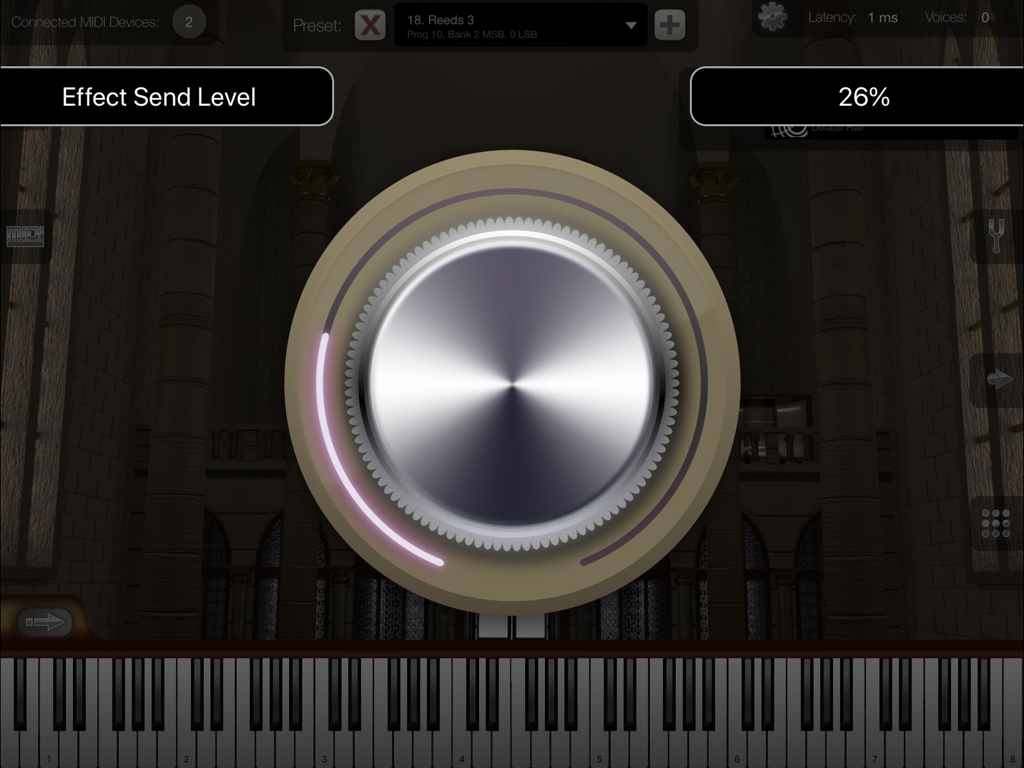
Interface of iCathedral Organ app featuring a large dial for adjusting effect send level with a cathedral interior background.

iCathedral Organ - iCathedral Organ app interface with virtual keyboard and cathedral background
iCathedral Organ app interface with virtual keyboard and cathedral background

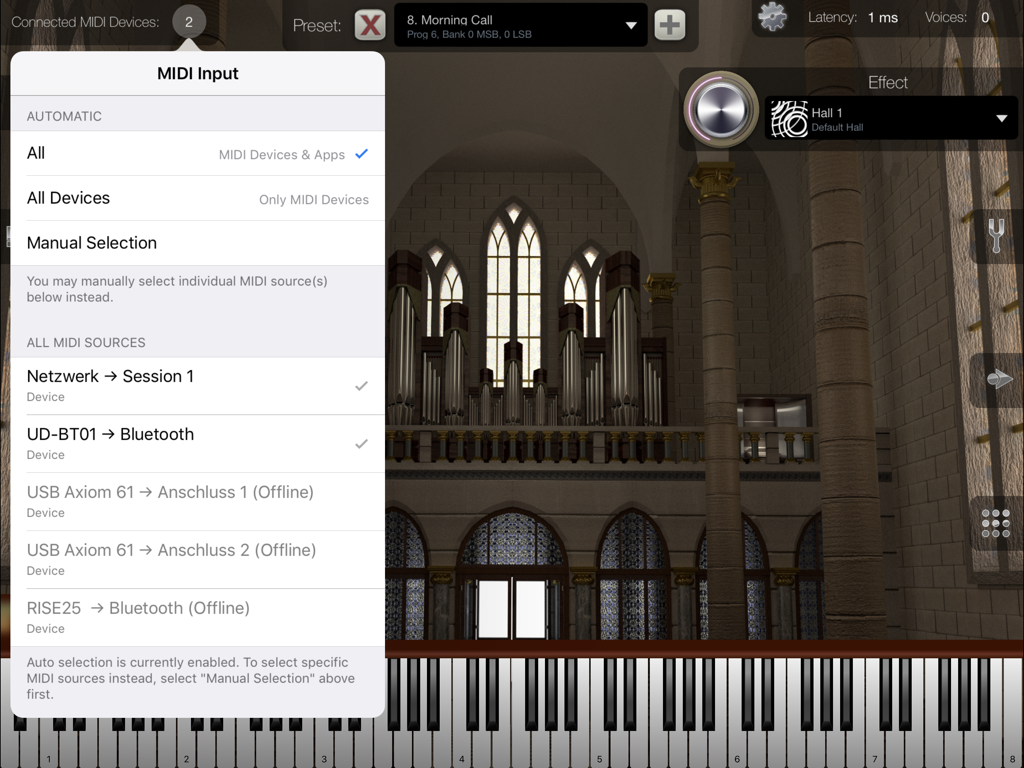
iCathedral Organ - MIDI input selection menu in the iCathedral Organ app showing connected devices and a cathedral interior background.
MIDI input selection menu in the iCathedral Organ app showing connected devices and a cathedral interior background.

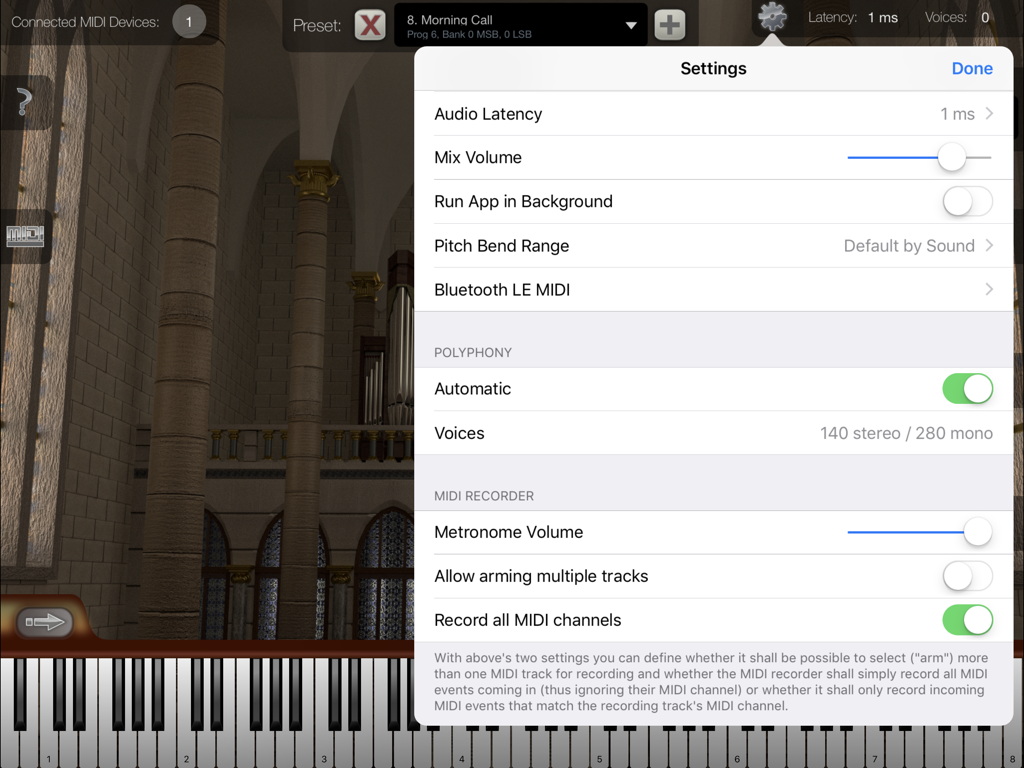
iCathedral Organ - The settings menu of the iCathedral Organ app displaying audio latency and polyphony configuration options over a cathedral background.

The settings menu of the iCathedral Organ app displaying audio latency and polyphony configuration options over a cathedral background.

Description

Play with the sound of an entire cathedral organ, created by award-winning sound designer Kurt Ader! This app is designed as professional sound module for your iPad by connecting external MIDI keyboard(s) using Bluetooth MIDI, or using the Apple USB adapter or another adapter supported by Apple.¹ Watch and listen to the demo video on our product website! This app supports Audio Unit v3, Audiobus and Inter-App Audio for audio & MIDI connections from/to other audio apps, as well as Bluetooth LE MIDI ! iCathedral Organ generates the sound of a lovely and color rich pipe organ of a real cathedral. All individual organ stops of such a pipe organ were recorded to resemble this sound as realistic as possible. You can fully adjust all individual organ stops to create your own sounds and save them as your personal sound presets. Or simply select one of the factory presets to play impressive organ sounds right from the start. The sounds of this app were created by Kurt Ader, winner of the NAMM 2015 "Best Sound Designer of the Year" award. General Features: • 28 individual organ stops, each one controllable simultaniously in real-time. • Polyphony up to several hundred stereo voices.² • Configurable audio latency down to 1 ms. • Low latency disk streaming. • Integrated cathedral reverb effect. • App can keep running in the background, so you can play on your keyboard while e.g. using Safari or another app to display scores or surfing the Internet. • Master Tune, Scale Tuning & Hermode Tuning. • Provides Audio Unit v3 plugin version of this app, which allows it to be used as virtual instrument directly within third-party multi-track DAW apps (requires iOS 9.3 or higher). • Audiobus support. • Supports Apple's "IAA" system for audio & MIDI streaming between other apps. • Virtual on-screen piano keyboard, scalable & scrollable. MIDI Player / Recorder: • Record, save and load your songs in standard MIDI file format. • Share your songs easily as audio file. • Unlimited amount of tracks. • Unlimited recording and playback length. • Open MIDI (.mid) files directly from other apps (i.e. from Safari, Mail). • Download or upload MIDI files with iTunes. • Load your favorite songs as MIDI files from the Internet, and watch at the virtual keyboard how to play it. • Metronome. • Use the "Tempo Zoom" dial knob to i.e. slow down playback at any time and learn your favorite songs more easily. There is no in-app purchase in this app. So all sounds and all app features are immediately available to you as one buy. ¹ For more information about adapters and connecting external MIDI keyboards: https://doc.crudebyte.com/iOS/External_MIDI_devices/ ² Some sound presets are using several voices per note. Polyphony depends on the exact device model being used. You find a polyphony table on our product website. Anti-Spy Commitment: We take your privacy very seriously. None of our apps contain so called „spy” behaviors and we committed ourself to a very high privacy standard. For more information about our privacy commitment, read our „Privacy Policy for Mobile Apps”.

Download

Download on App Store

This page is not an official page of the app or its developer, but an independent editorial publication created for informational and commentary purposes. Unless expressly stated otherwise, neither the app nor its developer is affiliated with, endorsed by, sponsored by, authorized by, or otherwise officially connected with MWM, Apple, Google Play, the app publisher, or the app's developer, and nothing on this page implies that the app was developed using MWM's services. Any trademarks, logos, screenshots, and other content remain the property of their respective owners.







