
This page is not an official page of the app or its developer, but an independent editorial publication created for informational and commentary purposes. Unless expressly stated otherwise, neither the app nor its developer is affiliated with, endorsed by, sponsored by, authorized by, or otherwise officially connected with MWM, Apple, Google Play, the app publisher, or the app's developer, and nothing on this page implies that the app was developed using MWM's services. Any trademarks, logos, screenshots, and other content remain the property of their respective owners.


Object Removal AI Retouch
The ultimate AI-powered toolkit for modern creators. Instantly erase photobombers, clear skin with FaceHD, and transform your camera roll into professional content with a single swipe.
Downloads
16M+User Rating
Total Ratings
293K+Publisher
Category
Graphics & DesignLocales
21Latest Version
5.1.3Size
219.1 MBFirst Released
Apr 7, 2019Master Your Aesthetic with AI
Turn every shot into a masterpiece. From flawless retouching to creative AI generation, we provide the ultimate toolkit for modern creators.
Seamless Object Removal
Effortlessly erase photobombers and distractions with a single swipe for a perfectly clean shot.
Flawless AI Retouching
Achieve magazine-quality portraits with instant blemish removal and FaceHD clarity enhancements.
Frequently Asked Questions
Everything you need to know about Object Removal AI Retouch
What is Object Removal AI Retouch?
Object Removal AI Retouch is an application that uses AI to remove unwanted content from photos. This includes objects, people, backgrounds, blemishes, text, and lines, simplifying photo editing tasks.
How does the Magic Eraser tool work in Object Removal AI Retouch?
The Magic Eraser tool in Object Removal AI Retouch removes objects, text, people, or lines from photos. Users simply swipe a brush over the target areas, and the AI tool performs the fix.
What features does the AI FaceHD tool offer in Object Removal AI Retouch?
The AI FaceHD tool in Object Removal AI Retouch improves facial appearance by enhancing clarity, removing blurriness, and hiding pimples and other blemishes with a single tap.
Can Object Removal AI Retouch generate art from text prompts?
Yes, Object Removal AI Retouch can generate stunning AI art. Users create artwork by providing a text prompt and choosing a style, allowing the AI to produce photos and videos instantly.
Is it possible to create music with AI using Object Removal AI Retouch?
Yes, Object Removal AI Retouch allows users to create music with AI. Users enter a text prompt specifying the desired music type and style, and the AI generates a brand new song.
Can Object Removal AI Retouch convert photos into video clips?
Yes, Object Removal AI Retouch converts photos into video clips using the AI MotionPix feature. This tool brings still frame photos to life by adding motion.
How does the AI Blend feature work in Object Removal AI Retouch?
The AI Blend feature in Object Removal AI Retouch merges two existing photos. This allows users to combine images into something new and unique.
Can Object Removal AI Retouch remove backgrounds from images?
Yes, Object Removal AI Retouch removes backgrounds from images. The app includes a dedicated "Remove BG" tool designed to easily erase and replace photo backgrounds.
Does Object Removal AI Retouch remove blemishes like acne?
Yes, Object Removal AI Retouch removes blemishes such as acne. The "Photo Eraser" feature specifically targets and removes skin imperfections, as shown in the app's interface.
Does Object Removal AI Retouch offer options for creating photo collages?
Yes, Object Removal AI Retouch offers options for creating photo collages. Users can upload multiple photos and choose from numerous different layouts to design their collages.
What are the subscription costs for Object Removal AI Retouch Premium?
Object Removal AI Retouch Premium offers two subscriptions: Weekly Premium costs 9.99 USD, and Yearly Premium costs 79.99 USD. Payments are charged via the iTunes Account.
Does Object Removal AI Retouch provide a free trial?
Yes, Object Removal AI Retouch provides a free trial period. Any unused portion of this free trial is forfeited when a user purchases a subscription.
Where can I find the Privacy Policy for Object Removal AI Retouch?
The Privacy Policy for Object Removal AI Retouch is available through the link provided in the app description: https://docs.qq.com/doc/DWEZ6UVlrTkJ5eHRH.
The following screenshots and description are sourced directly from the app's official store listing and are the property of the app developer.
App Store
Screenshots
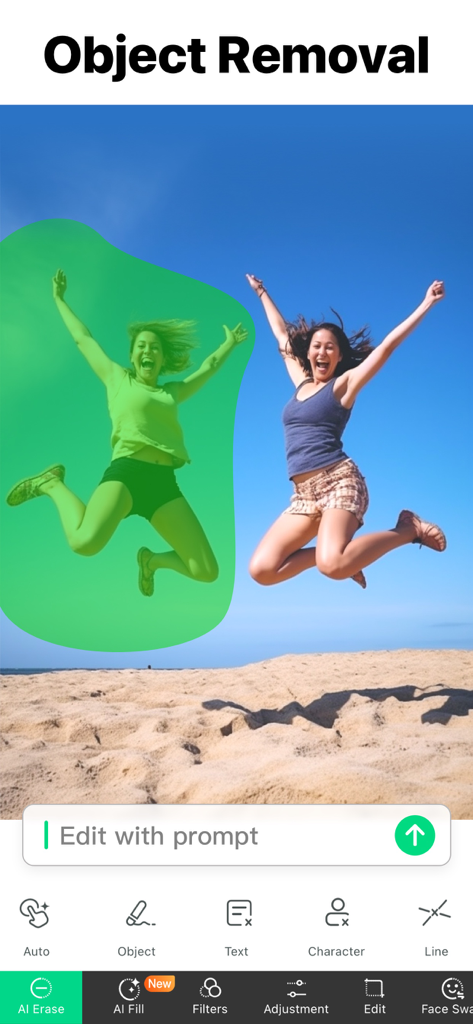
A mobile app interface showing a person selected with a green mask for removal from a beach photo using AI tools
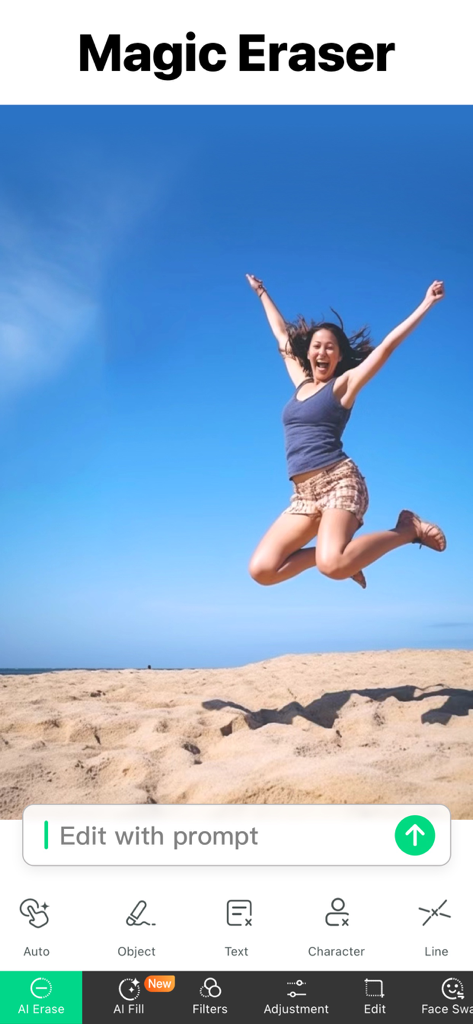
Screenshot of Object Removal AI Retouch app showing the Magic Eraser tool with a woman jumping on a beach
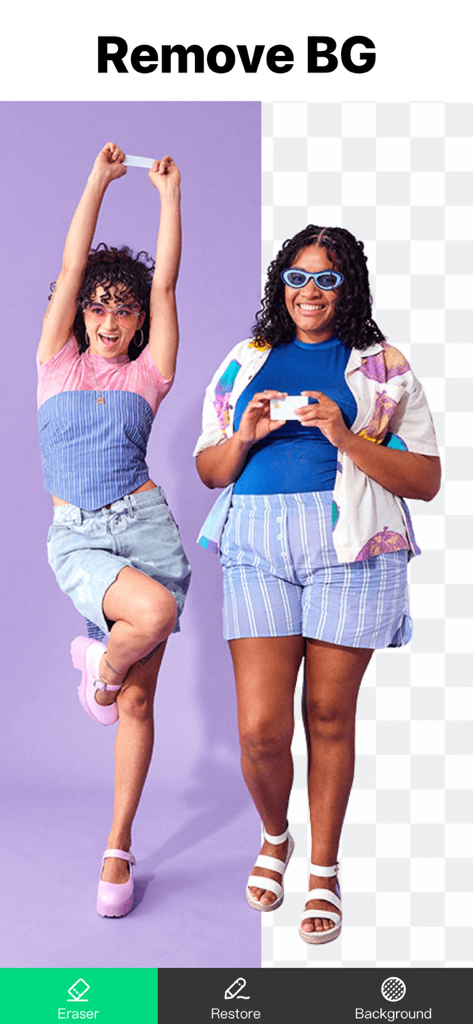
Interface of Object Removal AI Retouch app showing a before and after comparison of the background removal tool on a photo of two women
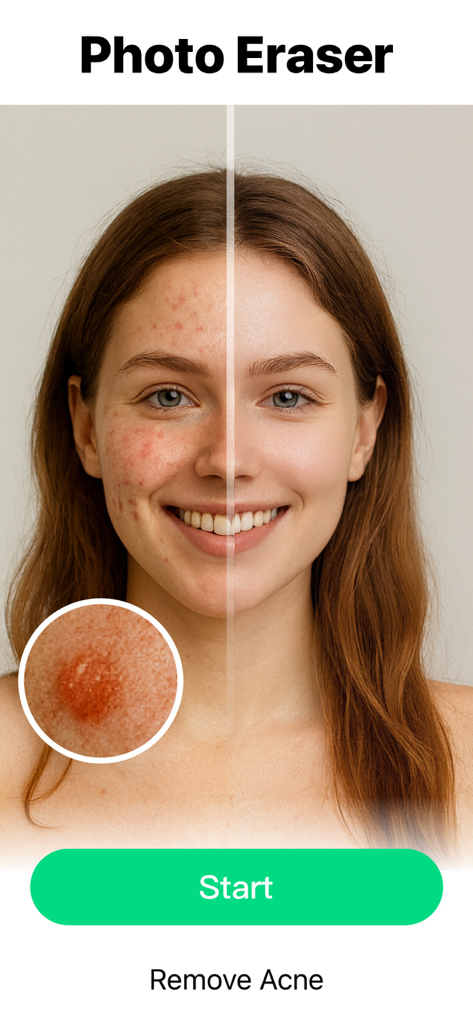
Before and after comparison of acne removal on a woman face using AI
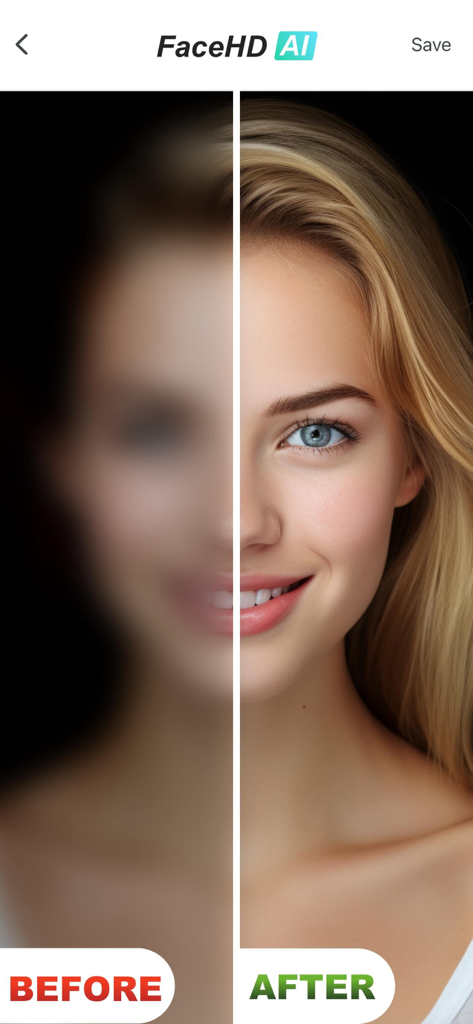
Comparison showing blurry face before and clear high definition face after using AI retouching
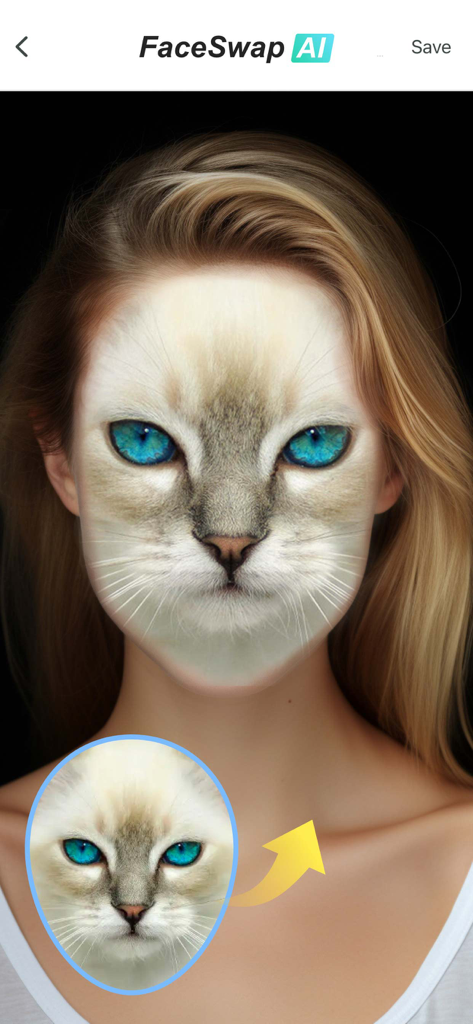
AI FaceSwap feature blending a cat face onto a human portrait
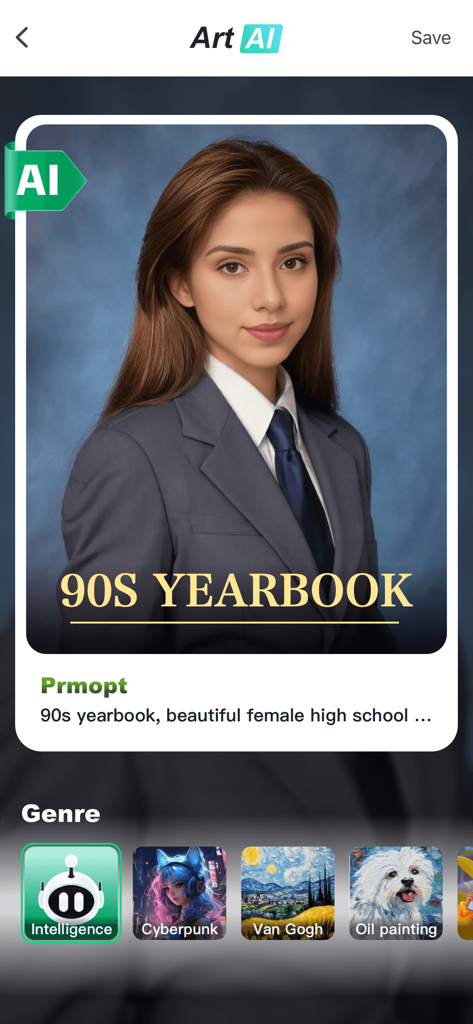
Object Removal AI Retouch app interface generating a 90s yearbook style portrait
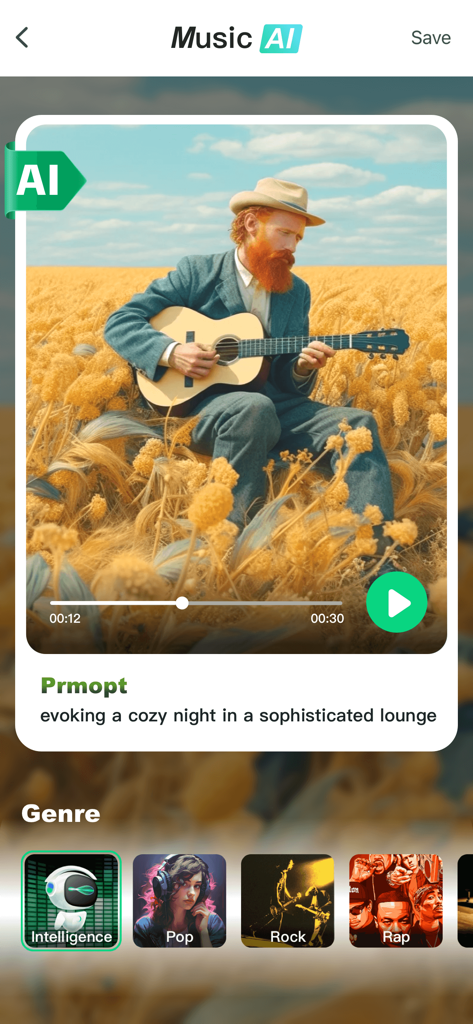
Interface of the Music AI feature showing a generated song playback screen and music genre selection options
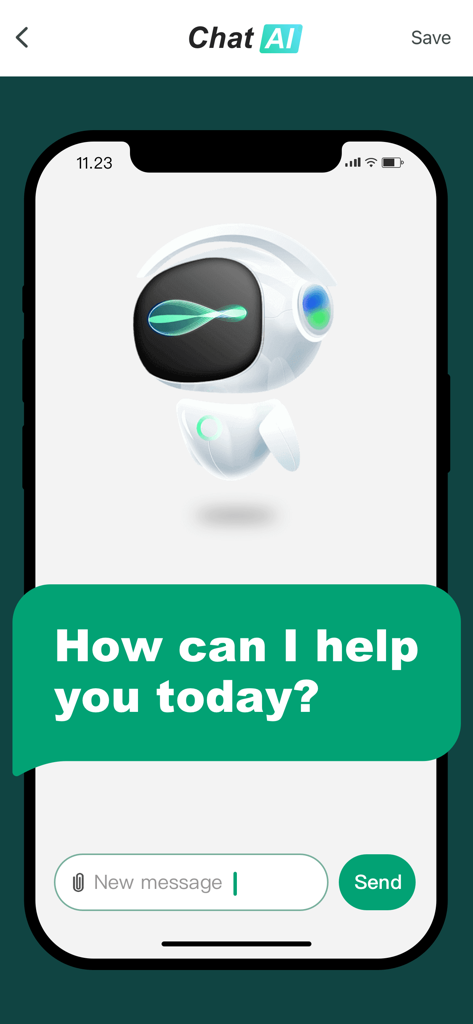
AI chatbot interface within the Object Removal app showing a robot avatar and a welcome message
Description
Download
More Like This
Apps with similar features and user experience

ElevenLabs: AI Voice Generator
Eleven Labs Inc.

Viggle AI: Meme Maker
WarpEngine Canada Inc.

可灵AI - AI图片&视频创作工具
Beijing Kwai Technology Co., Ltd.

Leonardo.Ai - Image Generator
Leonardo Interactive Pty Ltd

Reface: Face Swap AI Photo App
NEOCORTEXT, INC.

Shedevrum
DIRECT CURSUS COMPUTER SYSTEMS TRADING LLC

Remove Objects
TAPUNIVERSE LLC

Zaps Collages
Turnip Media Private Limited

Carat - Create Anything
Paradot Corp.
This page is not an official page of the app or its developer, but an independent editorial publication created for informational and commentary purposes. Unless expressly stated otherwise, neither the app nor its developer is affiliated with, endorsed by, sponsored by, authorized by, or otherwise officially connected with MWM, Apple, Google Play, the app publisher, or the app's developer, and nothing on this page implies that the app was developed using MWM's services. Any trademarks, logos, screenshots, and other content remain the property of their respective owners.