
This page is not an official page of the app or its developer, but an independent editorial publication created for informational and commentary purposes. Unless expressly stated otherwise, neither the app nor its developer is affiliated with, endorsed by, sponsored by, authorized by, or otherwise officially connected with MWM, Apple, Google Play, the app publisher, or the app's developer, and nothing on this page implies that the app was developed using MWM's services. Any trademarks, logos, screenshots, and other content remain the property of their respective owners.


iGes - Sales management
The all-in-one SFA solution for field professionals. Manage routes, track expenses, and issue professional invoices instantly from your iPad or iPhone—no internet connection required.
Downloads
29K+User Rating
Total Ratings
100Publisher
Category
BusinessLocales
5Latest Version
1.95.2Size
49.7 MBFirst Released
Oct 18, 2012Streamline Your Sales From Anywhere
iGes is the ultimate offline-first sales tool for mobile professionals, designed to manage orders, invoices, and routes without needing an internet connection.
True Offline Reliability
Work seamlessly in warehouses or rural areas with no signal. iGes is a native app that never stops, ensuring you never lose a sale due to a dead zone.
Complete Field Automation
Manage orders, professional invoices, and delivery routes in one place. Capture signatures and print documents via Bluetooth before you leave the parking lot.
The following screenshots and description are sourced directly from the app's official store listing and are the property of the app developer.
App Store
Screenshots
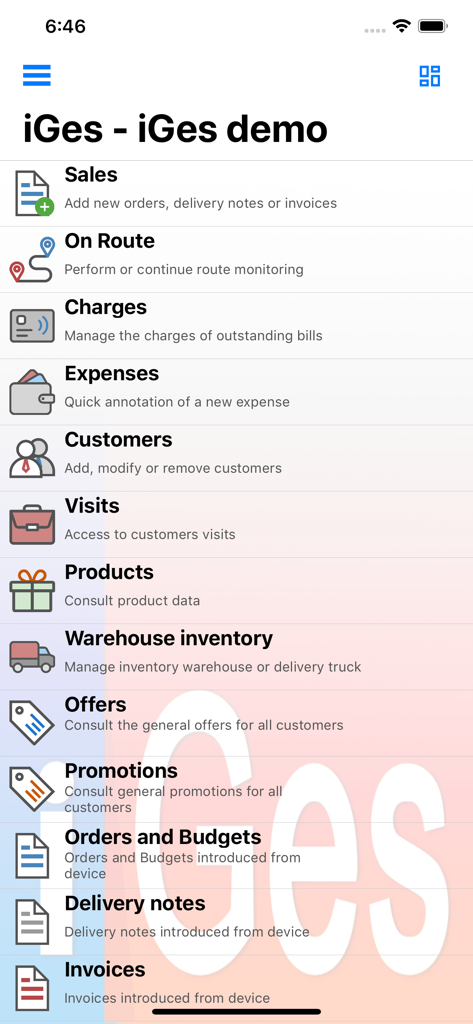
Main menu of the iGes Sales Management app showing modules for sales, route monitoring, expenses, and inventory.
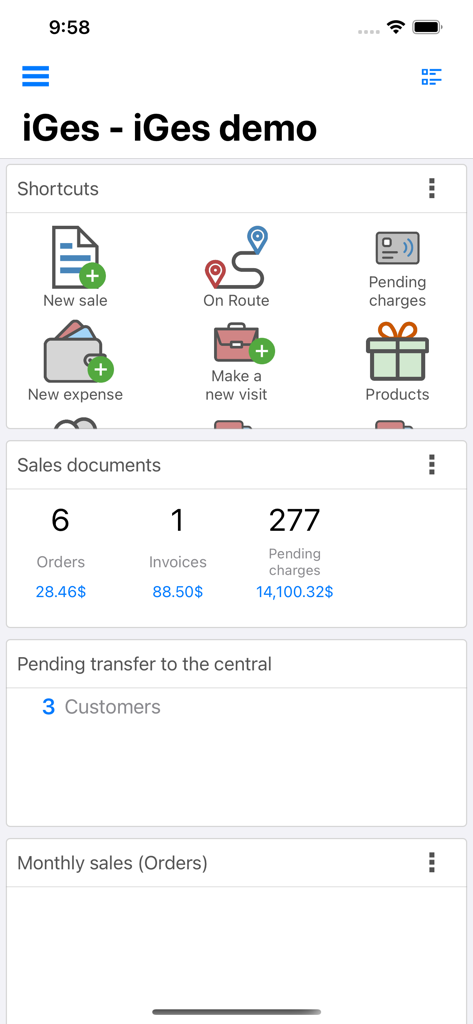
Dashboard of the iGes sales management app showing shortcuts for new sales, route management, and sales summaries
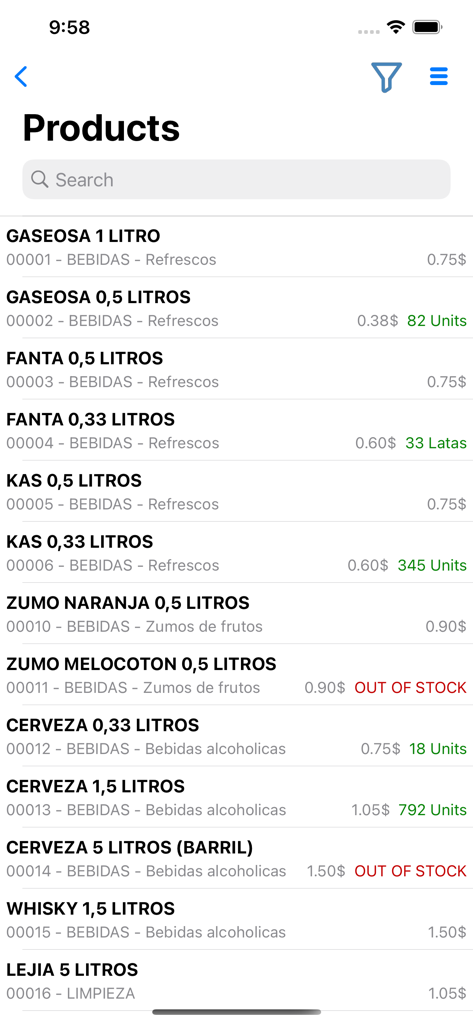
Inventory product list screen in the iGes app showing real-time stock levels and prices for wholesale distribution
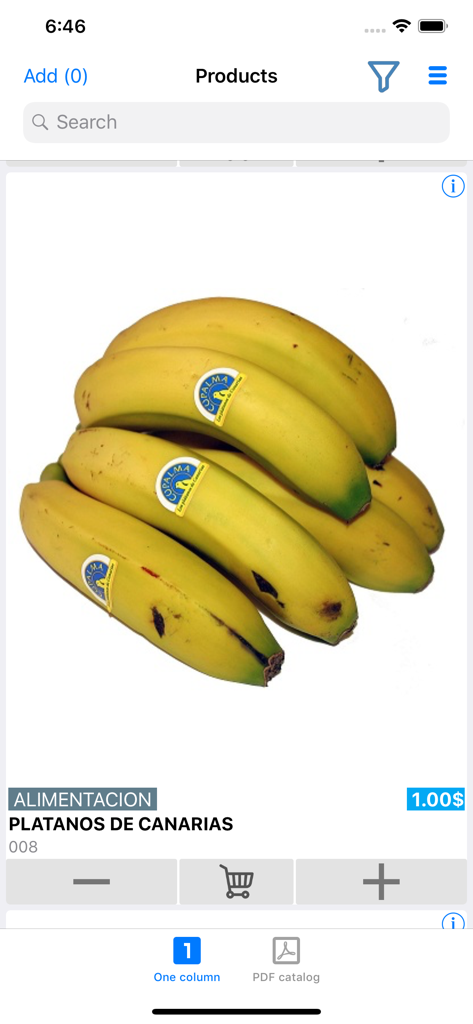
Mobile application interface displaying a product catalog entry for bananas with price and cart buttons.
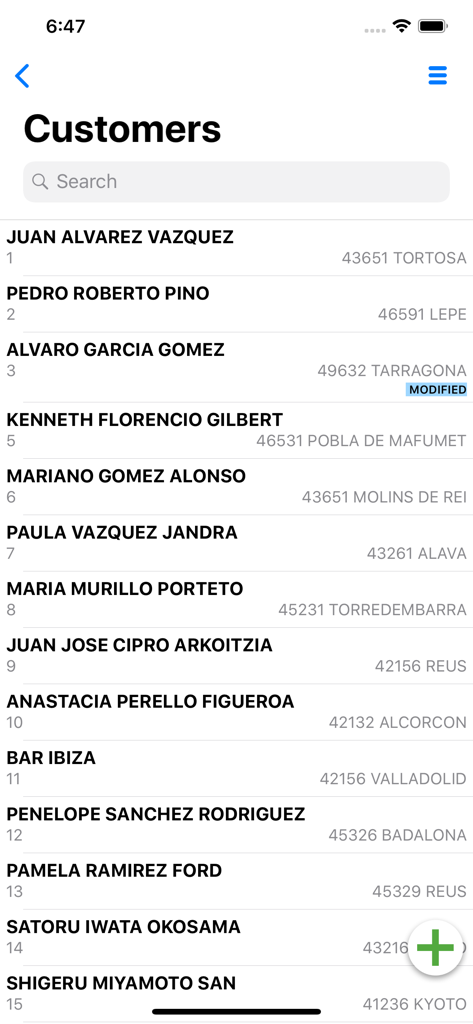
Customer list in the iGes sales management app showing client names and locations
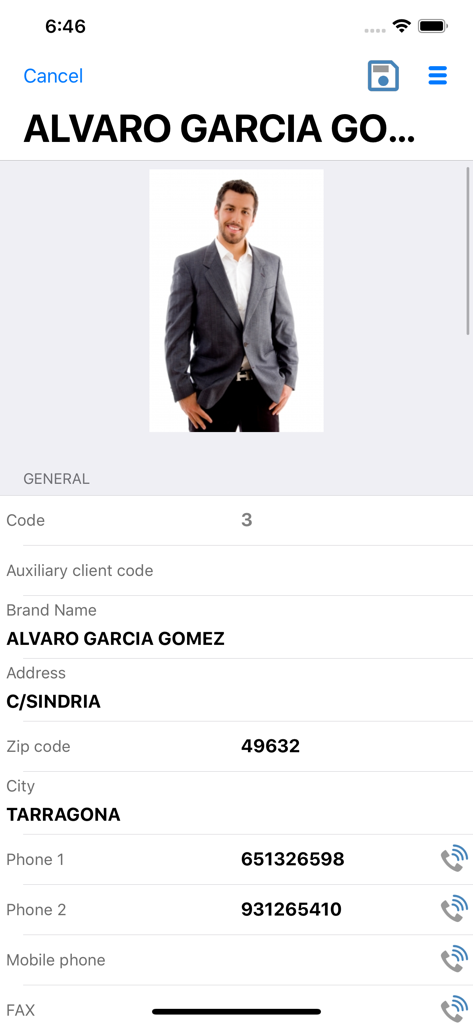
iGes sales management app client profile interface showing customer contact details
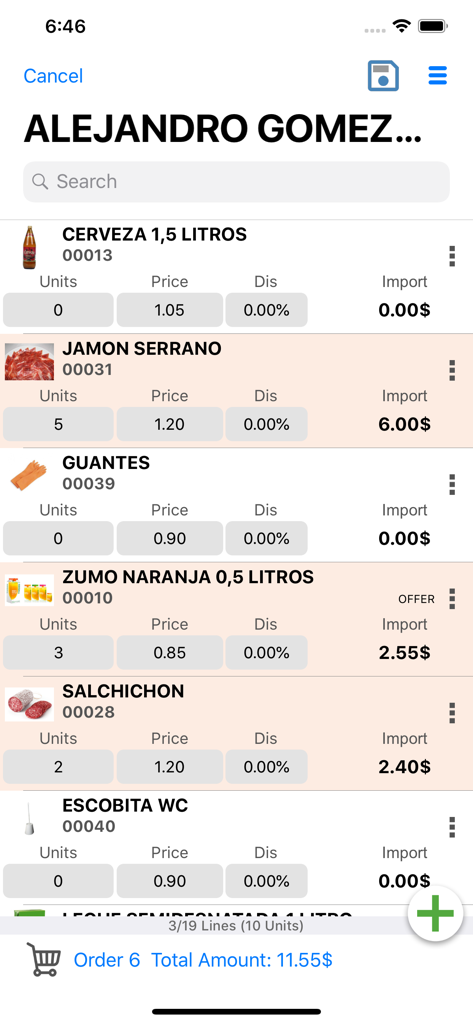
Sales order interface in the iGes app showing a product list with quantities and prices.
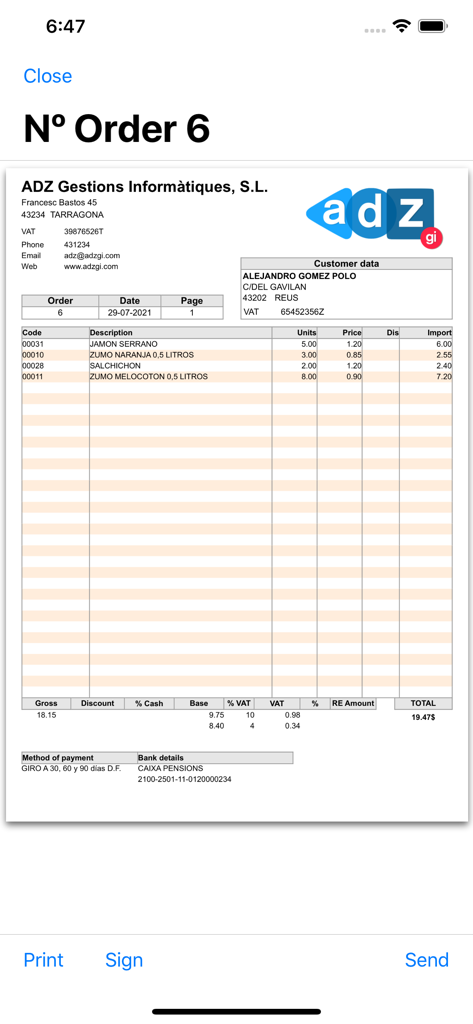
Digital sales order and invoice preview within the iGes mobile app showing product list and totals
Description
Download
More Like This
Apps with similar features and user experience

Bigin by Zoho CRM
Zoho Corporation

The Digital Business Card App
Linq, LLC

Todo for business processes
Evgeniia Tikhonova

LinkedIn Sales Navigator
LinkedIn Corporation

HubSpot
HubSpot

Lead Connector
LEADCONNECTOR LLC

HighLevel
Shaun Clark

Zoho CRM - Sales & Marketing
Zoho Corporation

Clients: Your Client Book, CRM
Dmitry Petrushin
This page is not an official page of the app or its developer, but an independent editorial publication created for informational and commentary purposes. Unless expressly stated otherwise, neither the app nor its developer is affiliated with, endorsed by, sponsored by, authorized by, or otherwise officially connected with MWM, Apple, Google Play, the app publisher, or the app's developer, and nothing on this page implies that the app was developed using MWM's services. Any trademarks, logos, screenshots, and other content remain the property of their respective owners.