
This page is not an official page of the app or its developer, but an independent editorial publication created for informational and commentary purposes. Unless expressly stated otherwise, neither the app nor its developer is affiliated with, endorsed by, sponsored by, authorized by, or otherwise officially connected with MWM, Apple, Google Play, the app publisher, or the app's developer, and nothing on this page implies that the app was developed using MWM's services. Any trademarks, logos, screenshots, and other content remain the property of their respective owners.

Ignitis ON
Power your journey with ultra-fast charging, real-time station availability, and effortless mobile payments designed for the eco-conscious traveler.
Downloads
34K+User Rating
Total Ratings
100Publisher
Category
TravelLocales
1Latest Version
8.112.0Size
93.2 MBFirst Released
Jun 11, 2018Effortless Power for Your Baltic Adventure
Experience the gold standard of EV charging from Vilnius to Tallinn. Navigate, charge, and pay with the tech-forward ease you expect, tailored for the modern international traveler.
Ultra-Fast Charging Network
Don't let charging slow your pace. Access high-speed stations across the Baltics designed to mirror the Supercharger experience, getting you back on the road in minutes.
Seamless One-Tap Payments
Bypass the friction of foreign credit cards. Use Apple Pay or Google Pay for secure, instant transactions that work perfectly every time without local banking hurdles.
The following screenshots and description are sourced directly from the app's official store listing and are the property of the app developer.
App Store
Screenshots
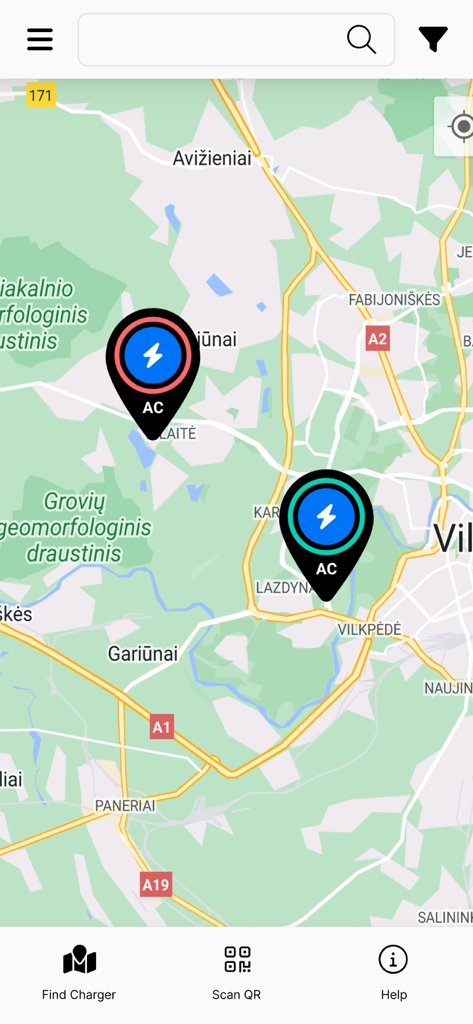
Map view in the Ignitis ON app showing electric vehicle charging stations.
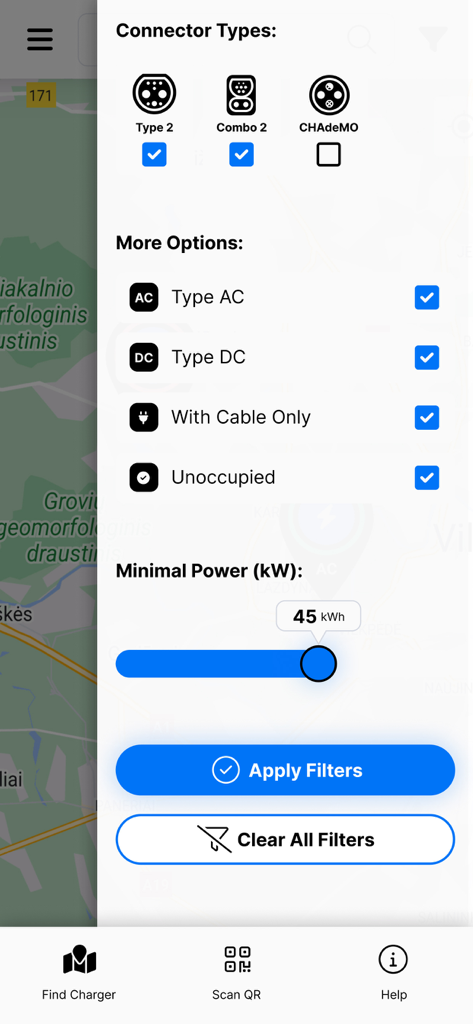
Filter screen in the Ignitis ON app showing options for EV connector types and charging power levels
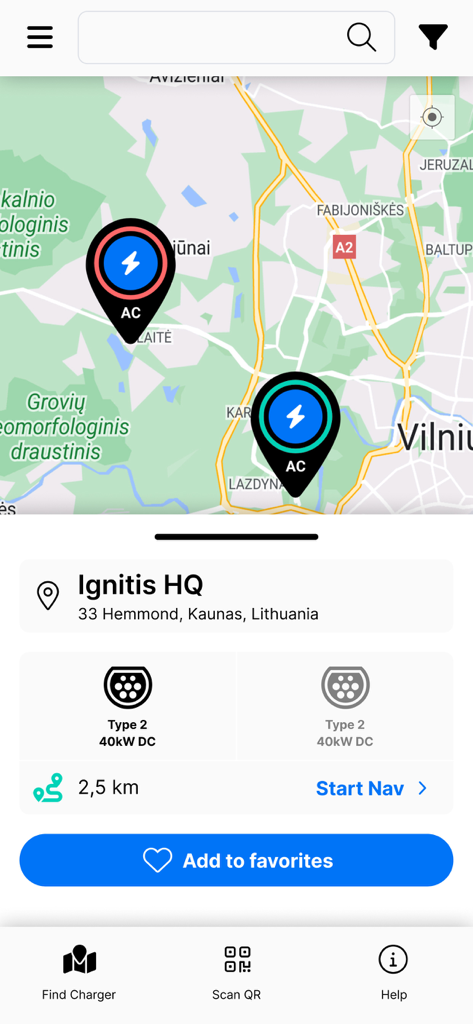
Ignitis ON app interface showing an electric vehicle charging station map with location details and connector types.
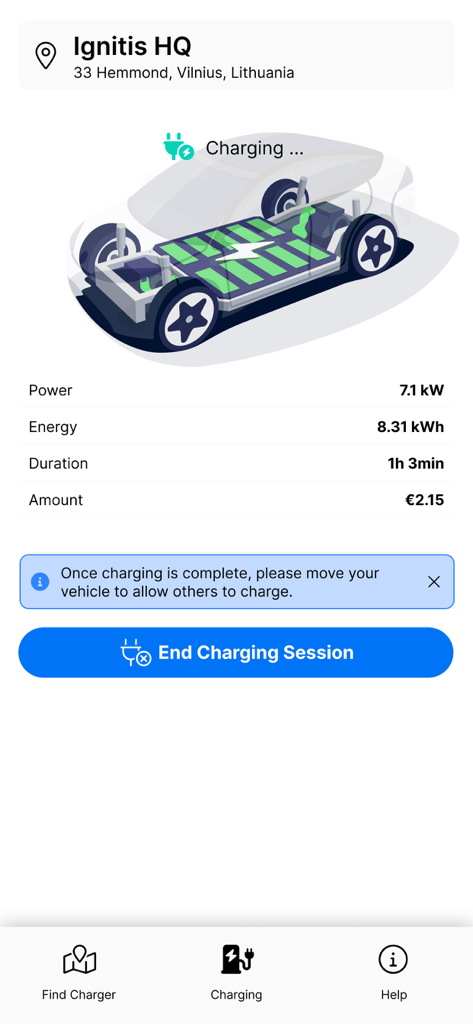
Mobile app interface of Ignitis ON showing real-time electric vehicle charging session data including energy used and total cost
Description
Download
More Like This
Top-ranked apps in the same category

Uber - Request a ride
Uber Technologies, Inc.

Airbnb
Airbnb, Inc.

铁路12306
ACADEMY OF RAILWAY SCIENCES CO., ltd.

Booking.com: Hotels & Travel
Booking.com B.V.

Grab: Taxi Ride, Food Delivery
GRABTAXI HOLDINGS PTE. LTD.

Trip.com: Book Flights, Hotels
Trip.com Travel Singapore Pte. Ltd.

DiDi China: Ride Hailing
Didi Chuxing (Beijing) Network Platform Technology Co., Ltd

去哪儿旅行-订酒店机票火车票
Beijing Qunar Information Technology Company Limit

Bolt: Request a Ride
BOLT TECHNOLOGY OU
This page is not an official page of the app or its developer, but an independent editorial publication created for informational and commentary purposes. Unless expressly stated otherwise, neither the app nor its developer is affiliated with, endorsed by, sponsored by, authorized by, or otherwise officially connected with MWM, Apple, Google Play, the app publisher, or the app's developer, and nothing on this page implies that the app was developed using MWM's services. Any trademarks, logos, screenshots, and other content remain the property of their respective owners.