
ING Australia Banking


Spend less time banking and more time living. Experience effortless "Round up" savings, instant payments, and peace of mind with dynamic CVV security—all from your iPhone or Apple Watch.
Publisher
Category
FinanceDownloads
1M+User Rating
Total Ratings
10K+Locales
1Discover the interface used by 1M+ users.
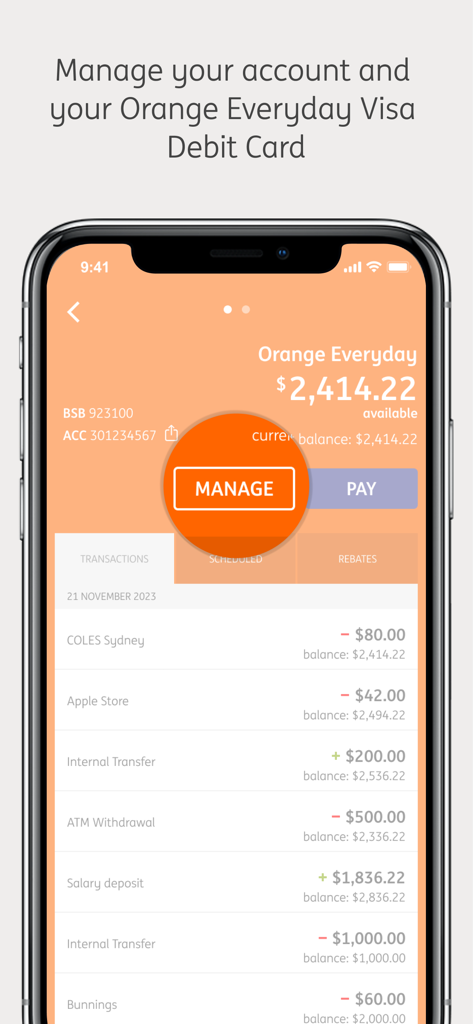
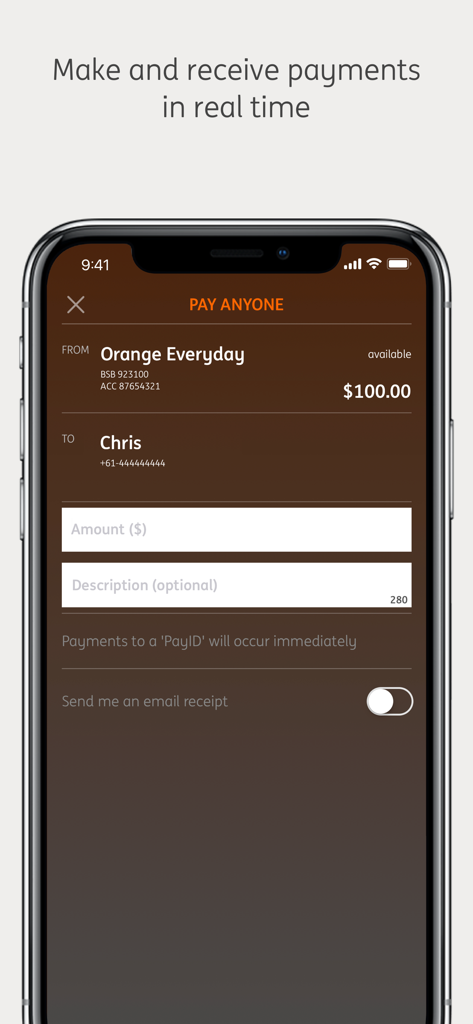
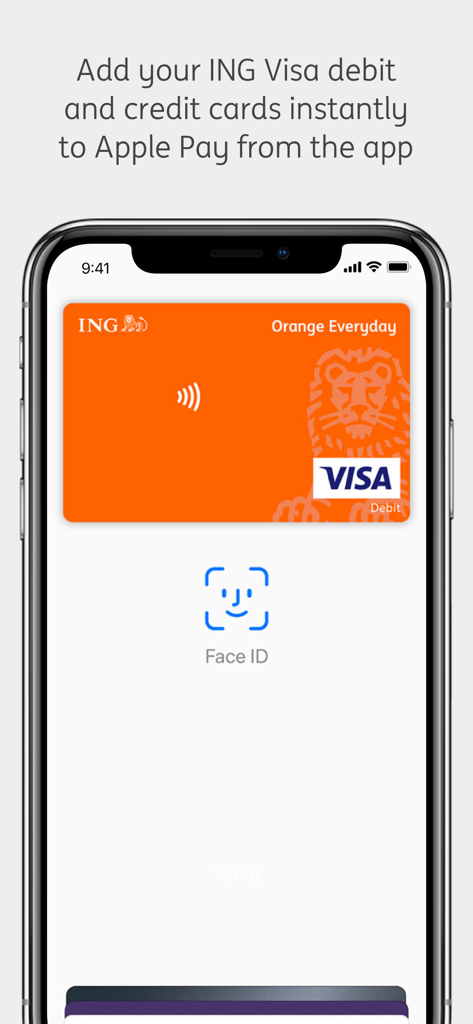
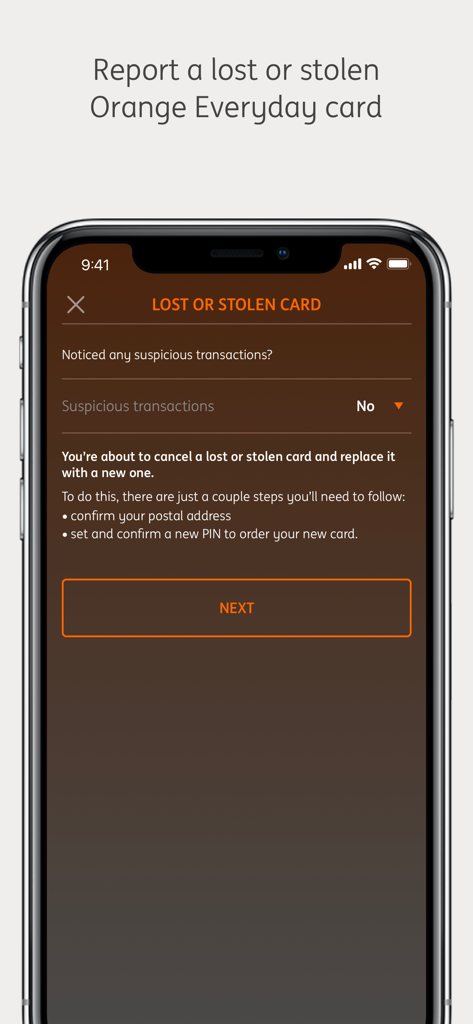
The tools that make this app stand out, trusted by 1M+ users.
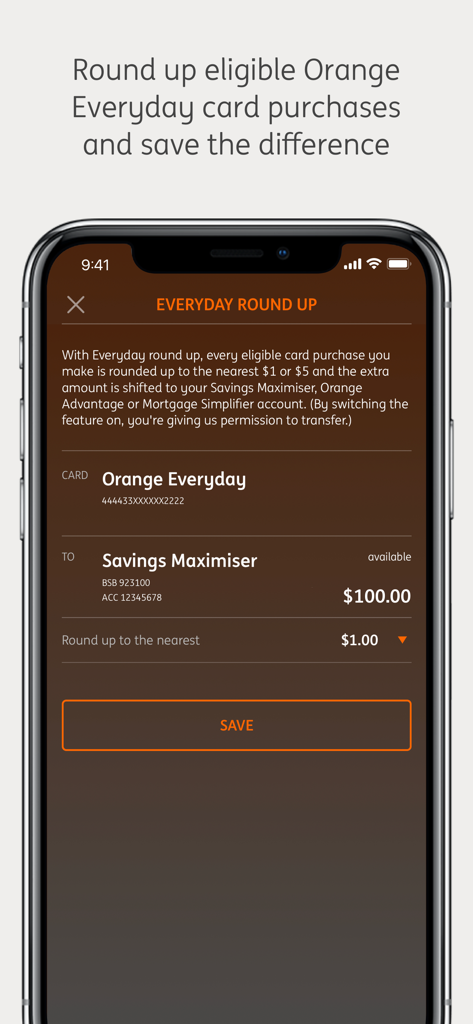
Reach your financial goals without thinking about it. Use the Round Up tool to save the change on every transaction automatically.
Shop with peace of mind using a dynamic CVV for online purchases and the ability to instantly lock or unlock your card from the app.
Stay ahead with Apple Pay integration and instant NPP payments, allowing you to move money as fast as you move through your day.
Insights from user reviews.
Sentiment Score
Summary
The ING mobile app garners mixed reviews, with many users praising its ease of use and simple interface as a strong alternative to larger banks, particularly for its competitive interest rates. However, a significant number of users are frustrated by a critical lack of modern banking features, including push notifications, budgeting tools, and savings goals, making the app feel dated. Frequent reports of app instability, glitches, login issues, and specific bugs like recurring update prompts and non-functional iOS widgets hinder the user experience. These performance issues, combined with perceived security vulnerabilities and an outdated design, are recurring complaints.
Common Themes
Everything you need to know about ING Australia Banking.
Description
Latest Version
10.5.0
Size
94.4 MB
First Released
Nov 14, 2022
Join 1M+ users who spend less time on admin and more on what matters. Download the ING app for effortless savings, real-time payments, and total digital security.
Everything you need to know about ING Australia Banking
Yes, the ING Australia Banking app allows users to instantly add their ING Visa debit and credit cards to Apple Pay directly from within the application.
Yes, the ING Australia Banking app supports real-time payments with eligible accounts through NPP Payments. Payments to a 'PayID' occur immediately.
Yes, the ING Australia Banking app allows users to view their ING Visa debit and credit cards digitally and securely within the application.
The ING Australia Banking app uses a dynamic CVV for online transactions. This enhances security and provides peace of mind when making purchases online.
The ING Australia Banking app helps users save money by offering a feature to round up eligible transactions. It rounds up purchases and saves the difference.
Yes, the ING Australia Banking app allows users to manage their Orange Everyday Visa Debit Card, including changing PINs, placing cards on/off hold, and reporting lost/stolen cards.
Yes, the ING Australia Banking app provides an option to check the balances of favorite accounts without requiring a full login.
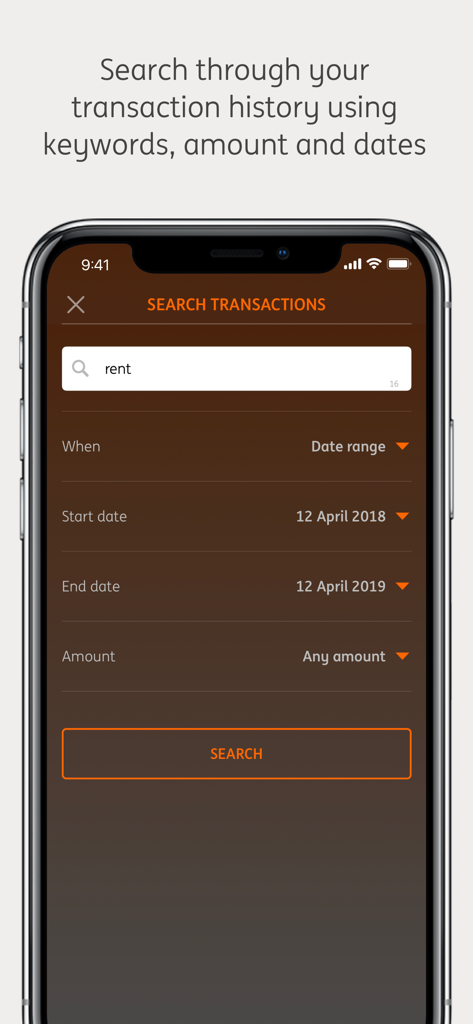
Yes, the ING Australia Banking app enables users to search their transaction history. They can use keywords, amounts, and specific dates to find transactions.
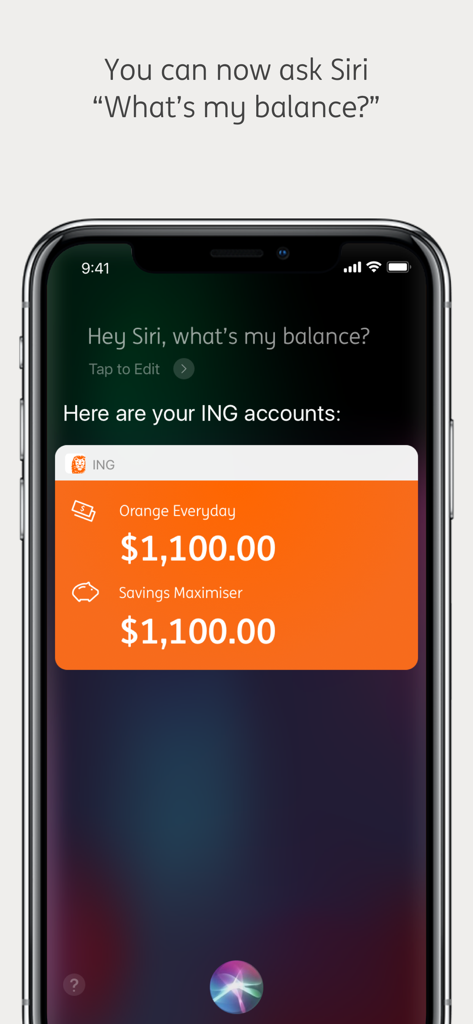
Yes, users can ask Siri "What's my balance?" to view their ING Orange Everyday and Savings Maximiser account balances via the ING Australia Banking app.
Users can report a lost or stolen Orange Everyday card directly within the ING Australia Banking app. The process involves confirming details and setting a new PIN.
Yes, the ING Australia Banking app allows users to change their Pay Anyone limit. This feature provides control over payment thresholds for transfers.
Yes, the ING Australia Banking app features a benefits and rebates tracker. This helps users monitor and manage their eligible financial incentives.
Yes, the ING Australia Banking app provides a secure banking environment. ING has a security policy and information available for user review, ensuring data protection.
Apps with similar features and user experience

Enpara Bank Anonim Sirketi

Alinma Bank

The Huntington National Bank, Inc

Cathay United Bank

CTBC Bank Co., Ltd.

FirstRand Bank Limited

Riyad Bank

CIMB Bank Berhad

Regions Financial
App information, icons, screenshots, and descriptions displayed on this page are sourced from the Apple App Store and are the property of their respective developers. Download estimates and rankings are based on MWM's proprietary models and may not reflect actual figures. This page is provided for informational and analytical purposes only.
Believe this page infringes your intellectual property? File a dispute