
This page is not an official page of the app or its developer, but an independent editorial publication created for informational and commentary purposes. Unless expressly stated otherwise, neither the app nor its developer is affiliated with, endorsed by, sponsored by, authorized by, or otherwise officially connected with MWM, Apple, Google Play, the app publisher, or the app's developer, and nothing on this page implies that the app was developed using MWM's services. Any trademarks, logos, screenshots, and other content remain the property of their respective owners.


Injury Capture
Privately record and store legally admissible evidence of abuse or assault. Your data is encrypted, invisible on your device, and ready for court only when you choose to report.
Downloads
400User Rating
Total Ratings
0Publisher
Category
MedicalLocales
3Latest Version
1.5.9Size
42.9 MBFirst Released
Sep 3, 2020Empower Your Future with Secure Evidence
Injury Capture provides a safe, encrypted space to document forensic-grade evidence with complete discretion, ensuring you are prepared if and when you choose to seek justice.
Zero-Trace Privacy
Photos and videos captured in the app are never stored in your phone’s gallery. Your evidence remains hidden and secure, even if someone else gains access to your device.
Forensic-Grade Admissibility
Every capture is automatically validated with forensic metadata, making it immediately usable in court. This often bypasses the need for police to take or download your personal phone.
The following screenshots and description are sourced directly from the app's official store listing and are the property of the app developer.
App Store
Screenshots
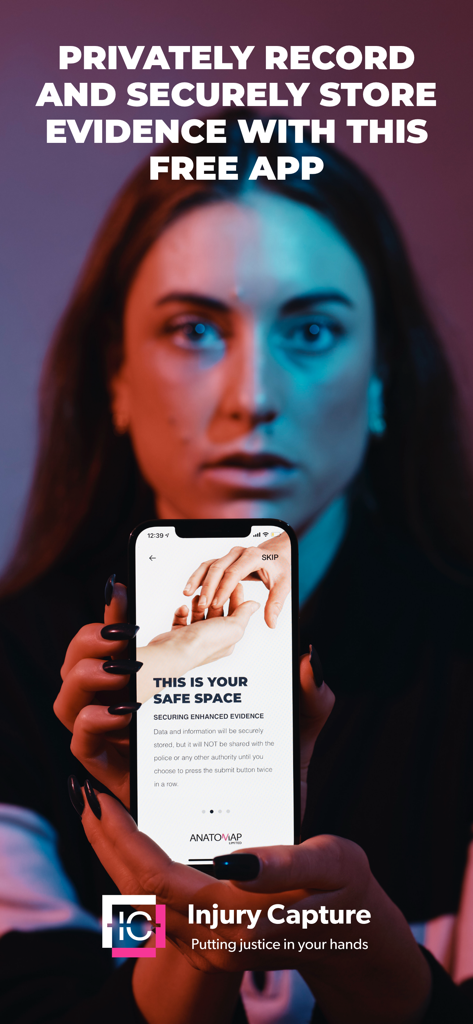
A woman holding a smartphone displaying the Injury Capture app interface for secure evidence storage
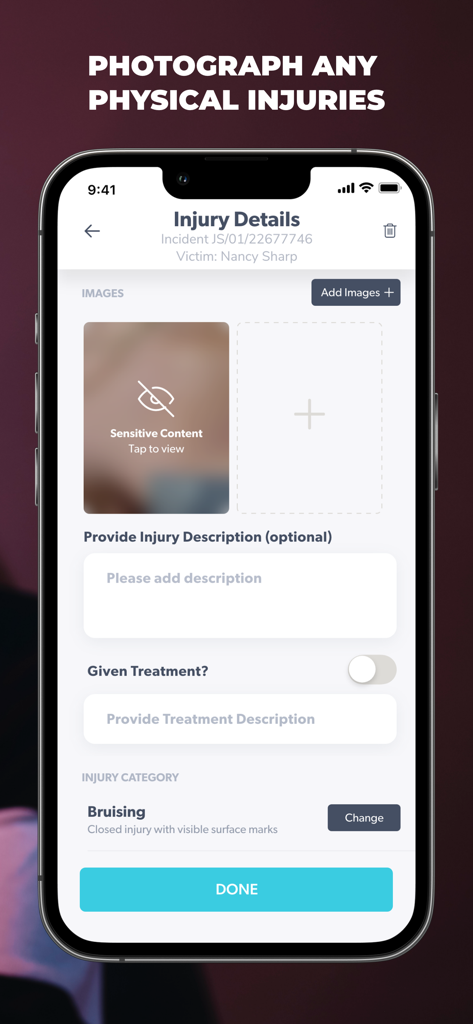
Injury Capture app screen for documenting physical injuries with photo uploads and descriptions
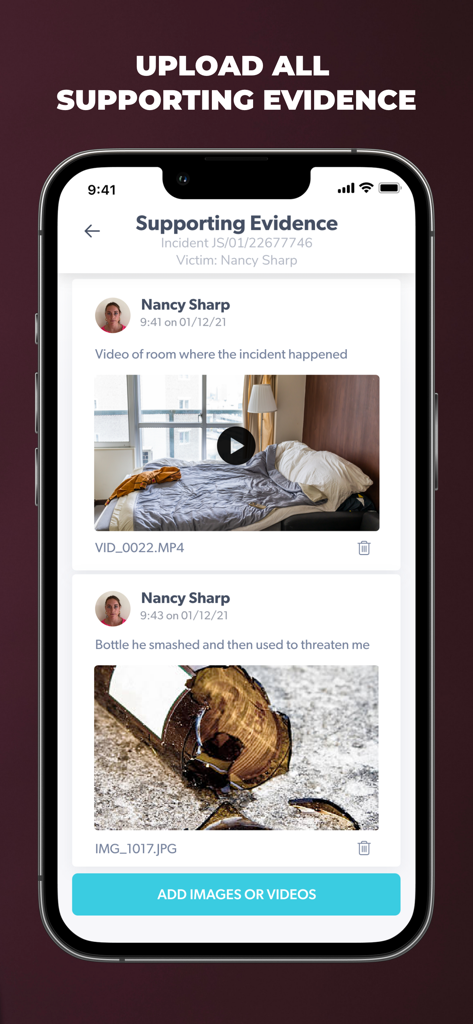
A screenshot of the Injury Capture app showing the supporting evidence page with a photo of a broken bottle and a video of a room
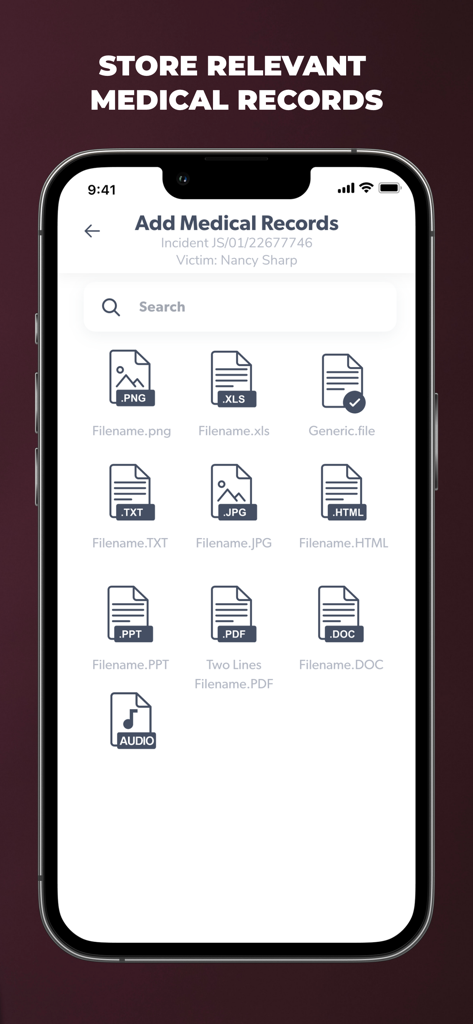
Interface of the Injury Capture app showing the Add Medical Records screen with various file format icons like PDF JPG and AUDIO for secure storage
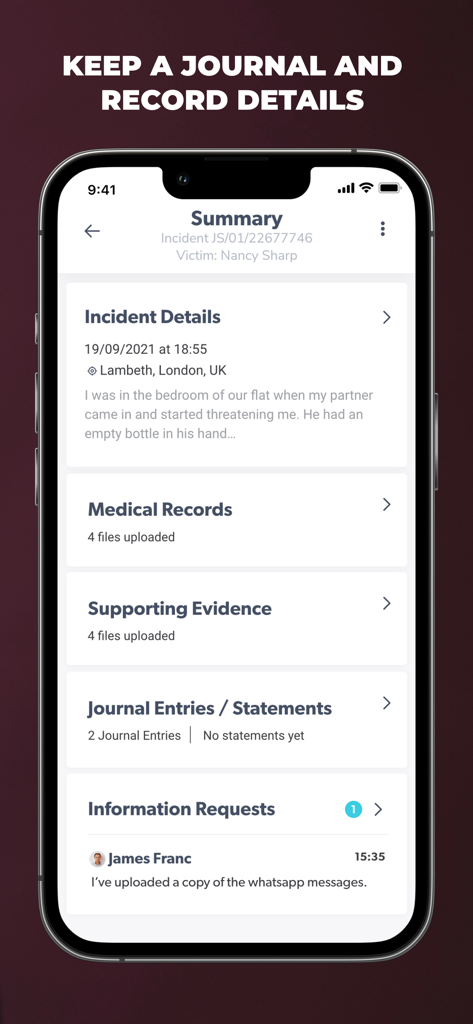
Injury Capture app summary screen displaying incident details and evidence records
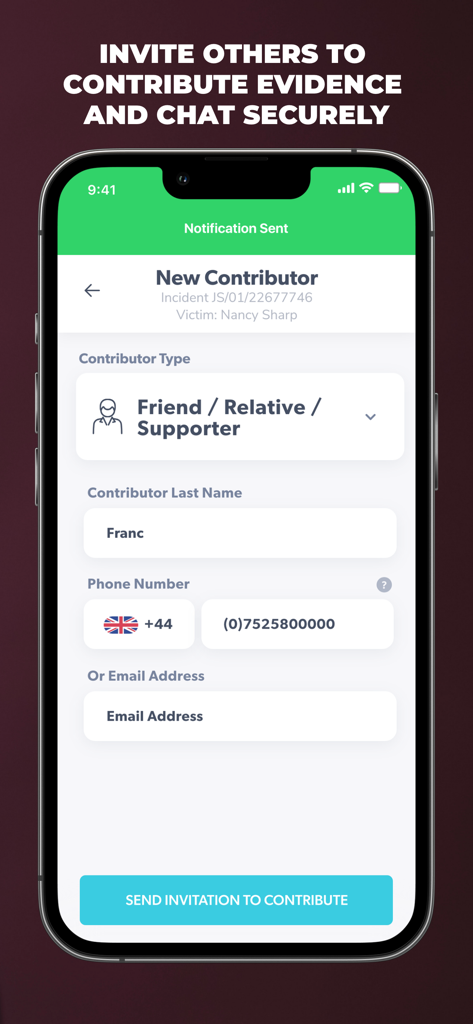
Interface for inviting a friend or supporter to contribute evidence in the Injury Capture app
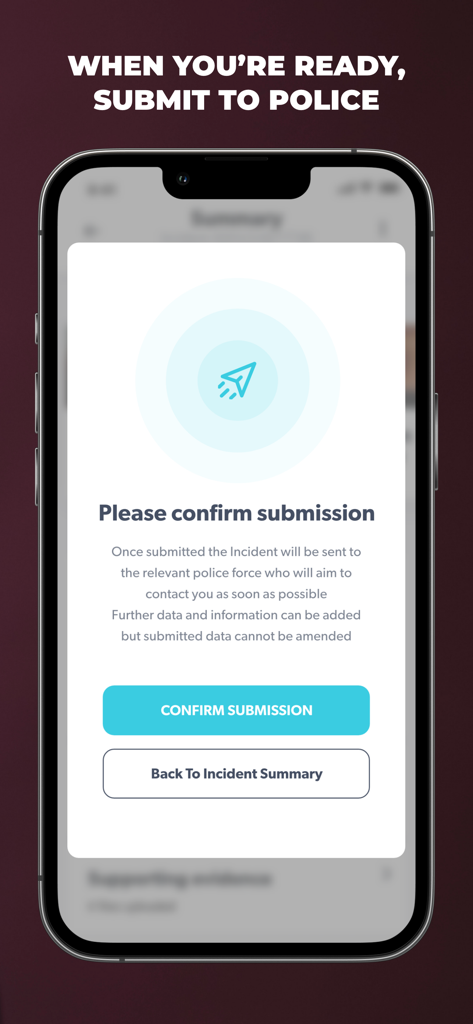
Injury Capture app screenshot showing a confirmation dialog to submit incident evidence to the police.
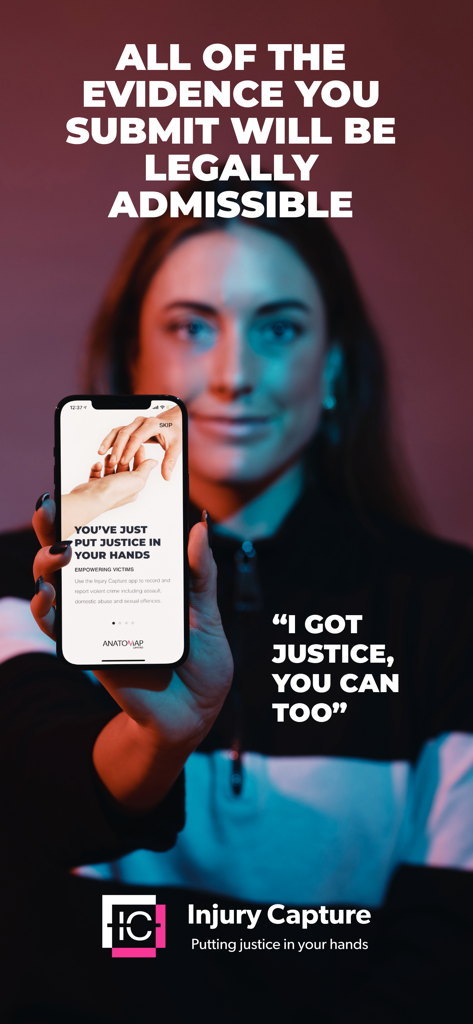
A woman holding a smartphone displaying the Injury Capture app with text stating that submitted evidence will be legally admissible.
Description
Download
More Like This
Top-ranked apps in the same category

国家医保服务平台
National Healthcare Security Administration

MyChart
Epic Systems Corporation

Doctolib - Your health partner
Doctolib

Pregnancy + | Tracker App
Philips Digital UK Limited

CVS Health
CVS Pharmacy

江苏医保云
Jiangsu Healthcare Security Bureau

UnitedHealthcare
UNITED HEALTHCARE SERVICES, INC.

京东健康
BEIJING JINGDONG 360 DU E-COMMERCE LTD.

Meu SUS Digital
Servicos e Informacoes do Brasil
This page is not an official page of the app or its developer, but an independent editorial publication created for informational and commentary purposes. Unless expressly stated otherwise, neither the app nor its developer is affiliated with, endorsed by, sponsored by, authorized by, or otherwise officially connected with MWM, Apple, Google Play, the app publisher, or the app's developer, and nothing on this page implies that the app was developed using MWM's services. Any trademarks, logos, screenshots, and other content remain the property of their respective owners.