
This page is not an official page of the app or its developer, but an independent editorial publication created for informational and commentary purposes. Unless expressly stated otherwise, neither the app nor its developer is affiliated with, endorsed by, sponsored by, authorized by, or otherwise officially connected with MWM, Apple, Google Play, the app publisher, or the app's developer, and nothing on this page implies that the app was developed using MWM's services. Any trademarks, logos, screenshots, and other content remain the property of their respective owners.

InkSign: Signature Maker
Stop settling for messy finger-drawn scribbles. Scan your actual pen-and-paper signature once and sign any PDF with professional authenticity. No login required, no cloud uploads—just fast, secure, and private signing right on your device.
Downloads
0User Rating
Total Ratings
0Publisher
Category
BusinessLocales
1Latest Version
1.0.1Size
55.9 MBFirst Released
Jan 15, 2026The Professional Way to Sign Digitally
InkSign bridges the gap between traditional handwriting and digital convenience, giving you a polished look with total privacy.
Real Pen-on-Paper Feel
Our smart scanner converts your actual signature into a clean digital asset, ensuring your documents always look professional and authentic.
On-Device Privacy
Your contracts and signatures stay on your iPhone. We never upload your sensitive information to the cloud, keeping your data 100% secure.
The following screenshots and description are sourced directly from the app's official store listing and are the property of the app developer.
App Store
Screenshots
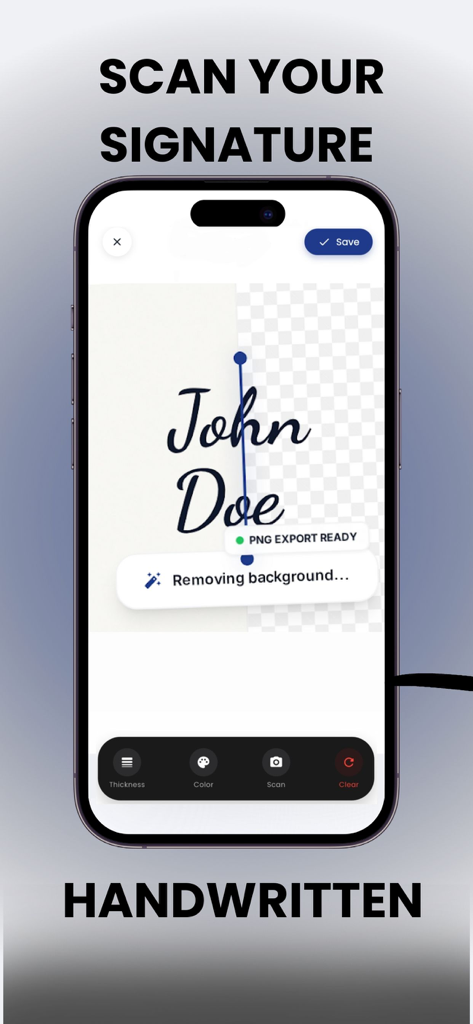
An iPhone screen showing the InkSign app scanning a handwritten signature of John Doe with the background being removed for a clean PNG export.
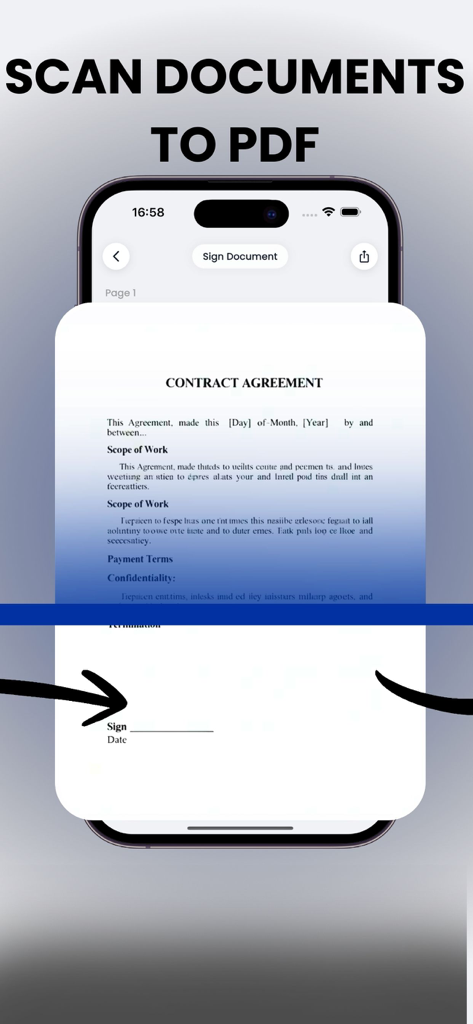
InkSign app interface scanning a contract agreement to PDF
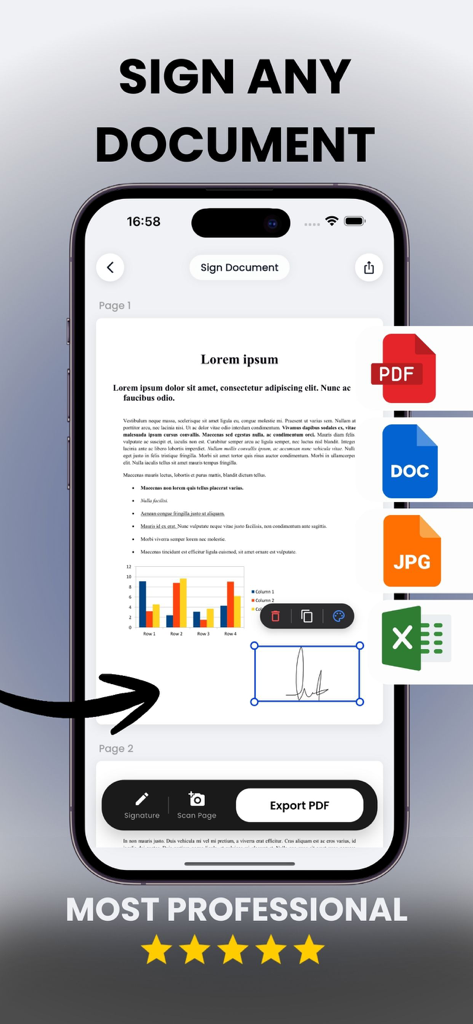
InkSign mobile app interface showing a professional signature being added to a document with support for various file formats
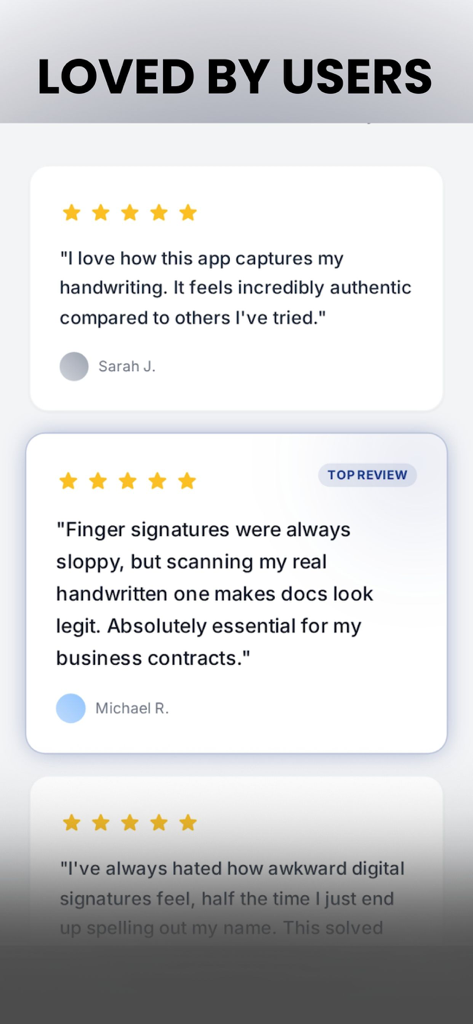
Five star user reviews for the InkSign Signature Maker mobile app
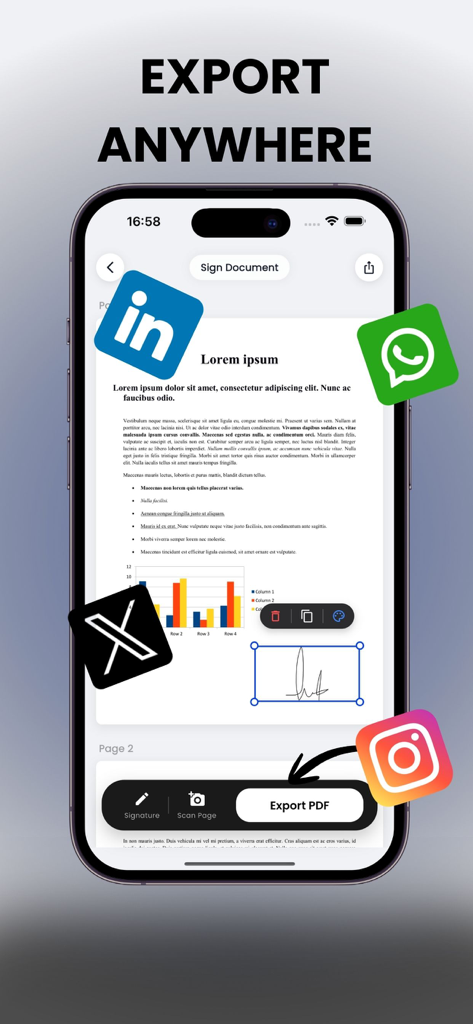
A smartphone screen displaying a signed document with icons representing the ability to export and share via various social media apps
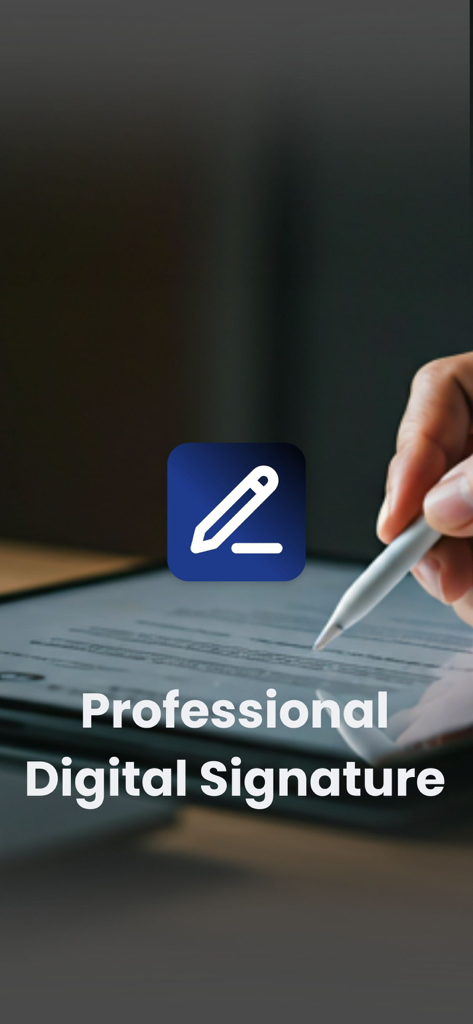
A person signing a digital document on a tablet using a stylus with the InkSign app logo and professional digital signature text
Description
Download
More Like This
Top-ranked apps in the same category

Microsoft Teams
Microsoft Corporation

Zoom Workplace
Zoom Communications, Inc.

WhatsApp Business
WhatsApp Inc.

Indeed Job Search
Indeed Inc.

LinkedIn: Network & Job Finder
LinkedIn Corporation

Adobe Acrobat Reader: Sign PDF
Adobe Inc.

WeCom-Work Communication&Tools
Tencent Technology (Shenzhen) Company Limited

BOSS直聘-招聘求职找工作神器
Beijing China Product Bo Farce Network Technology Co., Ltd.

DingDing - Redefine Work in AI
DingTalk Technology Co., Ltd.
This page is not an official page of the app or its developer, but an independent editorial publication created for informational and commentary purposes. Unless expressly stated otherwise, neither the app nor its developer is affiliated with, endorsed by, sponsored by, authorized by, or otherwise officially connected with MWM, Apple, Google Play, the app publisher, or the app's developer, and nothing on this page implies that the app was developed using MWM's services. Any trademarks, logos, screenshots, and other content remain the property of their respective owners.