
This page is not an official page of the app or its developer, but an independent editorial publication created for informational and commentary purposes. Unless expressly stated otherwise, neither the app nor its developer is affiliated with, endorsed by, sponsored by, authorized by, or otherwise officially connected with MWM, Apple, Google Play, the app publisher, or the app's developer, and nothing on this page implies that the app was developed using MWM's services. Any trademarks, logos, screenshots, and other content remain the property of their respective owners.


InPulse - Heart Rate Monitor
Your most crucial data remains hidden. This app transforms your iPhone into a personal monitor, granting users immediate control over their heart rate and key vitals.
Downloads
12.5M+User Rating
Total Ratings
280.3KPublisher
Category
Health & FitnessLocales
13Latest Version
2.63Size
87.1 MBFirst Released
Dec 7, 2019InPulse - Heart Rate Monitor: Key Features Analysis
An evaluation of core functionalities for health-conscious users prioritizing holistic wellness and proactive vital monitoring.
Real-time Heart Rate Measurement
The app provides users with the ability to measure their heart rate instantly by simply placing a finger on the device's camera, catering to those who prioritize active vital sign monitoring.
Comprehensive Vitals Logging
It allows users to log and track their blood pressure and oxygen saturation levels within a dedicated journal, offering a broader and more comprehensive view of their cardiovascular health.
Daily Measurement Reminders
It features daily reminders to check pulse and log vitals, promoting consistent monitoring and proactive health management for better tracking habits.
Integrated Habit Formation
The app includes a habit tracker that enables users to develop and maintain beneficial habits crucial for proactive health management and long-term wellness goals.
Seamless Health Data Integration
The app provides seamless integration with Apple Health, allowing users to consolidate their pulse measurement data across various devices for effortless and centralized tracking.
Personalized Wellness Insights
This tool features daily wellness assessments and personalized lifestyle advice to guide users toward better health choices and overall well-being, fostering a holistic approach.
Emotional Health Self-Assessment
It allows users to take tests designed to explore and manage their emotional wellbeing, addressing a key aspect of holistic health and stress reduction.
Guided Self-Love Program
This tool offers a structured Self-Love Program aimed at helping users achieve harmony and peace of mind, fostering mental and emotional balance as part of self-care.
Frequently Asked Questions
Everything you need to know about InPulse - Heart Rate Monitor
How do I measure my heart rate with the InPulse app?
To measure heart rate with InPulse, place your fingertip on your iPhone's camera, ensuring it covers the lens and flashlight. Press gently for accurate results.
What are the main features of the InPulse heart rate monitor app?
InPulse measures heart rate, logs blood pressure and oxygen saturation, offers daily wellness assessments, habit tracking, and emotional wellbeing tools. It integrates with Apple Health.
Is InPulse - Heart Rate Monitor a medical application?
No, InPulse is not designed for medical purposes. It functions solely for fitness use and provides general wellness information.
Does InPulse allow tracking of blood pressure and oxygen levels?
Yes, InPulse enables users to record blood pressure and oxygen saturation within its Journal feature. Screenshots confirm logging these vitals.
How does InPulse handle app subscriptions and access?
InPulse offers unlimited access to all features via subscriptions, billed automatically based on the selected plan. A free trial is available for users.
Does InPulse integrate with Apple's health platform?
Yes, InPulse integrates with Apple to facilitate the use of pulse measurement data across your devices, enhancing tracking of heart and overall quality of life.
What iOS version is required to run the InPulse app?
The InPulse app requires an iPhone running iOS 15.0 or later for proper functionality.
Can InPulse help users manage stress and emotional wellbeing?
Yes, InPulse helps users control stress levels, identify negative emotions, and explore emotional wellbeing through tests. It also offers a Self-Love Program.
How does InPulse assist in developing healthy habits?
InPulse includes a Habit Tracker to support the development of beneficial habits. It covers activities like measuring heart rate, hydration, yoga, meditation, and walking.
The following screenshots and description are sourced directly from the app's official store listing and are the property of the app developer.
App Store
Screenshots
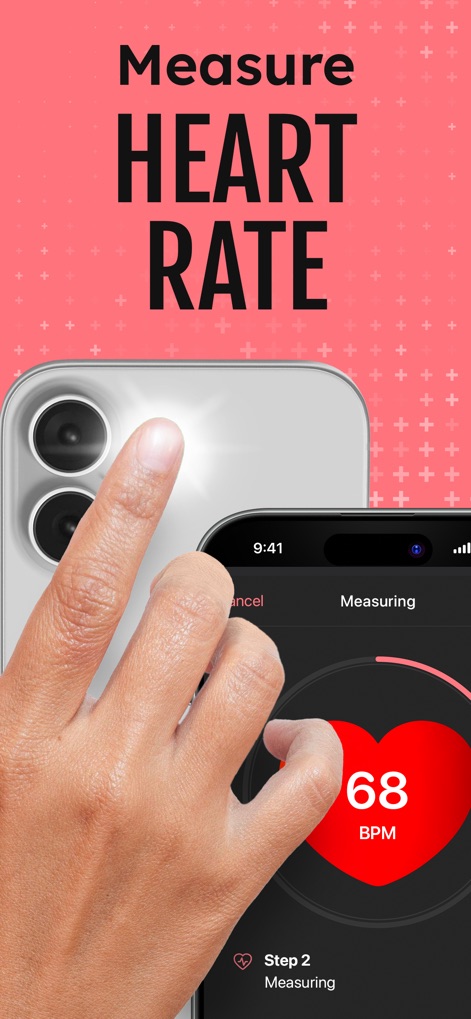
Instant Heart Rate
Discover how the app instantly measures heart rate via finger placement on the camera lens and displays the real-time BPM value.

Blood Pressure Tracking
This tool allows users to log blood pressure readings with detailed systolic and diastolic inputs, and instantly categorizes them as 'Elevated' or normal for easy understanding.
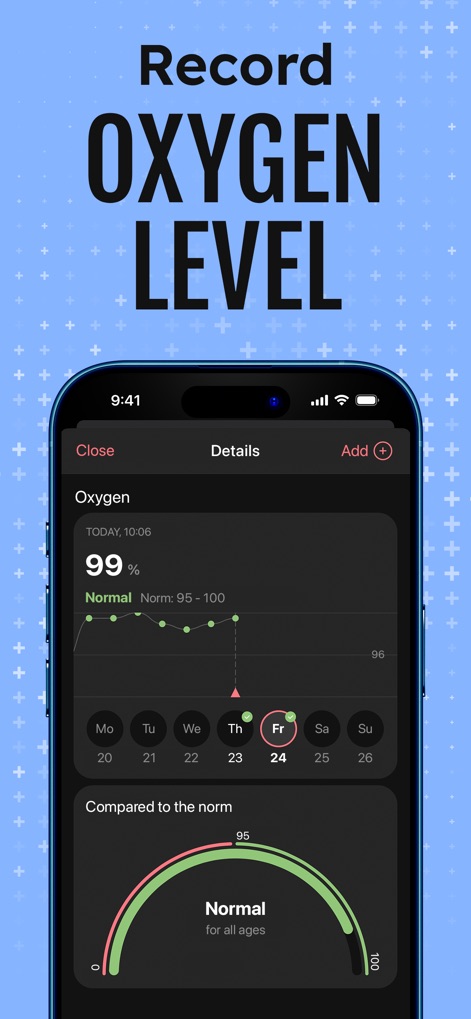
Oxygen Level Insights
Explore the app's capability to record oxygen saturation with a clear daily trend graph and a visual indicator for 'Normal' range.
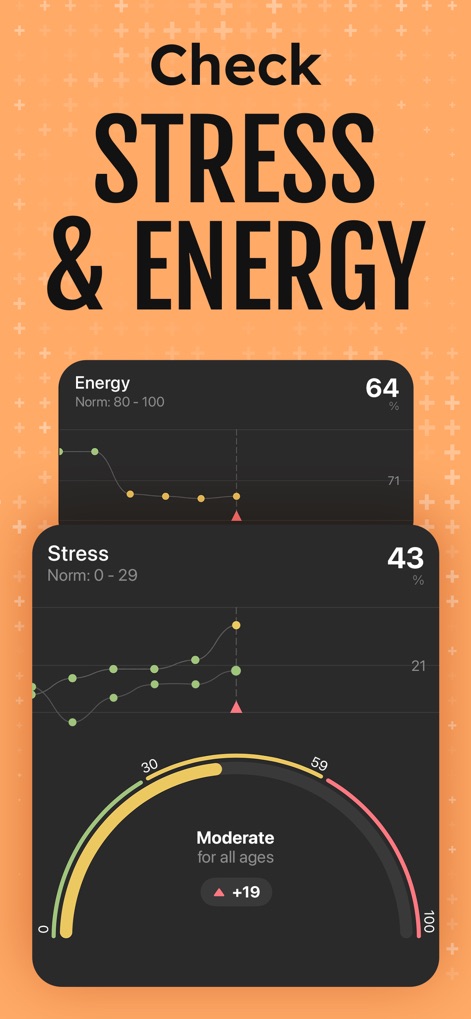
Stress & Energy Insights
The app provides comprehensive insights into Energy and Stress levels through intuitive trend graphs and a categorized assessment like 'Moderate' for user wellbeing.
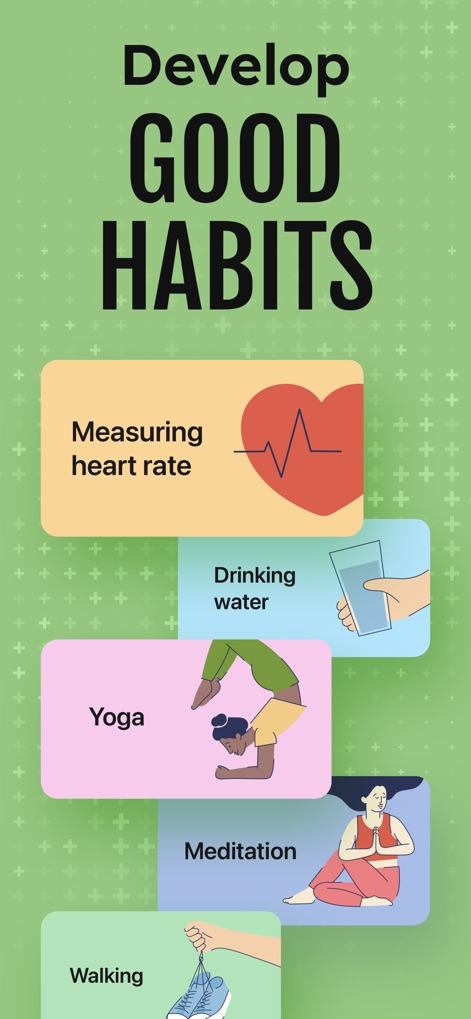
Habit Builder
This tool helps users develop beneficial wellness habits, offering suggestions like 'Drinking water' and 'Yoga', each accompanied by clear visual icons.
Description
Download
More Like This
Apps with similar features and user experience

CardiaLink-Heart rate&Health
Hunan Anpai Information Technology Co., Ltd.

PulseWarden
月 黄
HeaBP Blood Pressure & Pulse
Imageview Technology Co., Limited

Heart Rate: Pulse Monitor & BP
Imageview Technology Co., Limited

HeartMe: Mental Health
长珠 谷
KeepBP - blood pressure app
志强 王

VitalWise AI: Heart & Pulse
Hunan Caidingke Network Information Technology Co., Ltd.

iHeart-Pulse Rate Monitor App.
REMHO PTE. LTD

Heartwell: Track Health
AURALIS NOVA TECHNOLOGY PTE. LTD.
This page is not an official page of the app or its developer, but an independent editorial publication created for informational and commentary purposes. Unless expressly stated otherwise, neither the app nor its developer is affiliated with, endorsed by, sponsored by, authorized by, or otherwise officially connected with MWM, Apple, Google Play, the app publisher, or the app's developer, and nothing on this page implies that the app was developed using MWM's services. Any trademarks, logos, screenshots, and other content remain the property of their respective owners.