
This page is not an official page of the app or its developer, but an independent editorial publication created for informational and commentary purposes. Unless expressly stated otherwise, neither the app nor its developer is affiliated with, endorsed by, sponsored by, authorized by, or otherwise officially connected with MWM, Apple, Google Play, the app publisher, or the app's developer, and nothing on this page implies that the app was developed using MWM's services. Any trademarks, logos, screenshots, and other content remain the property of their respective owners.


InstaSaver - Video Saver
The internet remembers everything, and now so can you. InstaSaver rips control from fleeting posts, putting your content consumption on lock. It's the digital archive Instagram forgot to build.
Downloads
100k+User Rating
Total Ratings
3.4KPublisher
Category
Social NetworkingLocales
1Latest Version
9.0Size
24.6 MBFirst Released
May 10, 2024An evaluation of core functionalities designed for enhanced Instagram content control and privacy.
InstaSaver - Video Saver: Key Feature Analysis
Anonymous Story Viewing
The app allows users to view Instagram stories anonymously, ensuring their privacy and not leaving a trace for the story owner.
Effortless Video Saving
This tool features a straightforward method for saving favorite Instagram videos by simply copying their URL, making content archiving seamless.
Story and Highlight Bookmarking
It provides users with the ability to easily bookmark Instagram stories and highlights, facilitating content curation and re-watching of preferred posts.
Curated Idea Collections
The app enables the creation and organization of unlimited idea collections, helping users to categorize and manage their saved Instagram content effectively.
Frequently Asked Questions
Everything you need to know about InstaSaver - Video Saver
What is InstaSaver - Video Saver?
InstaSaver - Video Saver is an app that allows users to watch Instagram stories anonymously, bookmark them, and save videos by pasting their URLs. It also helps organize content into Idea Collections.
Can I watch Instagram stories anonymously with InstaSaver - Video Saver?
Yes, InstaSaver - Video Saver enables anonymous viewing of Instagram stories and highlights. The application provides a Story Viewer interface for this specific function.
How do I save videos using InstaSaver - Video Saver?
To save videos using InstaSaver - Video Saver, users must copy the video's URL. They then paste this URL into the app's designated input field to store the content.
Does InstaSaver - Video Saver support Dark Mode?
Yes, InstaSaver - Video Saver includes support for Dark Mode. This feature adjusts the app's visual theme to provide an alternative display option for users.
Can I organize saved content within InstaSaver - Video Saver?
Yes, InstaSaver - Video Saver allows content organization. Users can create unlimited Idea Collections and bookmark their favorite stories and reels for easy access and management.
Where can I find the Privacy Policy for InstaSaver - Video Saver?
The Privacy Policy for InstaSaver - Video Saver is available at https://sites.google.com/view/storysaver-insaver-privacy/home. This link provides detailed information on how the application handles user data.
The following screenshots and description are sourced directly from the app's official store listing and are the property of the app developer.
App Store
Screenshots
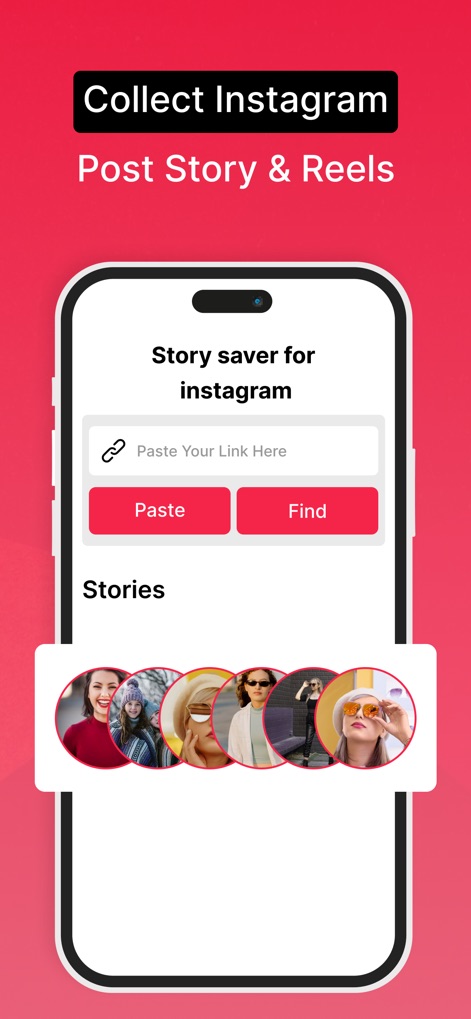
See how the app facilitates content saving with a direct link input field and a display of recent stories from connected profiles.
Collect Instagram Content

This tool allows users to view stories and highlights from a specific profile anonymously, featuring a clear profile header and a detailed story grid with dates.
Anonymous Story Viewing
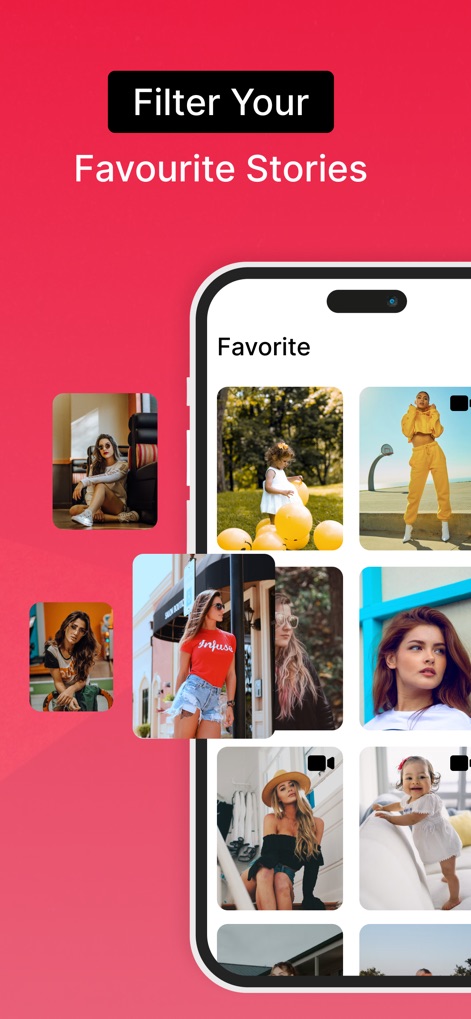
Users can curate their favorite content within the app, showcased by a "Favorite" section with a grid layout and visual indicators for video posts.
Organize Favorite Stories
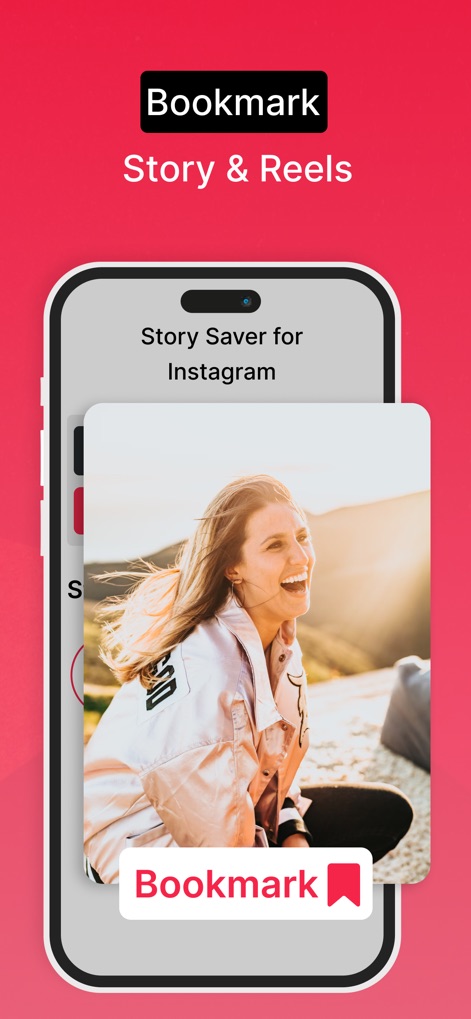
The app simplifies saving content by displaying a prominent "Bookmark" button over media and clearly labeling the 'Story Saver for Instagram' functionality.
Effortless Content Bookmarking
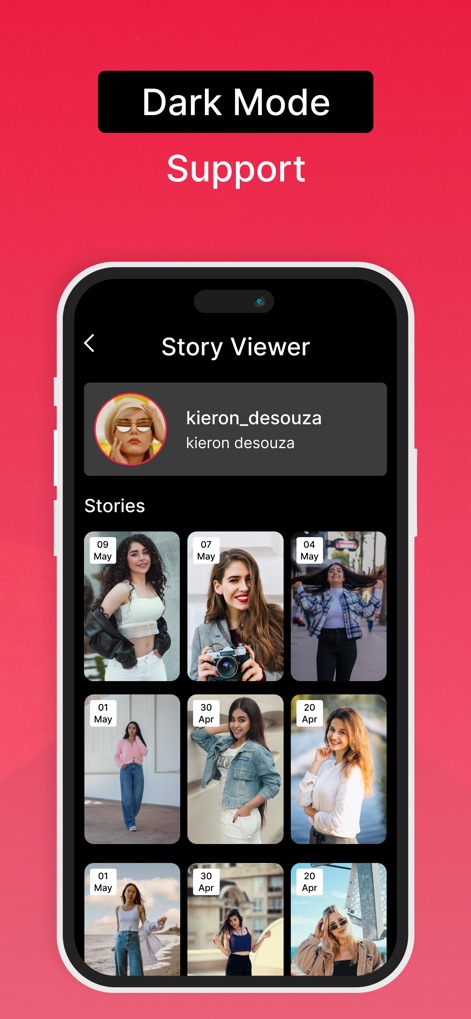
Experience content viewing with the app's integrated Dark Mode, presenting a contrasted profile viewer and a grid of stories for comfortable browsing.
Sleek Dark Mode
Description
Download
More Like This
Apps with similar features and user experience

PinGrab: Save & Organize
Abdellatif Bagui

Space Player: Your Video World
MAKING M COMPANY LIMITED

Bookmark manager - CentralSave
Adrien Cens

InSaver - Save Reel & Video
YASEMIN ERTEN

SaveTk - Save Videos
Bilal Sen

Story Saver : Save & Repost
Delron Coetzee

PinSaver : Video Saver
Szegedi Aron

TweetSave - Tweet Video Saver
Gazi Aydogan

TicDown: Tic Video Saver
Meryem Ercan
This page is not an official page of the app or its developer, but an independent editorial publication created for informational and commentary purposes. Unless expressly stated otherwise, neither the app nor its developer is affiliated with, endorsed by, sponsored by, authorized by, or otherwise officially connected with MWM, Apple, Google Play, the app publisher, or the app's developer, and nothing on this page implies that the app was developed using MWM's services. Any trademarks, logos, screenshots, and other content remain the property of their respective owners.