
This page is not an official page of the app or its developer, but an independent editorial publication created for informational and commentary purposes. Unless expressly stated otherwise, neither the app nor its developer is affiliated with, endorsed by, sponsored by, authorized by, or otherwise officially connected with MWM, Apple, Google Play, the app publisher, or the app's developer, and nothing on this page implies that the app was developed using MWM's services. Any trademarks, logos, screenshots, and other content remain the property of their respective owners.


Invisalign Practice App
Empower your clinic with professional tools for record capture, remote monitoring, and virtual appointments—all in one intuitive mobile interface integrated with the Invisalign Doctor Site.
Downloads
88K+User Rating
Total Ratings
9K+Publisher
Category
MedicalLocales
12Latest Version
5.4.0Size
260.5 MBFirst Released
Oct 27, 2021Optimize Your Clinical Workflow
Manage your Invisalign cases with unprecedented speed and precision. Integrated directly with the Doctor Site, our app puts clinical control and practice growth in the palm of your hand.
Priority-Driven Dashboard
Instantly view pending tasks and case statuses to maximize your chair-side efficiency and daily productivity.
Seamless Record Capture
Capture and upload clinical photos instantly to patient profiles, eliminating manual file transfers and streamlining your documentation.
The following screenshots and description are sourced directly from the app's official store listing and are the property of the app developer.
App Store
Screenshots
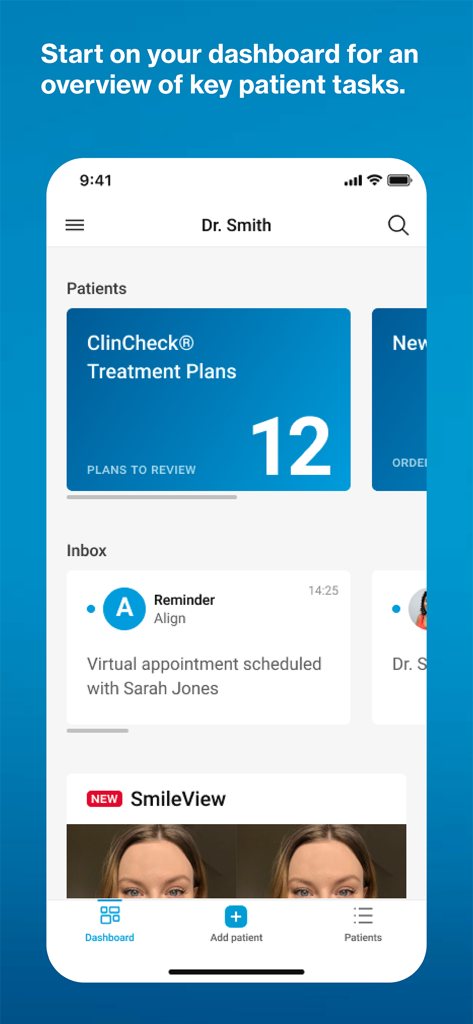
The Invisalign Practice App dashboard showing a doctor summary of treatment plans to review and scheduled patient appointments.
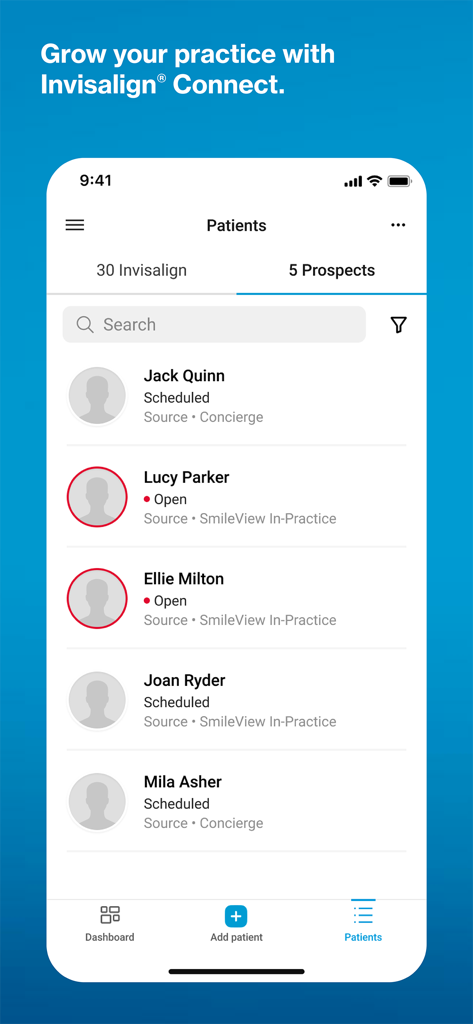
Mobile screen of the Invisalign Practice App displaying a list of prospective patients and their appointment status.
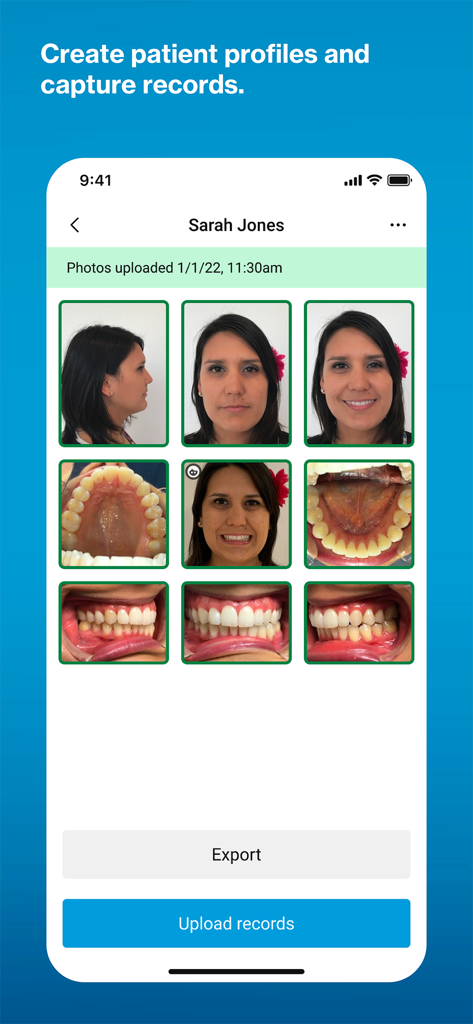
Interface of Invisalign Practice App showing patient clinical photos and record upload buttons.
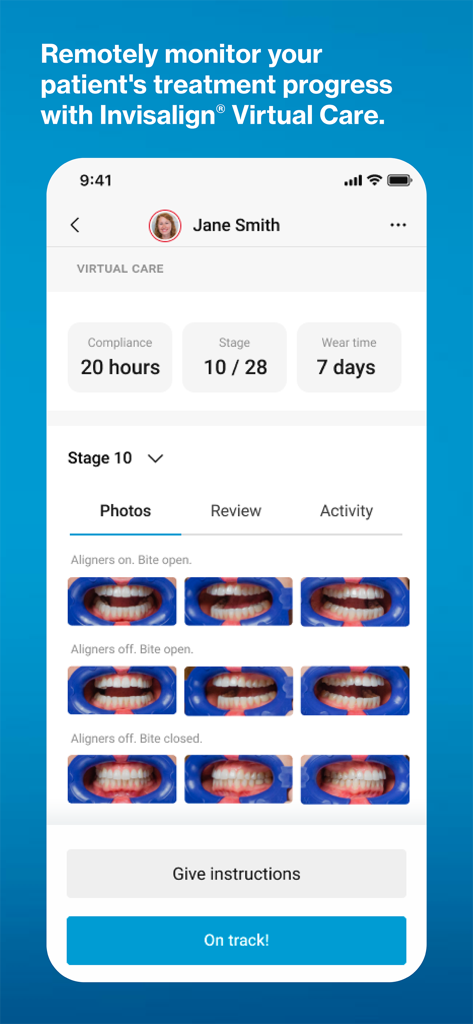
Invisalign Practice App Virtual Care screen showing patient treatment progress and dental monitoring photos.
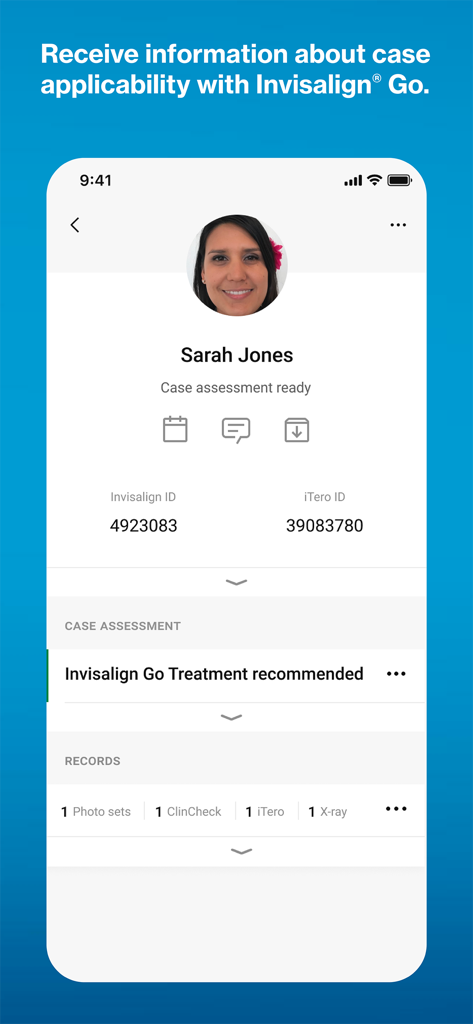
Patient profile view in the Invisalign Practice App showing a ready case assessment recommending Invisalign Go treatment
Description
Download
More Like This
Top-ranked apps in the same category

国家医保服务平台
National Healthcare Security Administration

MyChart
Epic Systems Corporation

Doctolib - Your health partner
Doctolib

Pregnancy + | Tracker App
Philips Digital UK Limited

CVS Health
CVS Pharmacy

江苏医保云
Jiangsu Healthcare Security Bureau

UnitedHealthcare
UNITED HEALTHCARE SERVICES, INC.

京东健康
BEIJING JINGDONG 360 DU E-COMMERCE LTD.

Meu SUS Digital
Servicos e Informacoes do Brasil
This page is not an official page of the app or its developer, but an independent editorial publication created for informational and commentary purposes. Unless expressly stated otherwise, neither the app nor its developer is affiliated with, endorsed by, sponsored by, authorized by, or otherwise officially connected with MWM, Apple, Google Play, the app publisher, or the app's developer, and nothing on this page implies that the app was developed using MWM's services. Any trademarks, logos, screenshots, and other content remain the property of their respective owners.