
This page is not an official page of the app or its developer, but an independent editorial publication created for informational and commentary purposes. Unless expressly stated otherwise, neither the app nor its developer is affiliated with, endorsed by, sponsored by, authorized by, or otherwise officially connected with MWM, Apple, Google Play, the app publisher, or the app's developer, and nothing on this page implies that the app was developed using MWM's services. Any trademarks, logos, screenshots, and other content remain the property of their respective owners.


IPsec VPN
Experience the fastest and most reliable privacy shield for your iPhone. No registration required—just instant, military-grade protection on any public Wi-Fi.
Downloads
429K+User Rating
Total Ratings
200Publisher
Category
UtilitiesLocales
11Latest Version
1.5Size
39.4 MBFirst Released
Aug 17, 2020Privacy Made Effortless
Get professional-grade security for your iPhone. IPsec VPN provides a lightning-fast, encrypted tunnel for your data with zero configuration required.
Instant One-Tap Connect
No complex settings or technical knowledge required. Switch on your privacy shield in less than a second and enjoy a seamless browsing experience.
No-Log Anonymity
We value your privacy as much as you do. Skip the sign-up forms and logins—our service requires no registration to keep your identity invisible.
The following screenshots and description are sourced directly from the app's official store listing and are the property of the app developer.
App Store
Screenshots
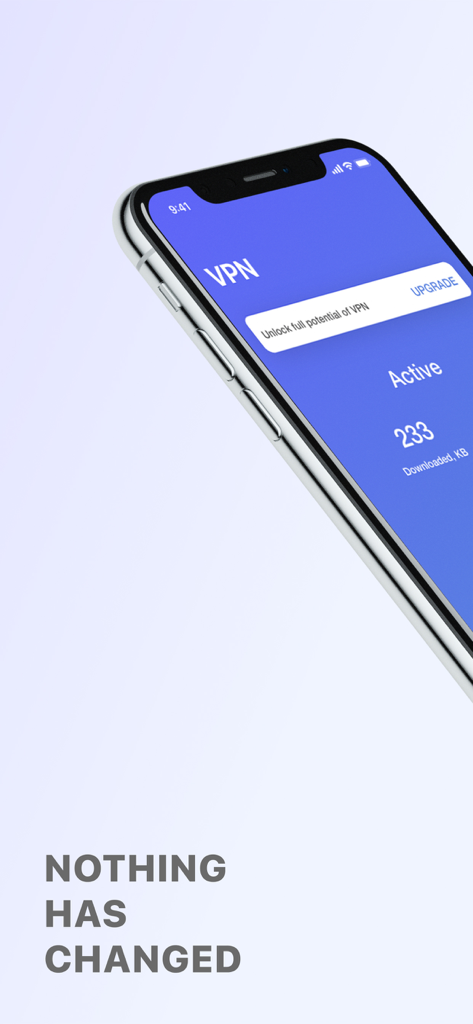
IPsec VPN app interface on iPhone showing active status and data usage
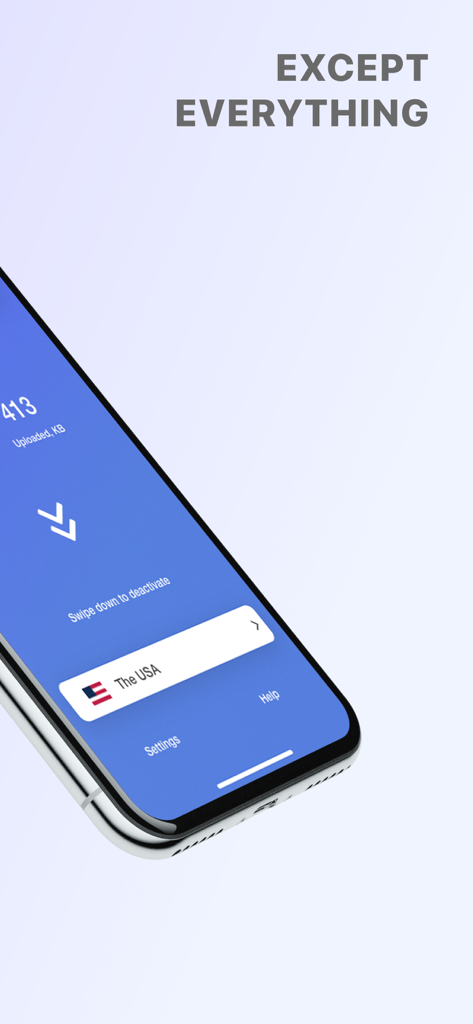
IPsec VPN app showing connection to a USA server
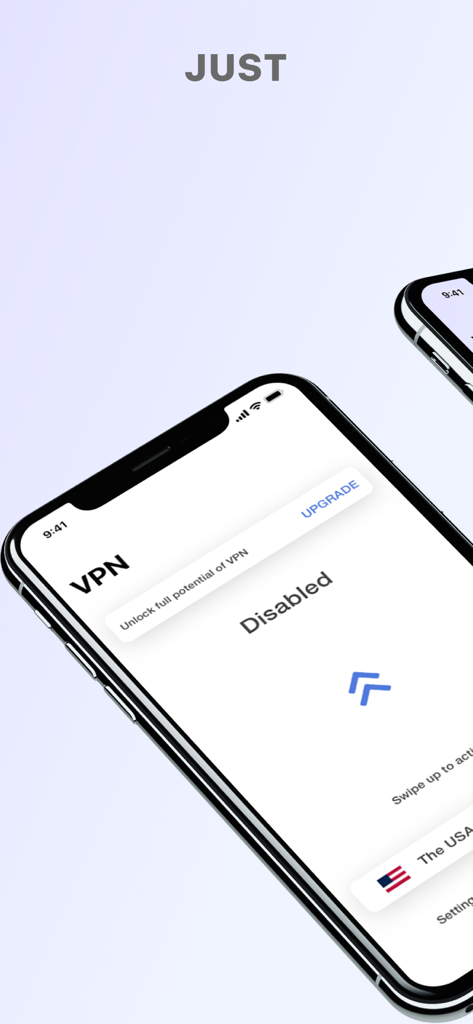
IPsec VPN mobile app interface on an iPhone showing a disabled connection status and USA server option
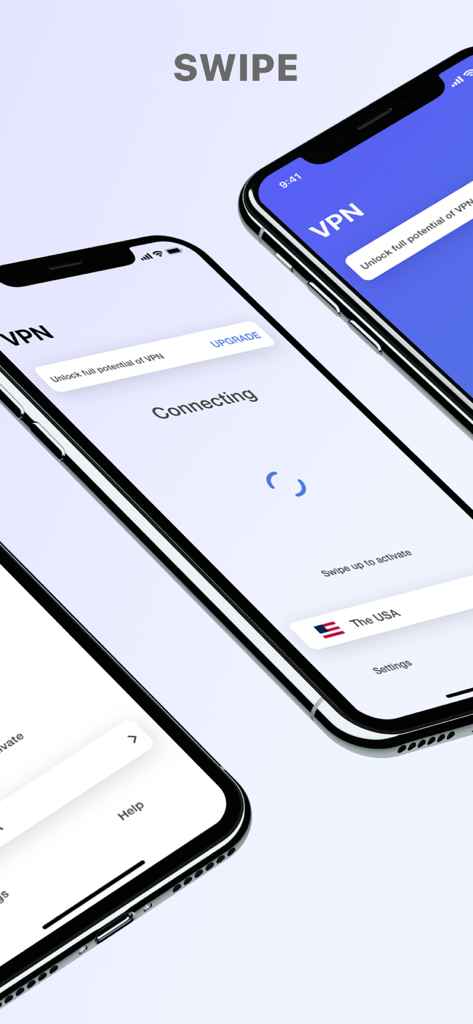
IPsec VPN mobile app interface showing the connecting screen and US server selection on an iPhone.
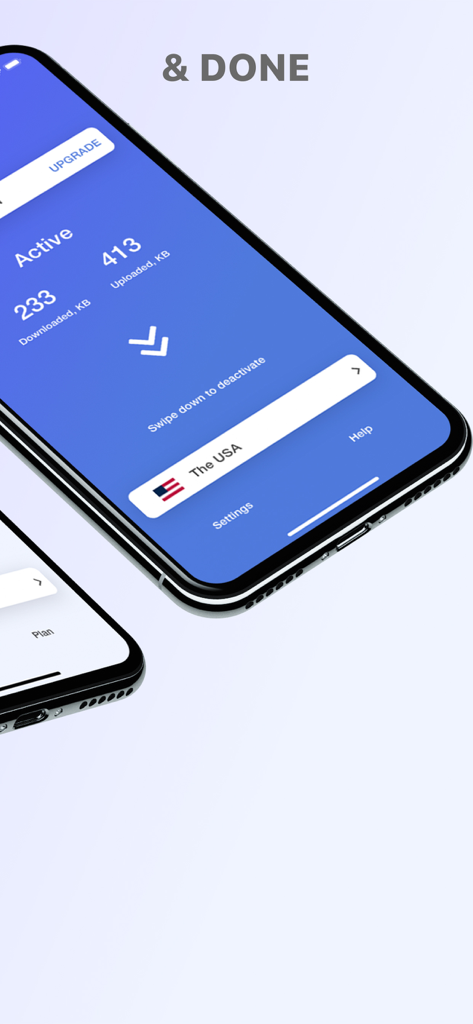
IPsec VPN app on iPhone displaying active connection to a server in the USA.
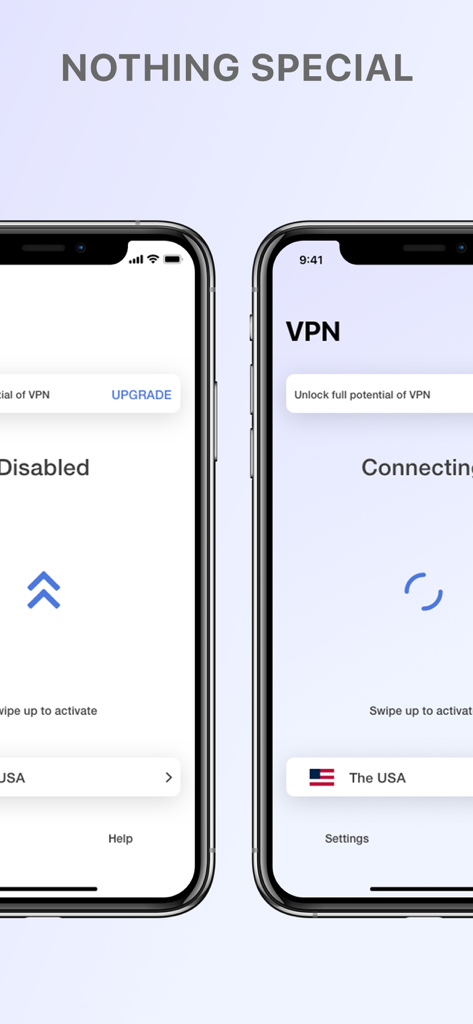
Two iPhone screens displaying the simple swipe-to-activate interface of the IPsec VPN app with a connection to a USA server.
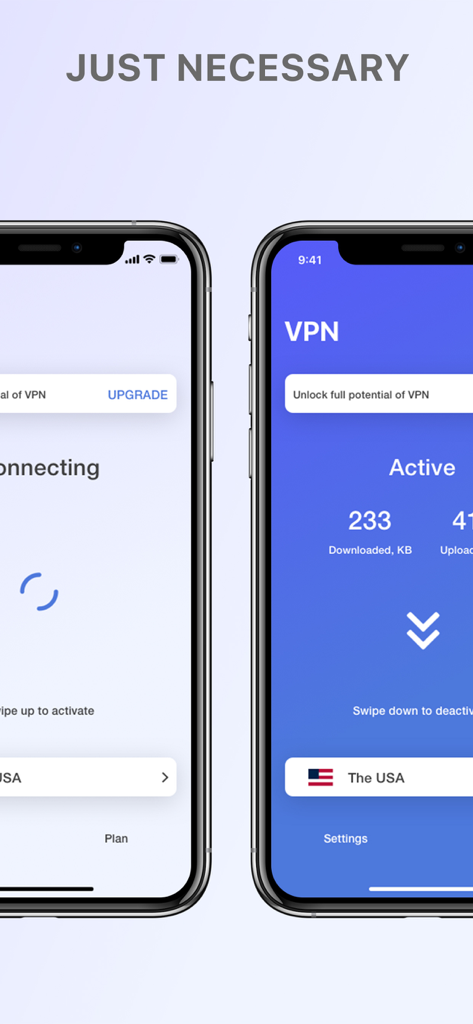
Two iPhones showing the IPsec VPN app interface in connecting and active states with a USA server.
Description
Download
More Like This
Apps with similar features and user experience

VPN Hotspot Browser & More
Baris Gungor

VPN Pro - Unlimited Best VPN
Fireworks Technology Inc.

快连VPN
LetsGo Network Incorporated

Cool VPN Pro-Secure Proxy VPN
CTECH GLOBAL PTE LTD

VPN - Top Fast VPN
Free Fast Connect LLC

PlatoVPN Fast:Super VPN Proxy
MogoTech Inc.

VPN - FREE VPN Fast Ⓡ
AITIMING TECH PTE. LTD.

VPN - Nviper小火箭加速器vpn
Sichuan Yunfumeng Technology Co., Ltd

Hola VPN
Hola VPN Ltd
This page is not an official page of the app or its developer, but an independent editorial publication created for informational and commentary purposes. Unless expressly stated otherwise, neither the app nor its developer is affiliated with, endorsed by, sponsored by, authorized by, or otherwise officially connected with MWM, Apple, Google Play, the app publisher, or the app's developer, and nothing on this page implies that the app was developed using MWM's services. Any trademarks, logos, screenshots, and other content remain the property of their respective owners.