
This page is not an official page of the app or its developer, but an independent editorial publication created for informational and commentary purposes. Unless expressly stated otherwise, neither the app nor its developer is affiliated with, endorsed by, sponsored by, authorized by, or otherwise officially connected with MWM, Apple, Google Play, the app publisher, or the app's developer, and nothing on this page implies that the app was developed using MWM's services. Any trademarks, logos, screenshots, and other content remain the property of their respective owners.


iSpring LMS
The ultimate mobile training platform for the modern workforce. Access courses offline, receive real-time updates, and monitor performance with powerful supervisor tools—all in one intuitive app.
Downloads
828K+User Rating
Total Ratings
9K+Publisher
Category
EducationLocales
30Latest Version
3.97.2Size
163.9 MBFirst Released
Mar 17, 2014Master Your Professional Growth on the Go
A high-performance learning platform designed for the modern workforce. Take control of your training with a seamless, intuitive mobile experience that fits your busy schedule.
Uninterrupted Offline Access
Save your courses to learn anywhere—even in the air or out in the field. Your progress syncs automatically the moment you reconnect.
Just-in-Time Knowledge
Access critical workplace instructions and corporate resources instantly. Find the answers you need to perform at your best, exactly when you need them.
Frequently Asked Questions
Everything you need to know about iSpring LMS
How does iSpring LMS facilitate offline learning?
The iSpring LMS app allows trainees to download and save course content to their mobile device. They can access this content and continue learning anytime, even without an internet connection. Progress syncs automatically when online.
What are the key benefits of using iSpring LMS for trainees?
Trainees benefit from offline course access with progress syncing, timely push notifications for assignments and webinars, and instant access to a corporate knowledge base. The app ensures a consistent learning experience on any device.
Does iSpring LMS support multiple languages?
Yes, the iSpring LMS mobile app features an intuitive interface available in 30 different languages. This allows a global workforce to engage with training materials effectively.
Can managers track employee training progress with iSpring LMS?
Yes, managers can track training impact using the Supervisor Dashboard in iSpring LMS. It provides a comprehensive view of key training KPIs, employee competencies, and achievements, identifying areas for improvement.
Is learning progress saved automatically in the iSpring LMS app?
Yes, iSpring LMS automatically preserves learning progress for trainees. All data syncs once the device is back online, ensuring continuous learning without loss of information.
How does iSpring LMS support on-the-job training?
iSpring LMS enables managers to conduct on-the-job training directly from their smartphone. They can create targeted checklists for specific roles, lead observation sessions, and provide feedback to employees.
Is onboarding required for new users of the iSpring LMS app?
No, the iSpring LMS app does not require onboarding. Trainees can begin taking courses immediately upon logging in with their iSpring LMS account details.
Does iSpring LMS adapt to different screen sizes?
Yes, iSpring LMS training content automatically adapts to any screen size and orientation. This ensures a consistent learning experience across desktops, tablets, and smartphones.
The following screenshots and description are sourced directly from the app's official store listing and are the property of the app developer.
App Store
Screenshots
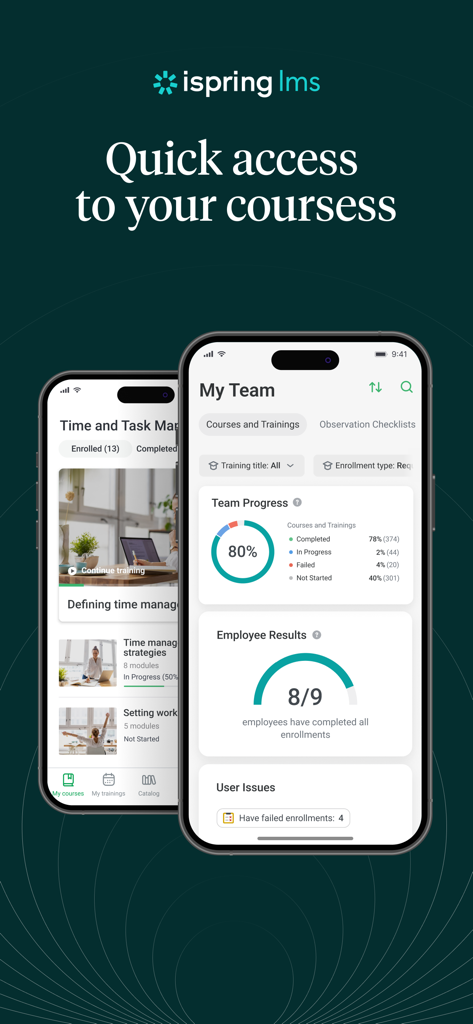
Two smartphones displaying the iSpring LMS app interface including a corporate course list and a team progress dashboard
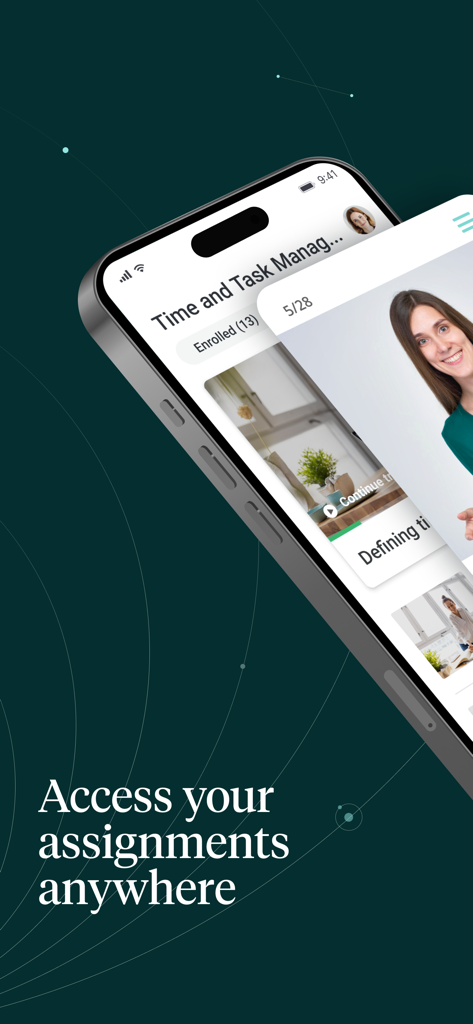
A smartphone showing the iSpring LMS mobile app interface with corporate training assignments
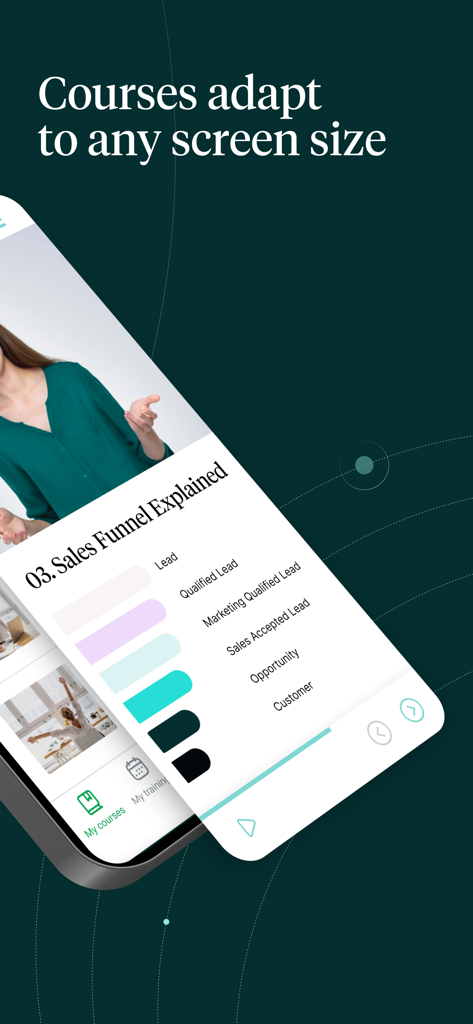
iSpring LMS app displaying a sales funnel course on a mobile screen with an adaptive interface.
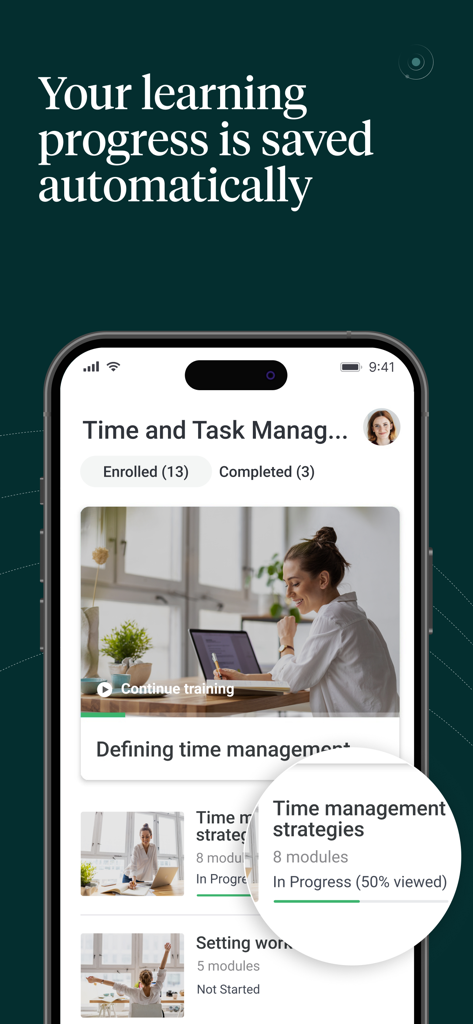
iSpring LMS mobile app interface showing a time management course list with automatic progress tracking.
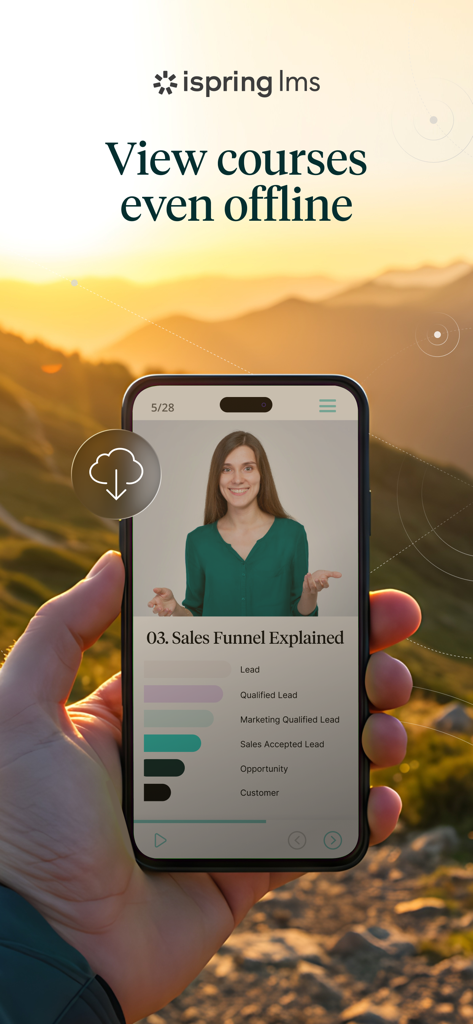
Smartphone displaying an offline corporate training course on the iSpring LMS app
Description
Download
More Like This
Apps with similar features and user experience

УзнайPro Самокат
RSA OOO

Gupy EduCorp
Education For All Ltda

EdApp: Mobile LMS
SafetyCulture Pty Ltd

EXE-Power
Xiamen Executive Infomation Technology Co., Ltd.

UKG Pro Learning
Kronos Incorporated

Attensi SKILLS
Attensi AS

Cornerstone Galaxy
Cornerstone OnDemand, Inc

Cornerstone Saba
Saba Software Inc

Gallup Access
Gallup, Inc.
This page is not an official page of the app or its developer, but an independent editorial publication created for informational and commentary purposes. Unless expressly stated otherwise, neither the app nor its developer is affiliated with, endorsed by, sponsored by, authorized by, or otherwise officially connected with MWM, Apple, Google Play, the app publisher, or the app's developer, and nothing on this page implies that the app was developed using MWM's services. Any trademarks, logos, screenshots, and other content remain the property of their respective owners.