
This page is not an official page of the app or its developer, but an independent editorial publication created for informational and commentary purposes. Unless expressly stated otherwise, neither the app nor its developer is affiliated with, endorsed by, sponsored by, authorized by, or otherwise officially connected with MWM, Apple, Google Play, the app publisher, or the app's developer, and nothing on this page implies that the app was developed using MWM's services. Any trademarks, logos, screenshots, and other content remain the property of their respective owners.

iTiMO
Transform your skincare routine with real-time magnification. Connect your wireless device to capture satisfying extractions, track your progress, and achieve professional-level skin clarity at home.
Downloads
1M+User Rating
Total Ratings
200Publisher
Category
UtilitiesLocales
8Latest Version
4.8Size
121.2 MBFirst Released
Oct 20, 2020Master Your Skincare Routine
Experience professional-grade pore cleaning with real-time HD magnification and instant visual tracking.
Ultra-HD Live Sync
See your skin in microscopic detail to target blackheads and clogs with 100% precision and total control.
Track Your Progress
Capture high-res photos and videos of your extractions to witness your skin's transformation over time.
Frequently Asked Questions
Everything you need to know about iTiMO
What is the purpose of the iTiMO app?
The iTiMO app observes skin conditions and facilitates cleaning blackheads and acne. It connects wirelessly with a blackhead instrument to provide visual feedback for skin care and cleaning.
Does the iTiMO app require a WiFi connection?
Yes, iTiMO connects to a wireless blackhead instrument via a WiFi network. Users must connect the app to the device's specific WiFi network, such as "itimo-XXX." This is shown during the connection process.
What are the primary functions of the iTiMO application?
The iTiMO app's main functions include taking photos, video recording, and playback of recorded content. These features assist users in observing and documenting skin conditions.
Can iTiMO capture images or video during skin observation?
Yes, iTiMO captures images and records videos. The app also provides a playback function for reviewing these visual records of skin observations. This is evident from the listed main functions and UI icons.
Does the iTiMO app use the device's front camera?
Yes, the iTiMO software utilizes the device's front camera to observe the entire facial skin. It also integrates photo and preview comparison functions for detailed skin analysis.
The following screenshots and description are sourced directly from the app's official store listing and are the property of the app developer.
App Store
Screenshots
iTiMO app splash screen with brand logo and name
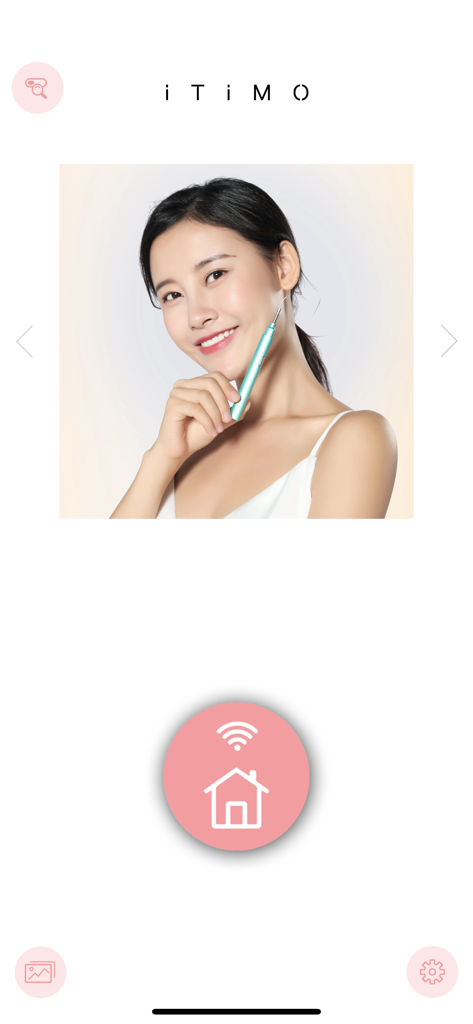
iTiMO app interface showing a woman using a blackhead removal tool and a pink wifi connection button
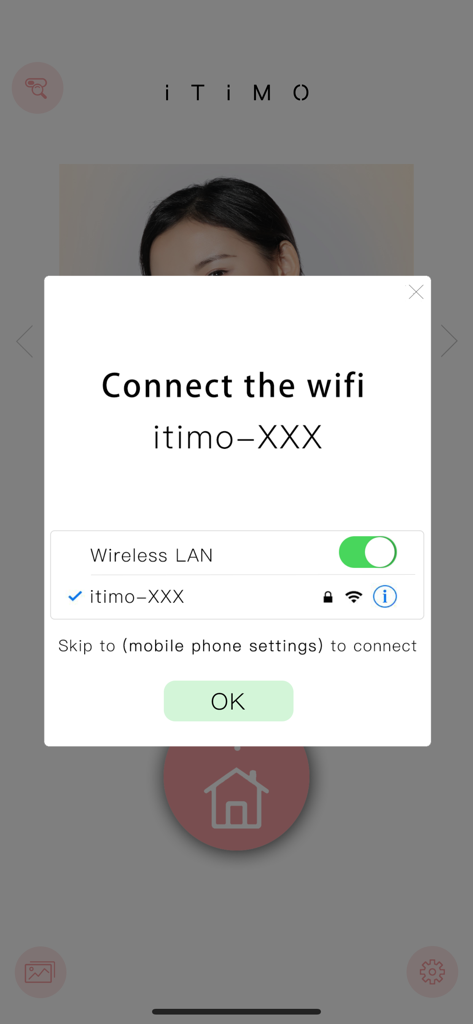
iTiMO app interface showing a popup with instructions to connect a wireless blackhead removal device via WiFi
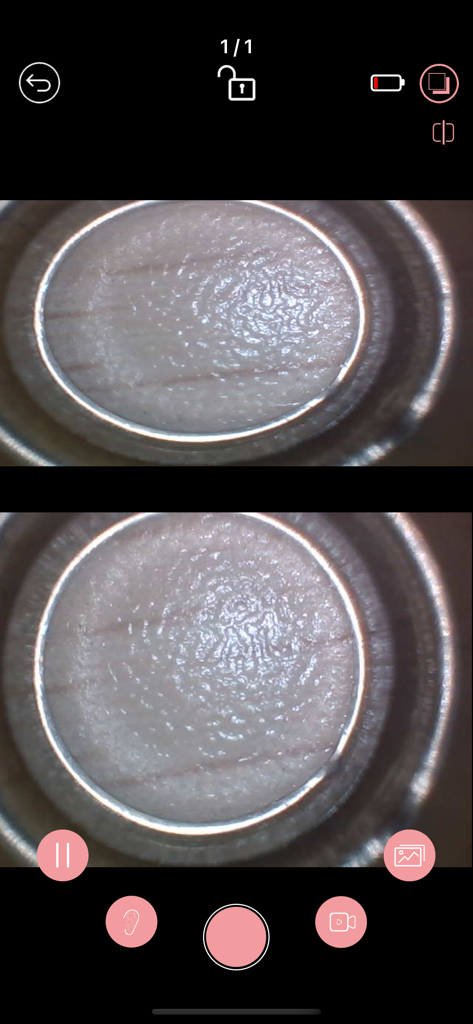
iTiMO app interface showing a split screen microscopic view of skin texture
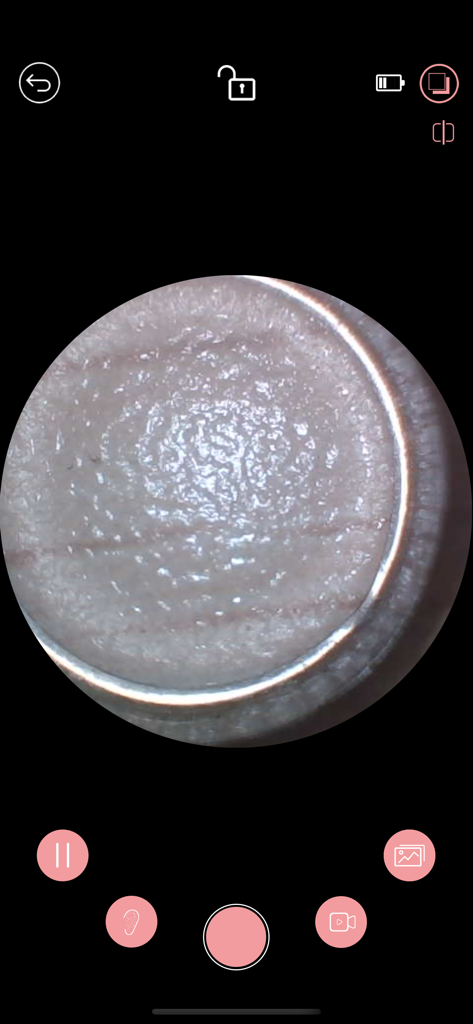
A magnified view of skin texture inside the iTiMO app interface
Description
Download
More Like This
Apps with similar features and user experience

Philips Lumea IPL
Philips Consumer Lifestyle, B.V.

Mobile Link for Generators
Generac Power Systems, Inc.

把脉-脉象自测&实时压力心率检测&养生调理软件
Giant Eur Limited

Oral-B
Procter & Gamble Productions, Inc.

ZOZOFIT: 3D Body Scanner
ZOZO Apparel USA, Inc.

Philips OneBlade (Daily Care)
Philips Consumer Lifestyle, B.V.

Philips Sonicare
Philips Consumer Lifestyle, B.V.

Winix Smart
WINIX INC.

ThermoPro Sensor
iTronics Co., Limited
This page is not an official page of the app or its developer, but an independent editorial publication created for informational and commentary purposes. Unless expressly stated otherwise, neither the app nor its developer is affiliated with, endorsed by, sponsored by, authorized by, or otherwise officially connected with MWM, Apple, Google Play, the app publisher, or the app's developer, and nothing on this page implies that the app was developed using MWM's services. Any trademarks, logos, screenshots, and other content remain the property of their respective owners.