
This page is not an official page of the app or its developer, but an independent editorial publication created for informational and commentary purposes. Unless expressly stated otherwise, neither the app nor its developer is affiliated with, endorsed by, sponsored by, authorized by, or otherwise officially connected with MWM, Apple, Google Play, the app publisher, or the app's developer, and nothing on this page implies that the app was developed using MWM's services. Any trademarks, logos, screenshots, and other content remain the property of their respective owners.

iTrace (handwriting for kids)
Empower your child to trace letters, numbers, and custom words using school-standard fonts like Zaner-Blosser and HWT. Designed for kids aged 3-7, iTrace provides a safe, ad-free environment to master block and cursive writing through engaging animations and over 600 rewards.
Downloads
172K+User Rating
Total Ratings
2K+Publisher
Category
EducationLocales
2Latest Version
2.6.1Size
180.0 MBFirst Released
Dec 6, 2013Empowering Young Writers with Every Stroke
iTrace combines expert pedagogical standards with engaging animations to help children master letters, numbers, and cursive in a safe, ad-free environment.
School-Aligned Standards
Ensure your child is classroom-ready by choosing from Zaner-Blosser, HWT, or D’Nealian fonts used in schools across the USA.
Personalized Practice
Add your child's name and custom words to create a unique learning experience that adapts difficulty to their individual progress.
Frequently Asked Questions
Everything you need to know about iTrace (handwriting for kids)
What is iTrace (handwriting for kids)?
iTrace is an educational app designed to teach children handwriting, including block and cursive letters, numbers, and words. It caters to Preschool, Pre-K, Kindergarten, and K1-K2 levels.
Does iTrace offer different handwriting styles or fonts?
Yes, iTrace supports three different letter fonts: Zaner-Blosser, HWT (Handwriting Without Tears), and D'Nealian. Each font includes customized letters.
Can iTrace accommodate left-handed children?
Yes, iTrace provides full support for both left and right handwriting orientation. Users can easily switch to the Left-handed mode within the app's settings.
What learning methods does iTrace use to teach handwriting?
iTrace leverages repetition, requiring children to trace each letter multiple times. It also incorporates animated scenes, meaningful objects, and over 600 varying prizes to reward progress and keep children engaged.
Does iTrace track a child's progress in handwriting?
Yes, iTrace tracks each child's individual progress on every letter and number. It adjusts the number of levels to meet the student's needs and provides a history of their achievements.
Is iTrace free to use or does it have premium features?
iTrace offers a free version with a limited set of letters, words, and settings. Unlocking premium features provides access to the full content and customization options.
Does iTrace allow for multiple child accounts?
Yes, iTrace supports unlimited children accounts. This allows multiple students to have personalized experiences and progress tracking within the app.
Does the iTrace app collect personal data from children?
No, iTrace does not collect personal data from children. It only requests the student's first name for personalization, ensuring child privacy.
Are there ads within the iTrace handwriting app?
No, iTrace contains no ads inside the app. This ensures an uninterrupted and focused learning process for children without irrelevant distractions.
Can iTrace help children learn to write their own name?
Yes, iTrace allows children to practice writing their own name. This feature is part of the app's comprehensive word practice options.
Is iTrace approved by schools and teachers?
Yes, iTrace is approved by teachers and schools. It has been featured in the App Store's Education category and is approved by dozens of school districts.
Can parents print worksheets from iTrace for offline practice?
Yes, for offline practice, iTrace supports customization and printing of PDF worksheets on paper. This feature assists parents and teachers.
The following screenshots and description are sourced directly from the app's official store listing and are the property of the app developer.
App Store
Screenshots
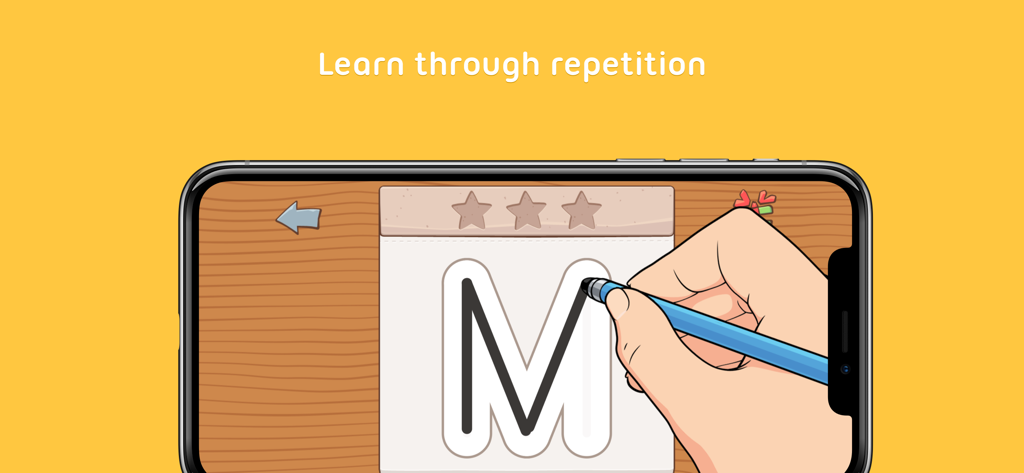
A hand using a stylus to trace the letter M on a smartphone screen in the iTrace handwriting app
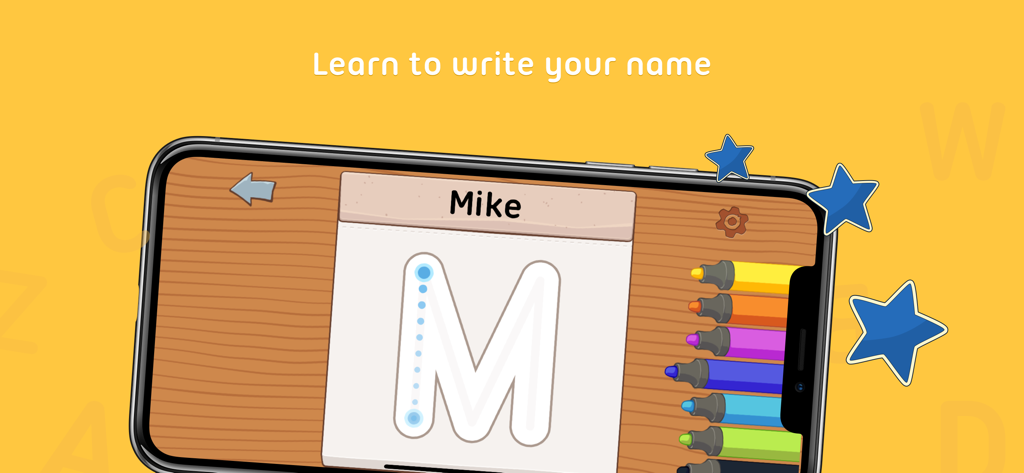
A smartphone showing the iTrace app with a child tracing the letter M to learn how to write the name Mike
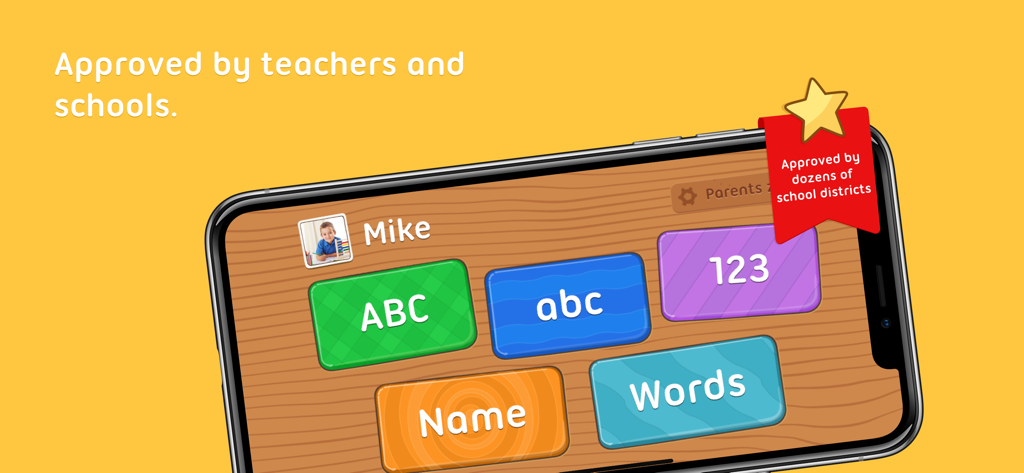
iTrace handwriting app interface showing options for learning letters and numbers with a school approval badge
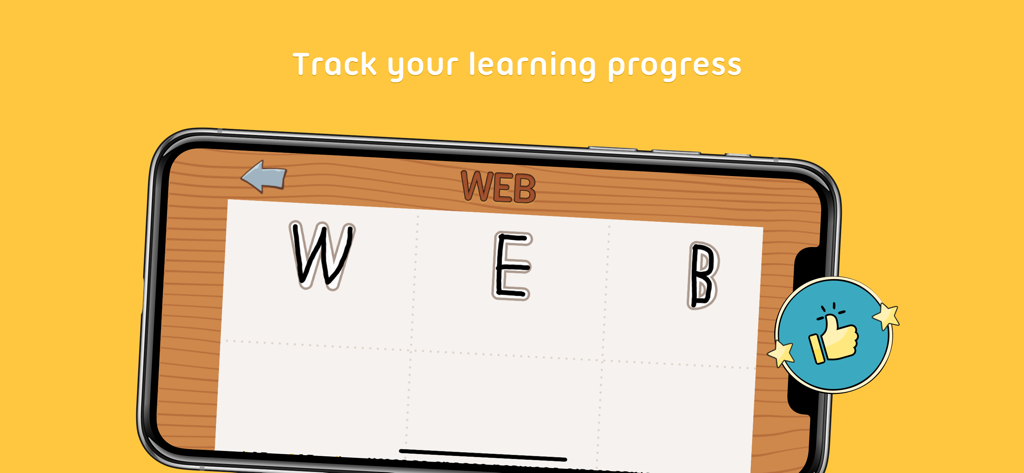
iTrace app interface showing a child tracing the word WEB with a positive feedback icon
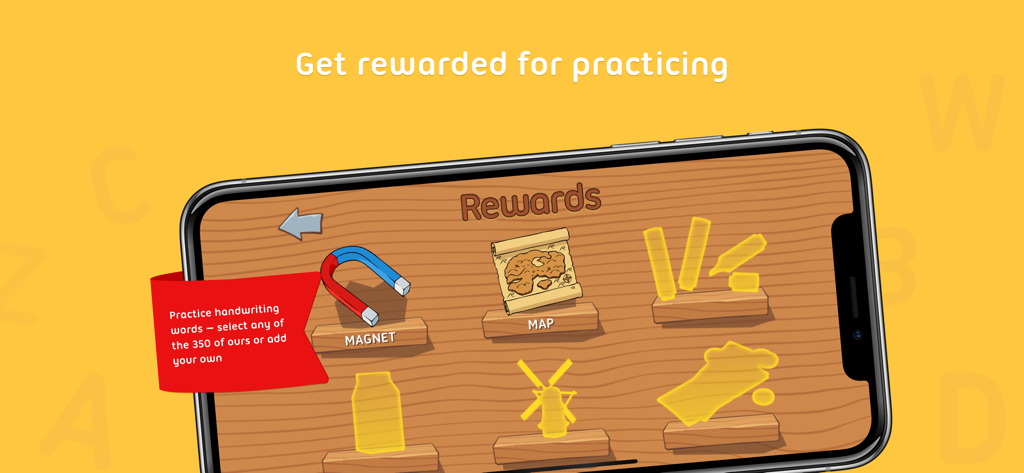
The rewards section of the iTrace app showing earned prizes like a magnet and map for practicing handwriting
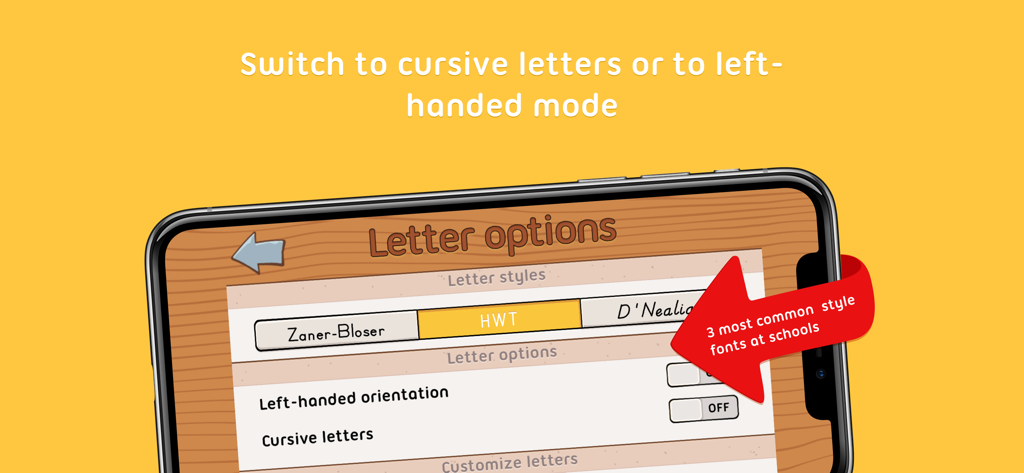
iTrace app interface showing font style options like Zaner-Blosser, HWT, and D'Nealian, along with toggles for left-handed orientation and cursive letters.
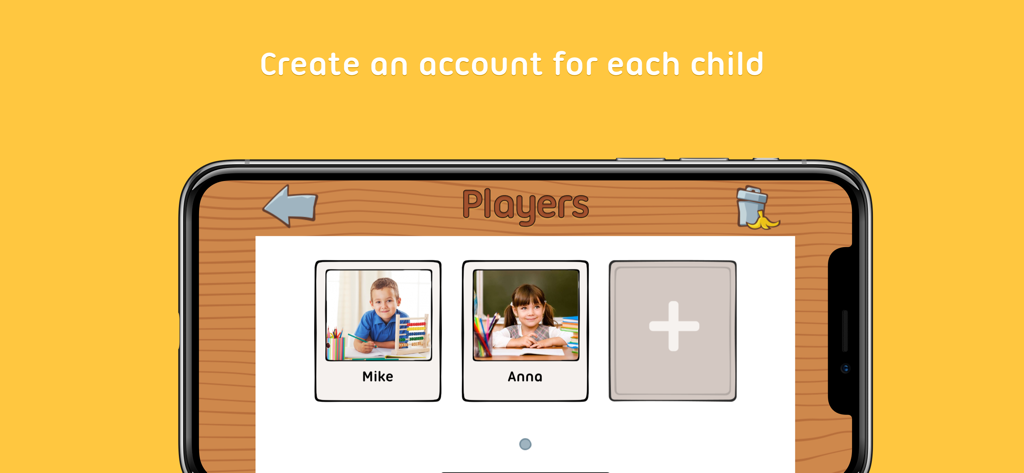
iTrace app screen showing multiple child player profiles
Description
Download
More Like This
Top-ranked apps in the same category

Duolingo - Language Lessons
Duolingo, Inc

Speak & Learn English: Learna
DEEP FLOW SOFTWARE SERVICES - FZCO

驾考宝典-科一科四驾驶证考试驾考通
Wuhan Jiakaobaodian Information Service Co., Ltd.

Toca Boca World
Toca Boca AB

Google Classroom
Google LLC

作业帮-中小学家长作业检查和辅导工具
Guangzhou Polar Future Culture Technology Co., Ltd

学信网
Student Information Consultation Service Co., Ltd.

Gauth: AI Study Companion
GAUTHTECH PTE. LTD.

ArtWorkout: Learn How to Draw
Aleksandr Ulitin
This page is not an official page of the app or its developer, but an independent editorial publication created for informational and commentary purposes. Unless expressly stated otherwise, neither the app nor its developer is affiliated with, endorsed by, sponsored by, authorized by, or otherwise officially connected with MWM, Apple, Google Play, the app publisher, or the app's developer, and nothing on this page implies that the app was developed using MWM's services. Any trademarks, logos, screenshots, and other content remain the property of their respective owners.