
J.O.E.®



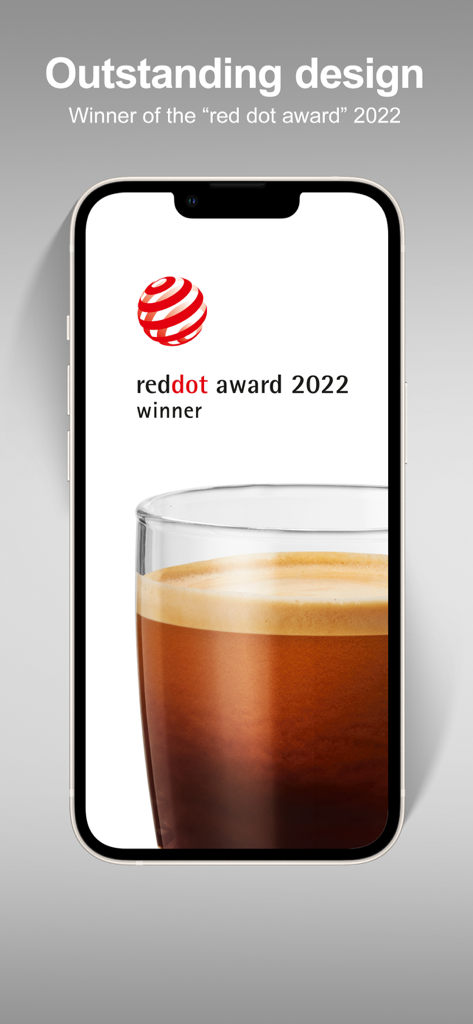
Elevate your coffee ritual with a Red Dot Award-winning interface. Personalize every specialty to your exact taste, command your machine via Siri, and manage maintenance with Swiss-engineered precision from your iPhone or Apple Watch.
Publisher
Category
Food & DrinkDownloads
677K+User Rating
Total Ratings
1K+Locales
25Discover the interface used by 677K+ users.
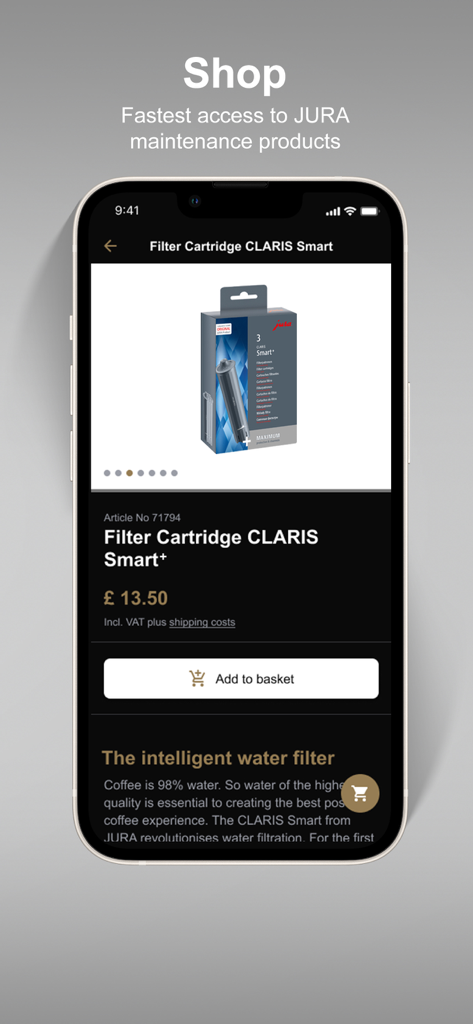
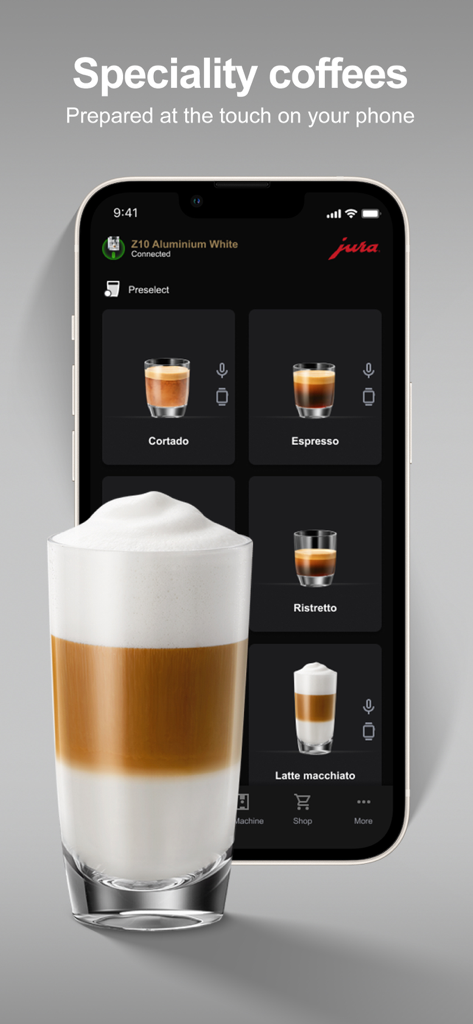
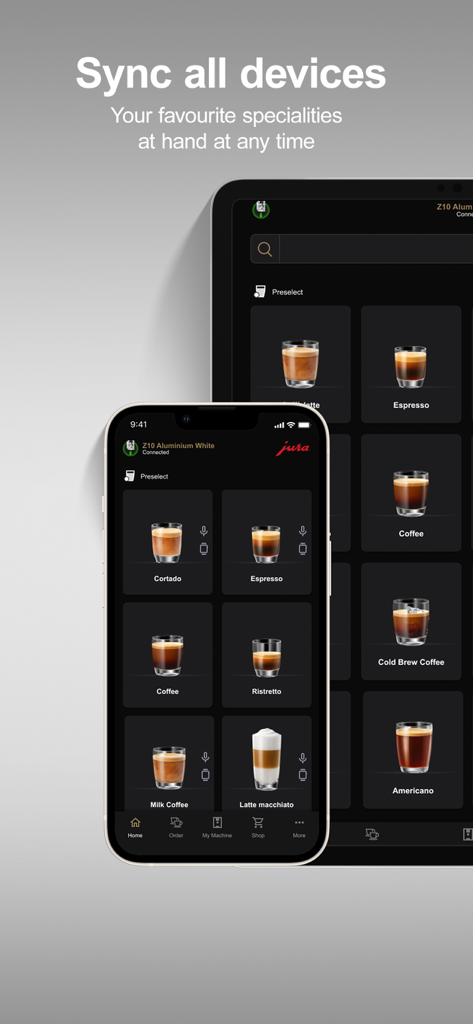
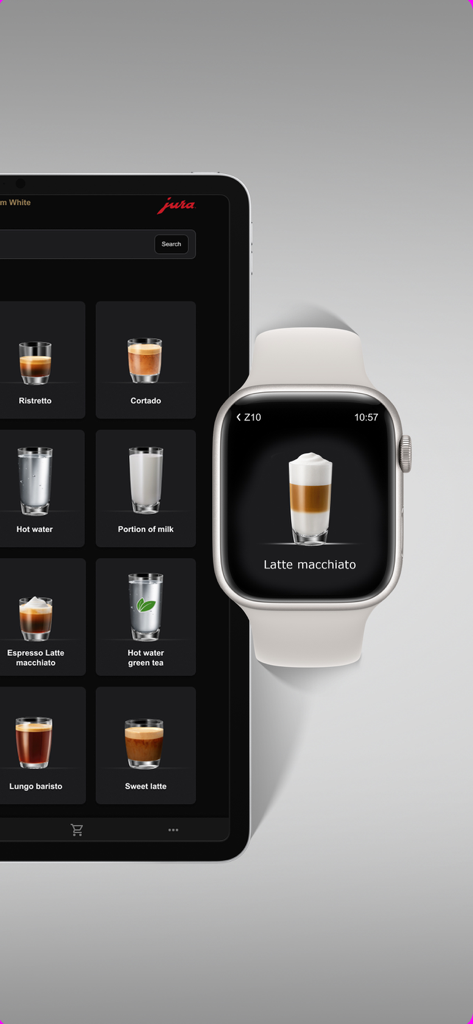
The tools that make this app stand out, trusted by 677K+ users.
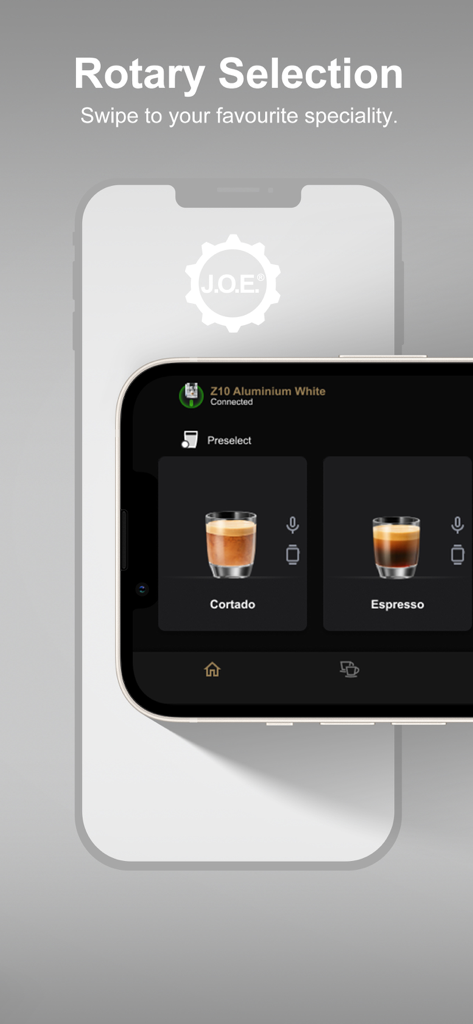
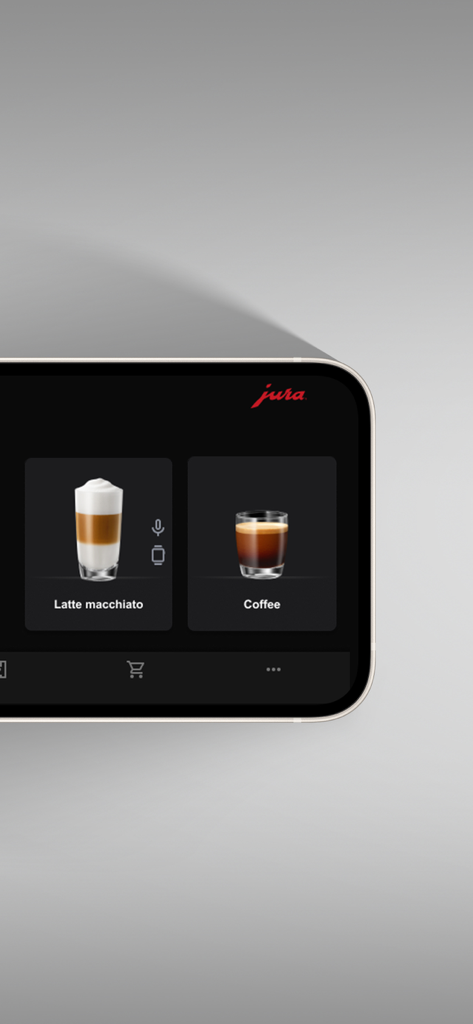
Fine-tune every variable—from coffee strength and water volume to milk foam texture—and save your signature creations with custom imagery.
Command your machine via Apple Watch or Siri. Enjoy the ultimate luxury of preparing your morning coffee with a simple voice command or a tap on your wrist.
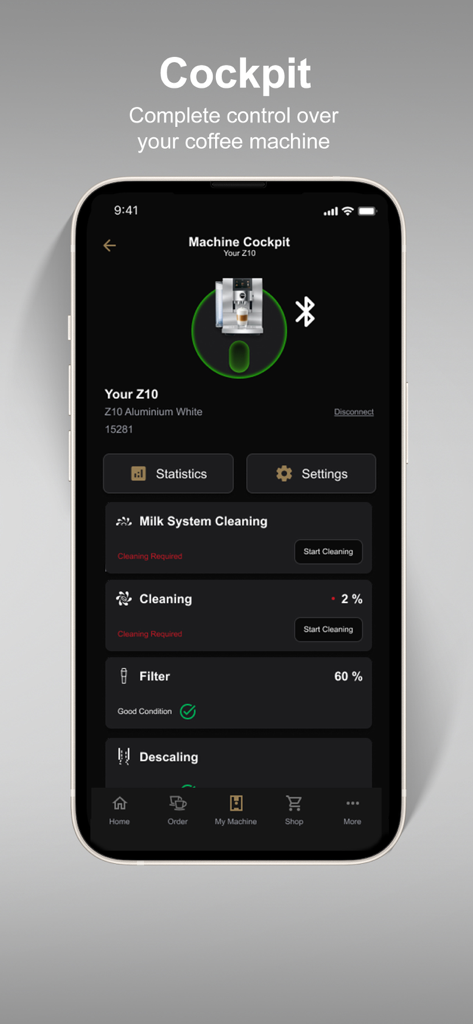
Protect your investment with the JURA Cockpit. Receive proactive maintenance alerts and order genuine care products directly to your door in seconds.
Insights from user reviews.
Sentiment Score
Summary
User reviews for the mobile app indicate a predominantly negative experience, primarily due to persistent connectivity and functionality issues, especially following recent updates like version 4.6.5 or those related to iOS26. Many users report machines, including Jura S8, J8, E8, Giga 10, and Z10 EB 2025 models, failing to connect or losing connection, often requiring app reinstallation or machine power cycles. While some users appreciate features such as beverage customization, the queue function, and mixology recipes, these are frequently overshadowed by critical bugs like disappearing saved drink recipes, broken Siri integration, and frustrating repeated PIN code prompts. The app's overall quality, performance, and lack of essential smart home integration or remote power-on capabilities are also significant points of dissatisfaction.
Common Themes
Everything you need to know about J.O.E.®.
Description
Latest Version
4.6.8
Size
376.1 MB
First Released
Apr 22, 2018
Unlock the full potential of your JURA machine. From Siri-activated brews to bespoke flavor profiles, experience the pinnacle of convenience and taste right from your iPhone.
Everything you need to know about J.O.E.®
J.O.E.® is a digital operating experience app that allows users to control JURA automatic specialty coffee machines via iPhone, iPad, or Apple Watch. It provides settings, instructions, and customer support.
The J.O.E.® app is compatible with all JURA automatic coffee machines equipped with Smart Connect or Wi-Fi Connect.
Yes, J.O.E.® allows you to adjust basic settings like coffee strength, water quantity, temperature, and milk foam for your automatic specialty coffee machine.
Yes, the J.O.E.® app provides operating instructions, tips, and explanatory videos. Users can also connect to customer service directly through the app for additional assistance.
The JURA Cockpit provides notifications for upcoming care and cleaning tasks, such as filter changes or machine cleaning. It also displays statistics like the number of coffees prepared.
Yes, the J.O.E.® app includes an integrated JURA E-Store where you can easily and securely order care products, accessories, and spare parts.
You can operate JURA fully automatic coffee machines with the J.O.E.® app via touch control on your iPhone or iPad, by voice command with Siri, or by tapping your Apple Watch.
Yes, the J.O.E.® 4.0 app received the Red Dot Design Award in the Design Concept category.
Yes, the J.O.E.® app includes an "Extra" feature that allows you to conveniently enter desired coffee specialties for guests during large gatherings or business meetings.
The JURA Cockpit displays statistics such as the number of coffees prepared and the number of cleanings performed, providing insights into machine usage.
Apps with similar features and user experience

Nestle Nespresso SA

PT. Aspirasi Hidup Indonesia, Tbk

BORK-Import OOO

Shenzhen Casdon Electric Appliance Co., Ltd

ZX VENTURES LTD

Keurig Green Mountain, Inc.

Philco Eletronicos SA

Alfred Kaercher SE & Co. KG

Intelbras SA Ind de Telecom Elet Brasileira
App information, icons, screenshots, and descriptions displayed on this page are sourced from the Apple App Store and are the property of their respective developers. Download estimates and rankings are based on MWM's proprietary models and may not reflect actual figures. This page is provided for informational and analytical purposes only.
Believe this page infringes your intellectual property? File a dispute
