
This page is not an official page of the app or its developer, but an independent editorial publication created for informational and commentary purposes. Unless expressly stated otherwise, neither the app nor its developer is affiliated with, endorsed by, sponsored by, authorized by, or otherwise officially connected with MWM, Apple, Google Play, the app publisher, or the app's developer, and nothing on this page implies that the app was developed using MWM's services. Any trademarks, logos, screenshots, and other content remain the property of their respective owners.


Keurig
Take control of your coffee ritual with BrewID™ technology, remote brewing, and 25% savings on your favorite brands delivered right to your door.
Downloads
768K+User Rating
Total Ratings
50K+Publisher
Category
Food & DrinkLocales
2Latest Version
2.2525.0Size
61.8 MBFirst Released
Sep 24, 2020Elevate Your Morning Ritual
Experience the ultimate convenience with remote brewing, personalized settings, and seamless pod delivery tailored to your smart home lifestyle.
Brew From Anywhere
Start your perfect cup right from your bed or home office. With remote control connectivity, your coffee is ready exactly when you are.
Precision Personalization
BrewID™ technology automatically optimizes settings for every pod. Fine-tune strength and temperature for a barista-quality experience at home.
Frequently Asked Questions
Everything you need to know about Keurig
What is the Keurig app used for?
The Keurig app connects users to Keurig options, enabling them to shop for varieties, discover brewers, and manage their account directly from their device.
What coffee brands and types does the Keurig app offer?
The Keurig app offers over 40 brands, including Starbucks and Green Mountain Coffee Roasters. It provides K-Cup pods, bagged coffee, and canned coffee varieties.
How can I save on coffee orders with the Keurig app?
Users save 25% on every order through the Keurig app's commitment-free Auto-Delivery. This feature allows flexible management of items and delivery pauses.
What is Keurig BrewID™ and how does it work?
Keurig BrewID™ is a K-Supreme Plus® SMART brewer feature. It recognizes the K-Cup® pod and customizes brew settings, ensuring each cup is distinctively delicious.
Does the Keurig app provide brew customization options?
Yes, the Keurig app allows ultimate brew customization with SMART brewers. Users can fine-tune their cup with 5 strengths, 6 temperatures, and 5 cup settings.
Can I control my Keurig brewer remotely using the app?
Yes, the Keurig app enables remote control with Connected Convenience for SMART brewers. Users can brew anytime, anywhere, using their preferred settings.
What is Keurig Multistream Technology™?
Keurig Multistream Technology™ extracts more flavor and aroma in every cup. This technology significantly enhances the brewing experience compared to older Keurig models.
Does the Keurig app offer personalized coffee recommendations?
Yes, the Keurig app provides a personalized home feed. It includes customized recipes, pod recommendations, and details on rewards based on user preferences.
Can I find coffee recipes in the Keurig app?
Yes, the Keurig app features a dedicated "Recipes" section. Users can explore a curated menu of café creations, including various hot coffees, teas, and iced drinks.
Can I manage my Keurig Auto-Delivery subscription through the app?
Yes, the Keurig app allows users to sign up and manage their Auto-Delivery subscriptions. This includes features like SMART Delivery and access to order history.
Can I schedule my coffee brews using the Keurig app?
Yes, the Keurig app allows scheduling brews with SMART Family brewers. Users can set specific times for morning, afternoon, or weekend brews and toggle them on/off.
The following screenshots and description are sourced directly from the app's official store listing and are the property of the app developer.
App Store
Screenshots
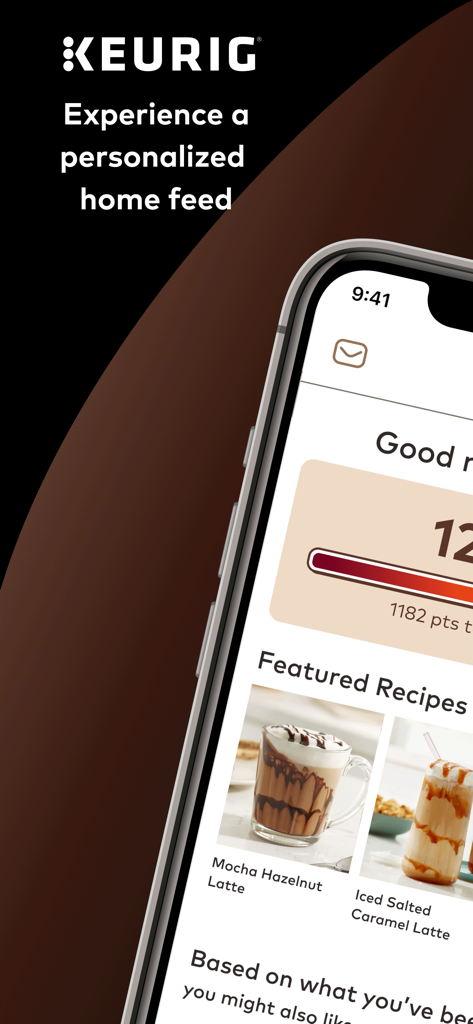
A smartphone displaying the Keurig app home feed featuring personalized coffee recipes and loyalty reward points.
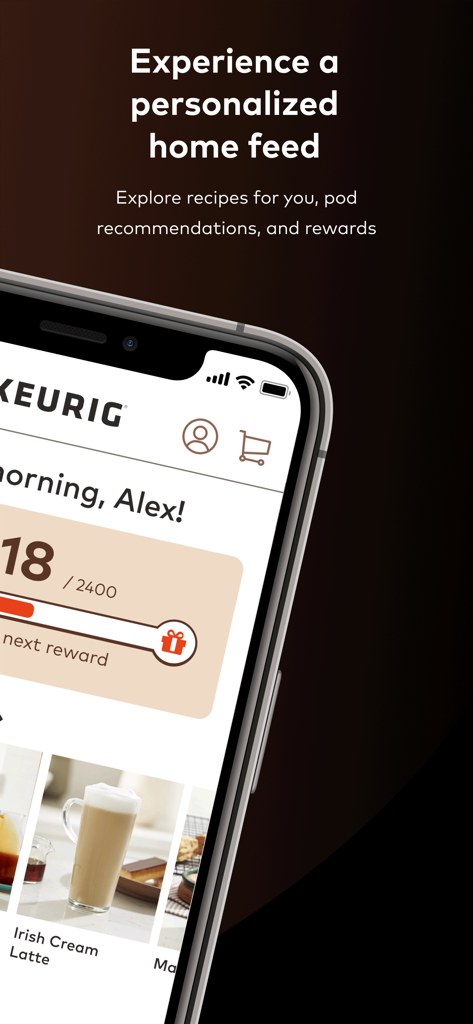
Keurig app home screen showing personalized recipes and rewards progress
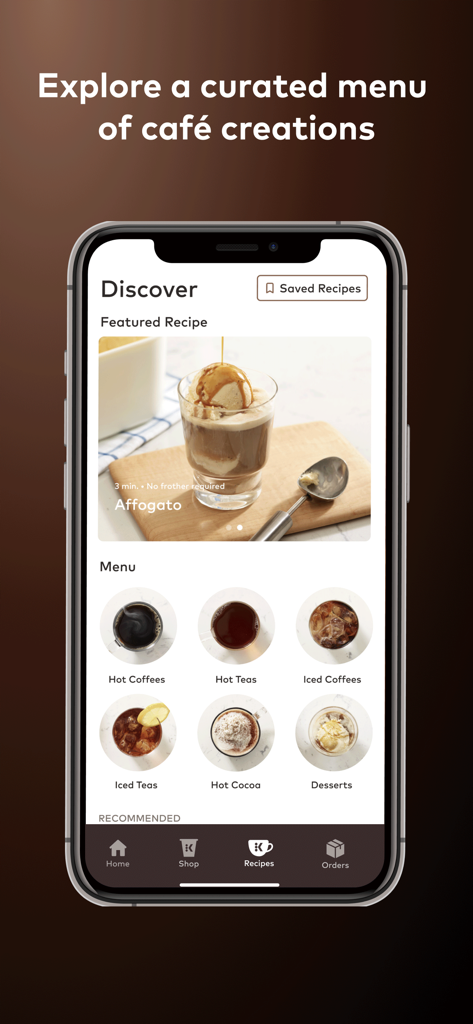
Keurig app discover screen showing a menu of beverage recipes and categories.
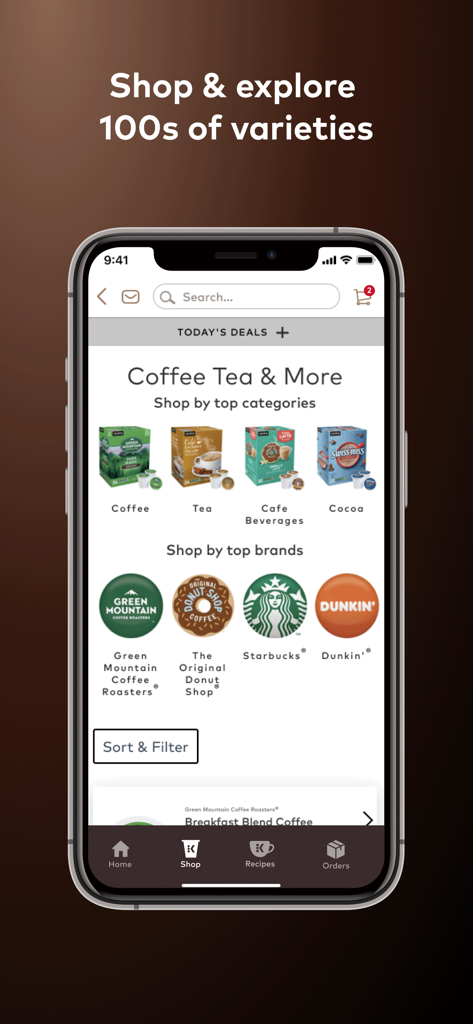
Keurig app shopping interface showing categories for coffee, tea, and major brands like Starbucks and Dunkin.
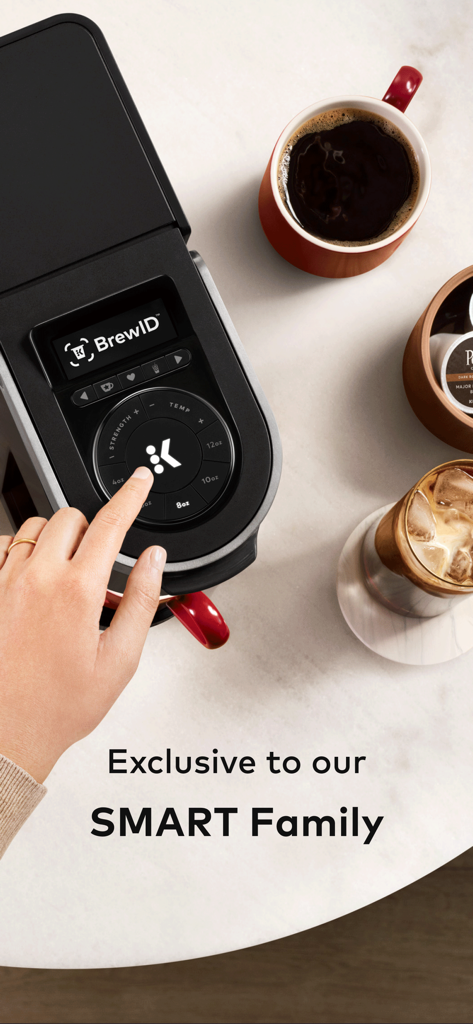
A hand interacting with the touch interface of a Keurig SMART brewer featuring BrewID technology.
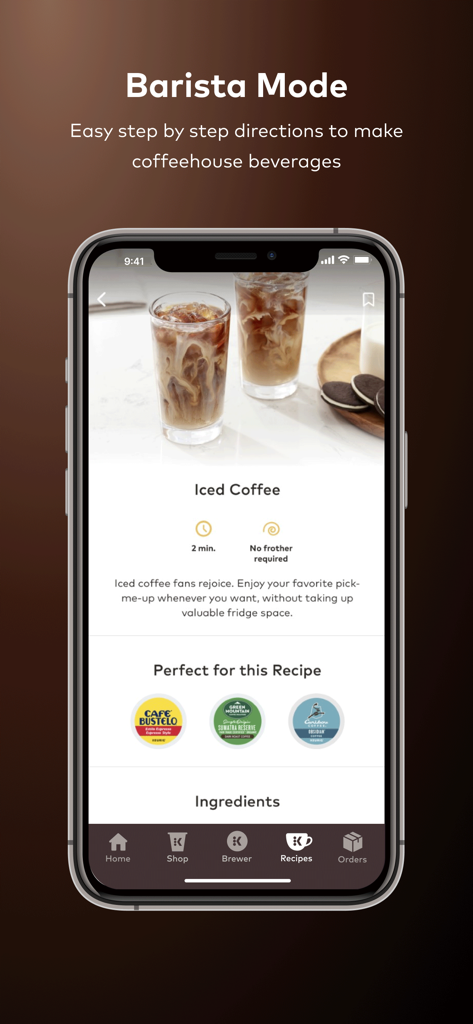
Keurig app Barista Mode showing an iced coffee recipe with step-by-step directions and recommended coffee pods
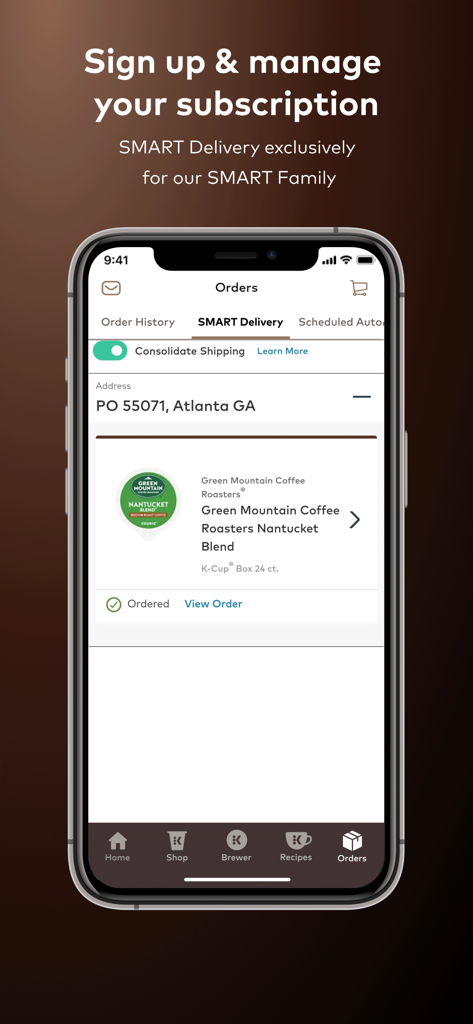
Smartphone screen displaying Keurig smart delivery coffee subscription management for Green Mountain Coffee Roasters K-Cup pods.
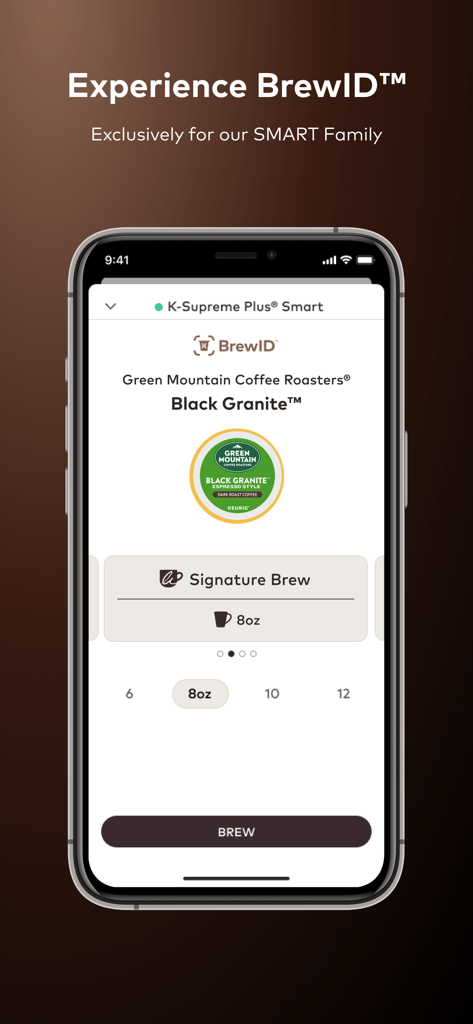
Keurig app showing the BrewID feature identifying a Green Mountain Black Granite coffee pod for a smart brewer.
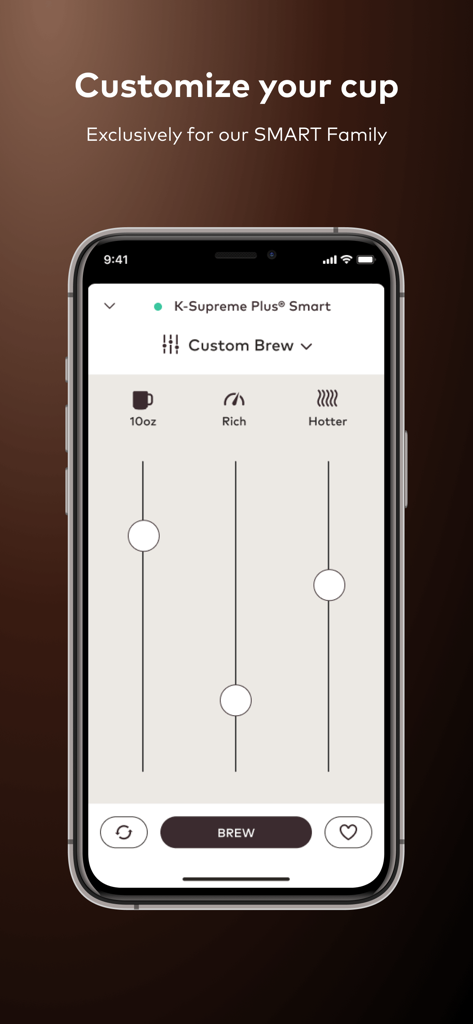
Keurig app interface showing custom brew settings for cup size strength and temperature
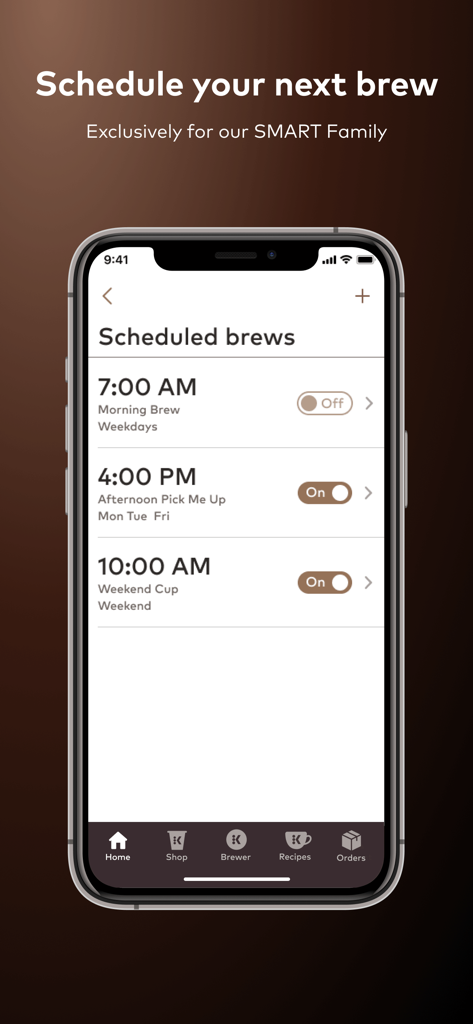
Keurig app screen showing scheduled coffee brew times for morning, afternoon, and weekends.
Description
Download
More Like This
Apps with similar features and user experience

Nespresso Store
Nestle Nespresso SA
SYNC by Krisbow
PT. Aspirasi Hidup Indonesia, Tbk

BORK Deliberate Excellence
BORK-Import OOO
凯度生活家
Shenzhen Casdon Electric Appliance Co., Ltd

PerfectDraft
ZX VENTURES LTD
Smart Life Philco
Philco Eletronicos SA
Kärcher Home & Garden
Alfred Kaercher SE & Co. KG

Izy Smart
Intelbras SA Ind de Telecom Elet Brasileira
DELTACO SMART HOME
Aurdel Sweden AB
This page is not an official page of the app or its developer, but an independent editorial publication created for informational and commentary purposes. Unless expressly stated otherwise, neither the app nor its developer is affiliated with, endorsed by, sponsored by, authorized by, or otherwise officially connected with MWM, Apple, Google Play, the app publisher, or the app's developer, and nothing on this page implies that the app was developed using MWM's services. Any trademarks, logos, screenshots, and other content remain the property of their respective owners.